
Manage SSH Keys for Virtual Machine Access in AccuWeb.Cloud
SSH keys provide a secure and passwordless method to access your virtual machine. Using SSH key authentication improves security by reducing the risk of unauthorized access and eliminating the need to use passwords for login.
AccuWeb.Cloud allows users to view and manage authorized SSH public keys directly from the virtual machine settings.
Steps to Access SSH Key Settings
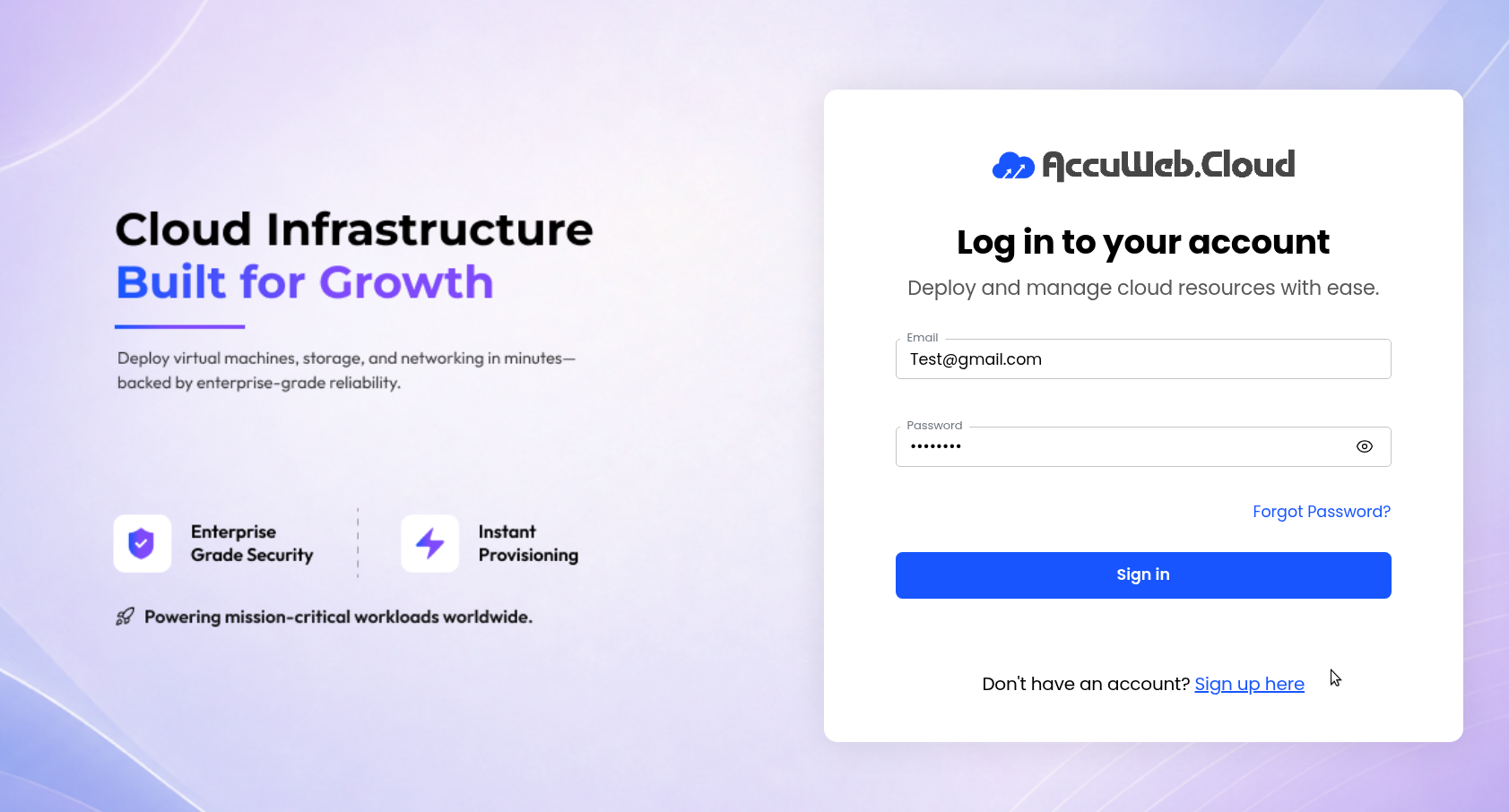
Step 1: Log in to AccuWeb.Cloud Panel.
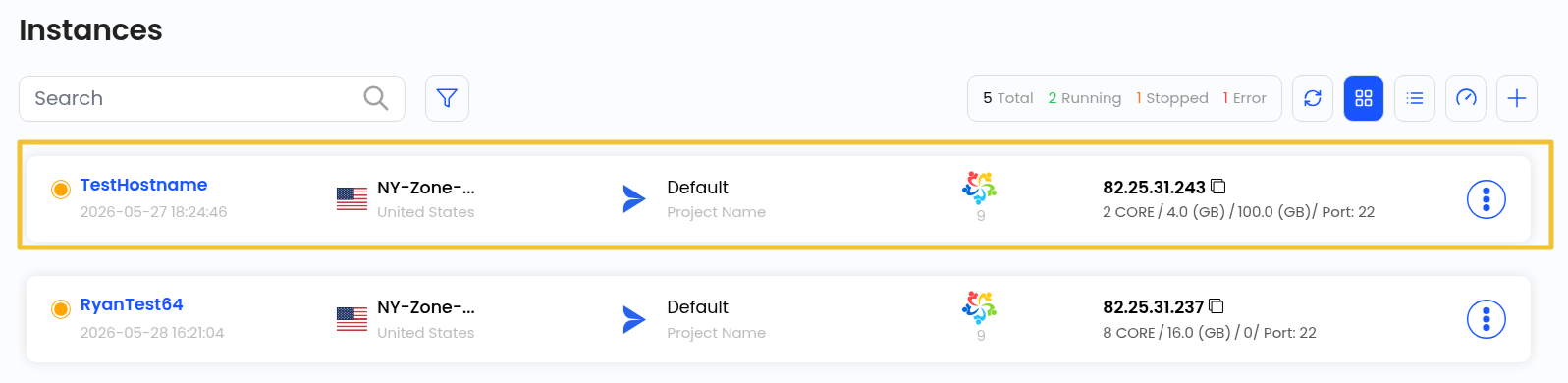
Step 2: From the left-side menu, navigate to Instances.

Step 3: Select the required virtual machine instance.
Step 4: Open the Settings tab of the virtual machine.
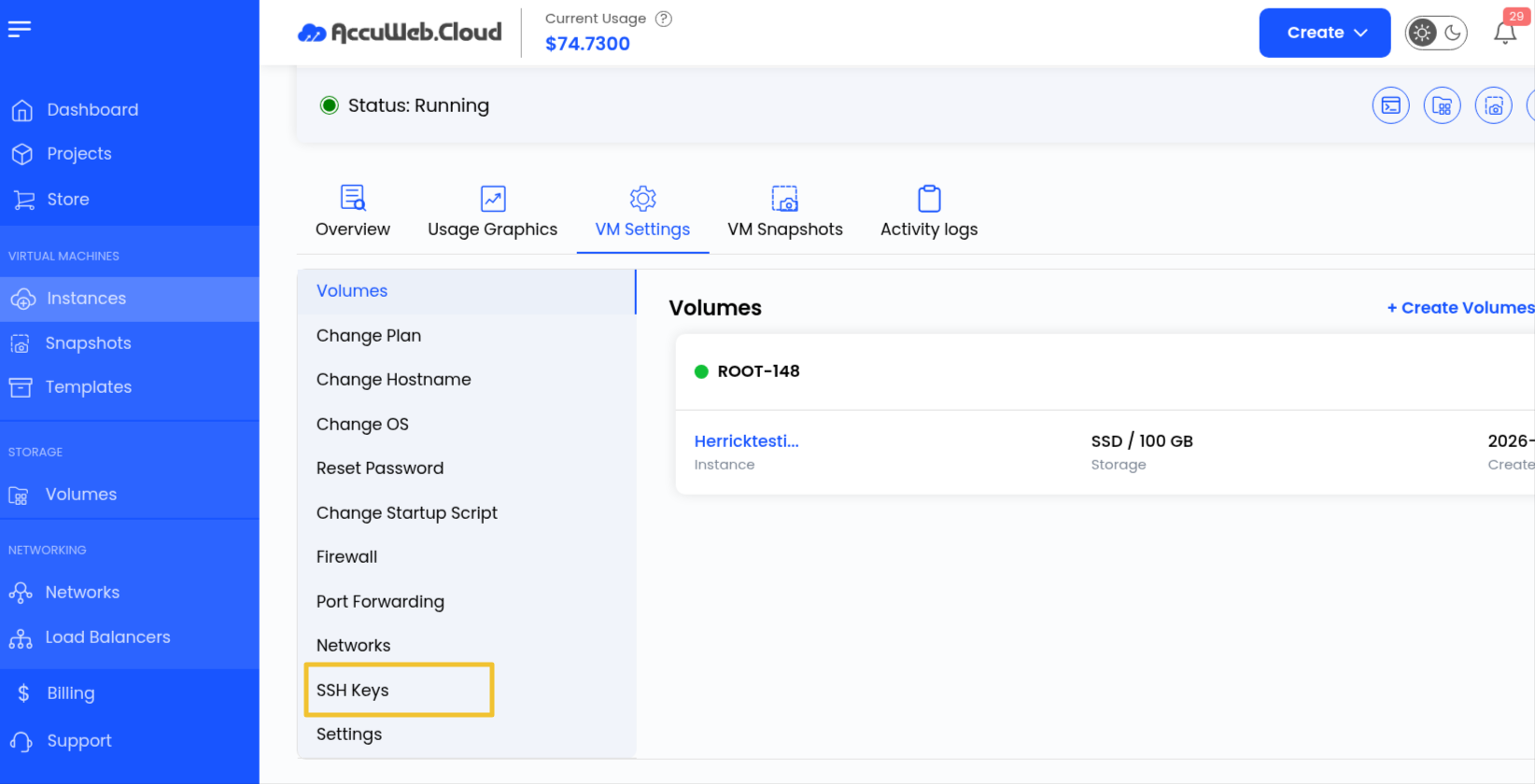
Step 5: Navigate to the SSH Keys section.
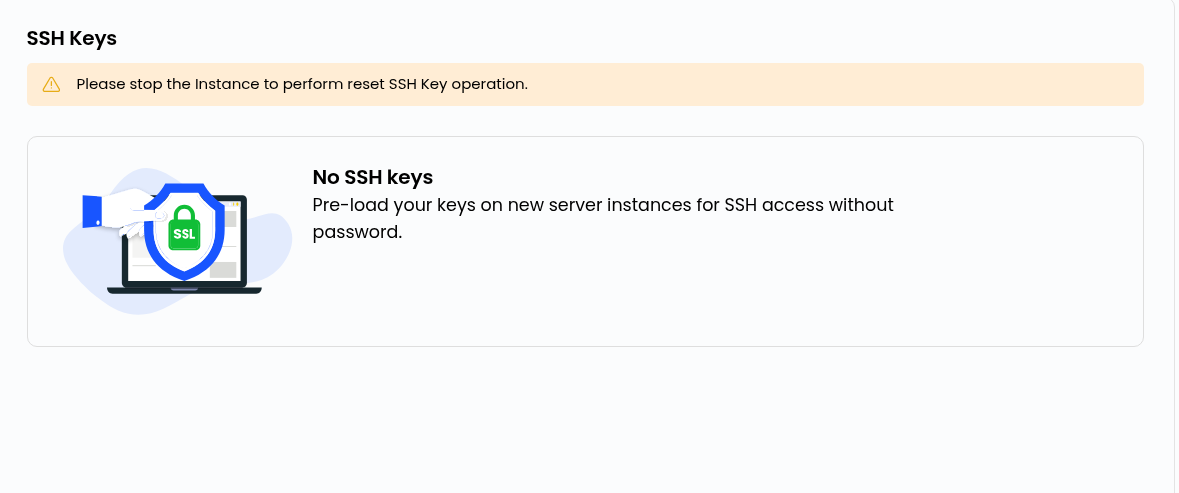
Here, you can view the authorized SSH public keys configured for the virtual machine.
SSH Key Configuration
SSH key authentication helps secure access to the virtual machine by allowing only authorized users with matching private keys to connect to the server.
Benefits of SSH Key Authentication
SSH keys provide several advantages over traditional password-based authentication:
- Enhanced security
- Passwordless login access
- Reduced risk of brute-force attacks
- Easy management of authorized access
- Faster and more secure remote connections
Summary
SSH key authentication offers a secure and efficient alternative to traditional password-based logins. By managing authorized SSH keys through the VM settings, users can maintain controlled and secure access to their virtual machines.
Regularly review and remove unused SSH keys to help maintain a secure cloud environment.
Still don’t have an account?