
Billing Summary
The Billing Summary section in AccuWeb.Cloud provides a complete overview of account billing, active services, usage costs, invoices, and recent transactions. It helps users monitor resource usage and manage billing information from a single dashboard.
To access the Billing Summary:
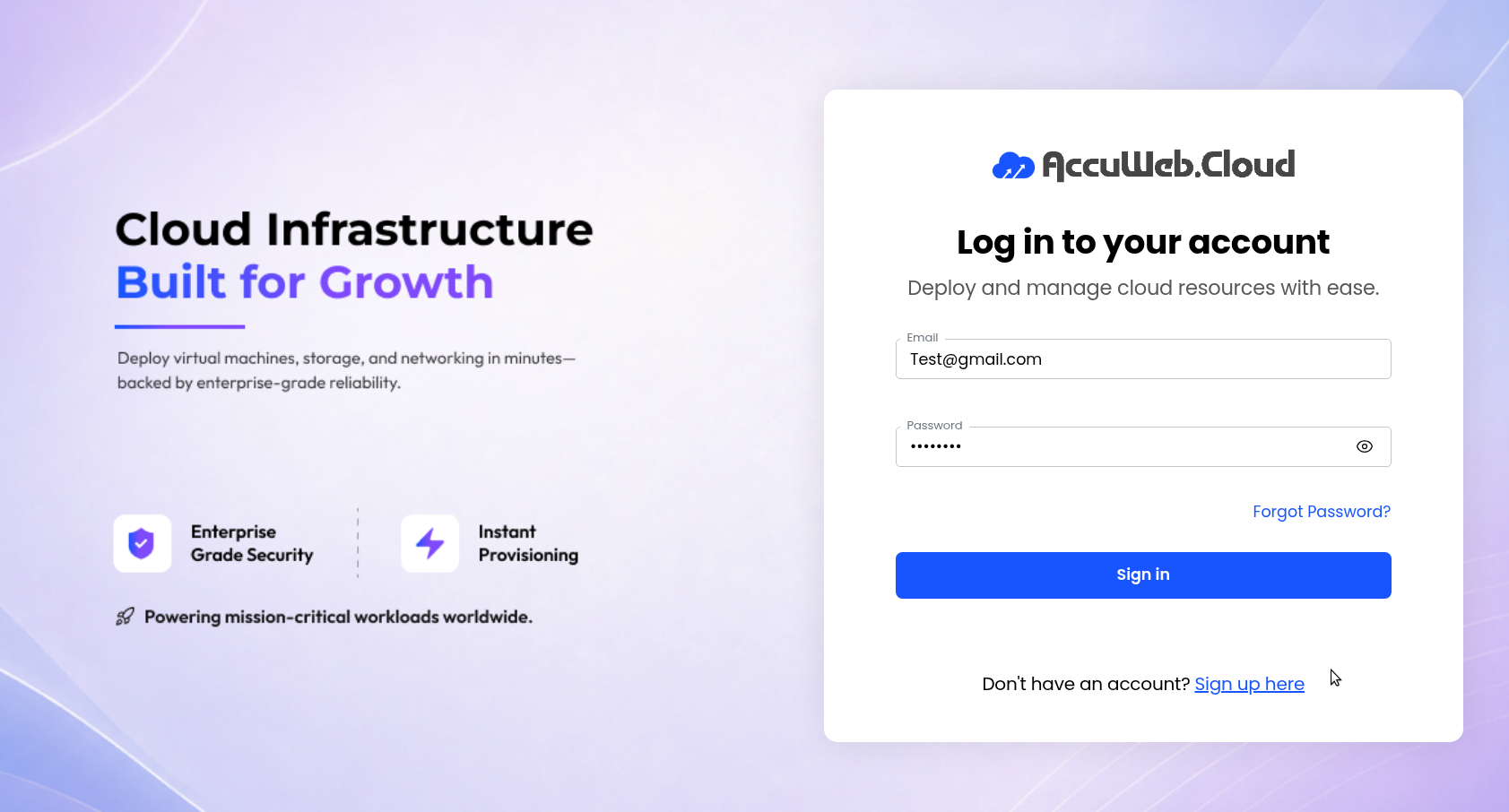
Step 1: Log in to AccuWeb.Cloud Panel.
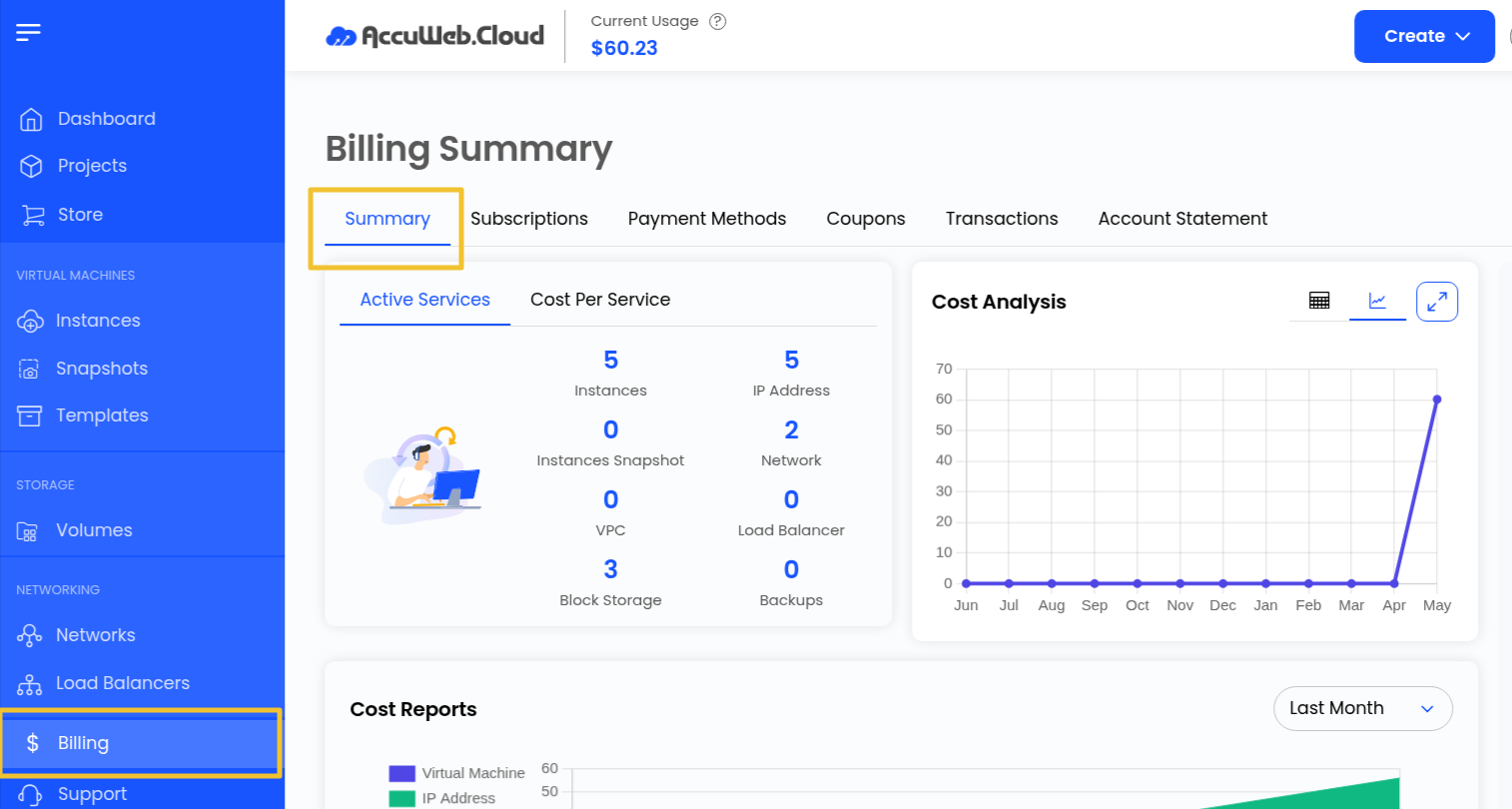
Step 2: Navigate to Billing from the left-side menu.
Step 3: Click on Summary.
Active Services
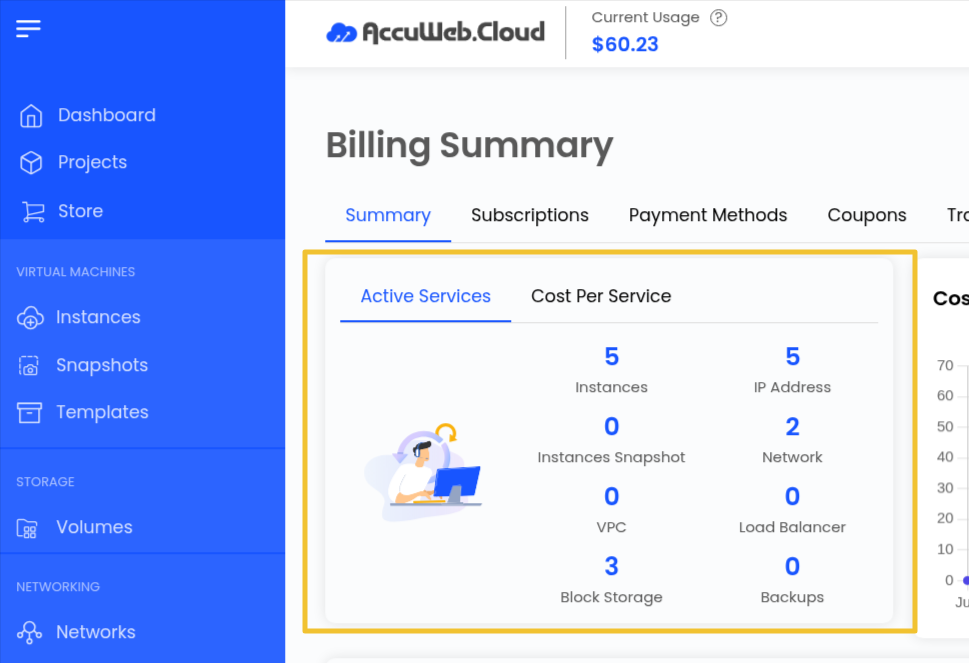
The Active Services section displays all active resources and services associated with your account.
It includes:
- Virtual Machines
- IP Addresses
- Networks
- Storage Resources
- Other Active Services
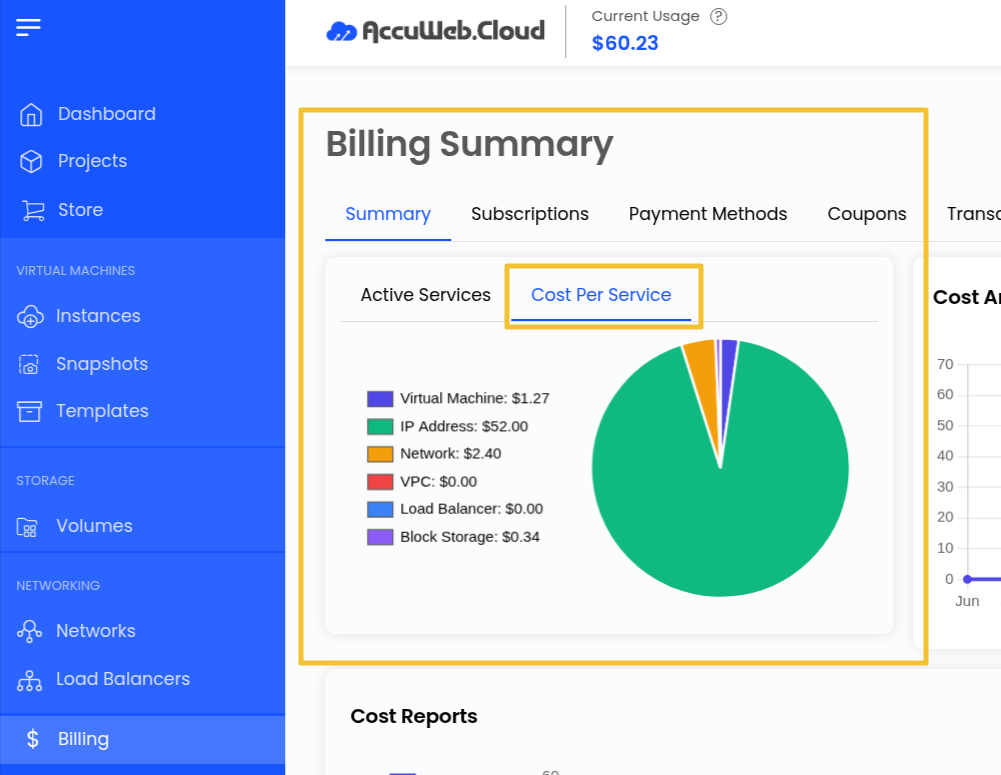
The Cost Per Service section helps users review service-wise billing and usage costs.
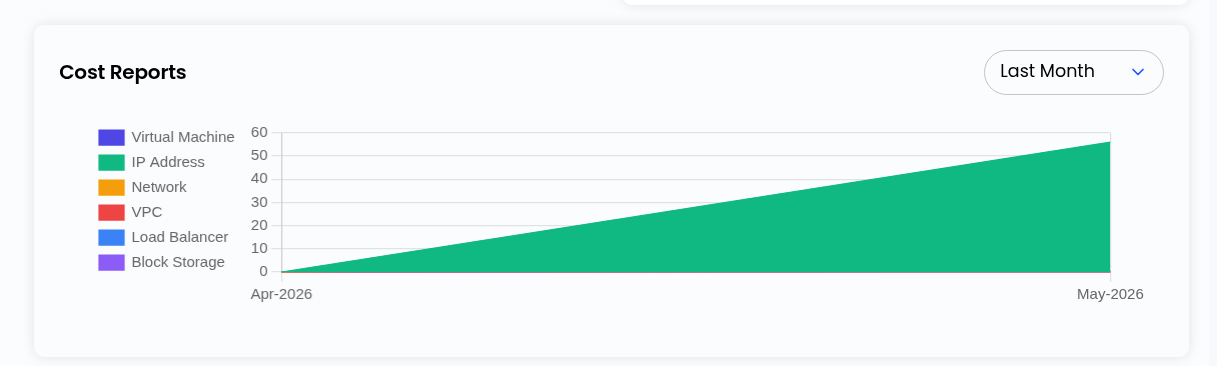
Cost Reports
The Cost Reports section provides detailed billing information for each resource and service.
Users can:
- Review usage costs
- Monitor spending patterns
- Analyze service-wise expenses
This helps in better cost management and resource planning.
Monthly Threshold Limit
The Monthly Threshold Limit helps users monitor monthly spending based on predefined limits.
The Billing Alert feature sends notifications when:
- Usage reaches the threshold limit
- Upcoming payments are due
This feature helps avoid unexpected charges and improves billing management.

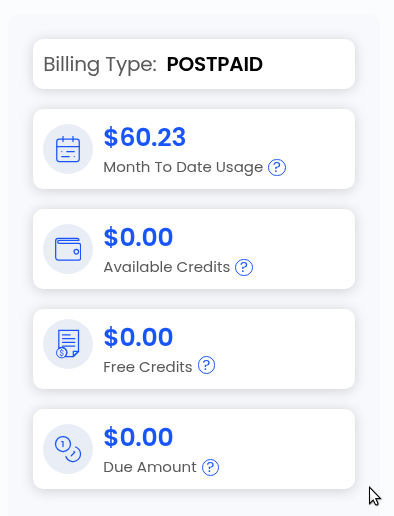
Billing Type and Usage
The Billing Summary page also displays the current billing model.
Users can check:
- Billing Type (Prepaid or Postpaid)
- Total Consumption
- Monthly Usage
- Estimated Monthly Spending
This provides better visibility into account usage and expenses.
Invoices
The Invoices section allows users to view all billing invoices related to their account.
Users can:
- Review previous invoices
- Check pending invoices
- Monitor payment due dates
- Download invoice details
Regular invoice review helps maintain billing transparency.
Recent Transactions
The Recent Transactions section displays all recent account transactions and payment activities.
It helps users:
- Track recent payments
- Review transaction history
- Monitor billing activity
This ensures complete visibility of account financial records.
Summary
The Billing Summary section in AccuWeb.Cloud helps users efficiently monitor account usage, control spending, review invoices, and manage billing-related activities from a centralized dashboard.
Still don’t have an account?