
How to create an Instance Snapshot in AccuWeb.Cloud?
Instance snapshots help capture the current state of a virtual machine, including its configuration and stored data, at a specific point in time. Snapshots are useful for backup, recovery, testing, and restoring virtual machines when needed.
AccuWeb.Cloud provides an easy way to create and manage instance snapshots directly from the dashboard.
Steps to Create an Instance Snapshot
Step 1: Log in to AccuWeb.Cloud Panel.

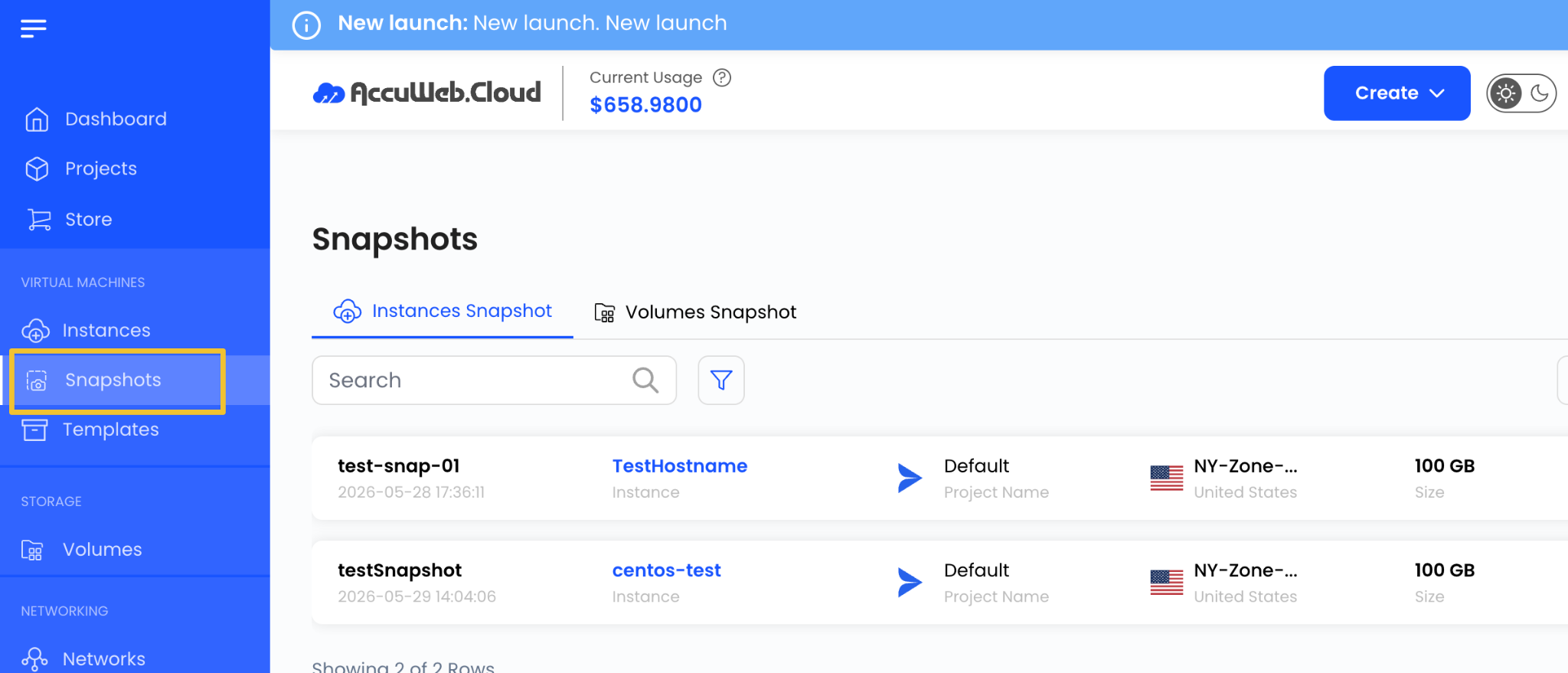
Step 2: From the left-side menu, navigate to Snapshots.
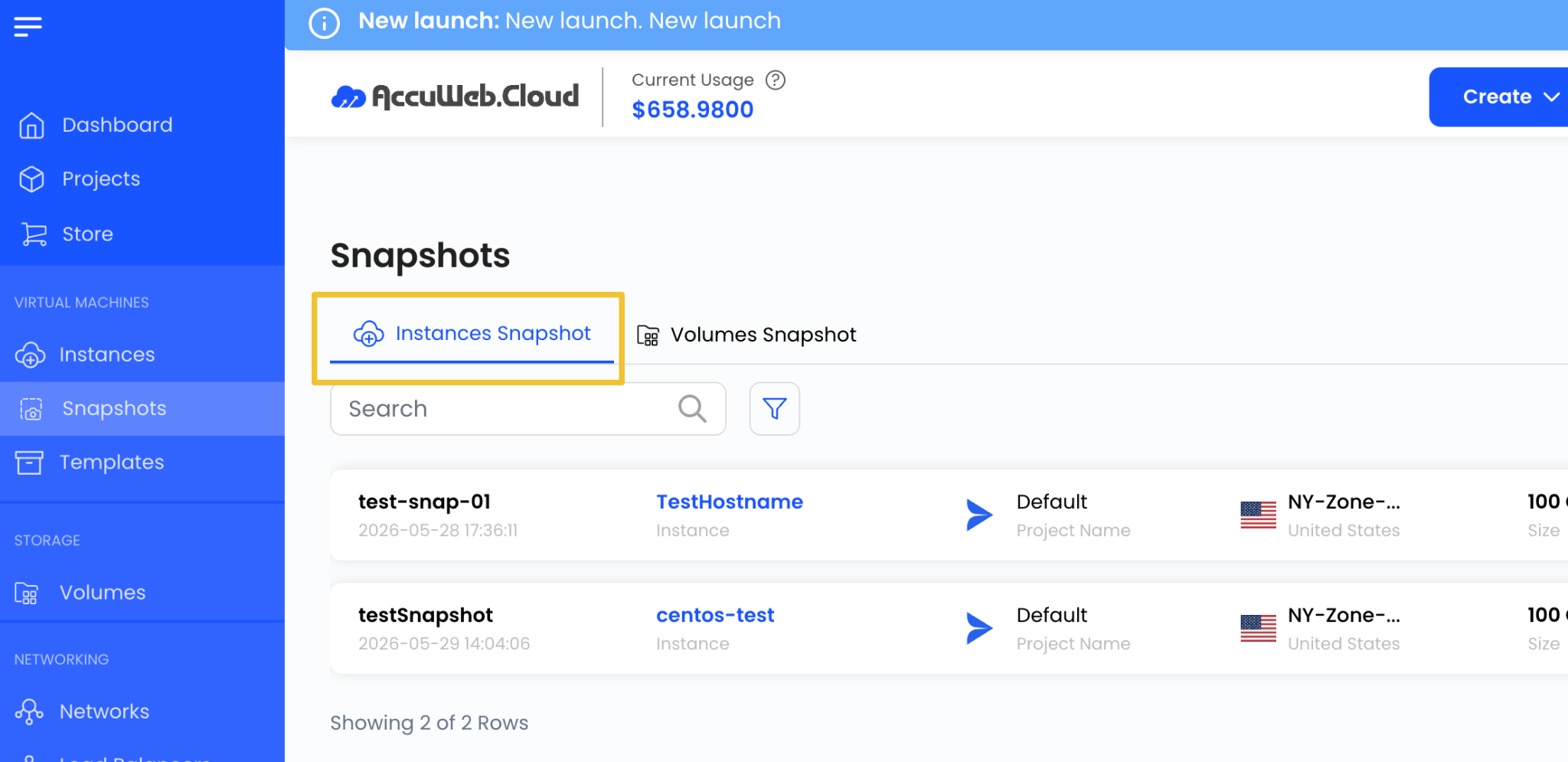
Step 3: Open the Instance Snapshot tab.
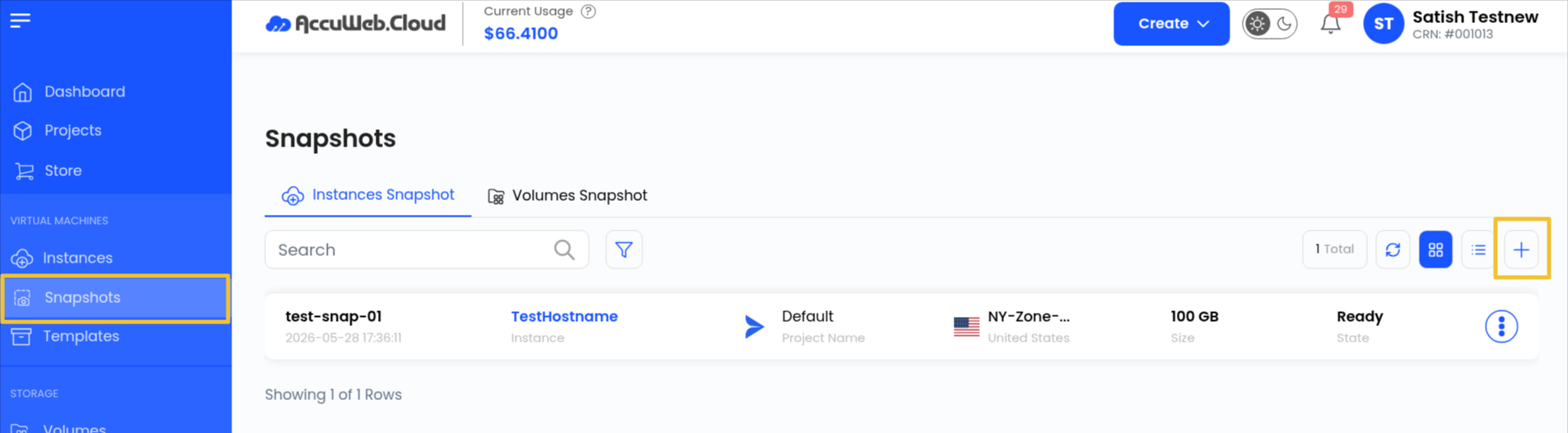
Step 4: Click on Take Snapshot or the + icon available on the page.
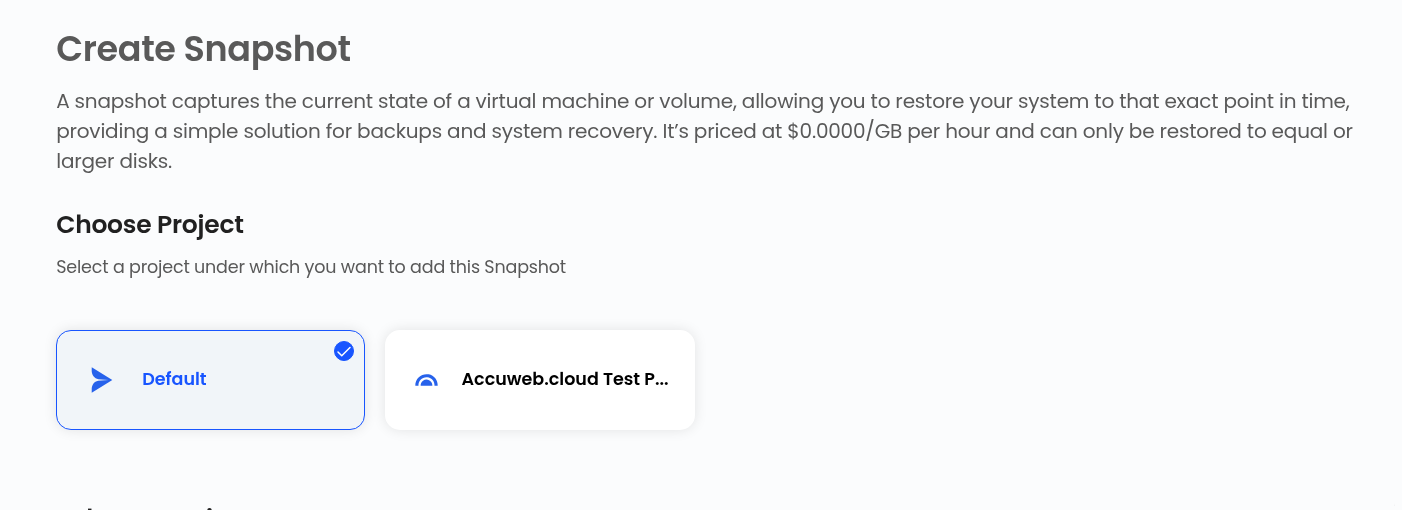
Assign to Project
Select the project where you want to manage the snapshot.
Projects help organize cloud resources efficiently.
Choose Location
Select the data center location where the virtual machine is hosted.
Choose the required location from the available list.
Choose Instance
From the available Instances list, select the virtual machine for which you want to create the snapshot.
Choose Snapshot Name
Enter a unique name for the snapshot to identify it easily later.
Create Snapshot
Select the billing cycle for the snapshot.
Snapshots support:
- Hourly Billing Cycle
- Fixed Prorata Billing Rule
Review all configuration details and pricing information.
Click on Review and Create Snapshot to create the snapshot for the virtual machine instance.
Summary
Using instance snapshots in AccuWeb.Cloud helps protect virtual machine data and allows quick recovery whenever required. Snapshots provide an efficient solution for backup, testing, and disaster recovery management.
Still don’t have an account?