
How to Create a Volume Snapshot in AccuWeb.Cloud?
Volume Snapshots capture the current state of a block storage volume at a specific point in time. They help ensure data integrity and provide a reliable solution for backup and recovery. Volume snapshots allow you to restore your storage volume to its exact state at the time the snapshot was created, helping recover from accidental deletion, data corruption, or system failures.
AccuWeb.Cloud provides an easy-to-use interface for creating and managing volume snapshots directly from the dashboard.
Steps to Create a Volume Snapshot
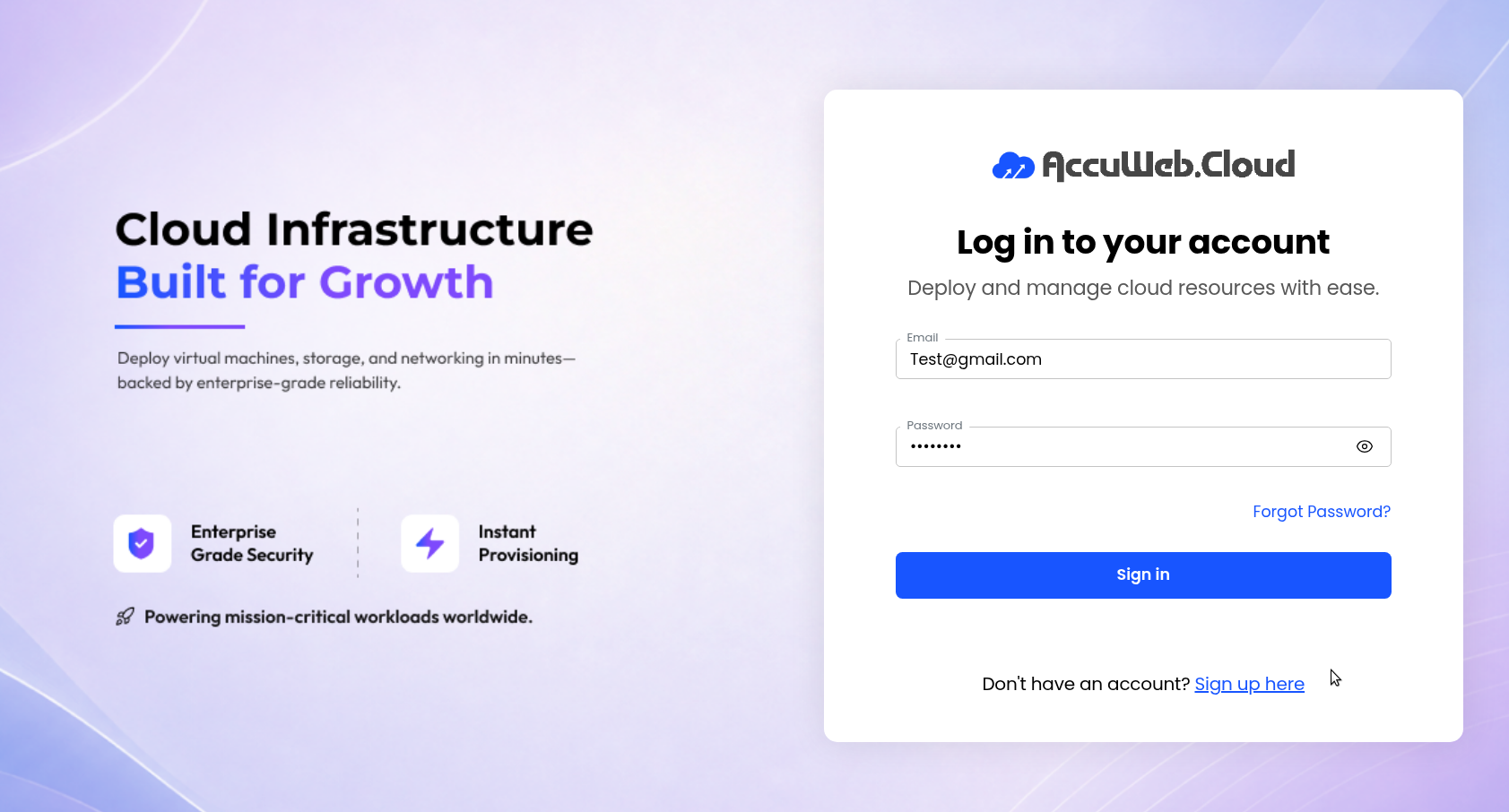
Step 1: Log in to AccuWeb.Cloud Panel.
Step 2:
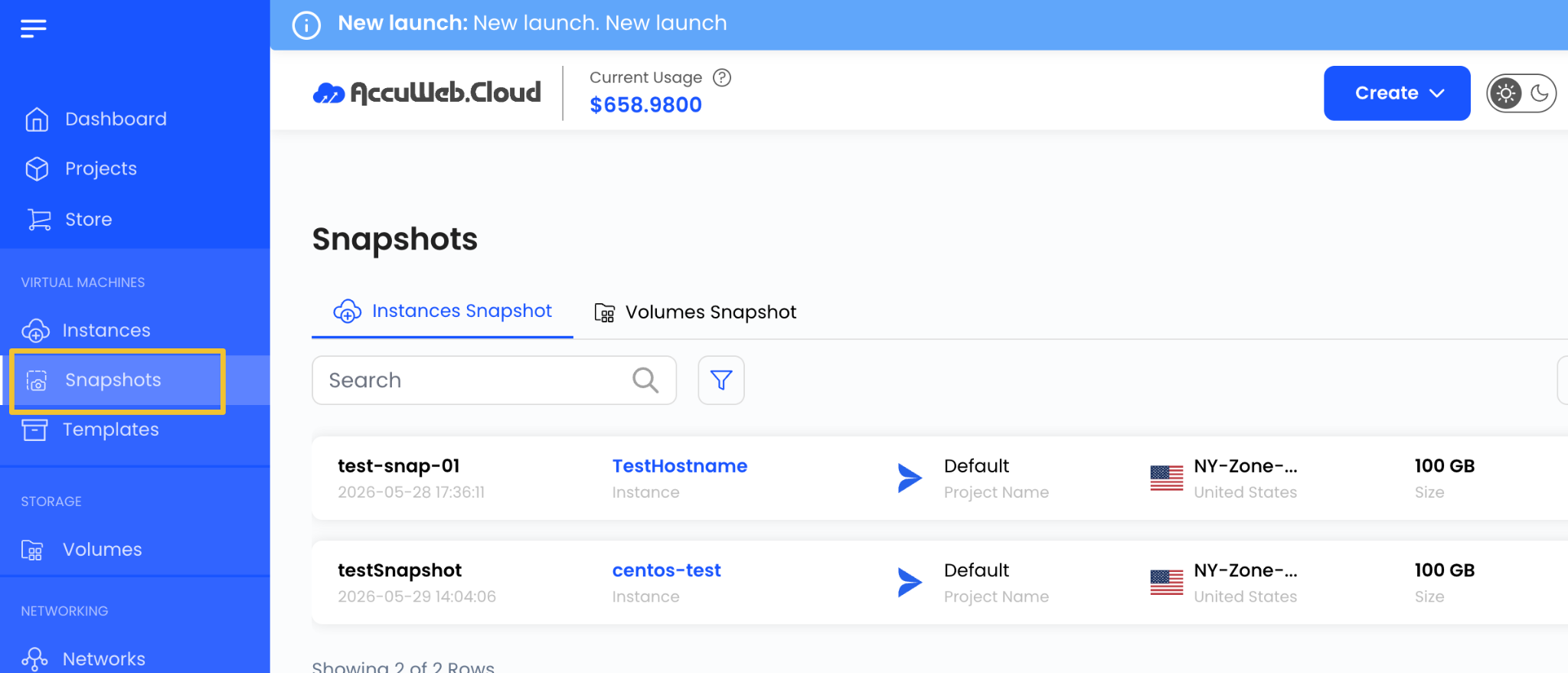
From the left-side menu, click on Snapshots.
Step 3:
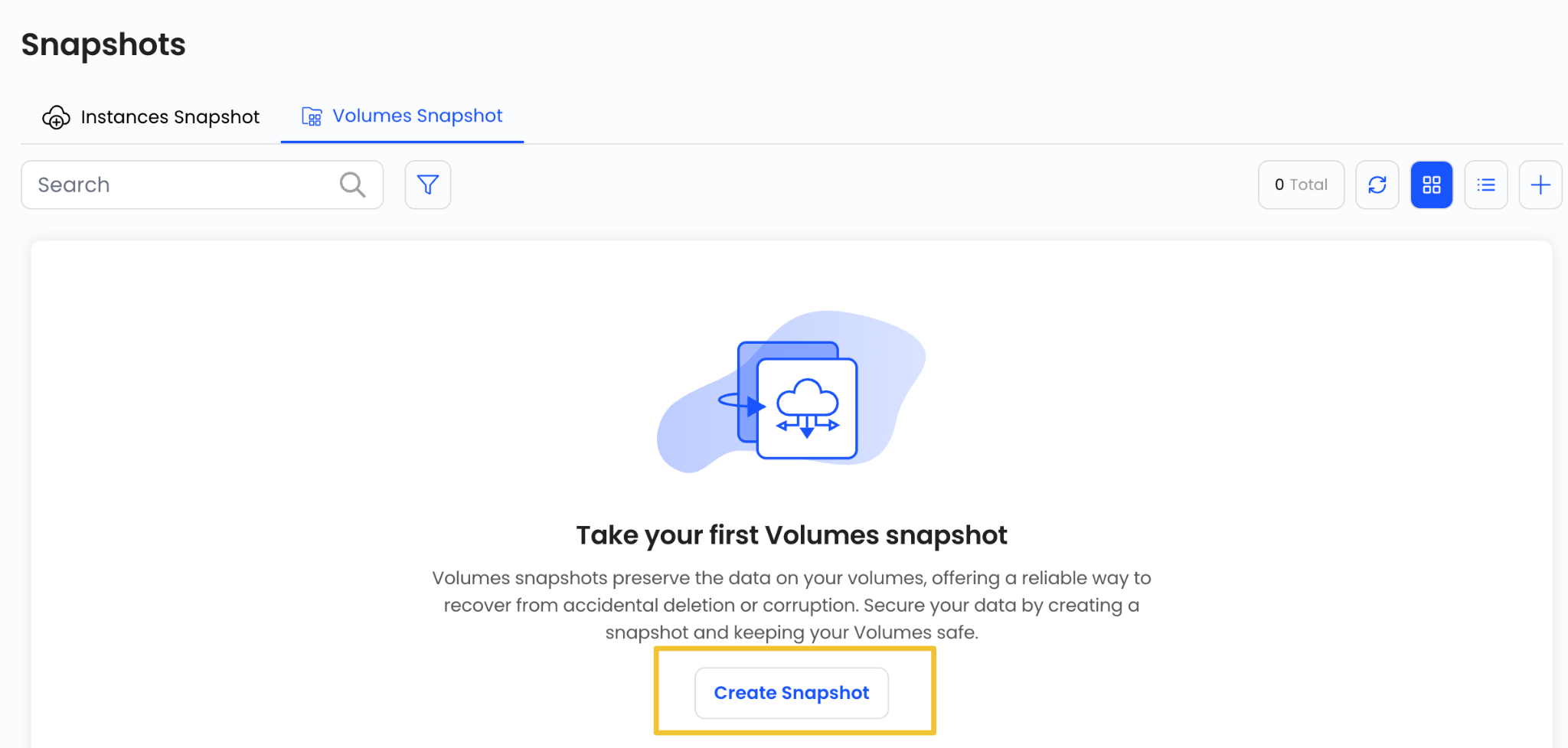
Open the Volume Snapshot tab.

Step 4:
Click on the Create Snapshot button available on the page.
This will open the Volume Snapshot creation wizard.
Assign to a Project
Select the project where you want to manage the volume snapshot.
Projects help organize cloud resources and simplify resource management.
Choose a Location
Select the data center location where the storage volume is hosted.
Choose Block Storage Volume
From the available Volumes list, select the block storage volume for which you want to create a snapshot.
Choose Snapshot Name
Enter a unique name for the snapshot.

Using a descriptive name makes it easier to identify and manage snapshots later.
Create Snapshot
Select the desired billing cycle for the snapshot.
Volume Snapshots support:
- Hourly Billing Cycle
- Fixed Prorata Billing Rule
Review all configuration details and verify the pricing summary.
Click on Review and Create Snapshot to create the volume snapshot.
Snapshot Benefits
Volume snapshots provide several advantages, including:
- Point-in-time data protection
- Quick data recovery
- Backup and disaster recovery support
- Protection against accidental data deletion
- Easy restoration of storage volumes
summary
Volume Snapshots in AccuWeb.Cloud provide a simple and effective way to protect block storage data. By creating regular snapshots, users can ensure data consistency, simplify recovery operations, and safeguard critical information from unexpected failures or accidental changes.
Still don’t have an account?