
How to Rebuild or Reinstall Your VPS Operating System?
If your VPS is no longer working as expected, has become corrupted, or you simply want to start with a clean operating system, rebuilding your VPS is the quickest solution. Rebuilding (or reinstalling) erases all existing data on the virtual machine and installs a fresh copy of the operating system.
Before you begin, make sure you’ve backed up any important files or configurations, as this process cannot be undone.
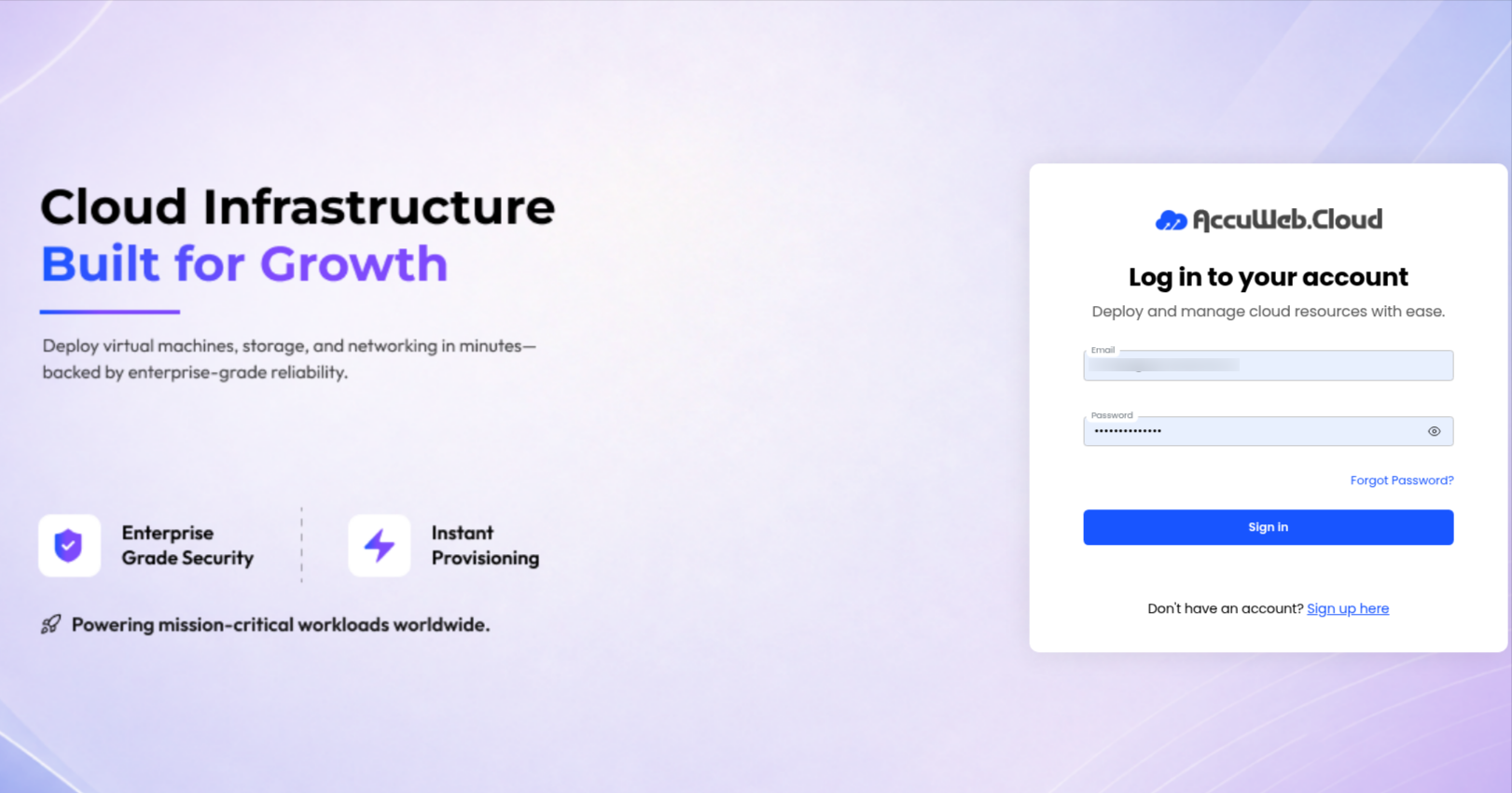
Step 1: Log in to Your AccuWeb.Cloud Dashboard
Go to https://manage.accuweb.cloud/ and sign in using your registered account credentials.
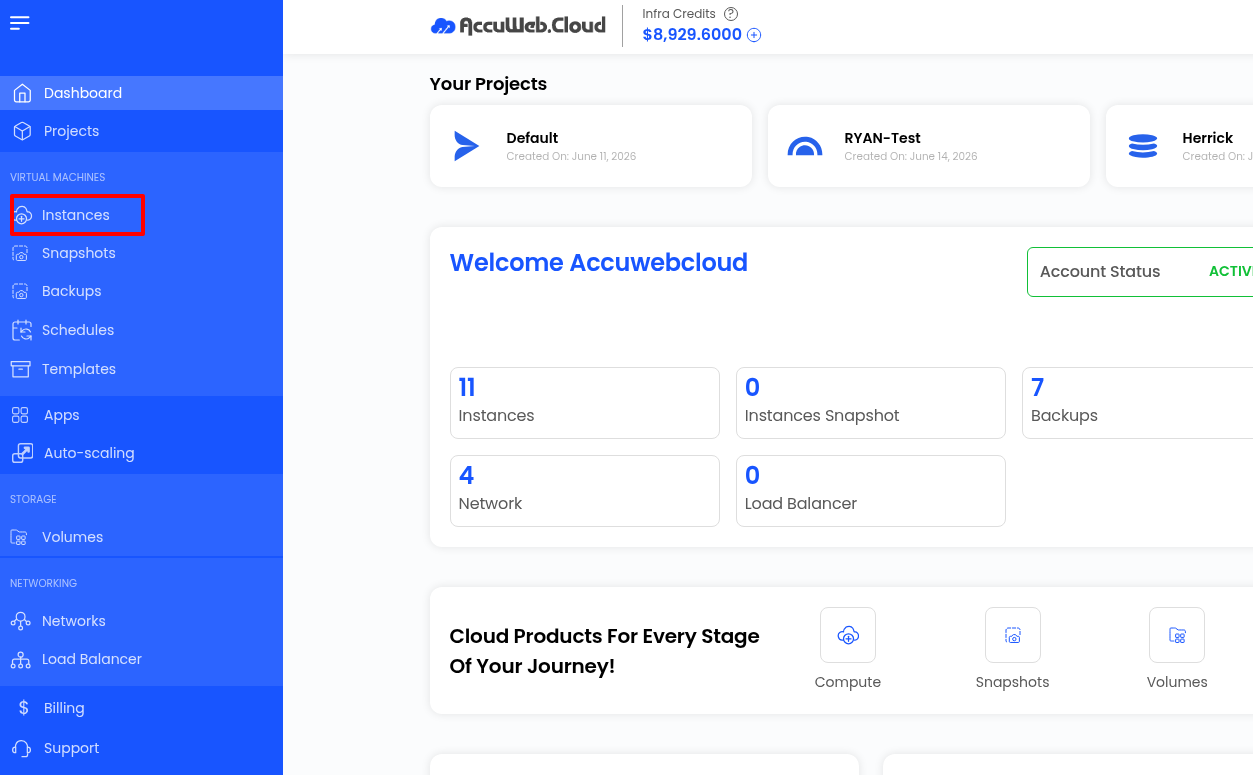
Step 2: Navigate to the Instances Section
After logging in, click Instances from the left-side navigation menu to view all of your virtual machines.
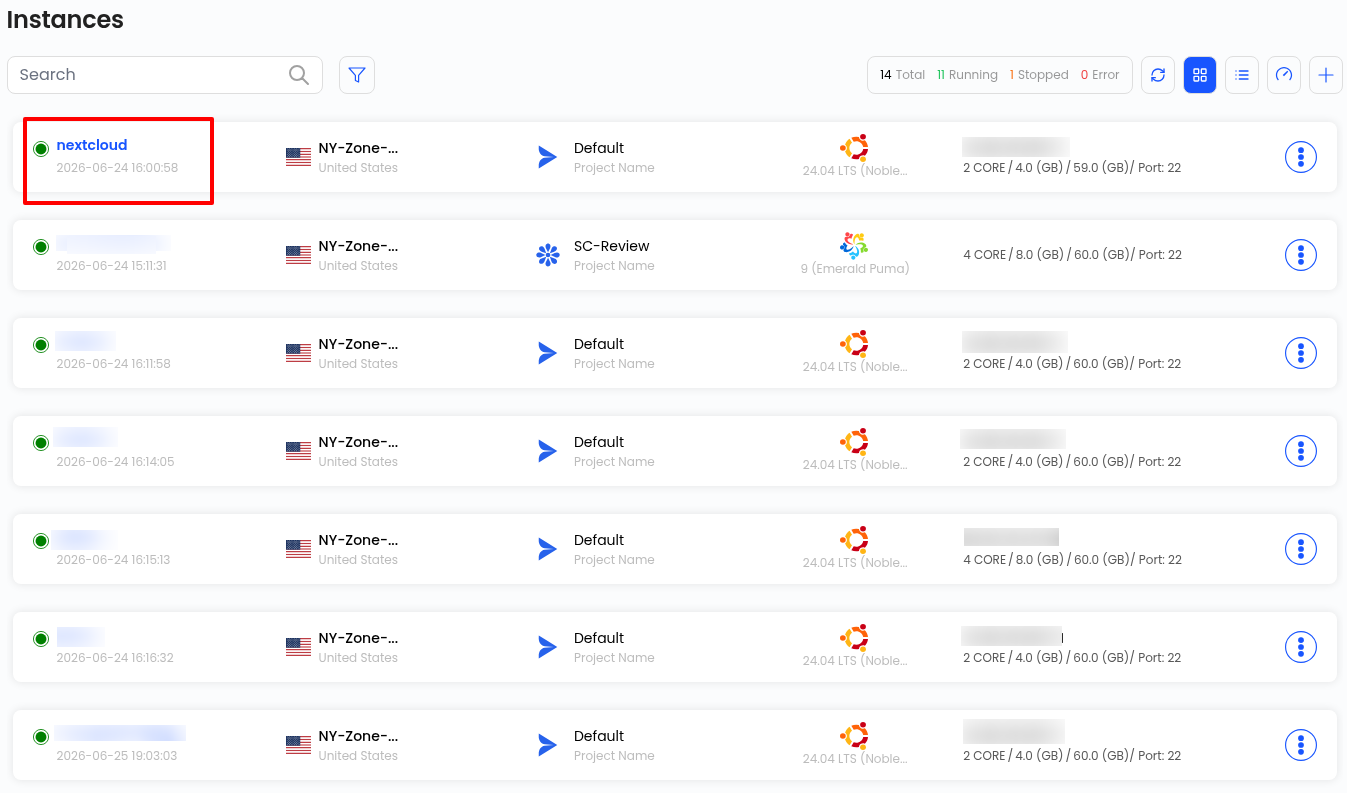
Step 3: Select the Instance
From the list of available instances, click the VPS that you want to rebuild. This opens the Virtual Machine Overview page.
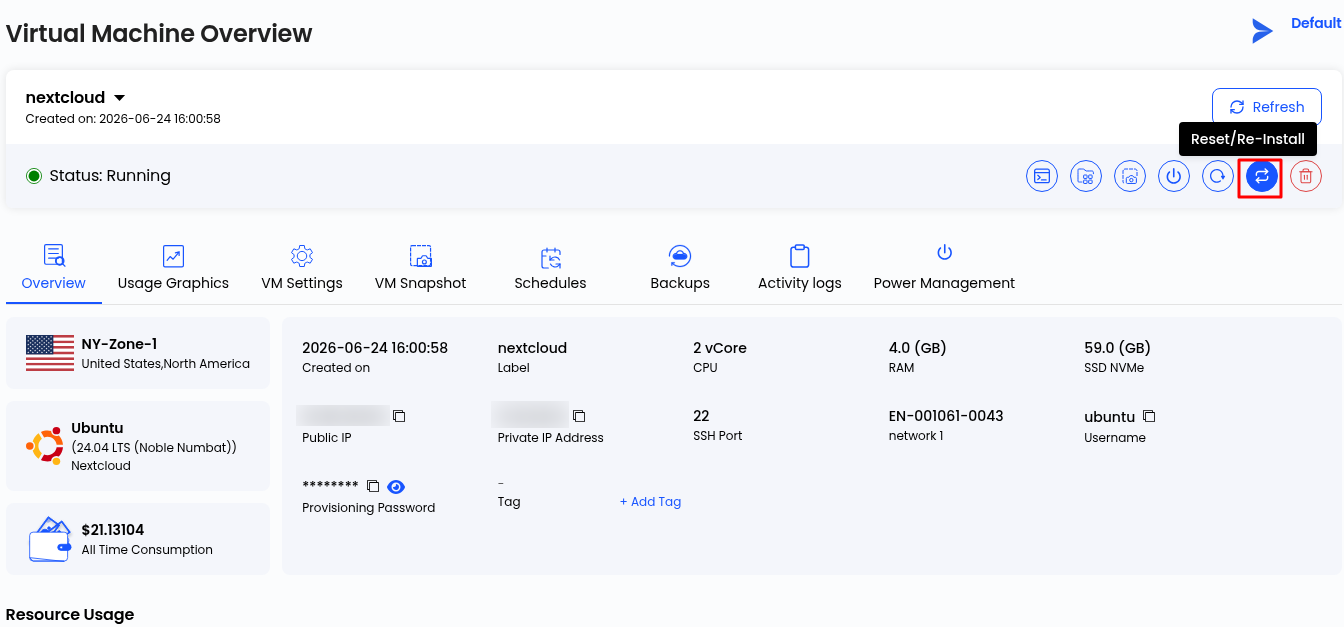
Step 4: Click the Reset/Re-Install Button
On the Virtual Machine Overview page, locate the Reset/Re-Install icon in the upper-right corner of the toolbar and click it.
Note: This option completely reinstalls the operating system and permanently removes all existing data from the VPS.
Step 5: Confirm the Rebuild
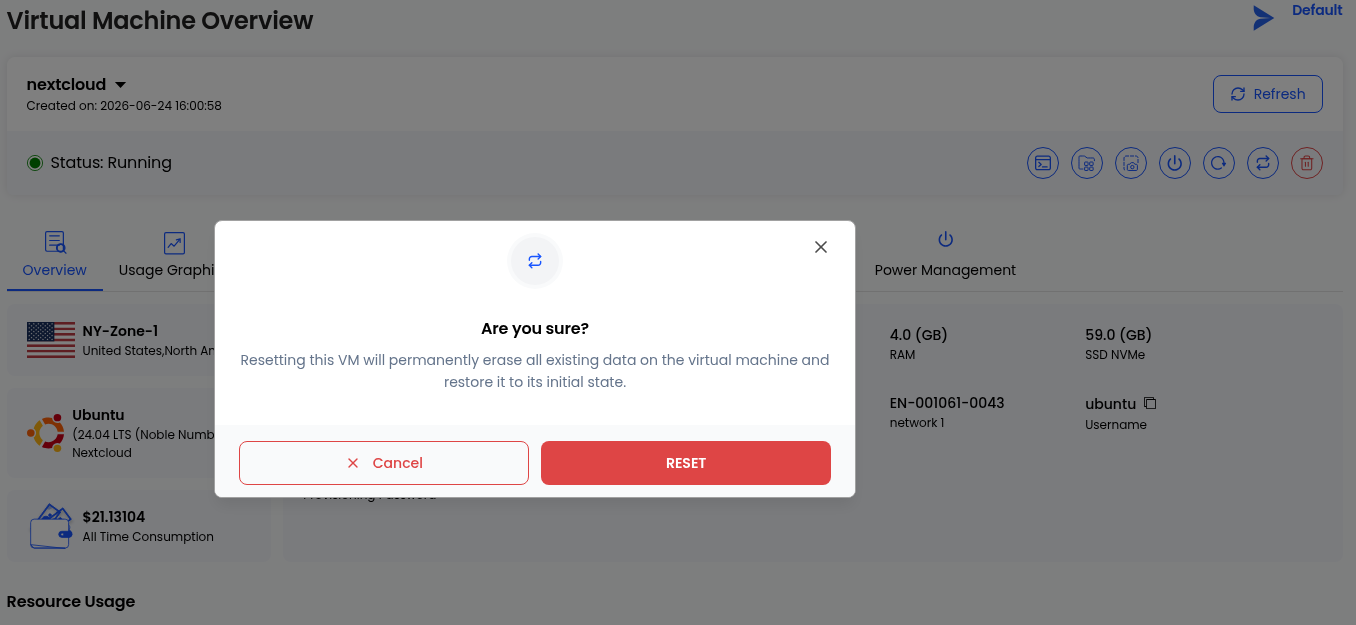
A confirmation dialog will appear informing you that rebuilding the VPS will erase all data and restore the virtual machine to its initial state.
Click RESET to begin the reinstallation process, or click Cancel if you do not wish to continue.
After you confirm the action, the rebuild process will begin automatically. The time required may vary depending on the selected operating system and your server configuration. Once the process is complete, your VPS will be provisioned with a fresh installation of the operating system. You can then retrieve the new login credentials from your AccuWeb.Cloud dashboard and sign in to begin configuring your server.
Conclusion
Rebuilding your VPS is a simple way to restore your server to a clean, default state. Whether you’re troubleshooting system issues, preparing the server for a new project, or reinstalling the operating system, the process takes only a few clicks from the AccuWeb.Cloud dashboard. Before you begin, be sure to back up any important data. Rebuilding your VPS permanently removes all files, applications, and settings from the instance.