
How to raise a support Ticket? – user to admin
Support Module provides assistance to users in accessing, managing, and troubleshooting their systems. It ensures that users can effectively utilize their technology resources, resolve issues, and optimize performance.
Submitting and Managing Tickets
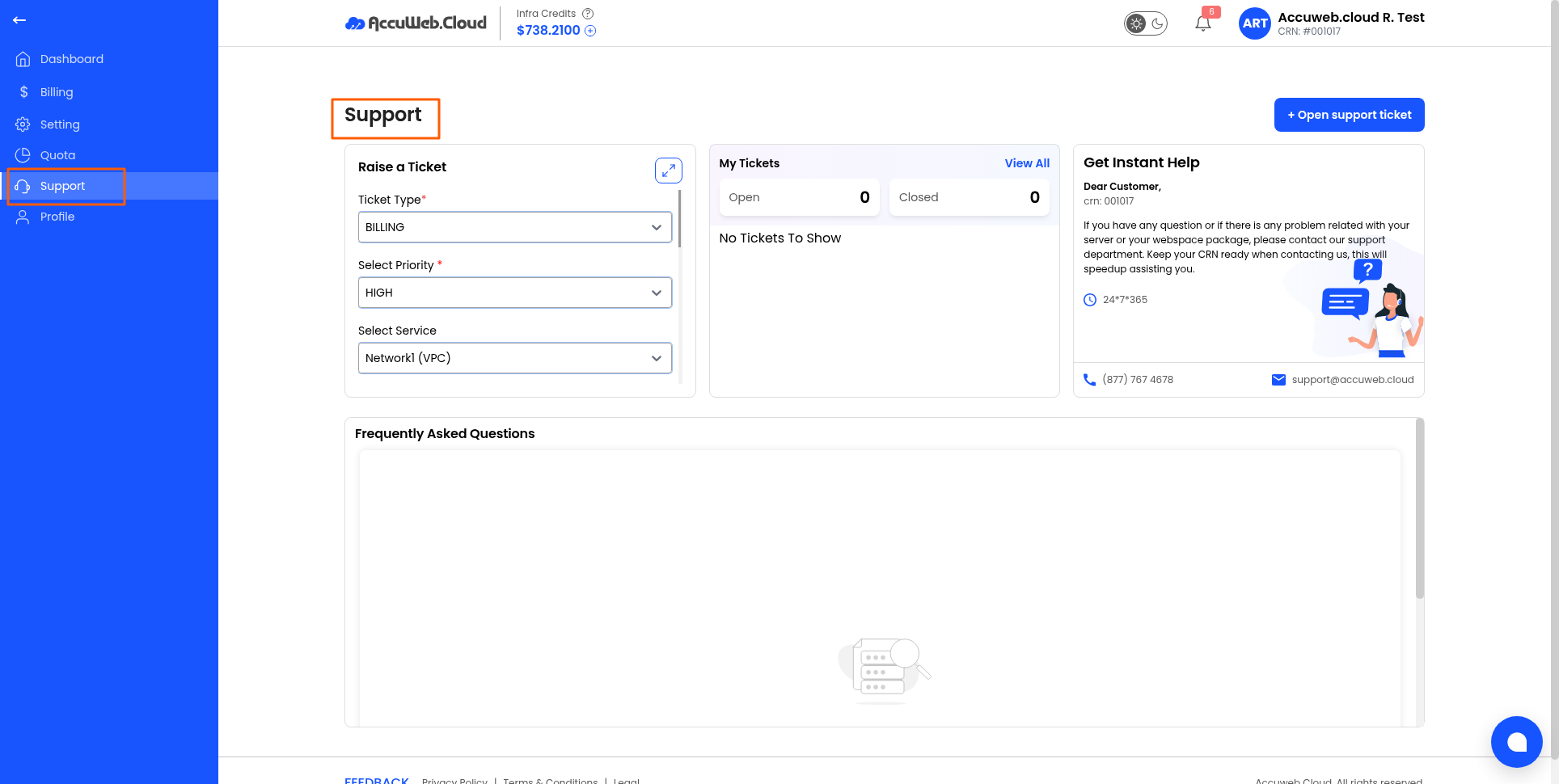
- To submit a support ticket, select the Ticket Type based on your issue. Choose the Priority to indicate urgency and select the relevant Service related to your query.
- Enter the Subject and Message, then click on Submit.
- The My Tickets section allows you to view and check the status of already opened tickets and closed tickets.
Need Immediate Assistance
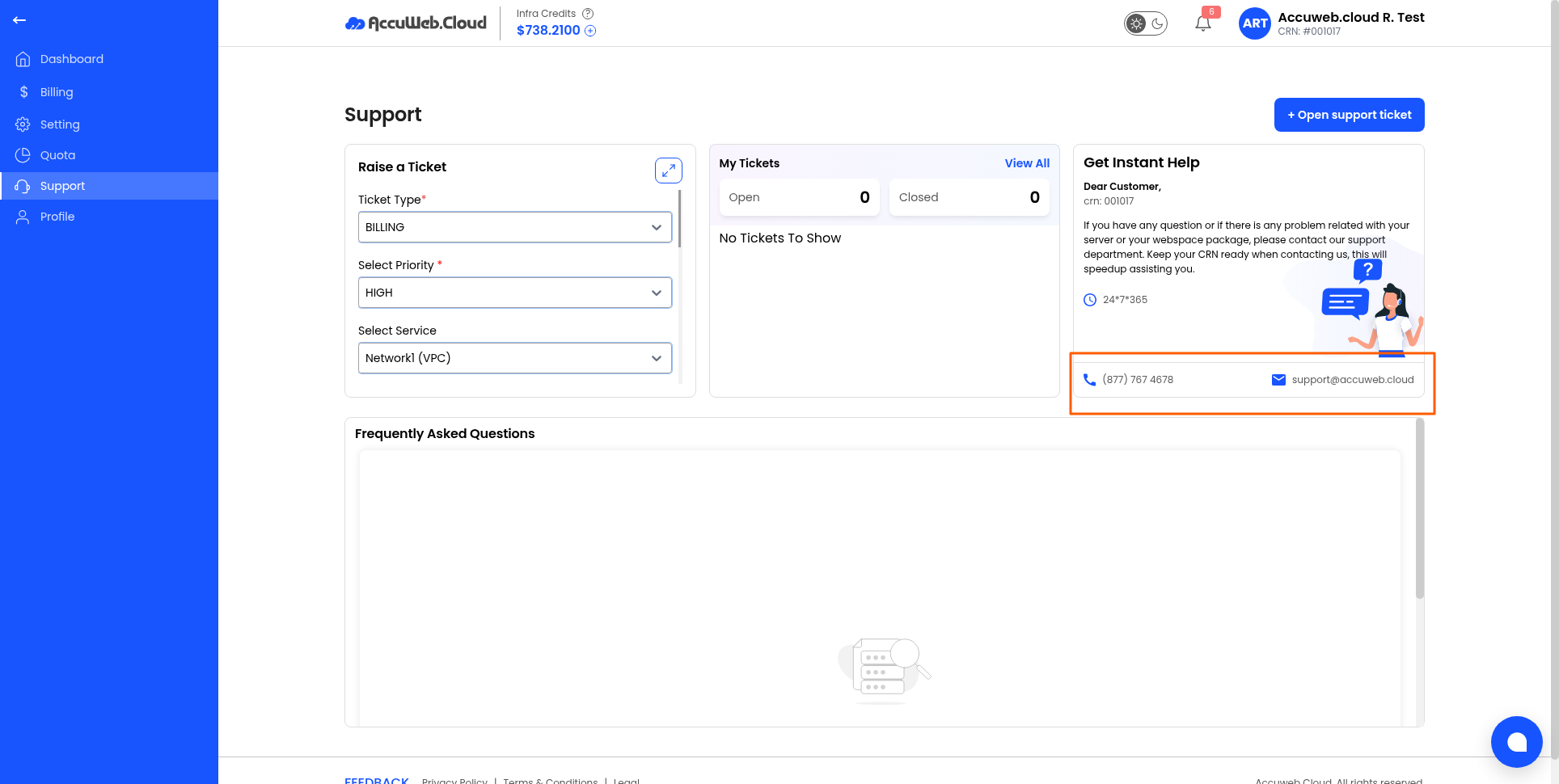
- If immediate help is needed, reach out via email at [email protected] to our customer service. Our support team will work to provide a solution to your issue.
- Keep your CRN (Customer Reference Number) ready for a faster response.
Haven’t signed up yet?