
How to Manage Payment Methods in AccuWeb.Cloud?
The Payment Methods section in AccuWeb.Cloud allows users to manage their payment preferences and add funds to their accounts. By configuring a default payment method, users can easily purchase cloud credits and ensure uninterrupted access to their services.
Accessing Payment Methods
Step 1: Log in to AccuWeb.Cloud Panel. – https://manage.accuweb.cloud/
Step 2: Navigate to Billing from the left-side menu.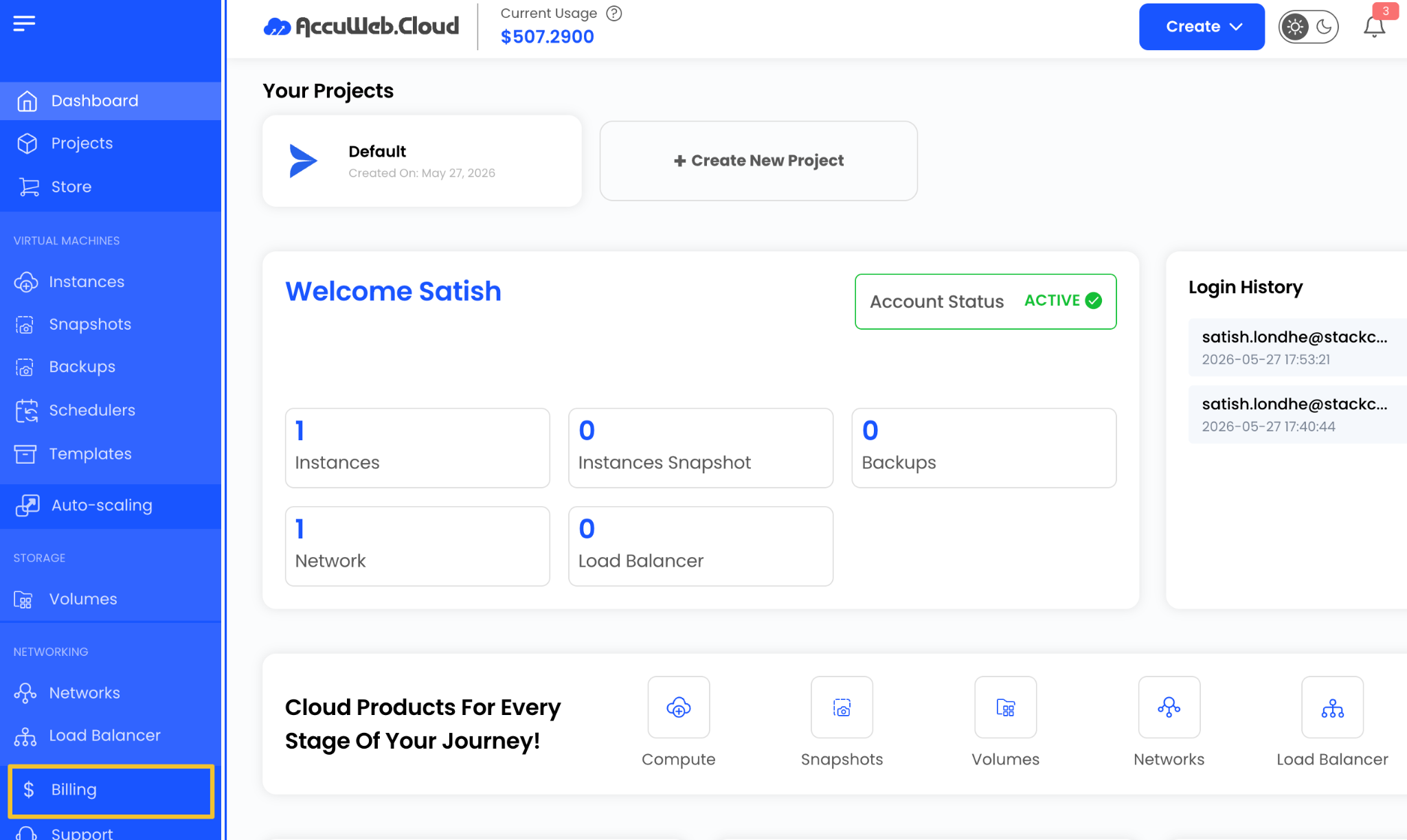
Step 3: Click on Infra credits.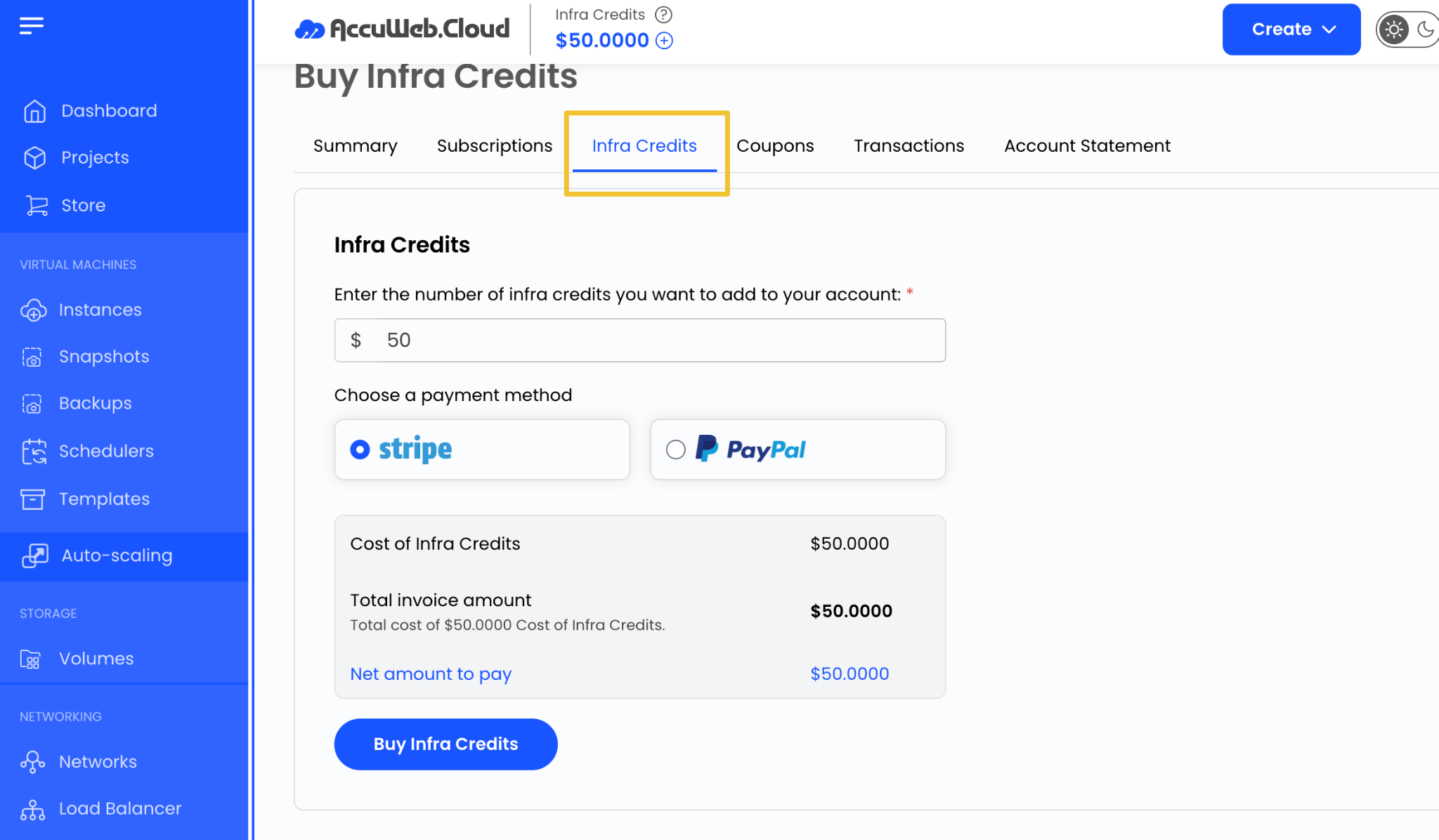
The Infra credits display the payment options associated with your account.
Adding Cloud Credits
Cloud credits can be added directly from the Payment Methods section.
To add credits:
Step 1: Enter the amount you want to add to your account.
Step 2: Verify the default payment method configured for billing.
Step 3: Complete the transaction to add credits to your account balance.
The specified amount will be charged using the default payment method associated with your account.
Benefits of Setting a Default Payment Method
Using a default payment method helps:
- Simplify account payments
- Add credits quickly
- Avoid service interruptions
- Maintain continuous access to cloud resources
- Streamline billing management
Summary
The Payment Methods section in AccuWeb.Cloud provides a convenient way to manage payment preferences and add cloud credits to your account. Keeping a valid payment method configured helps ensure smooth billing and uninterrupted service availability.
Not registered yet?