
How to Check and Edit Personal Details?
Overview
The Personal Details section allows you to update your personal information, such as your name and phone number.
Steps
- Log in to your Reseller Account.
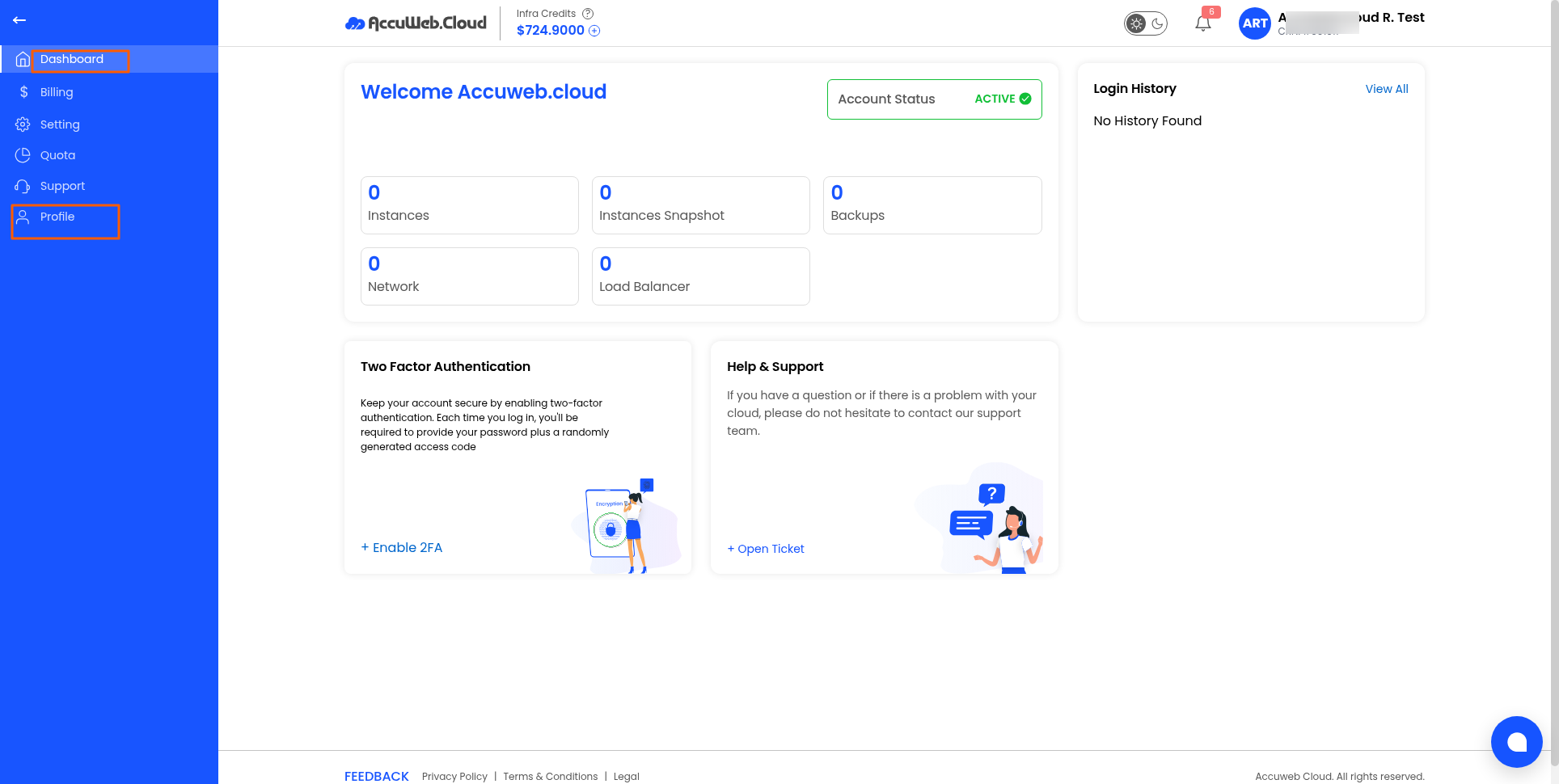
2. Click Profile from the navigation menu.
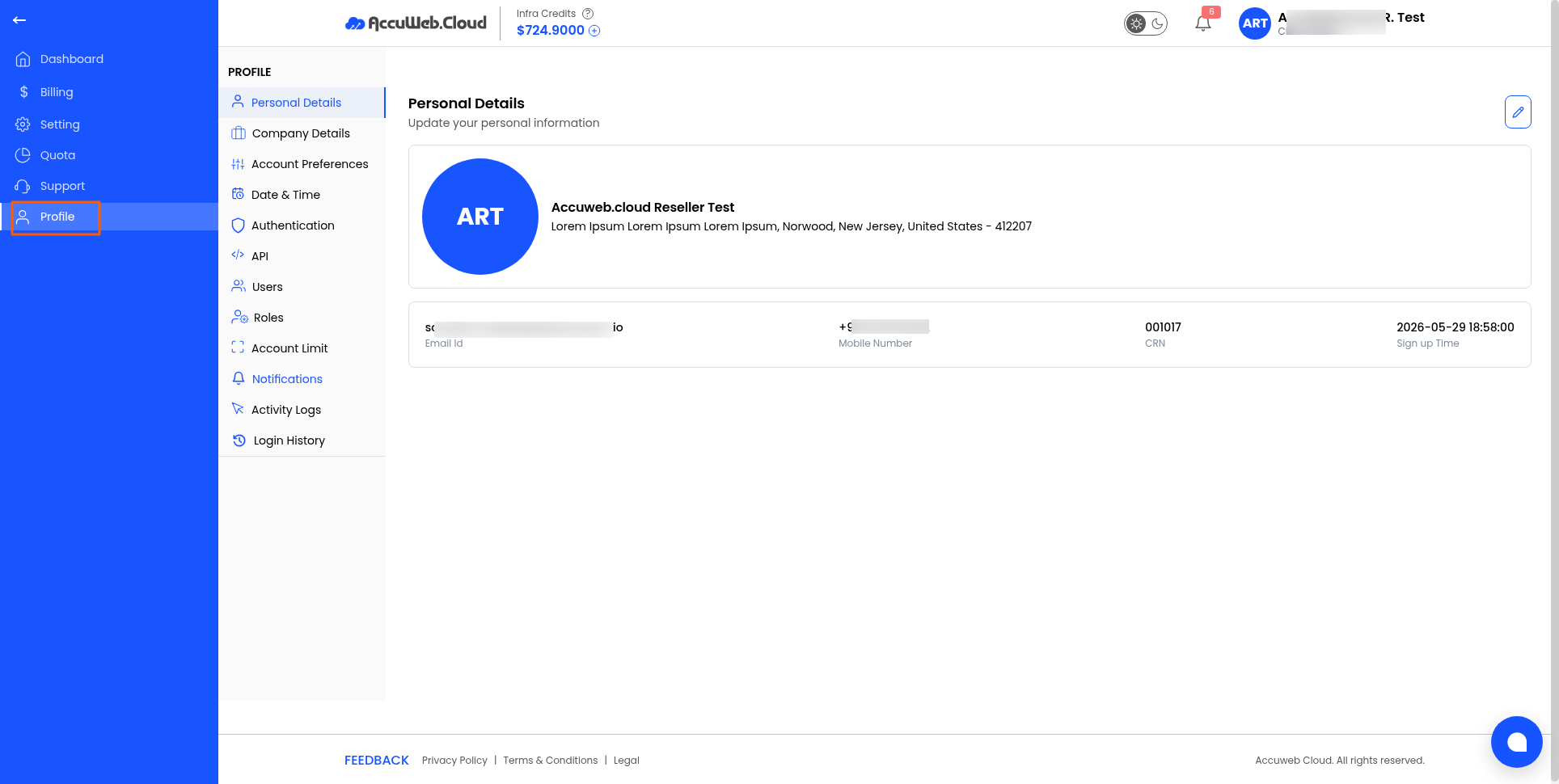
3. Open the Personal Details tab.
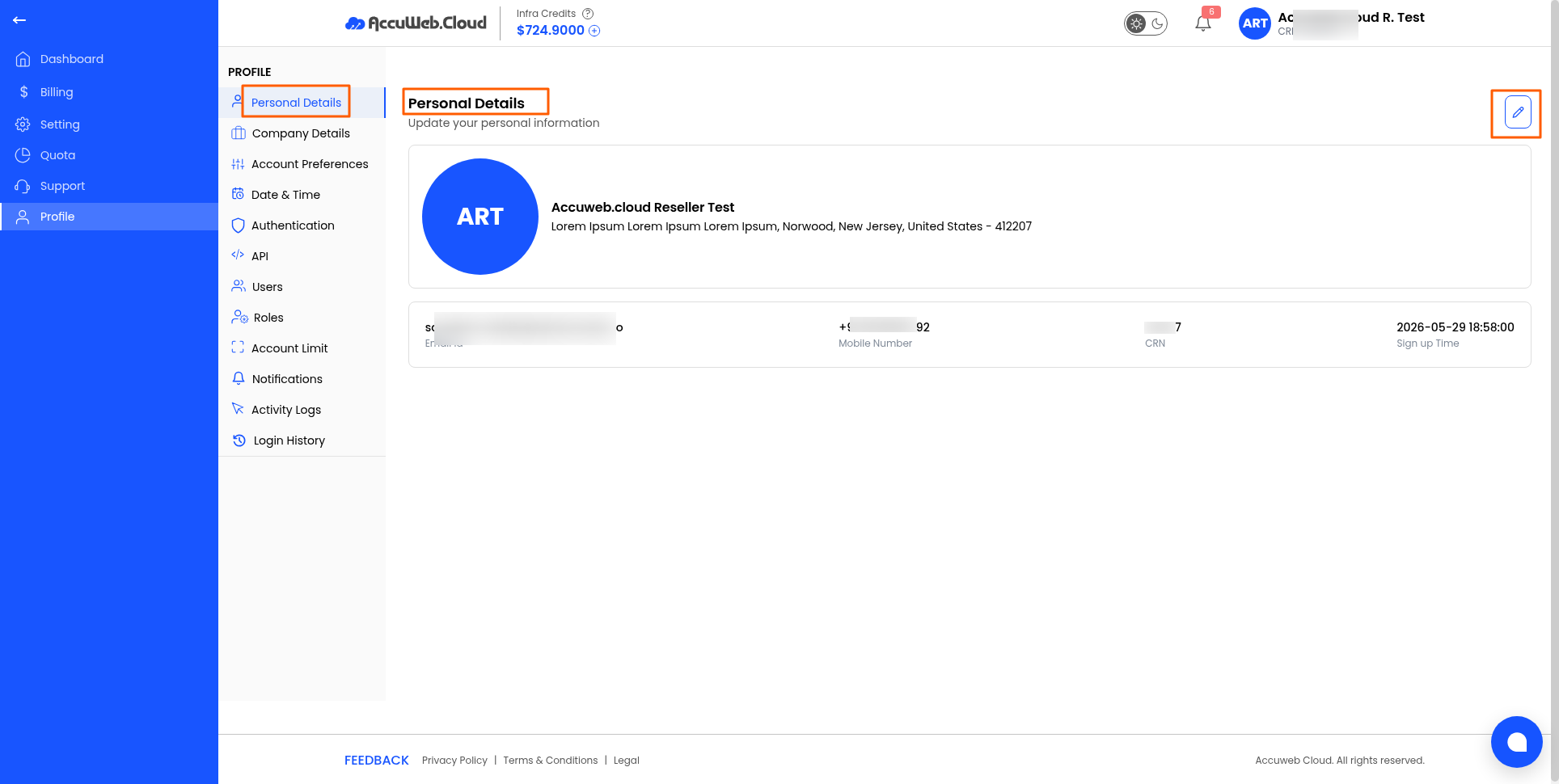
4. Click the Edit (✏️) icon. From here, you can edit the details.
5. Update the required information, such as:
-
- Name
- Phone Number
- Other personal details
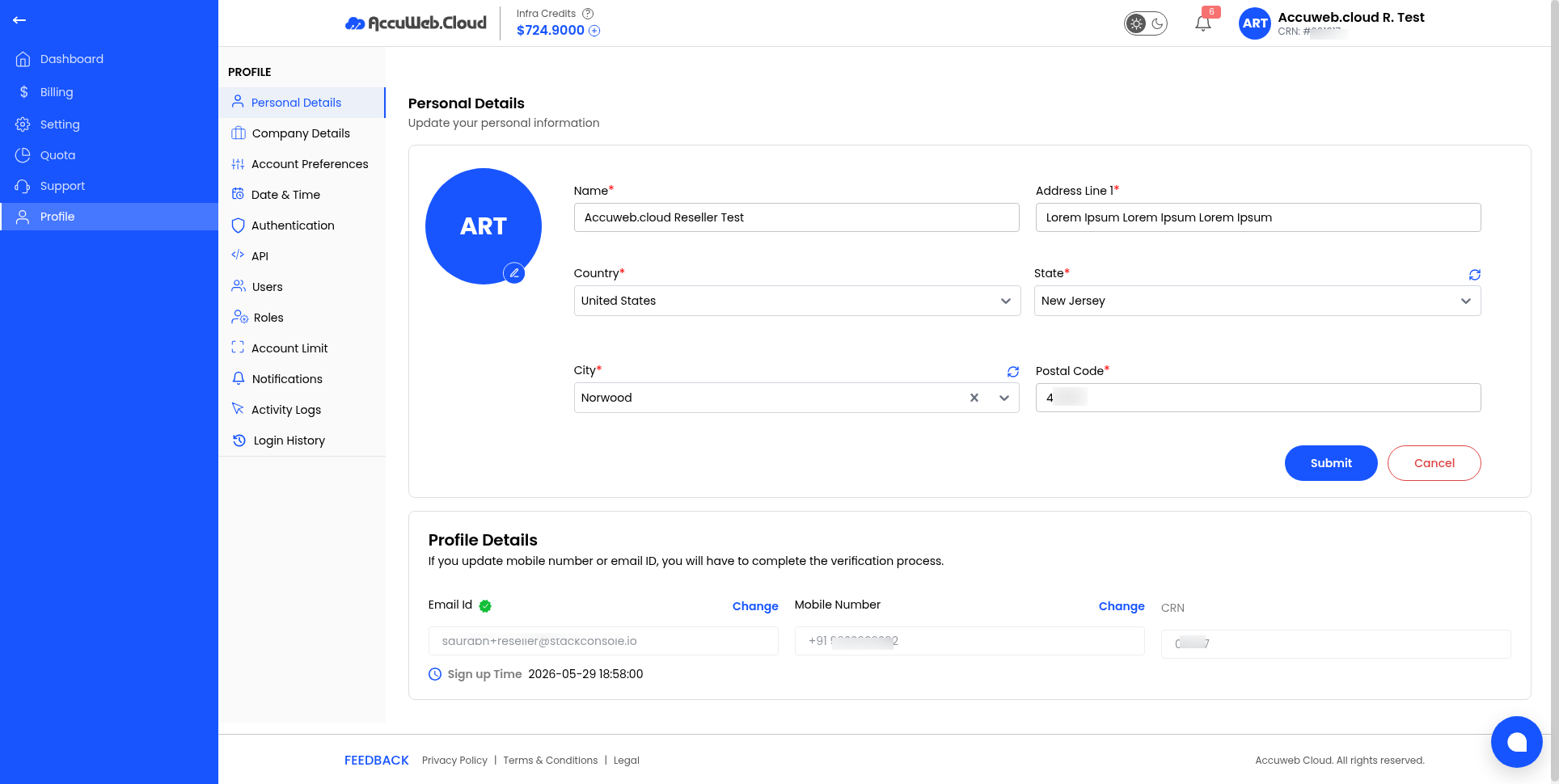
6. Click Save to apply the changes.
Note: Ensure all contact information is accurate, as it may be used for account-related communication.
Still don’t have an account?