
How to Manage Subscriptions in AccuWeb.Cloud?
The Subscriptions section in AccuWeb.Cloud allows users to view and manage all subscribed cloud services associated with their account. This section provides visibility into the status of services and helps users monitor active, inactive, and scheduled-for-deletion subscriptions.
Accessing Subscriptions
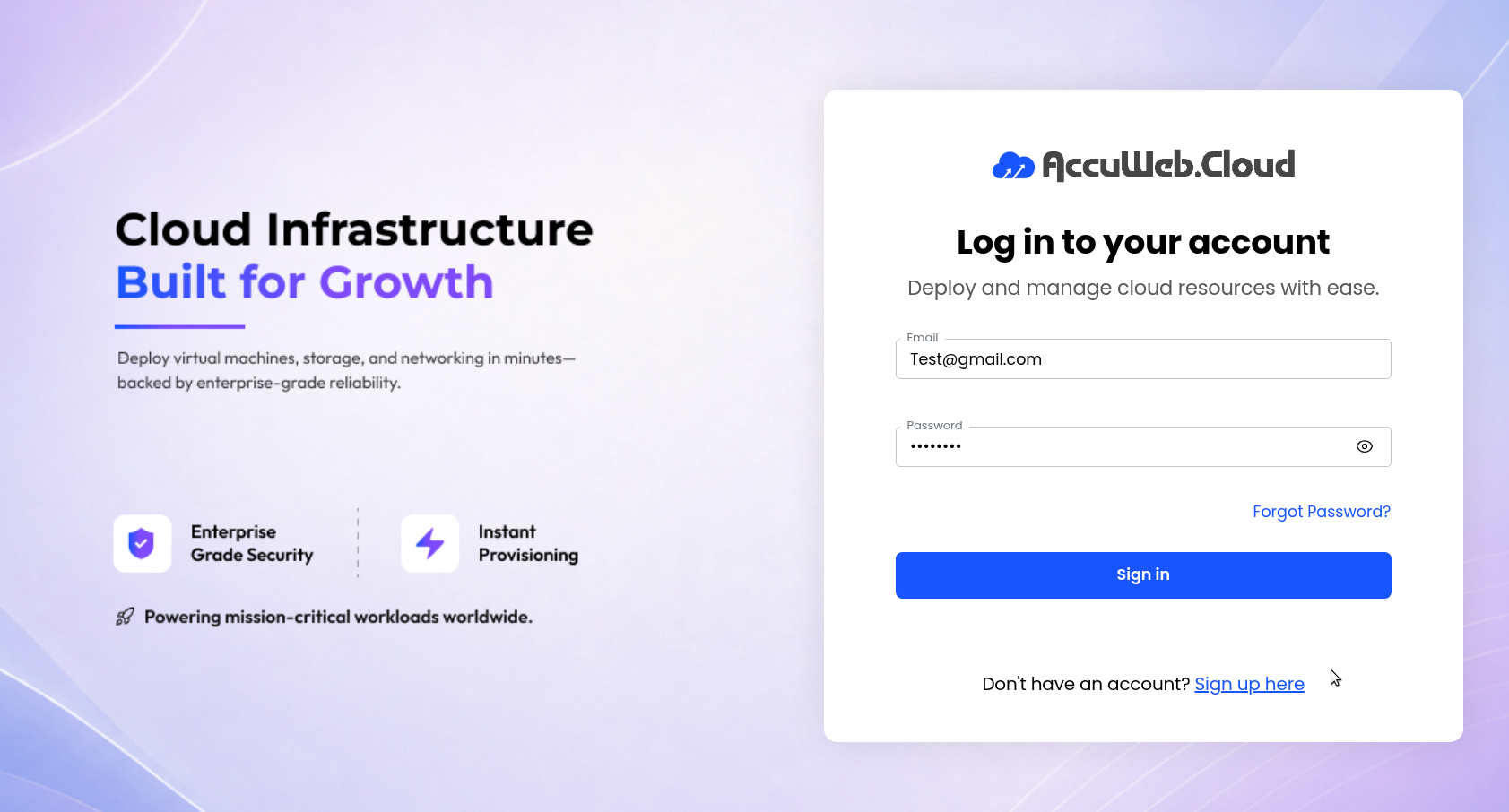
Step 1: Log in to the AccuWeb.Cloud Panel. – https://manage.accuweb.cloud/
Step 2: Navigate to Billing from the left-side menu.
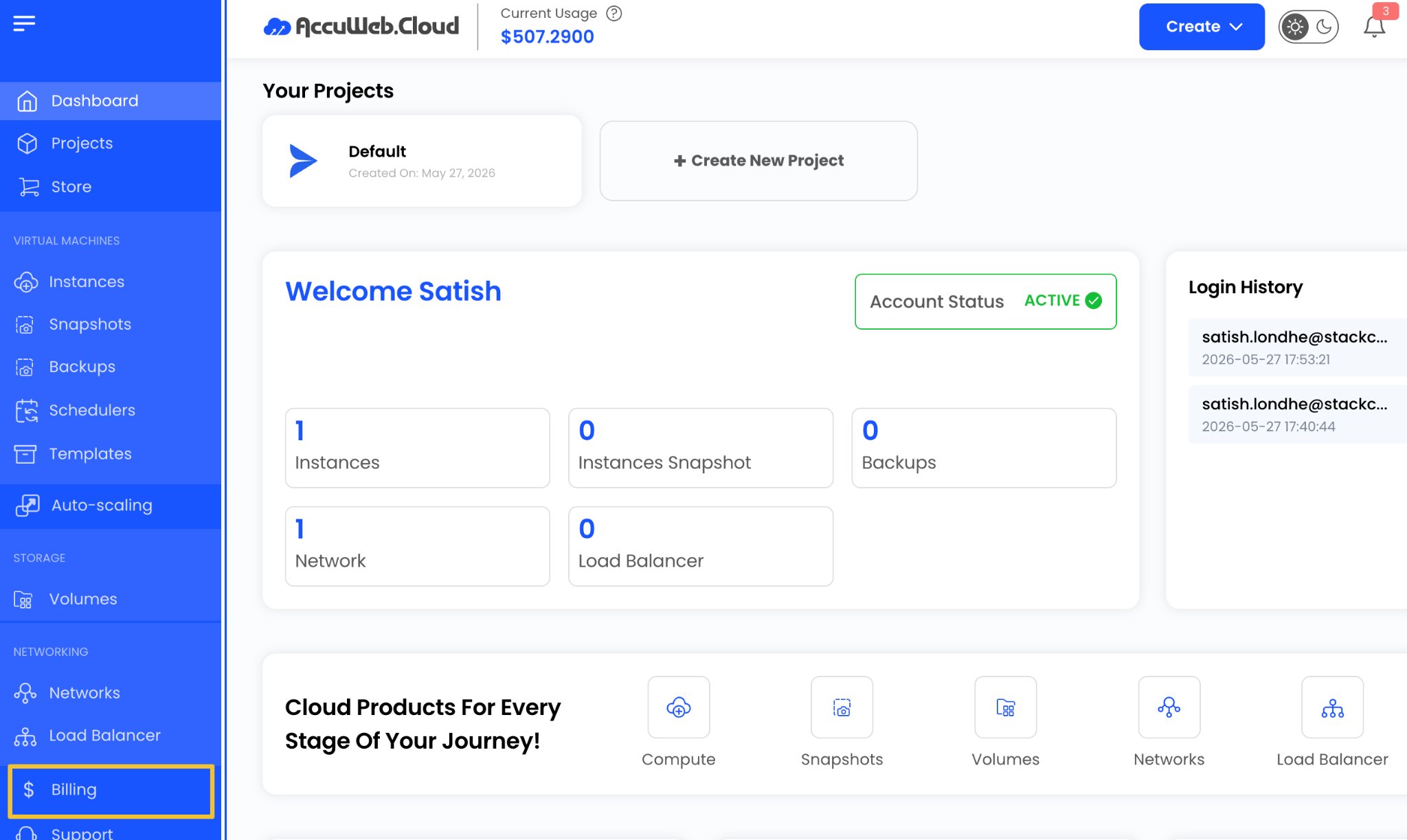
Step 3: Click on Subscriptions.

The Subscriptions page displays all services currently associated with your account.
You can view services under the following statuses:
- Active
- Inactive
- Scheduled for Deletion
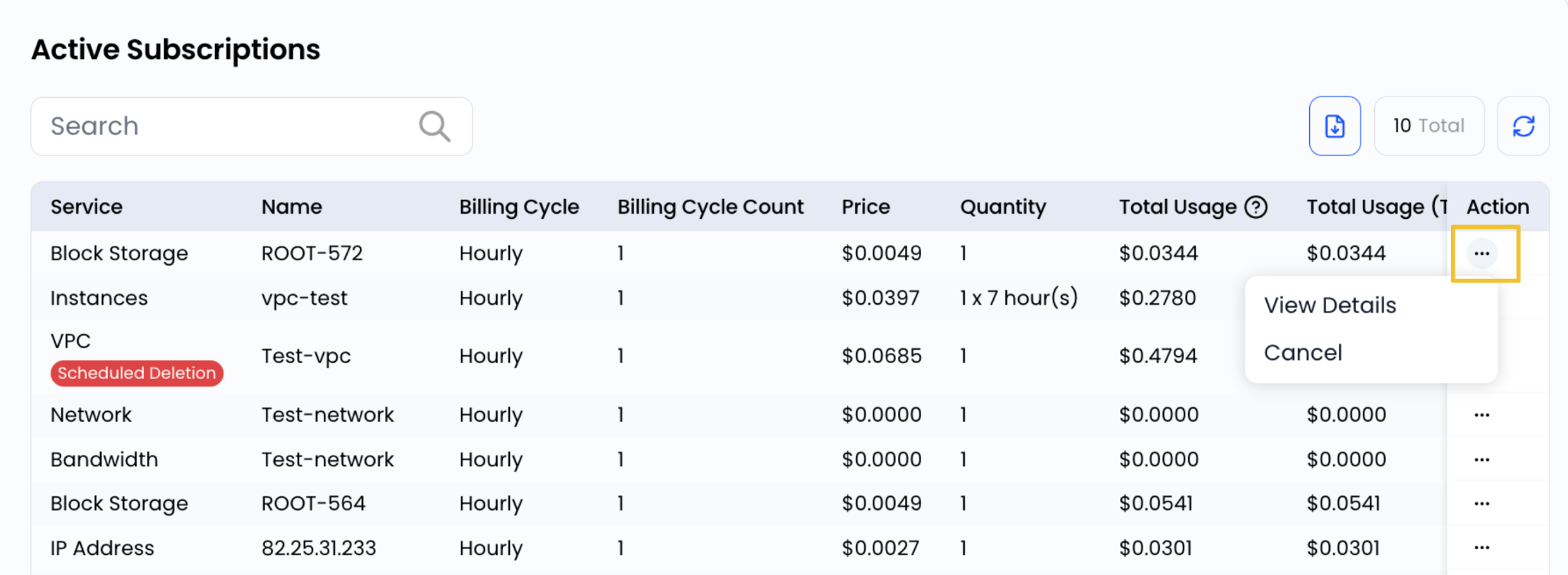
To check detailed information about any service, click on the three-dot menu and select View Details.
You also have the option to cancel a service. If you choose to cancel it immediately, the service will be moved to the Inactive section. If you schedule it for deletion, it will appear under the Scheduled for Deletion section.
Active Subscriptions
Active Subscriptions represent services that are currently running and available for use.
These services:
- Are actively provisioned
- Continue to operate normally
- Are billed according to the selected billing cycle
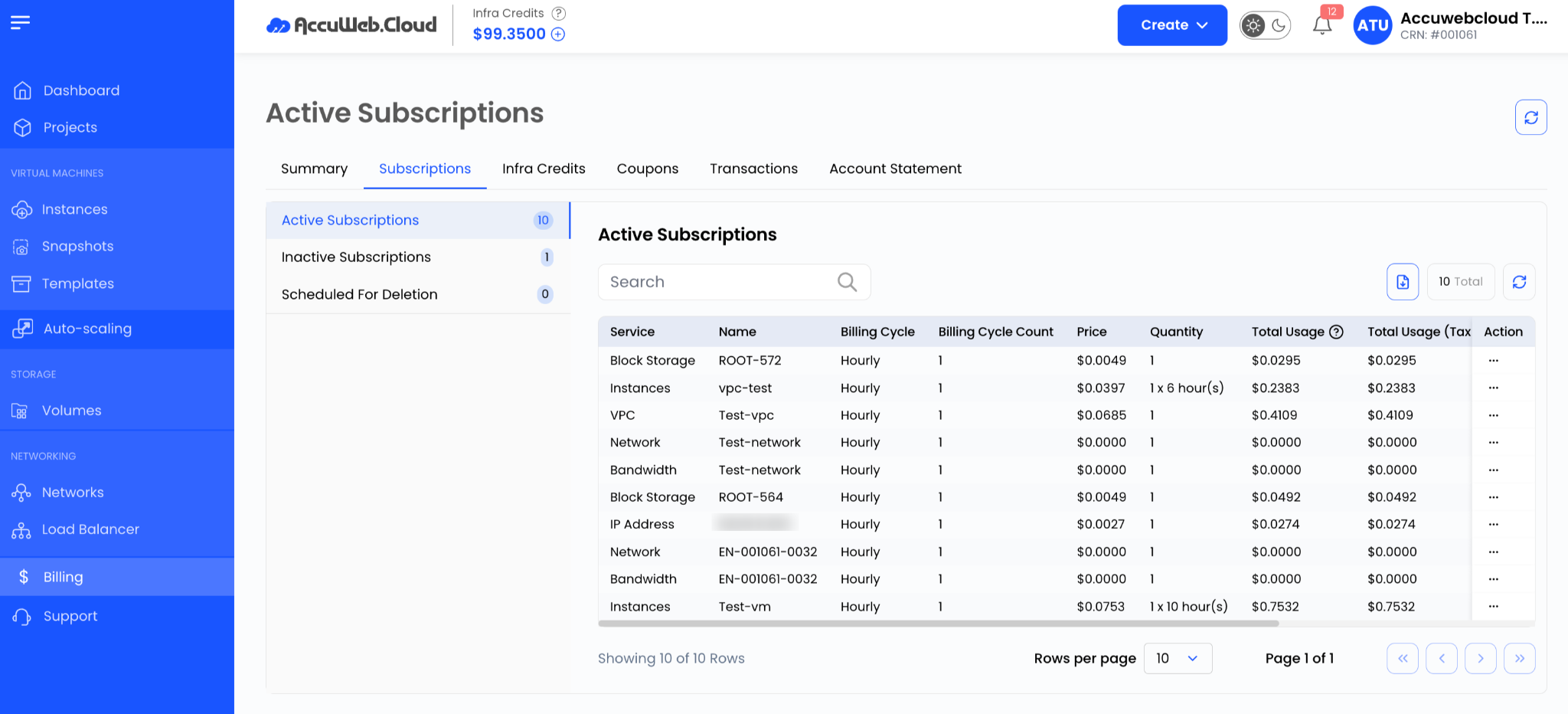
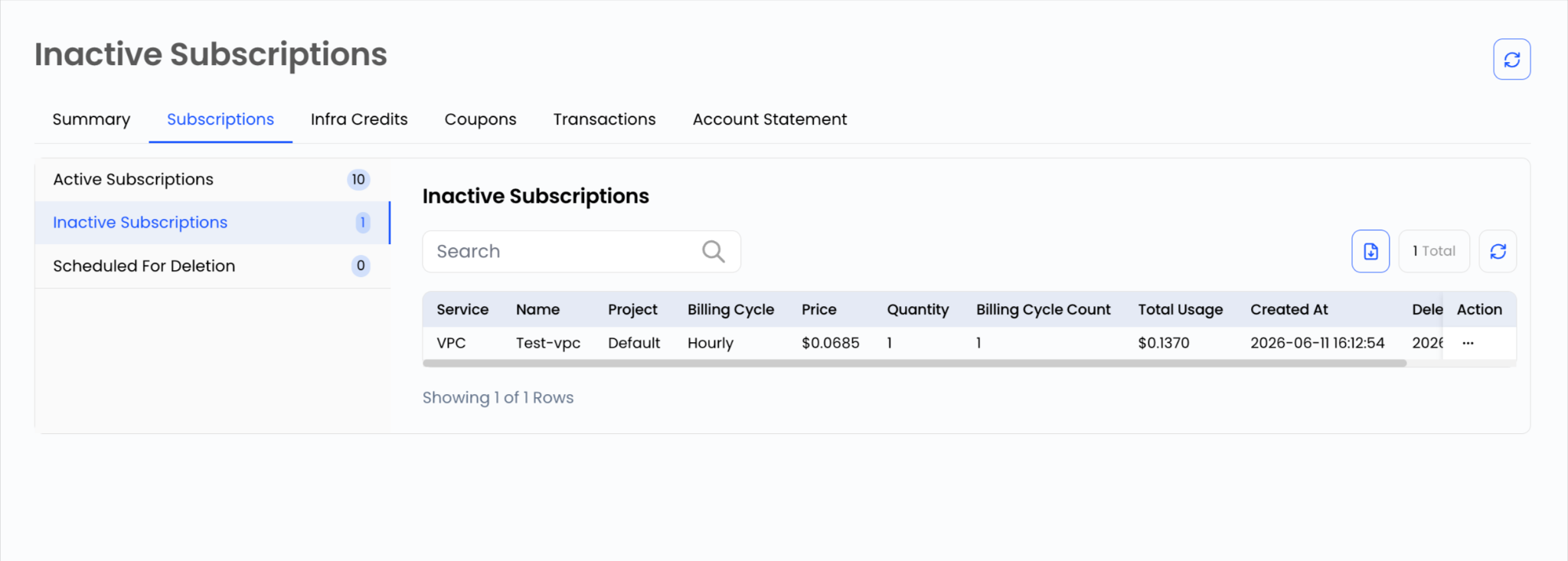
Inactive Subscriptions
Inactive Subscriptions are services that have been cancelled and are no longer active.
These services:
- Are not billed after cancellation
- Cannot be used
- Remain available for historical reference.
Scheduled for Deletion
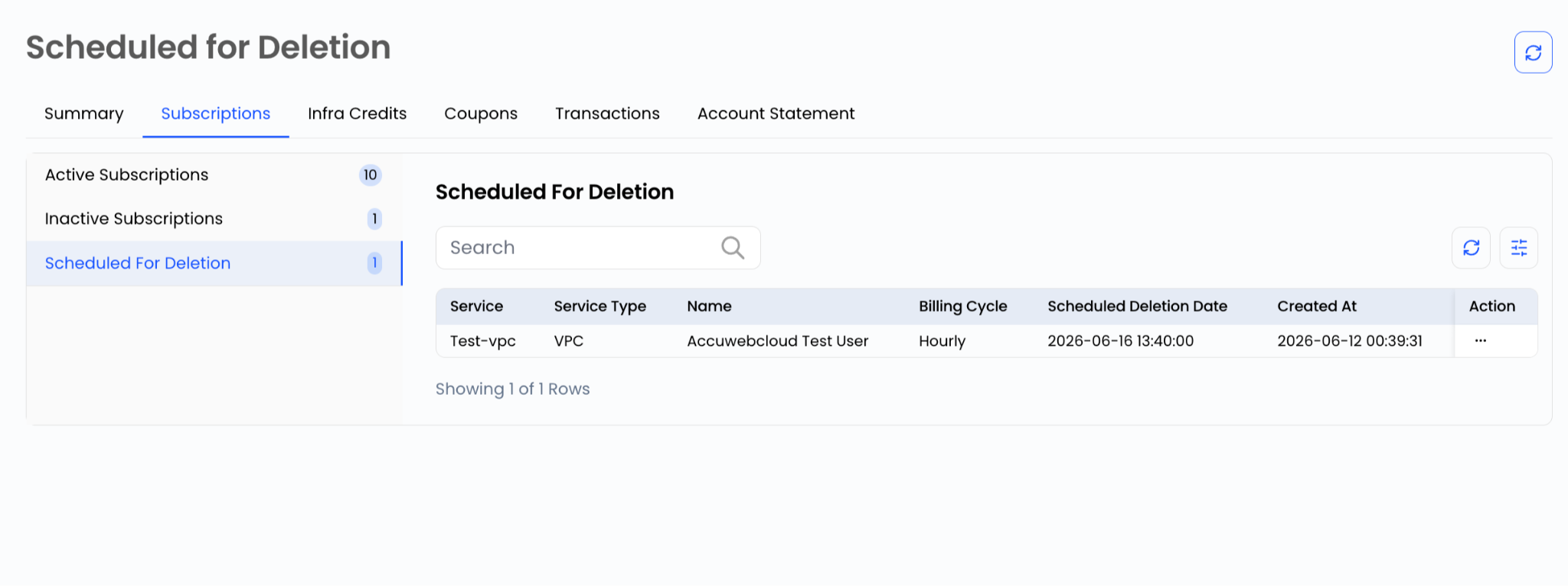
Services marked as Scheduled for Deletion are pending removal from the platform.
These services:
- Are scheduled for termination
- Will be removed automatically
- Will no longer generate future billing charges
- If needed, you can cancel the deletion request and revert the service back to an active state before it is permanently removed.
Summary
The Subscriptions section in AccuWeb.Cloud provides a centralized view of all subscribed services. By monitoring subscription statuses, users can efficiently manage cloud resources, track service availability, and maintain control over billing activities.
Still don’t have an account?