
How to Manage an Existing Environment in AccuWeb.Cloud?
An environment in AccuWeb.Cloud represents a running application setup that includes compute resources, configurations, and associated services. Managing an existing environment allows users to control its lifecycle, monitor performance, and update configurations as needed.
This guide explains how to start, stop, restart, access logs, scale resources, and update configurations.
Accessing the Environment
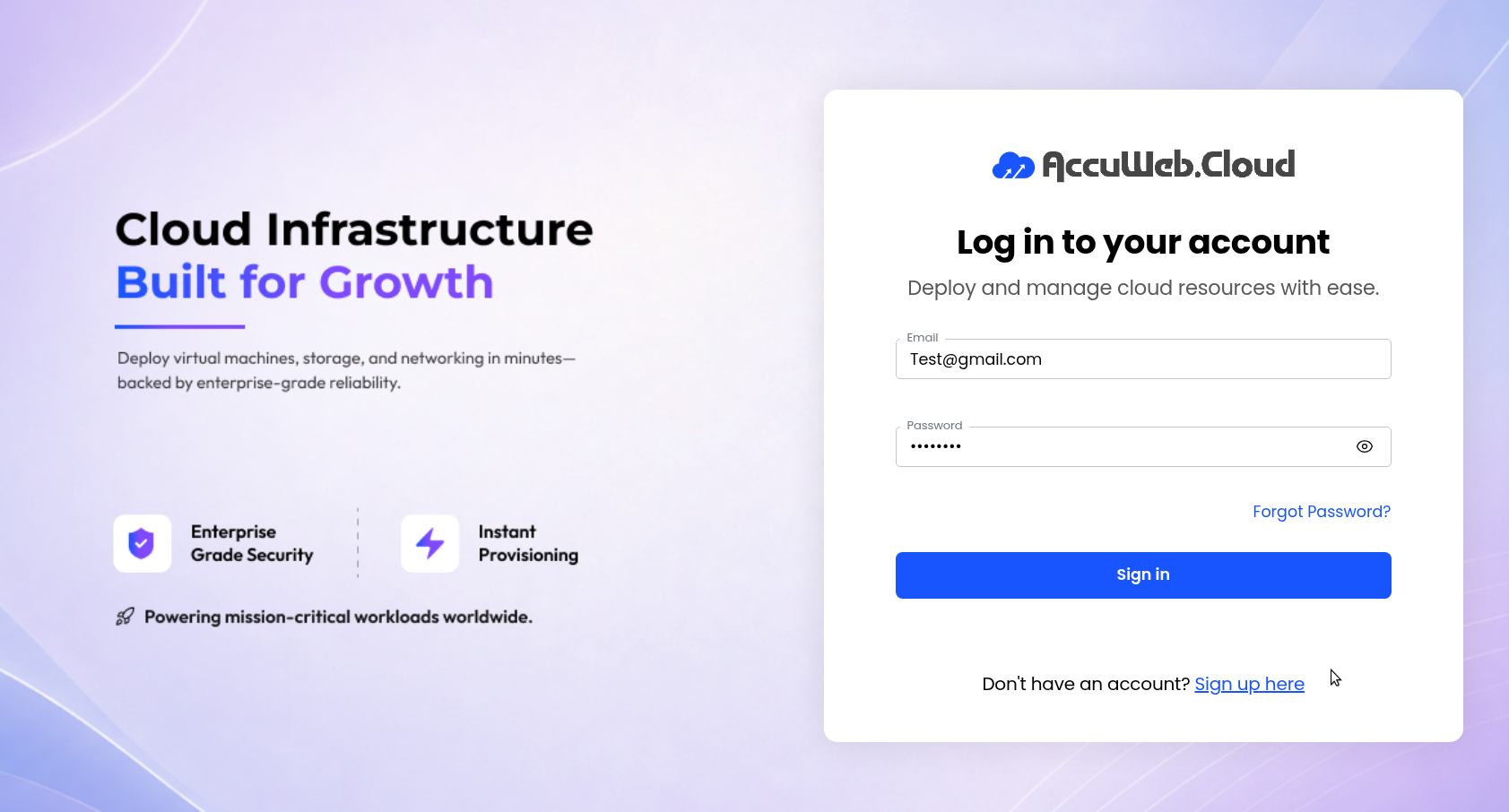
Step 1: Log in to the AccuWeb.Cloud Panel – https://manage.accuweb.cloud/
Step 2: Navigate to the instance from the dashboard.
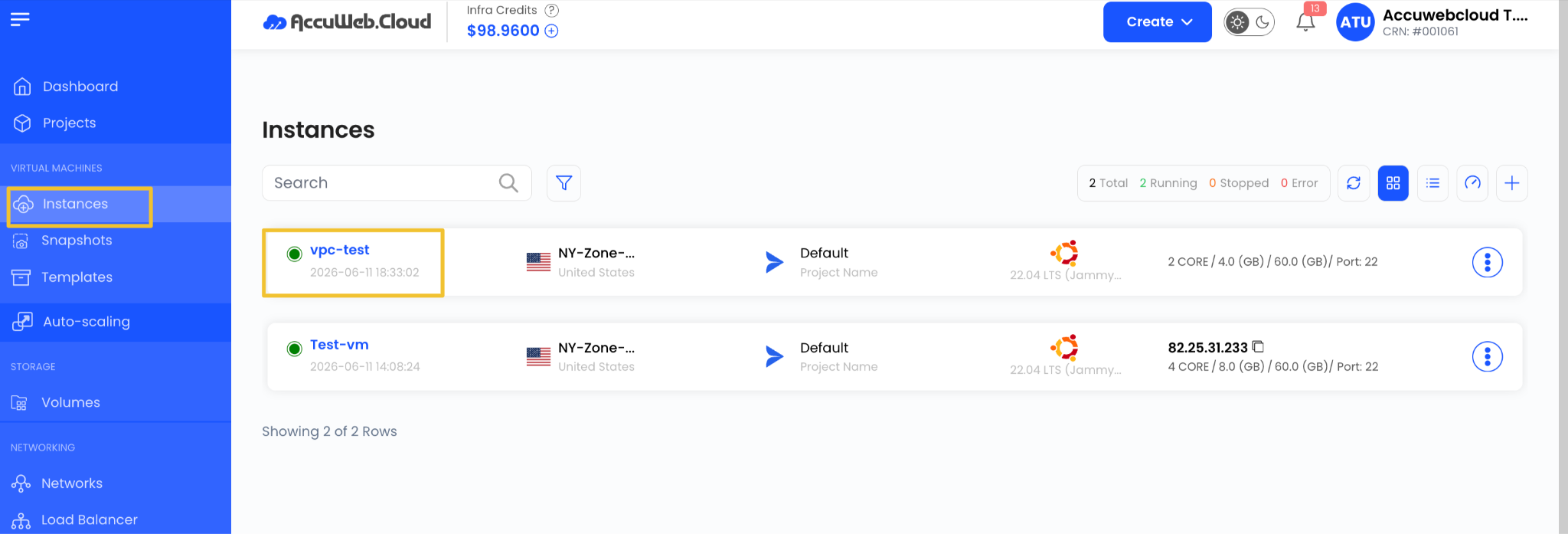
Step 3: Select the environment you want to manage.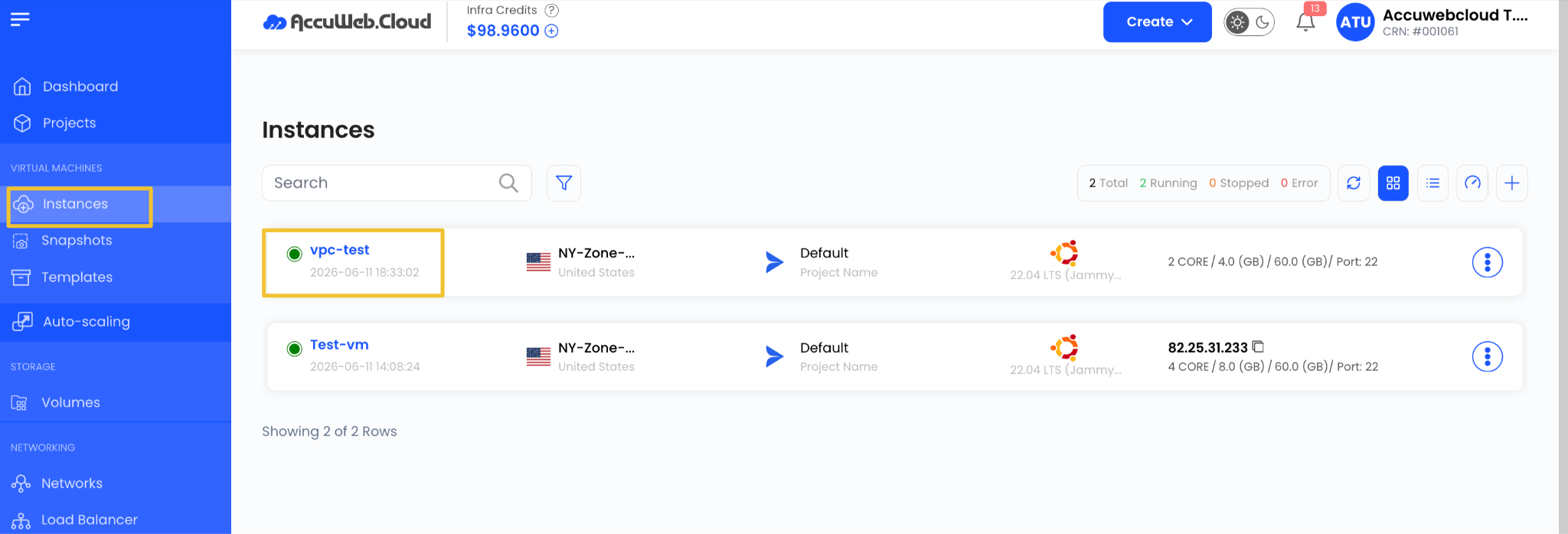
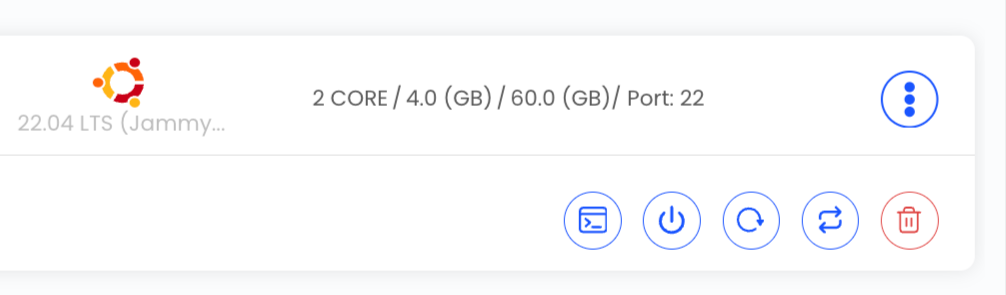
Step 4: Click on the three dots (⋮) menu next to the instance.

From the (⋮) menu, you can perform the following actions:
- Console Access
- Power Off
- Reboot
- Reinstall
- Destroy
Console Access
The Console option allows you to:
- Access the instance terminal
- Run system commands
- Troubleshoot issues directly
- Manage configurations without SSH

Power Off
Safely power off the instance without deleting it. The instance can be powered on later.

Reboot
Restart the instance without changing its configuration. Useful for applying updates or resolving issues.

Reinstall Instance
Reinstalling an instance will:
- Format the existing system
- Install a fresh OS
- Remove all stored data
Use this option only when a clean setup is required.

Destroy Instance
Destroying an instance will:
- Permanently delete the VM
- Remove all data and configurations
- Stop billing for that instance

Conclusion
Managing an instance in AccuWeb.Cloud is done through the three-dot (⋮) menu, which provides quick access to console, reboot, power management, reinstall, and destroy options. These controls help users efficiently manage and maintain their cloud infrastructure.
Still don’t have an account?