
One-Click MariaDB Hosting & Deployment on AccuWeb.Cloud
Setting up a database server manually can take time and effort. With MariaDB Hosting on AccuWeb.Cloud, the one-click MariaDB app handles the installation and basic configuration for you. Once you click Deploy, you can start creating databases within a few minutes.
It’s a simple way to get MariaDB ready for websites, web applications, and development or testing environments without the hassle of a lengthy manual setup.
Deploy MariaDB in One-Click
Step 1: Go to the AccuWeb.Cloud login page, sign in, and the main dashboard will open.
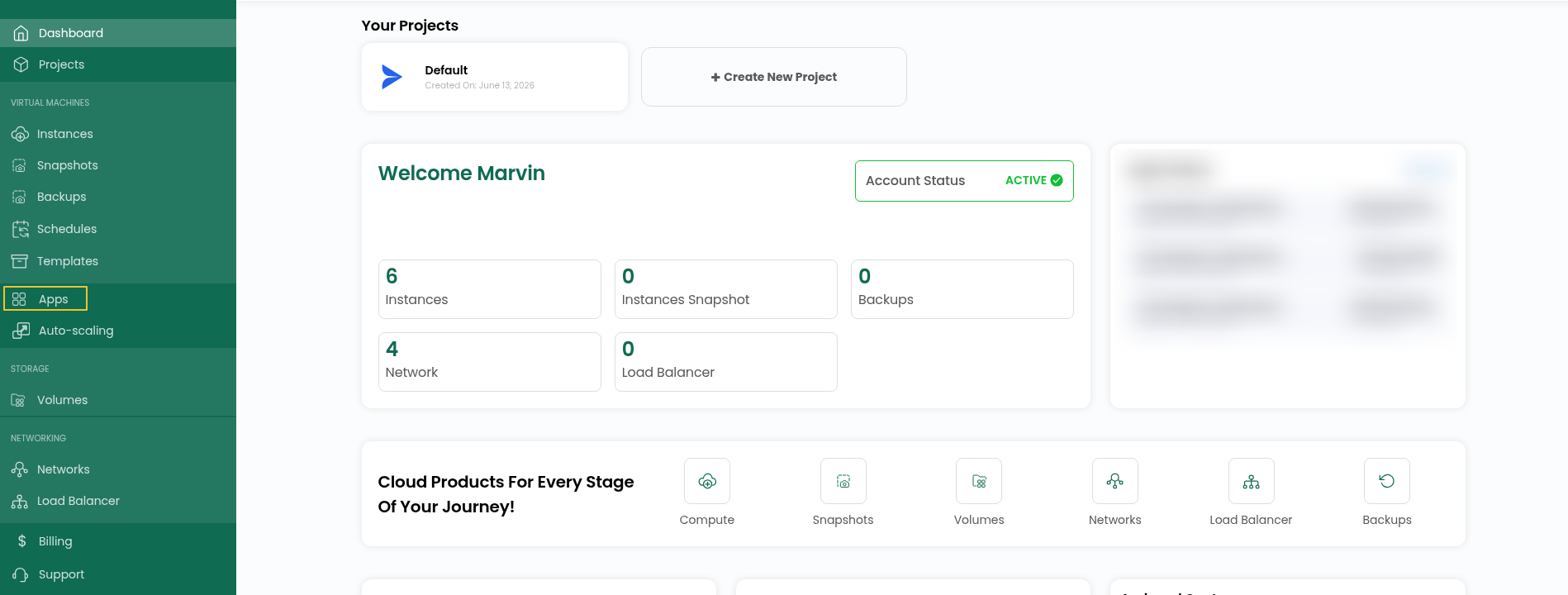
Step 2: From the main screen, head to Apps in the left-hand navigation to see what you can install.
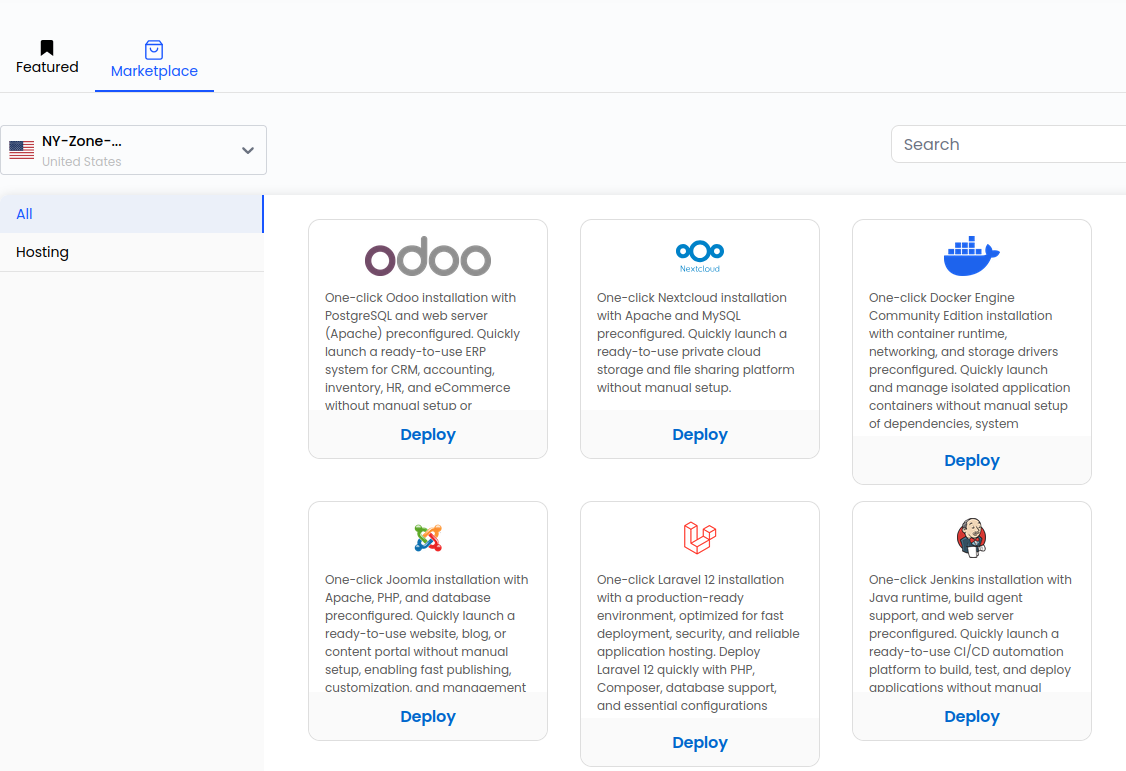
Step 3:Inside Apps, click Marketplace. You’ll see every app that can be deployed in one go.
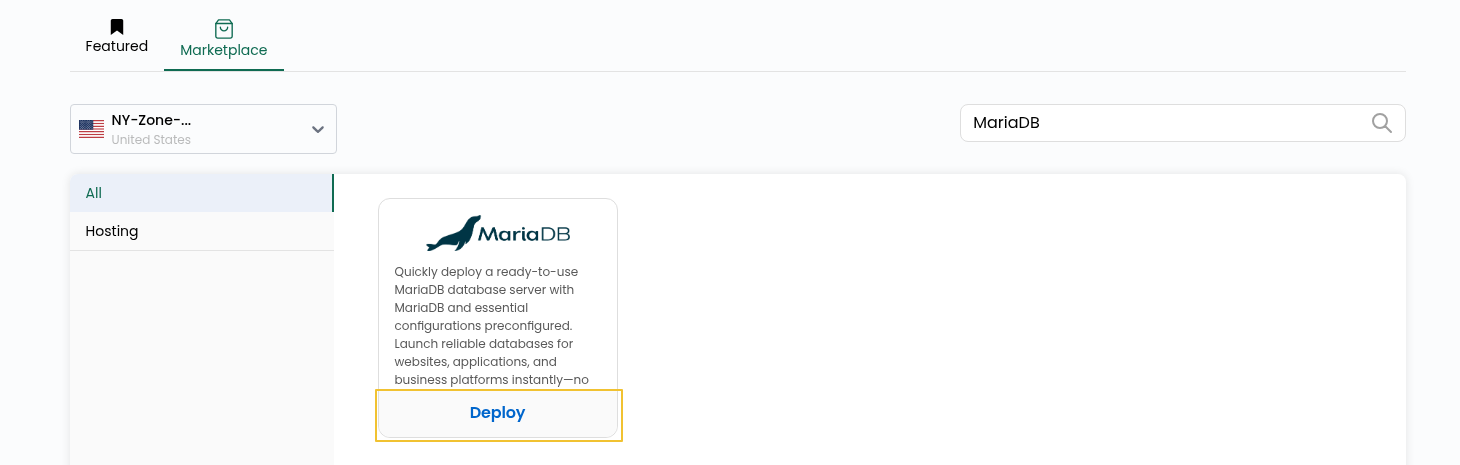
Step 4: Search for MariaDB and click Deploy.
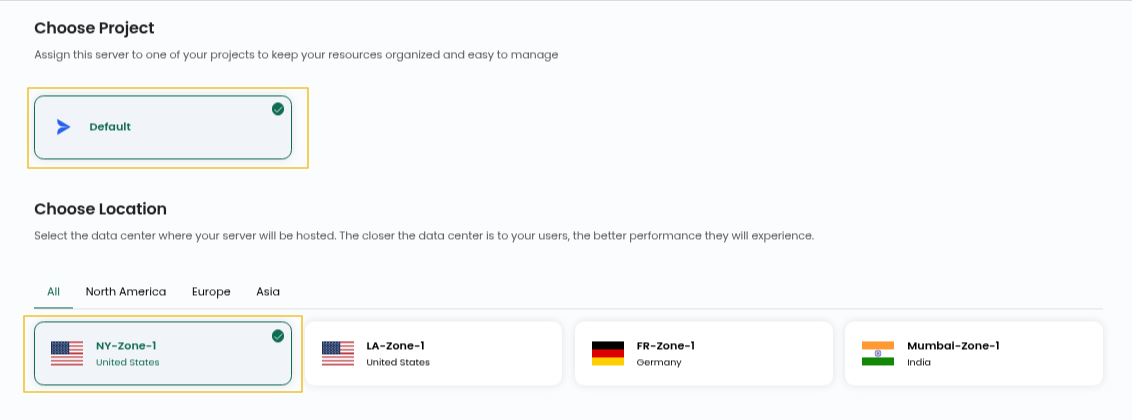
Step 5: Pick the project and location (zone) where you want your MariaDB server to live.
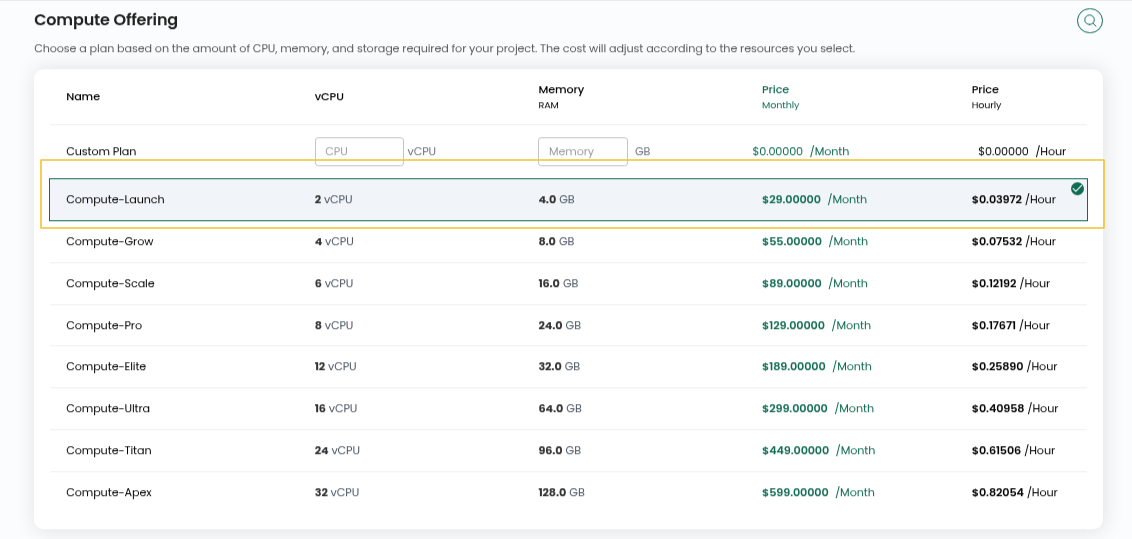
Step 6: Select a compute plan. Go with more CPU and RAM if you expect heavy queries or many connections, or a smaller plan for testing.
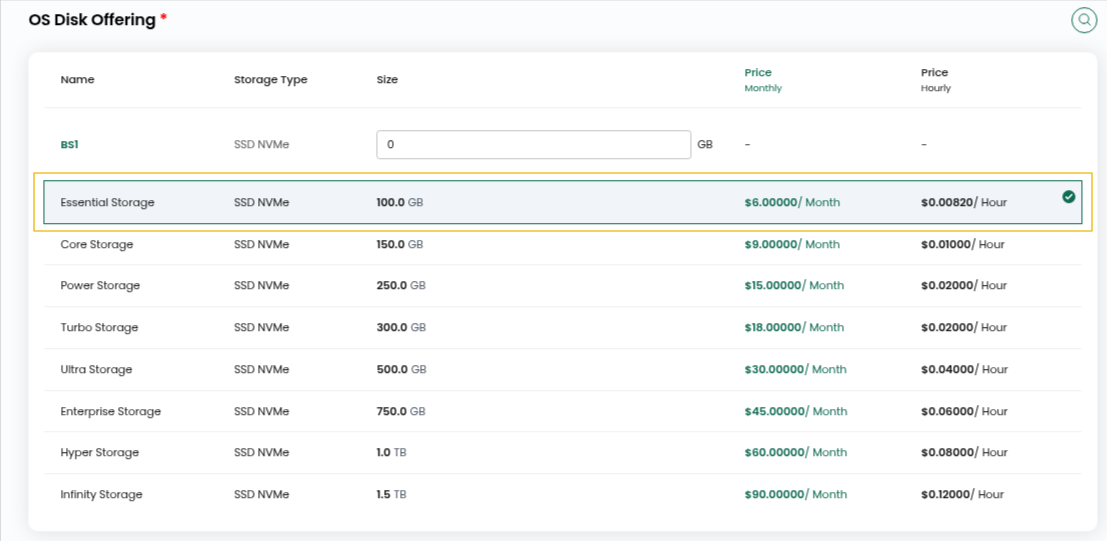
Step 7: Choose an OS Disk Offering for the root disk, then pick the Network the instance should connect to.
Step 8: Enter a Server Name and Hostname for your MariaDB server.

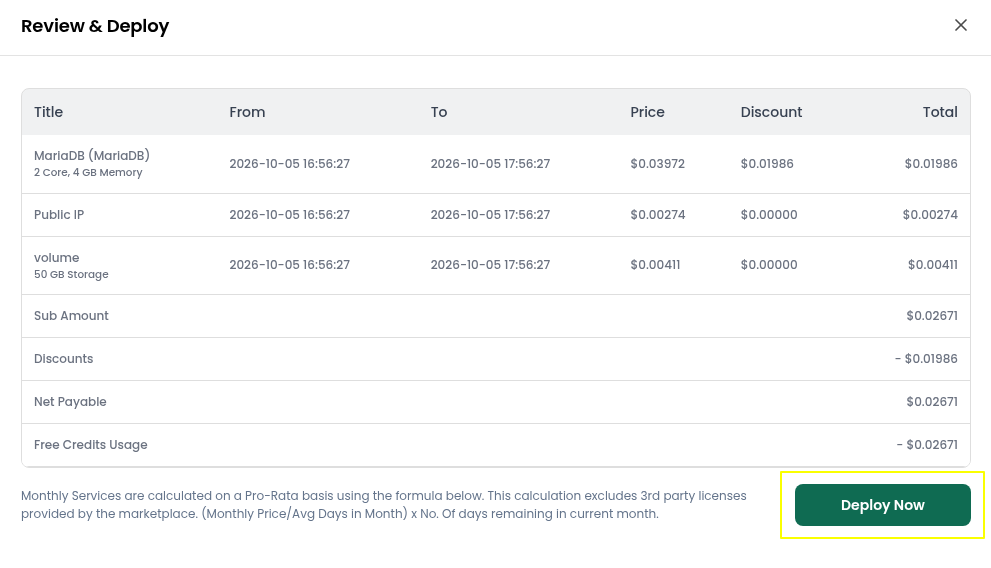
Step 9: Under billing, select Hourly if you need the instance for a short time, or Monthly for long-term use. After that, click Review & Deploy.

Step 10: Go over the configuration you’ve chosen to make sure everything is correct, then hit Deploy Now.
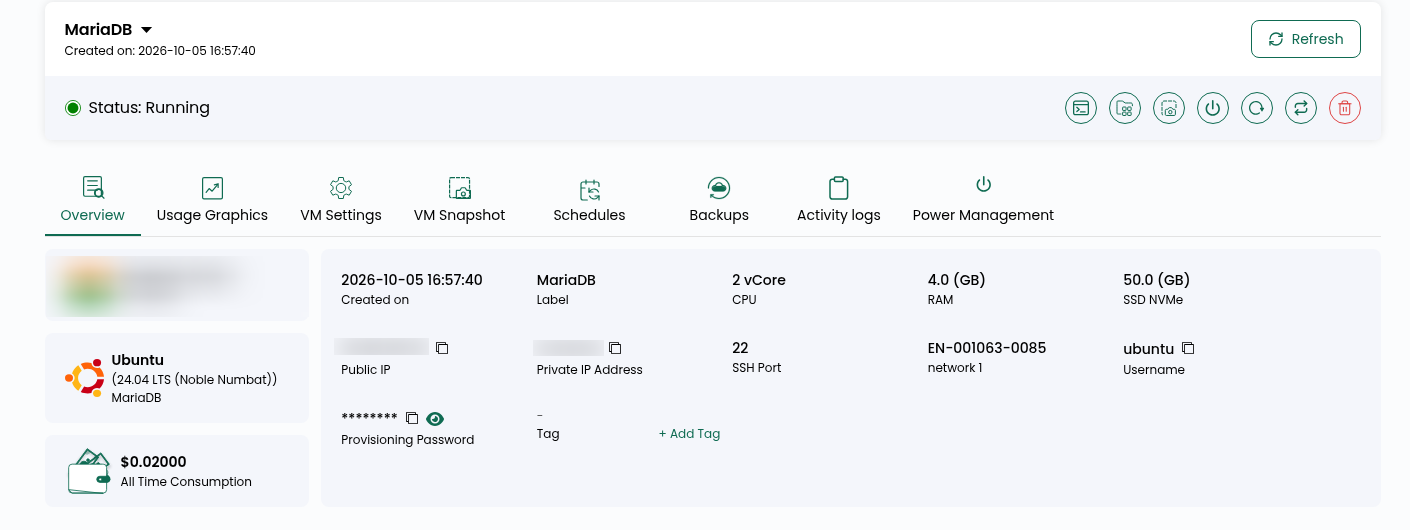
Step 11: Give it a few minutes. Wait until your instance shows “Running” in the list. That means MariaDB is installed and ready.
Step 12: An email with your MariaDB access details will arrive in your inbox. Keep it handy, since the same details are also stored on the server.
File path: /root/logindetails.txt
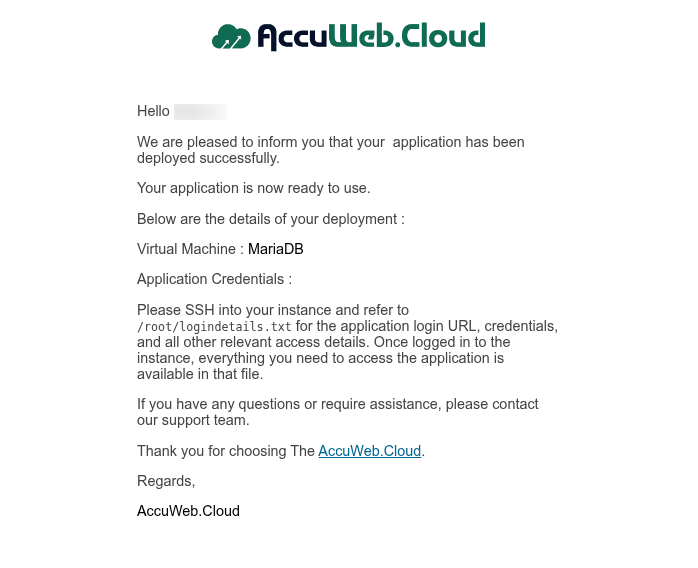
Step 13: To log in to your MariaDB server, you’ll need your server IP, username, and password.
ssh user@IP
sudo -i
cat logindetails.txt
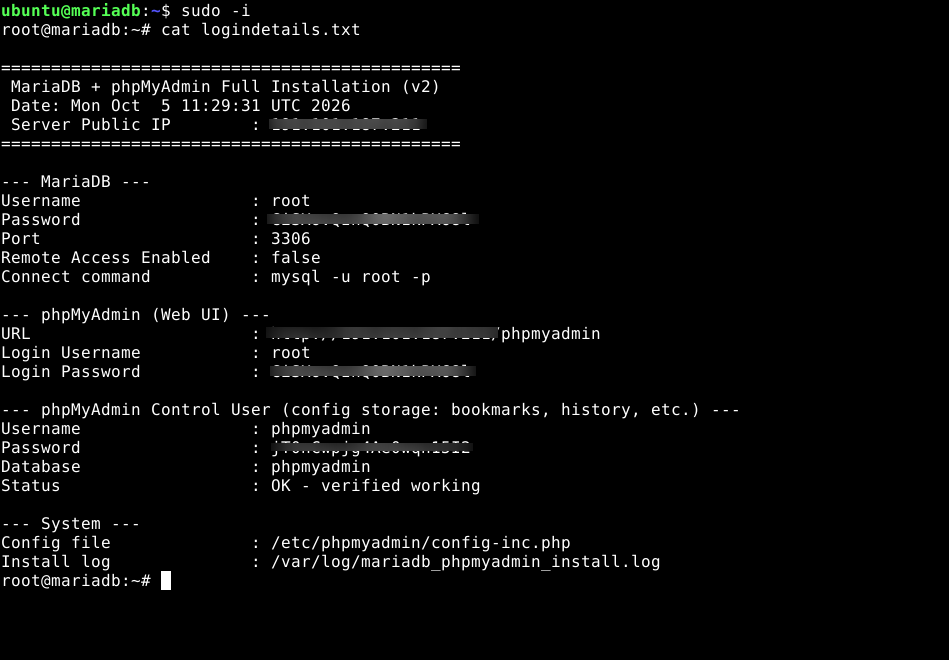 Step 14: Open the logindetails.txt file and copy phpmyadmin url. Paste it in your browser.
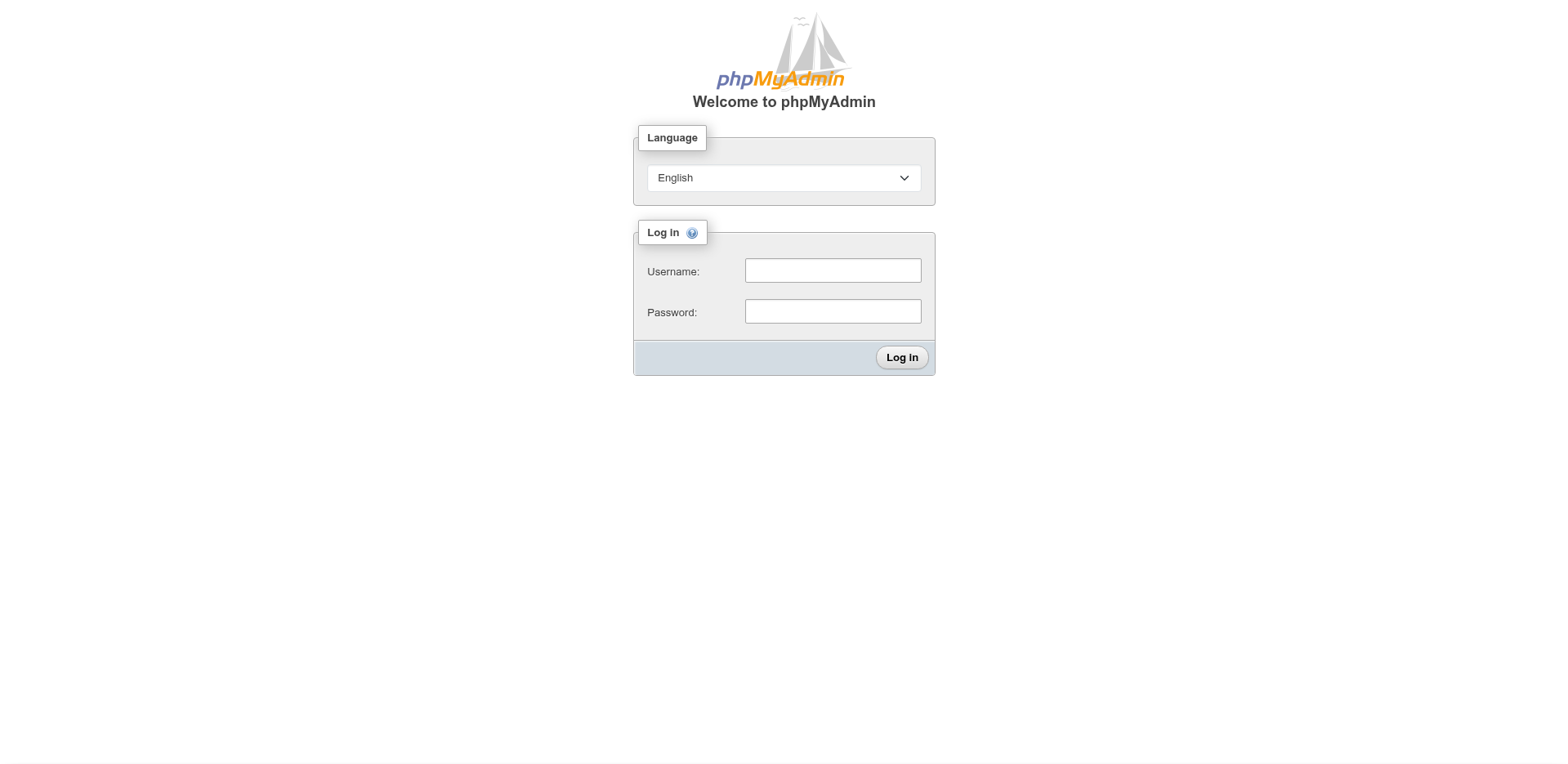 Step 15: Back in the browser, enter the phpMyAdmin username and password from logindetails.txt. Copy and paste them so you don’t mistype anything.
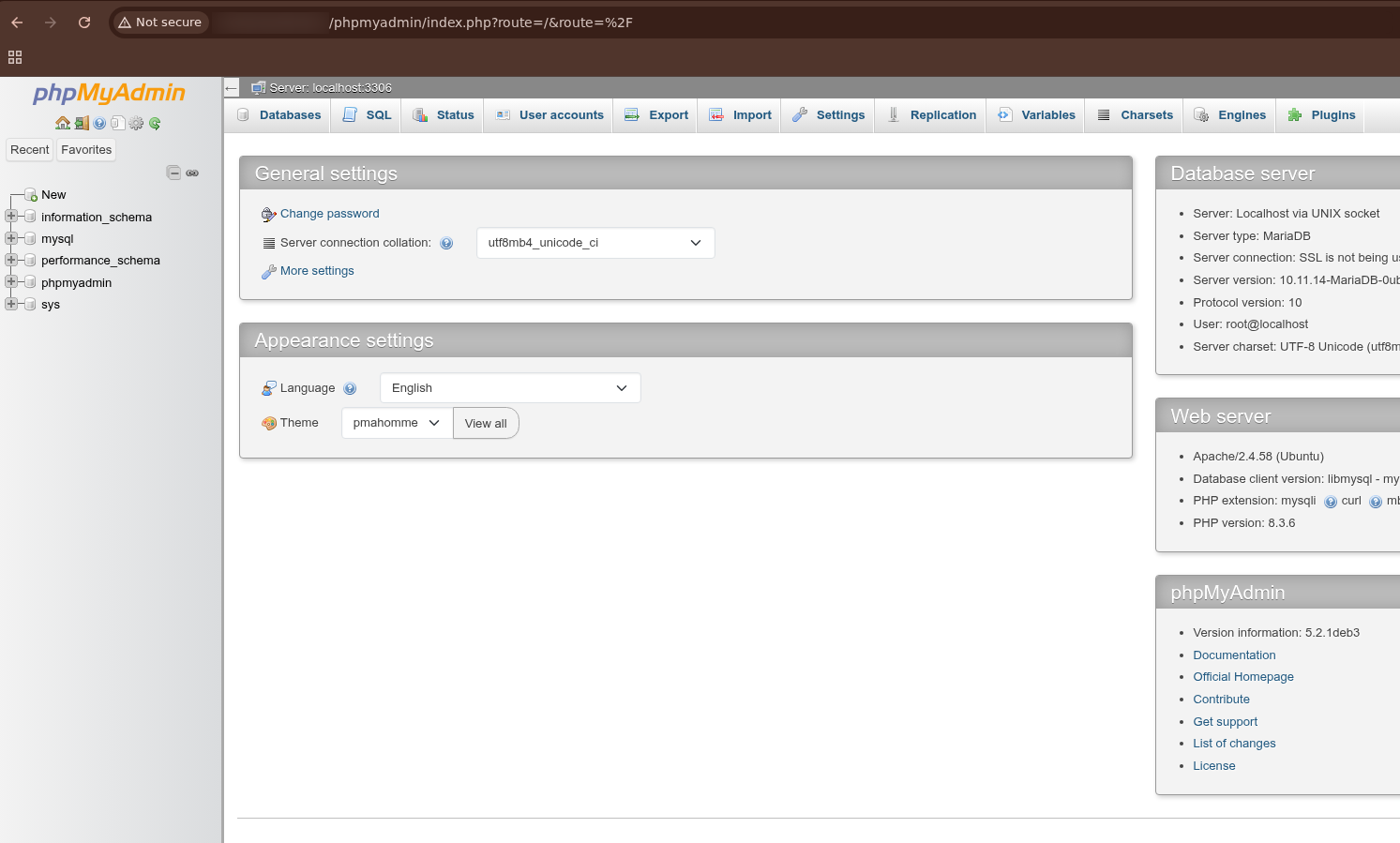
Conclusion
That’s all it takes. Your MariaDB Hosting instance is now up and running on AccuWeb.Cloud, ready for you to create databases, add users, and connect your applications. With the installation and basic configuration handled automatically, you can get started without going through a lengthy manual setup.