
One-Click Go Hosting Deployment
Launch Go Hosting in one click with AccuWeb.Cloud and deploy your Golang applications on scalable cloud infrastructure.
The setup takes care of the required server configuration and Go installation, so you can start building and running applications within minutes. AccuWeb.Cloud makes Go hosting simple. Choose Go, set your resources, and hit create. Once the deployment is finished, Go will be ready to use.
Deploy Go Hosting in One-Click:
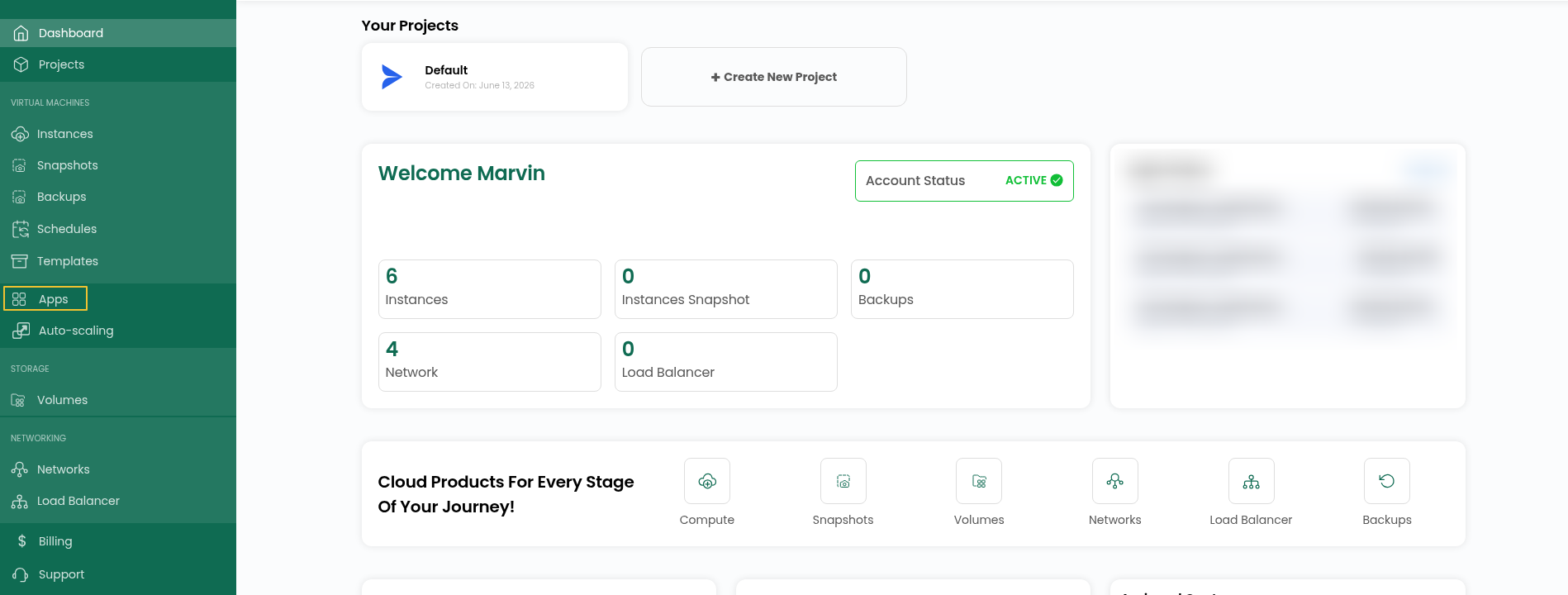
Step 1: Log in to your AccuWeb.Cloud account and open the dashboard.
Step 2: Once you are on the dashboard, go to Apps to view the available applications.
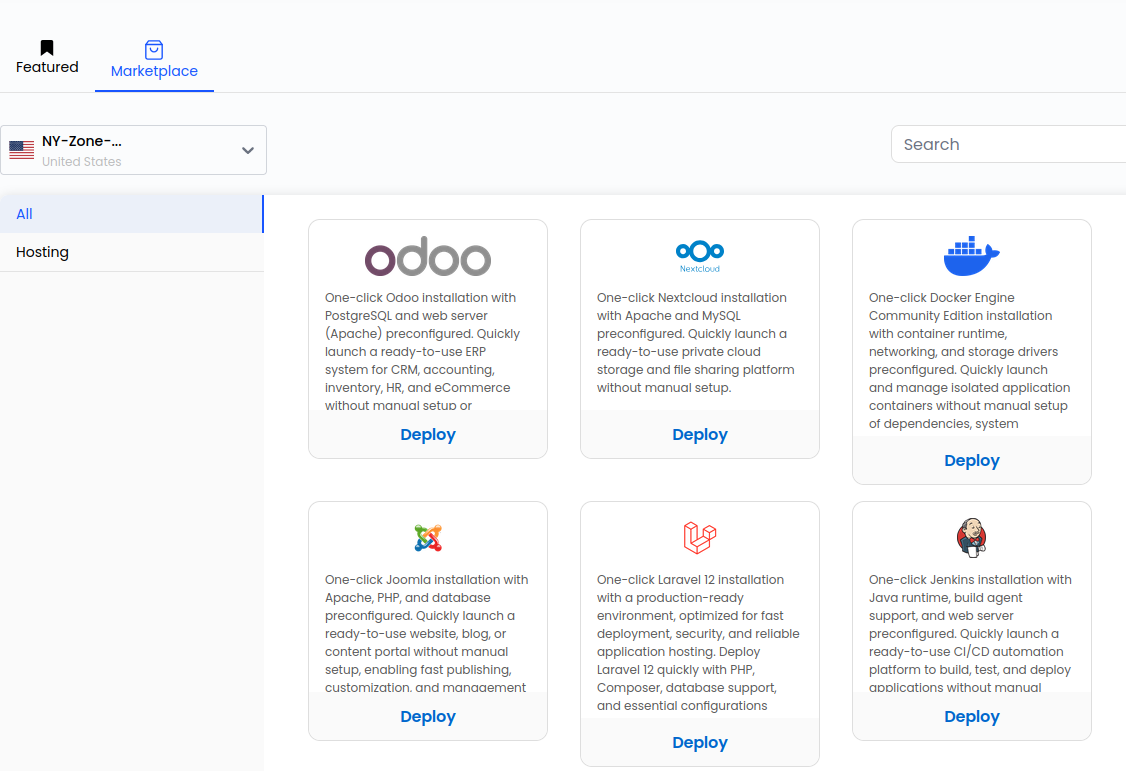
Step 3: Go to Apps and open Marketplace to browse the applications available for deployment.
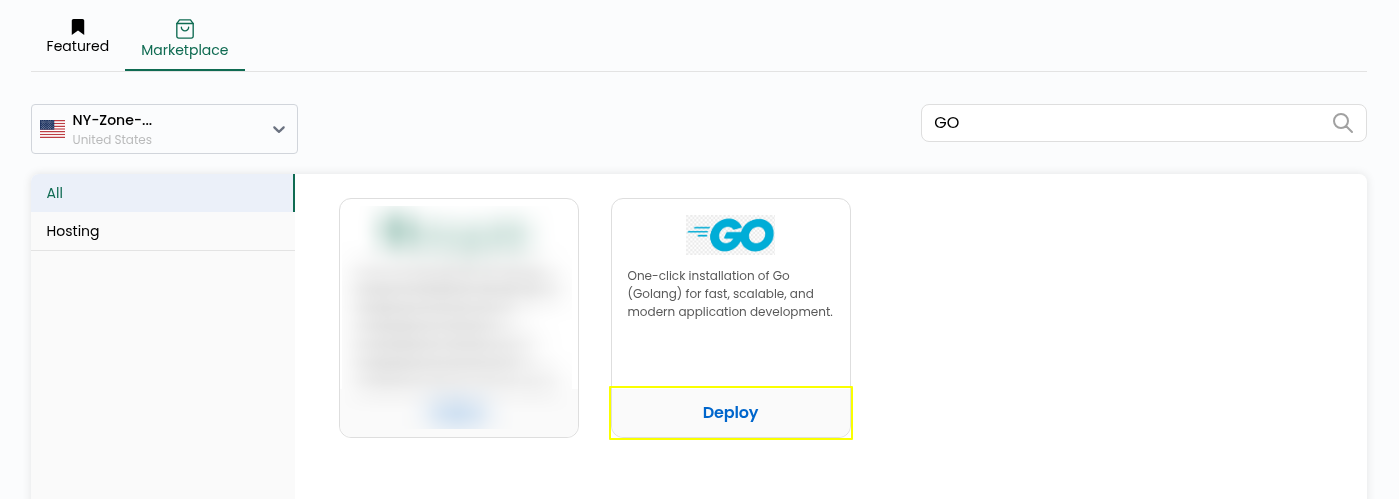
Step 4: Find Go in the Marketplace and click Deploy to start the deployment process.
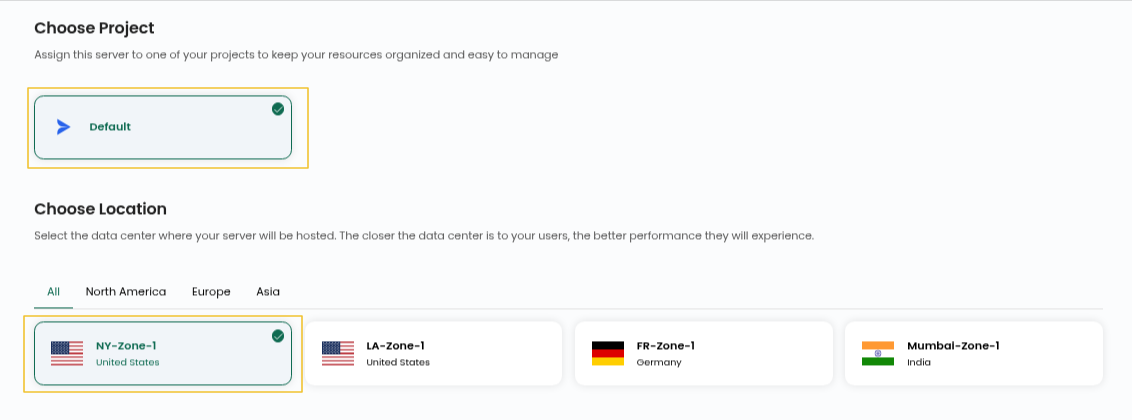
Step 5: Pick the Project and Location for your Go server.
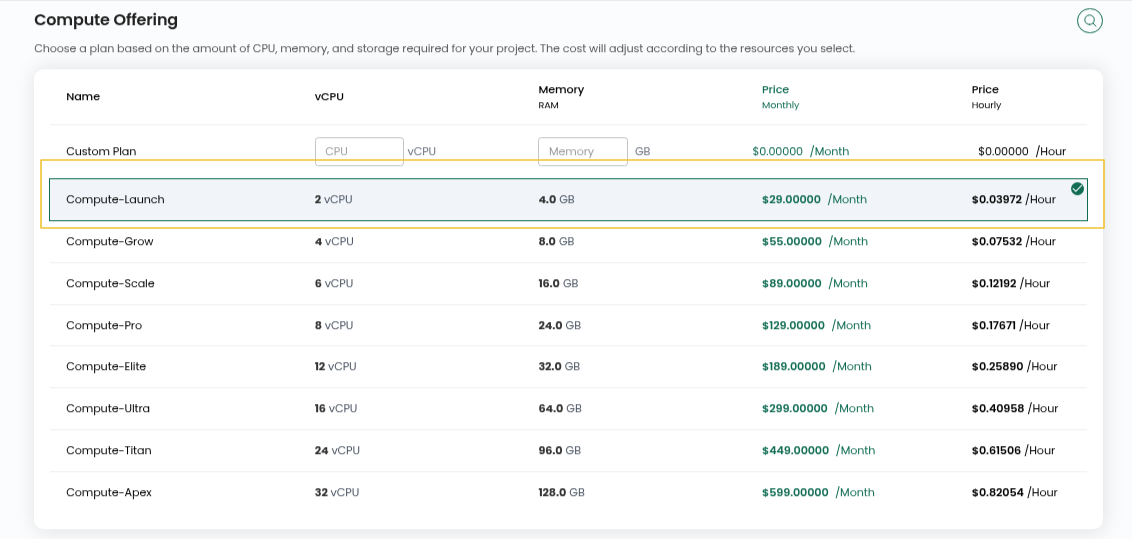
Step 6: Choose the compute option for your instance.
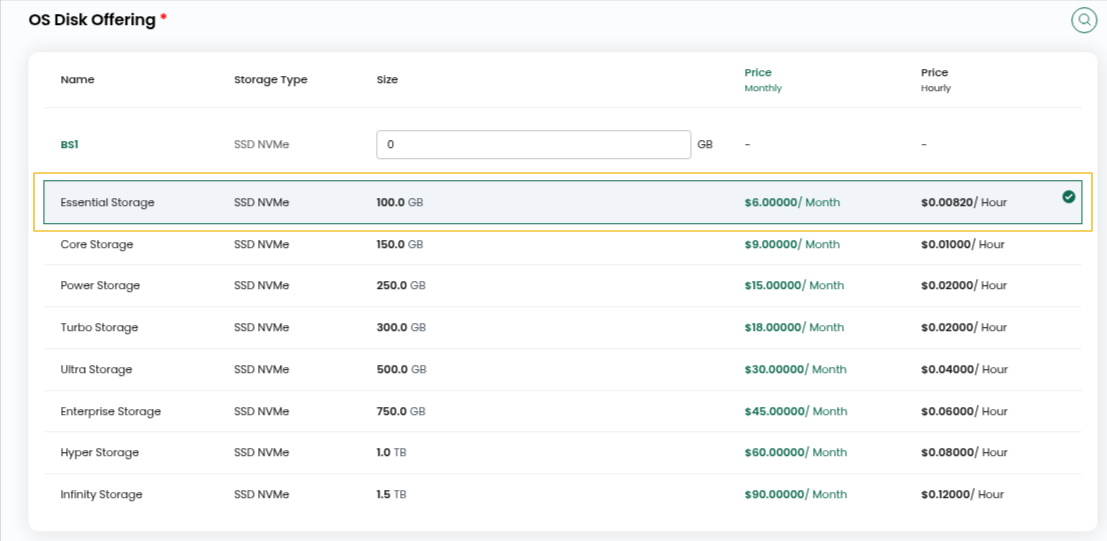
Step 7: Choose the OS Disk Offering and Network you want to use for the instance.
Step 8: Enter a Server Name and Hostname for your Go server.

Step 9: Select the billing option that works for you, Hourly or Monthly, then continue by choosing Review & Deploy.

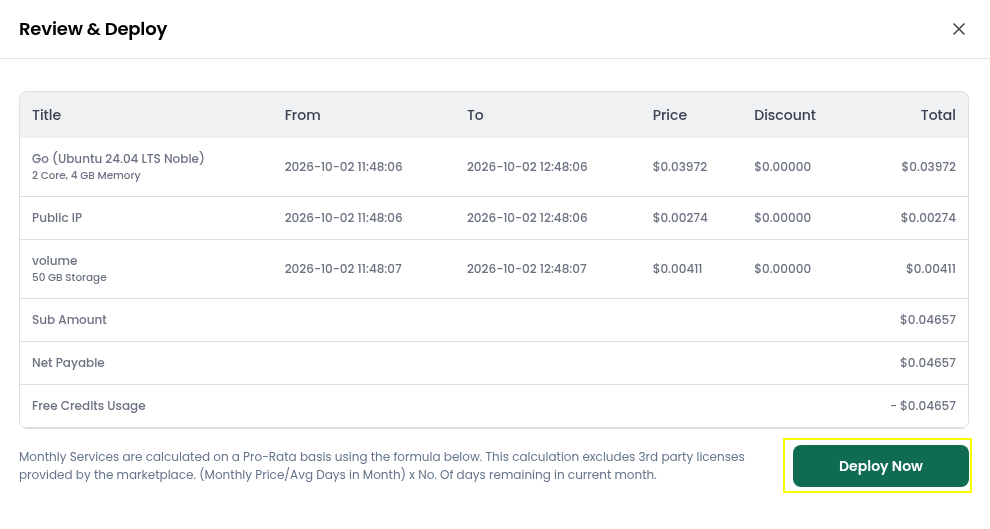
Step 10: Check the details you selected and click Deploy Now.
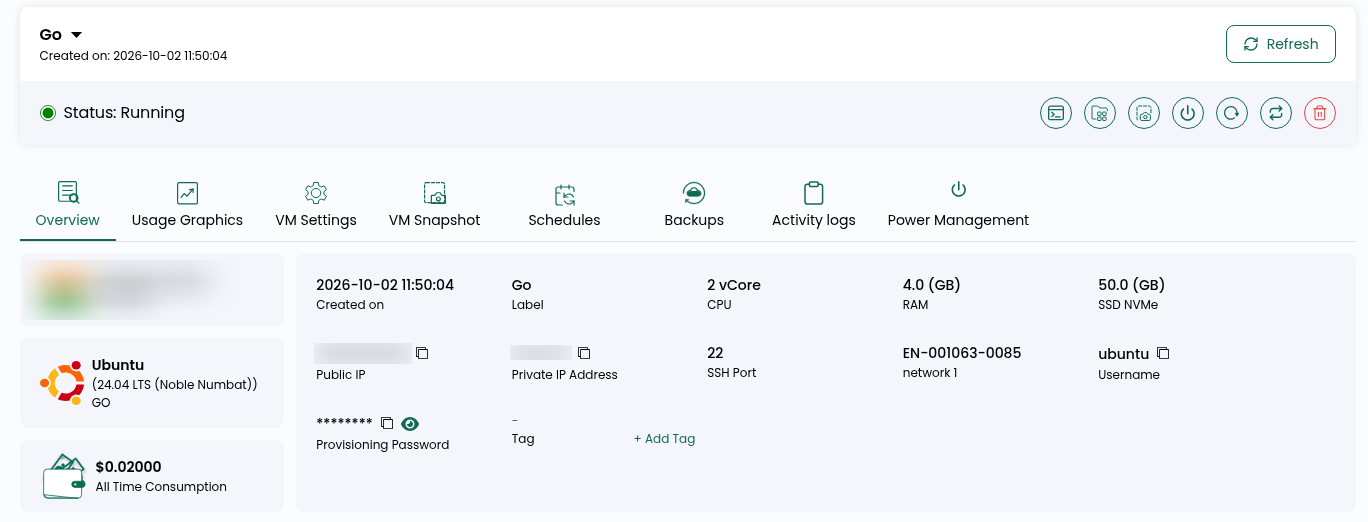
Step 11: After Go is installed, your instance will show Running in the list.
Step 12: You should have the Golang login details in your email. Please check there.
File path: /root/logindetails.txt
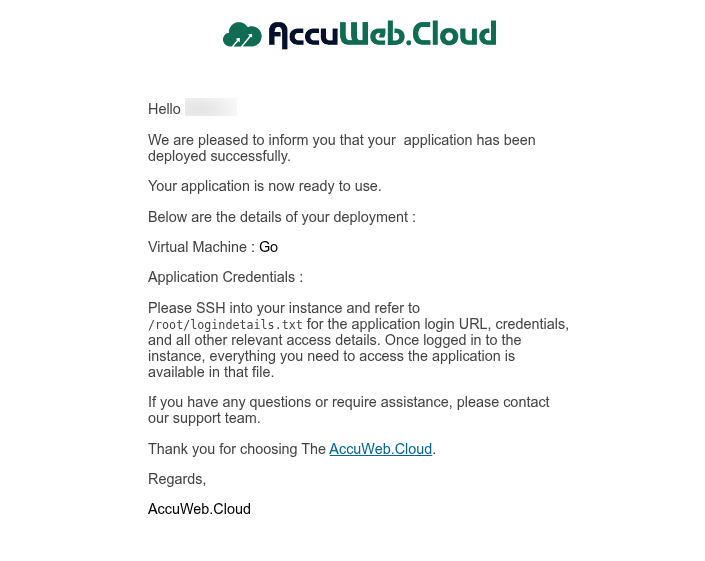
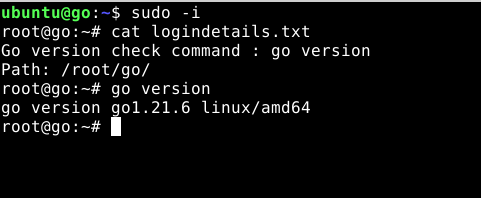
Step 13: Connect to your instance using the login credentials available on the instance overview page. After you connect, open that file and your Golang access details are inside.
ssh user@IP
sudo -i
cat logindetails.txt
Conclusion
The one-click deployment takes care of the Golang installation and basic setup, so you can start developing and running Golang applications without having to install everything manually.