
How to view Account Statements?
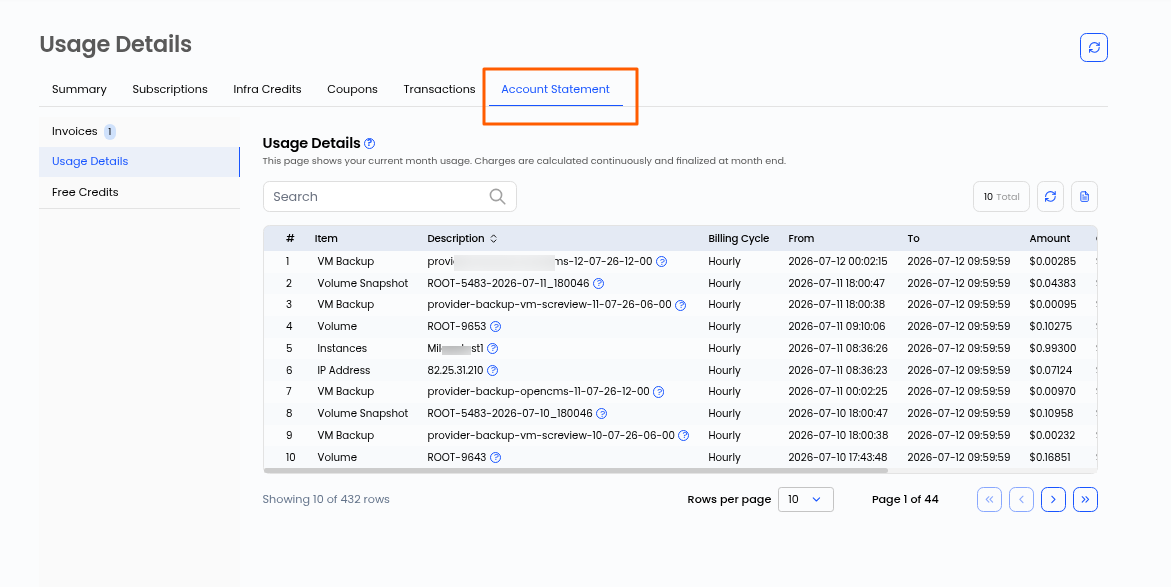
The Account Statement tab provides a financial document that offers a comprehensive summary of all transactions, payments, and usage details associated with an account over a specific period. It serves as a record of account activity, helping users track expenses, verify charges, and maintain transparency in billing.
Steps
- Log in to the user account.
- From the left-hand side menu, navigate to Billing.
- Click on the Account Statement to access it.
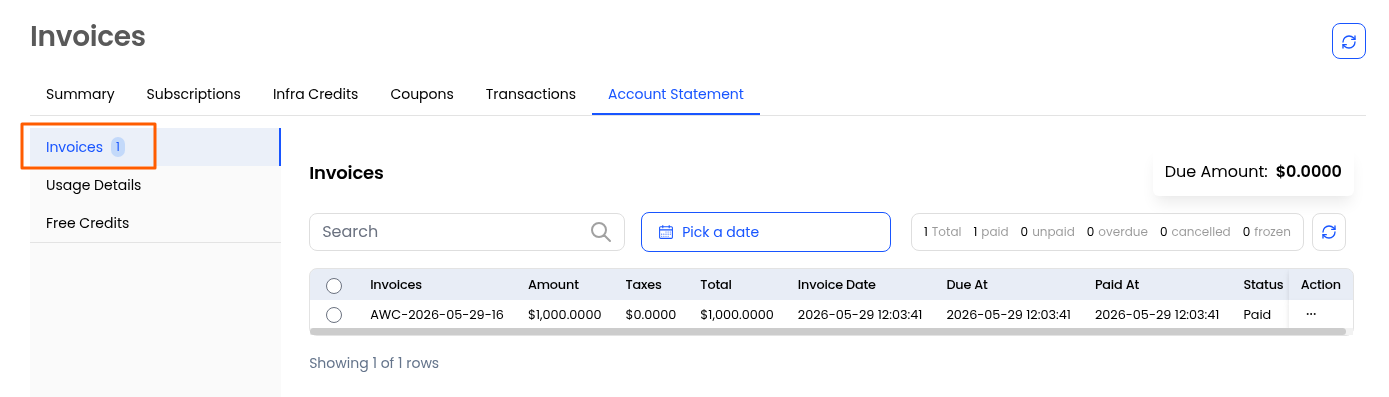
- Invoices: Represent billing documents for services used.
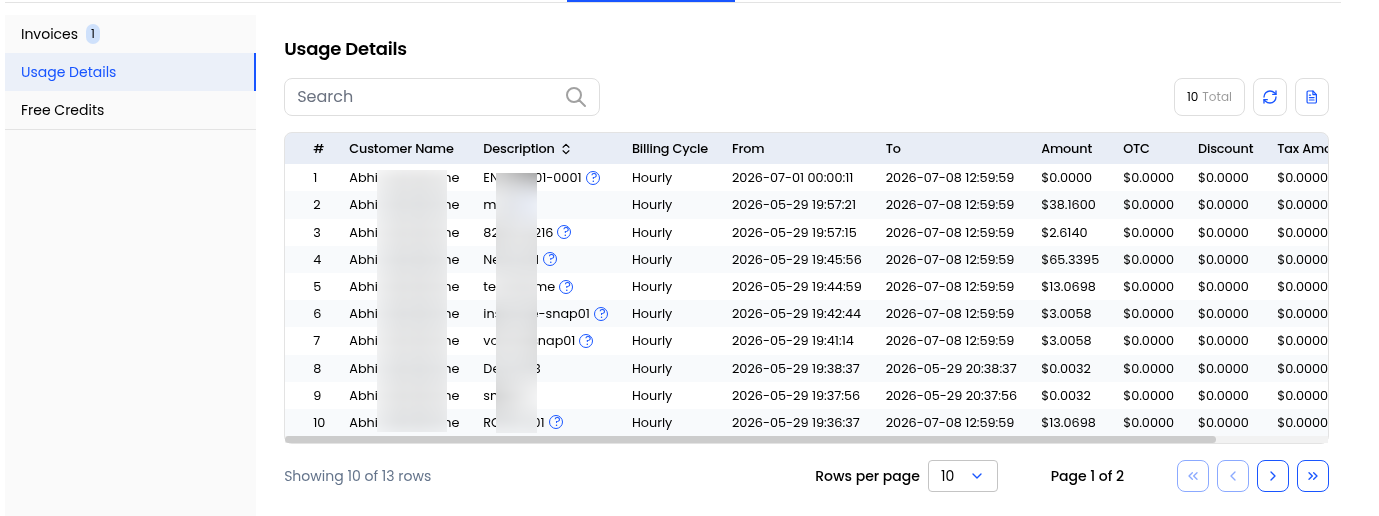
- Usage Details: Provide a breakdown of resource consumption.
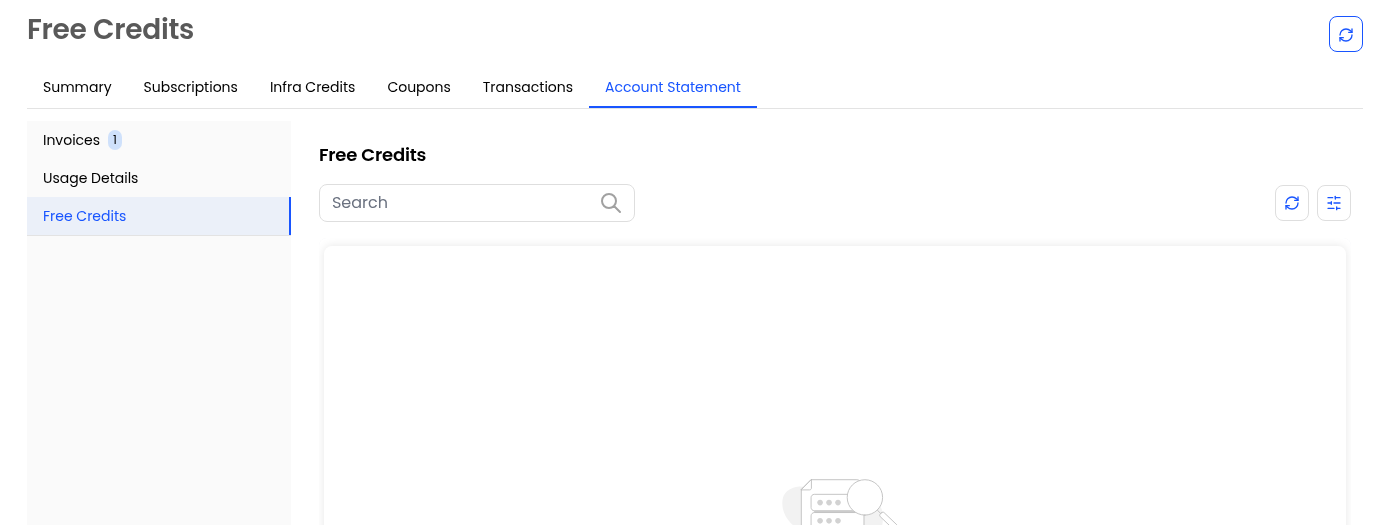
- Free Trials: Indicate trial-based services that may convert into paid subscriptions.
This way you can view the account statement.