
How to add Infra Credits for your clients?
The Infra Credits tab allows users to manage their payment preferences. Users can purchase Infra Credits by setting a payment method. To add Infra Credits, users simply enter the desired amount, and the corresponding charge is applied to the default payment method set in their account. This feature helps in maintaining a seamless billing experience without interruptions.
- In the Clients account dashboard, hover to the Billing section
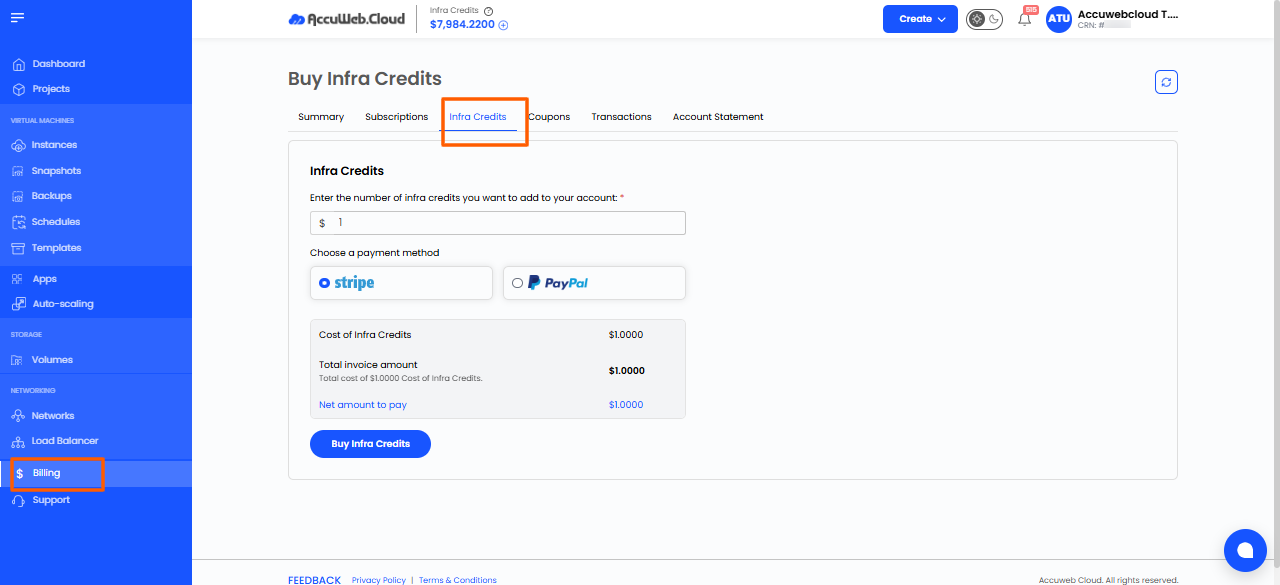
2. Enter the amount and select the payment method.
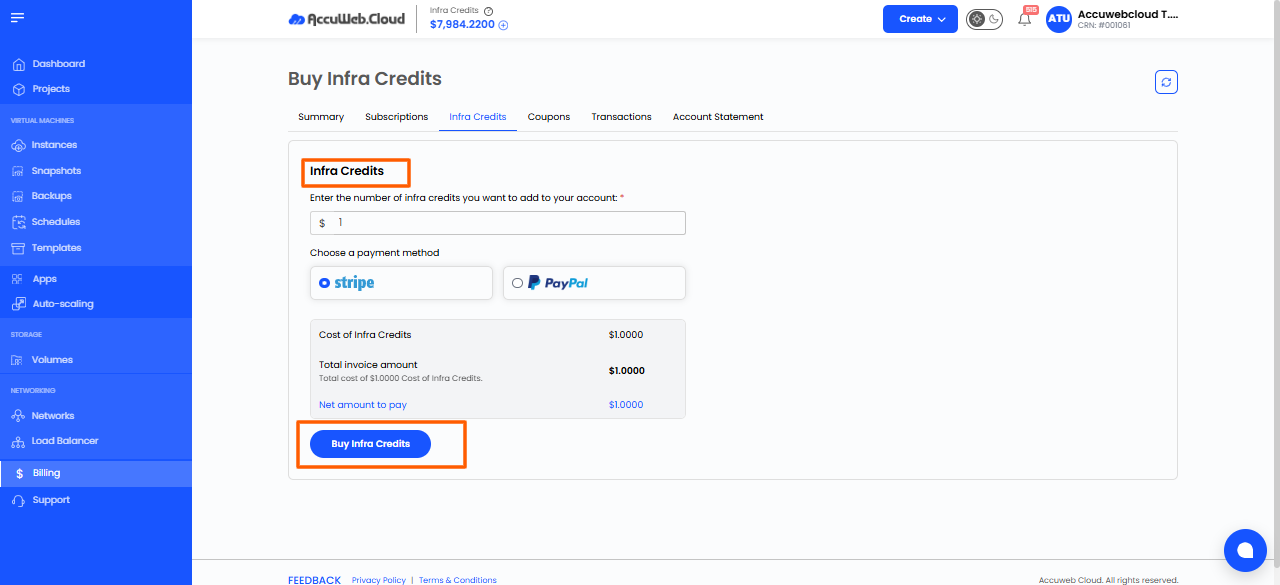
3. Then click on “Buy Infra Credits”
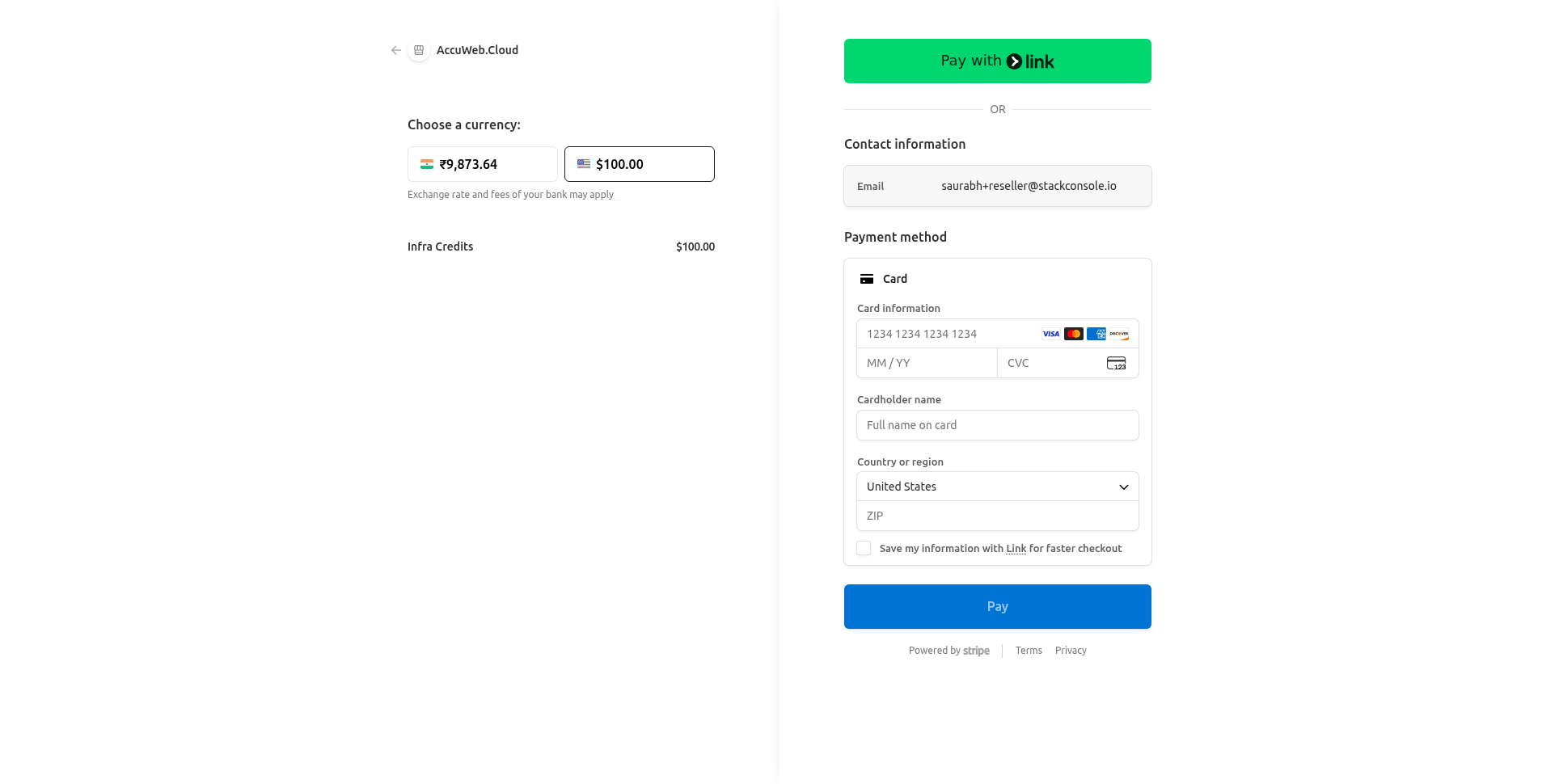
4. The Credits will be added to your account. Once you make the payment
5. After payment, if you face any issue, feel free to contact us anytime via chat, tickets, or email us at [email protected].
Haven’t registered yet?