
How to Check Activity Logs?
Overview
The Activity Logs section provides a history of actions performed within your reseller account.
Steps
- Log in to your Reseller Account.
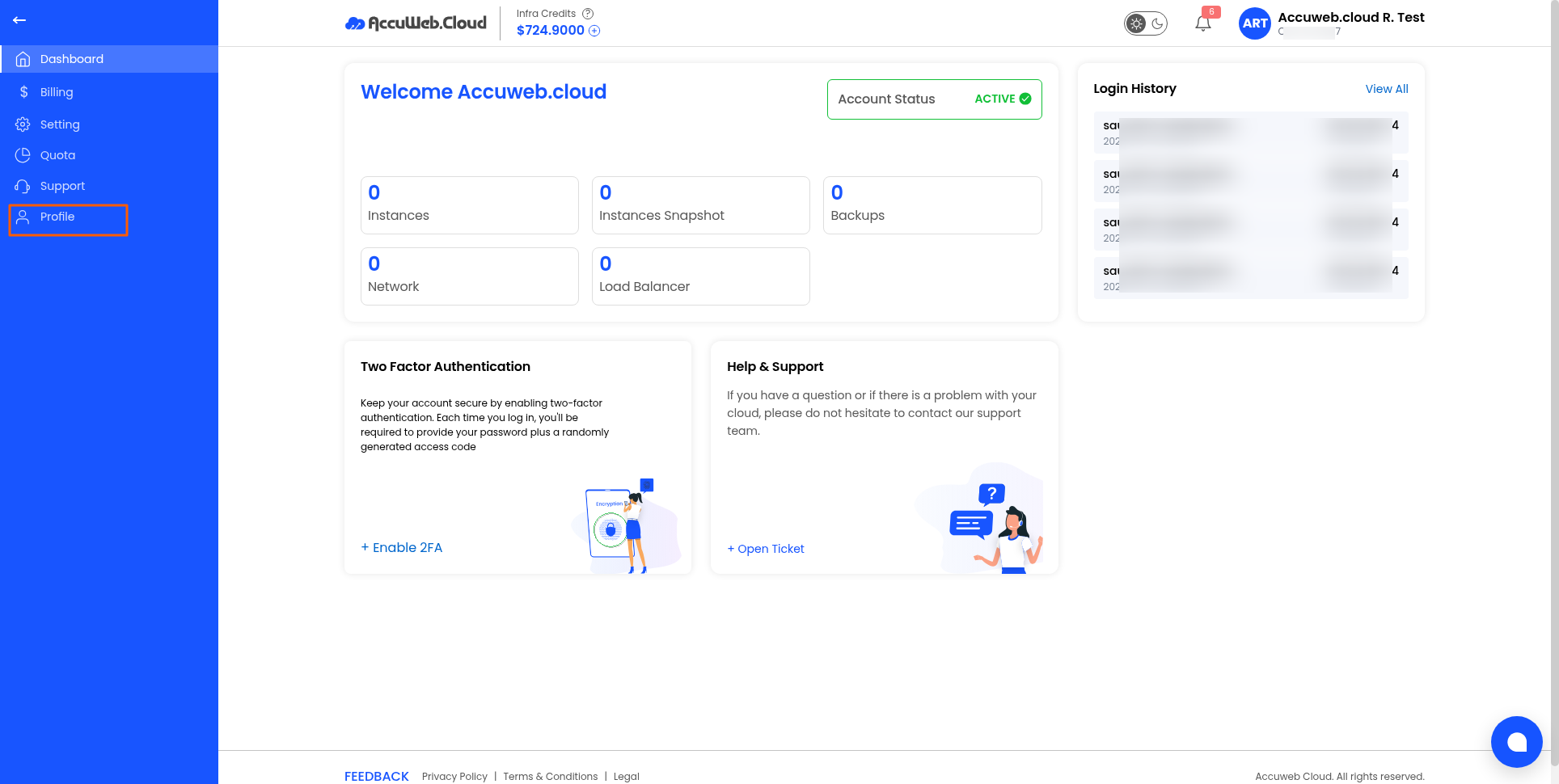
- Click Profile.
3. Open the Activity Logs tab.
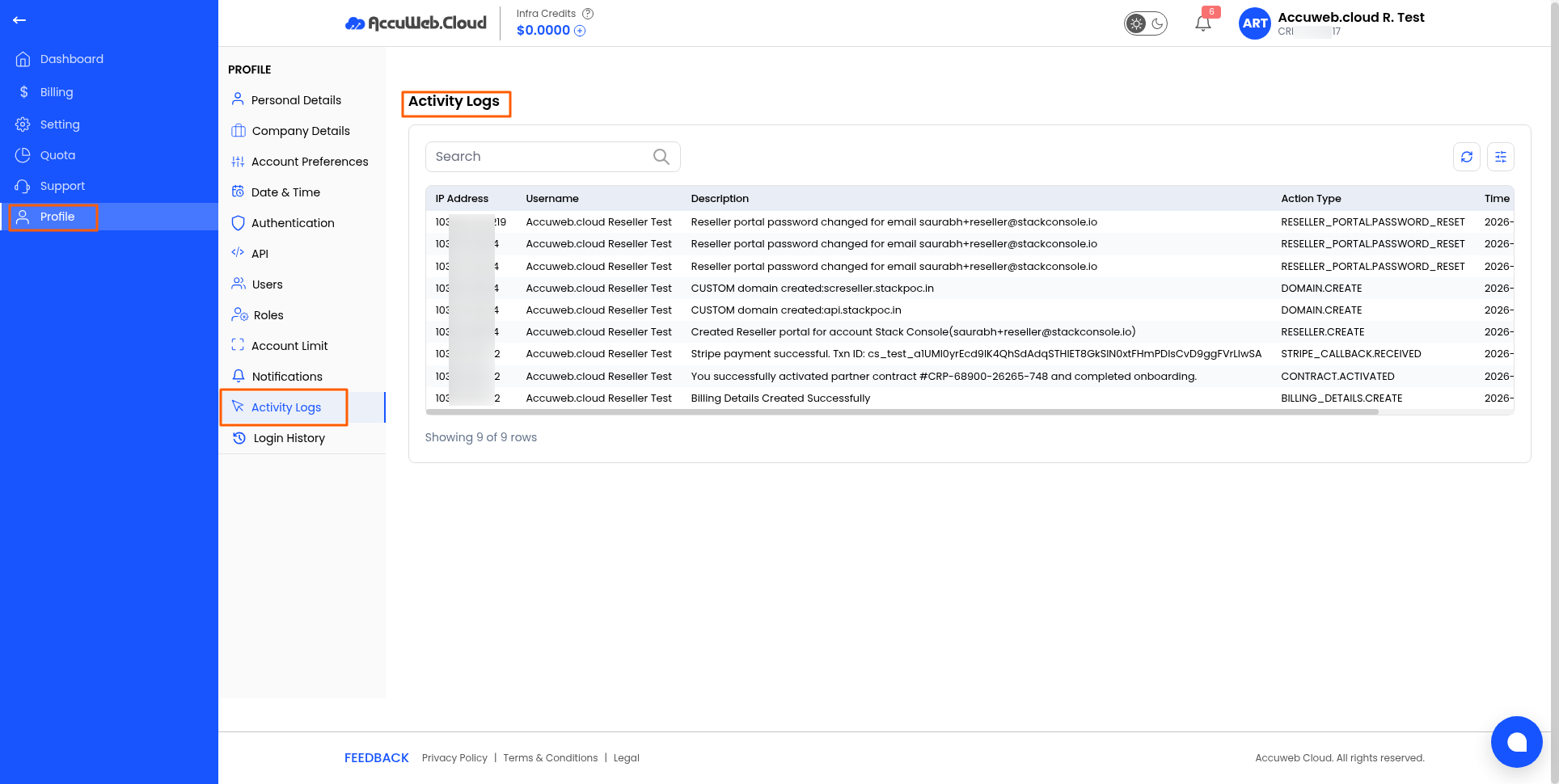
4. Review the recorded activities.
The logs may include:
- User actions
- Configuration changes
- Administrative activities
- System events
Note: Activity logs are useful for auditing and troubleshooting account changes.
Haven’t registered yet?