
How to Manage API Access?
Overview
The API section allows you to enable API access and manage your Personal Access Token for integration with the AccuWeb Cloud API.
Steps
- Log in to your Reseller Account.
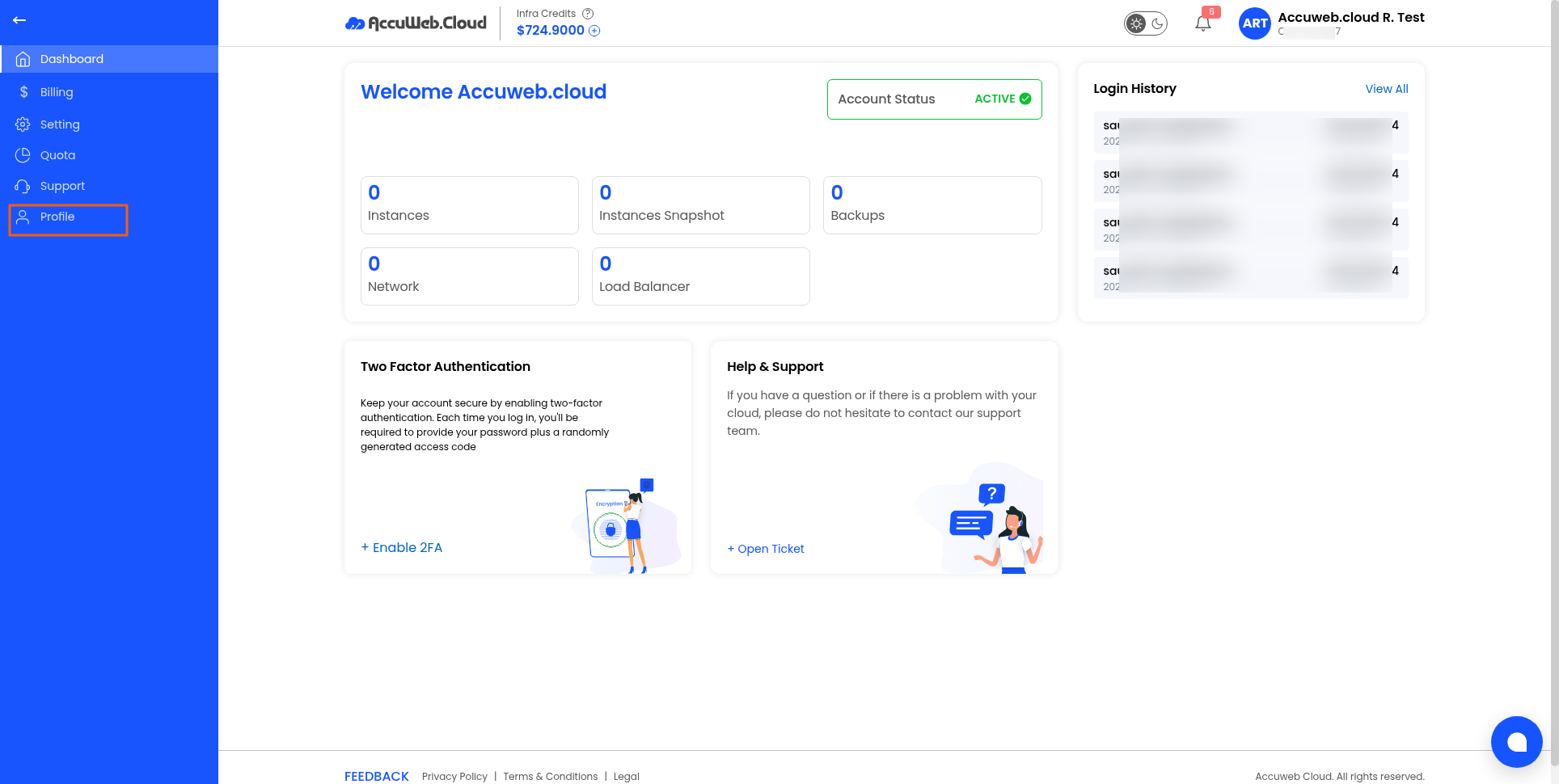
- Click Profile.
- Open the API tab.
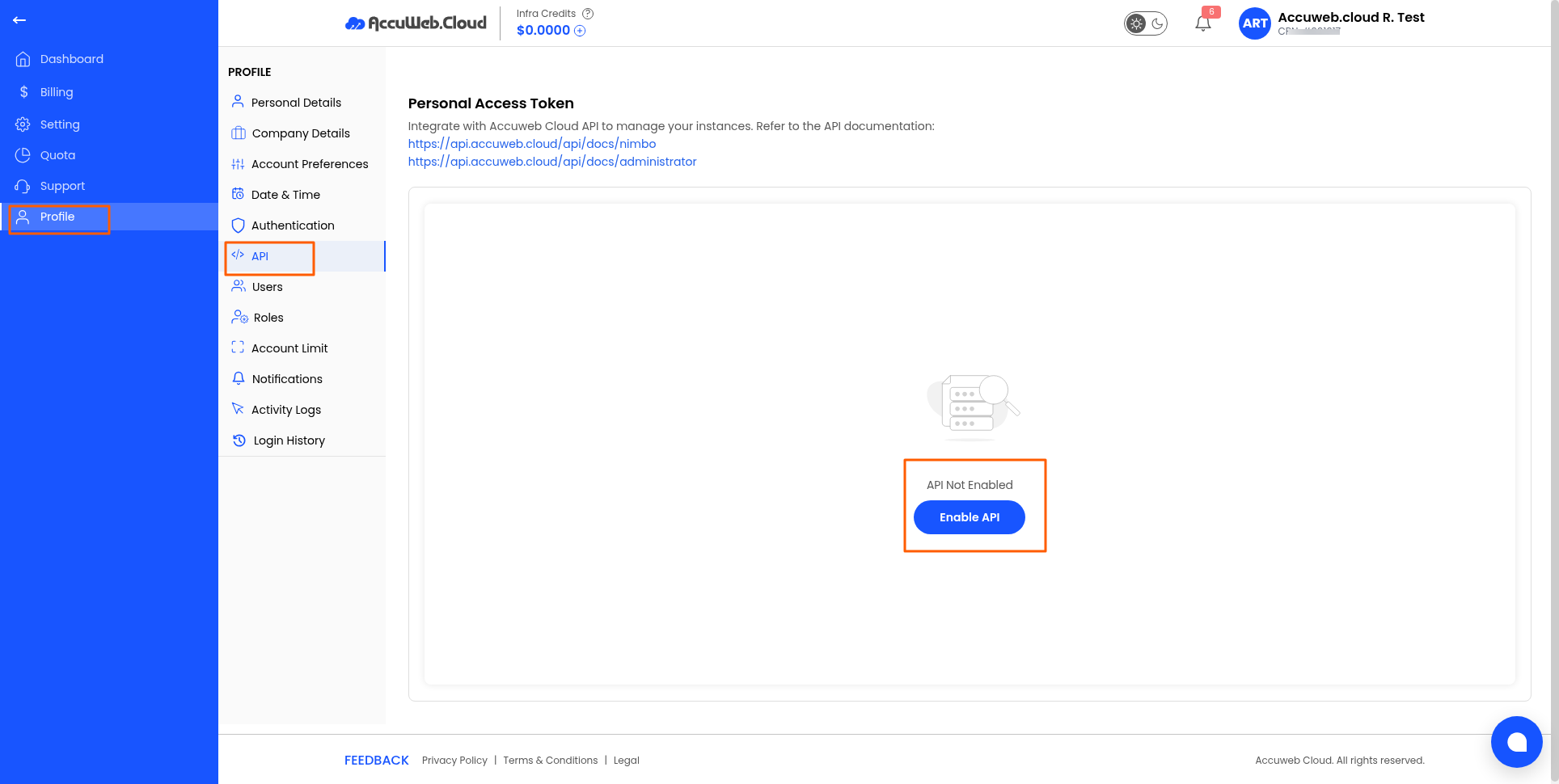
- Review your API status.
- If API access is disabled, click Enable API.
- Once enabled, generate or view your Personal Access Token.
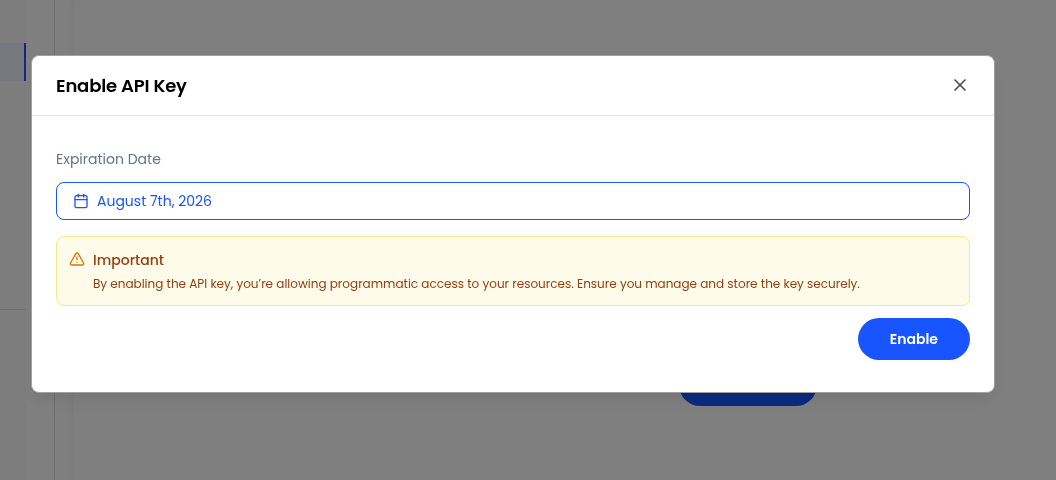
Note: Keep your Personal Access Token secure. Do not share it publicly or expose it in scripts or repositories.
Still don’t have an account?