
How to Manage Account Preferences?
Overview
The Account Preferences section allows you to customize your dashboard appearance.
Steps
- Log in to your Reseller Account.
- Click Profile.
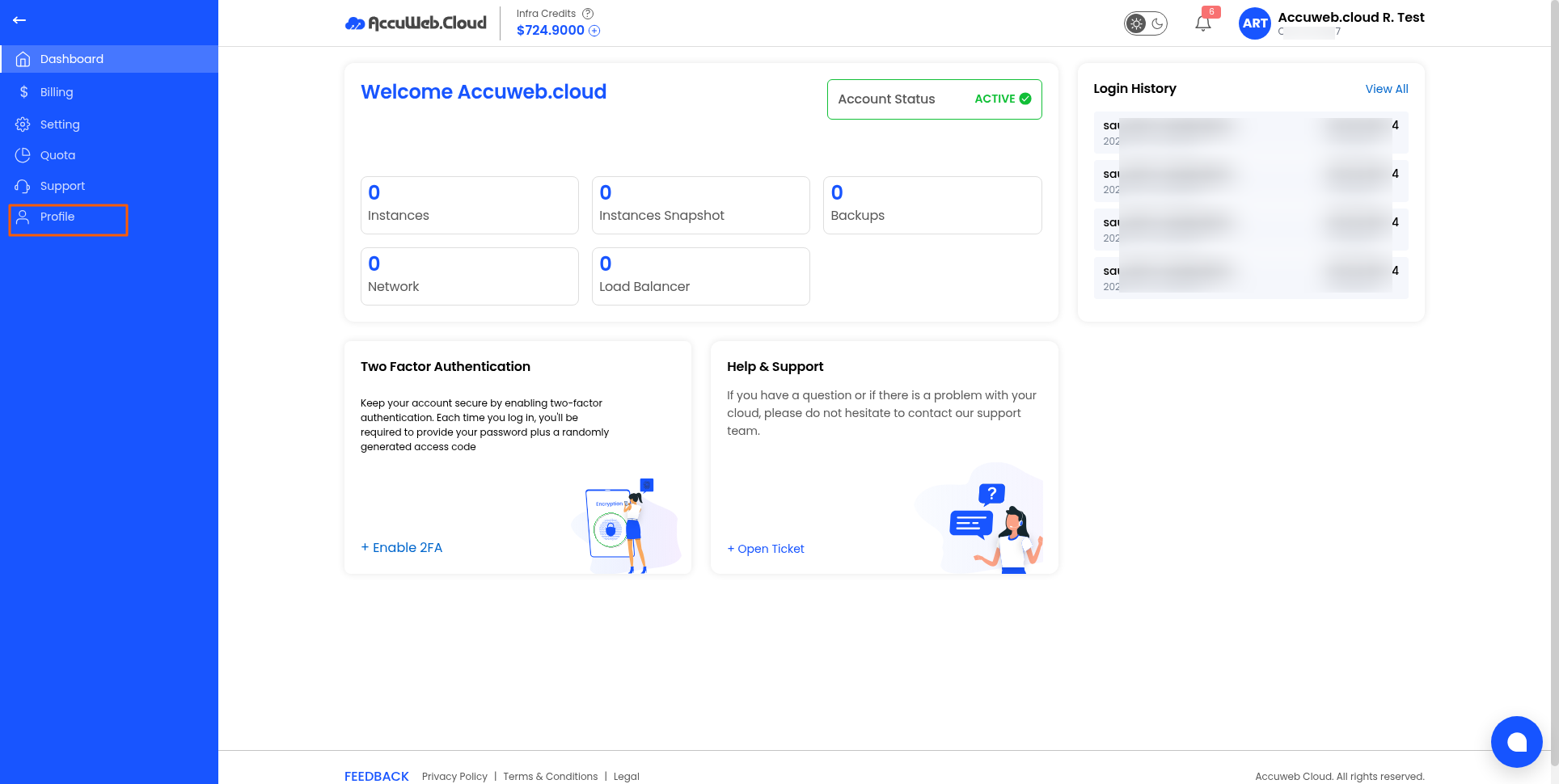
3. Open the Account Preferences tab.
4. Choose your preferred interface theme:
-
- Light Theme
- Dark Theme
5. Save the changes if prompted.
Tip: Select the theme that provides the most comfortable viewing experience for your workflow.
Haven’t registered yet?