
Public IP vs Private IP in Cloud Instances
When you spin up a cloud instance for the first time, you’ll usually notice two different IP addresses assigned to it: one public and one private. At a glance, they might seem interchangeable, but they serve very different roles in how your infrastructure communicates.
If you’re running anything from a simple website to a multi-tier application, understanding how and when to use each type of IP can make a big difference in both security and performance.
What Is a Public IP Address?
A public IP address is what exposes your server to the outside world. It’s how users, browsers, and external services find and connect to your instance over the internet.
Any time you SSH into a server from your laptop, open a website hosted on your instance, or hit an API endpoint, you’re using the public IP (or a domain that resolves to it).
Typical use cases include:
- Hosting websites or web apps
- SSH access to Linux servers
- RDP access to Windows machines
- Public APIs and external integrations
For example, if your server has a public IP like 203.xx.xx.xx, anyone with the right access (or lack of restrictions) can reach it from anywhere in the world.
What Is a Private IP Address?
A private IP address, on the other hand, is used strictly for internal communication. It exists within your cloud provider’s network and is not accessible from the public internet.
Think of it as your internal wiring—servers talking to each other behind the scenes without exposing that traffic externally.
Common use cases include:
- Communication between app and database servers
- Internal APIs
- File transfers between instances
- Backup and replication traffic
- Clustered or load-balanced setups
Because this traffic never leaves the provider’s internal network, it’s usually faster and significantly more secure.
Public IP vs Private IP: What Actually Matters
The real difference comes down to exposure and intent.
A public IP is designed for inbound access from the internet. That also means it’s a potential attack surface, so anything exposed through it needs to be locked down properly.
A private IP is meant for internal trust boundaries. It keeps your services isolated and reduces unnecessary exposure.
In practice:
- Public IP = entry point
- Private IP = internal communication layer
A Simple Real-World Setup
Let’s say you’re deploying a basic three-tier application:
- Web server (Nginx or Apache)
- Application server (Rails, Node, etc.)
- Database server (PostgreSQL or MySQL)
Here’s how IP usage typically plays out:
The web server has both a public and private IP. It needs to accept traffic from users, so it must be publicly reachable.
The application server may or may not have a public IP, depending on whether you need direct access. In many setups, it only communicates with the web server over a private IP.
The database server should only have a private IP. There’s almost never a good reason to expose a database directly to the internet.
So the flow looks like this:
User -> Public IP (web server) -> Private IP (app server) -> Private IP (database)
This setup keeps sensitive components isolated while still allowing your application to function normally.
When to Use Each
Use a public IP when:
- You need users or external systems to reach your server
- You’re hosting anything meant to be accessed over the internet
- You need remote administration (SSH, RDP)
Use a private IP when:
- Servers are communicating within the same environment
- You’re handling sensitive services like databases or internal APIs
- You want to reduce exposure and improve security
In most real deployments, you’ll end up using both public IPs as entry points and private IPs for everything behind the scenes.
How to View Public and Private IP Addresses in AccuWeb.Cloud
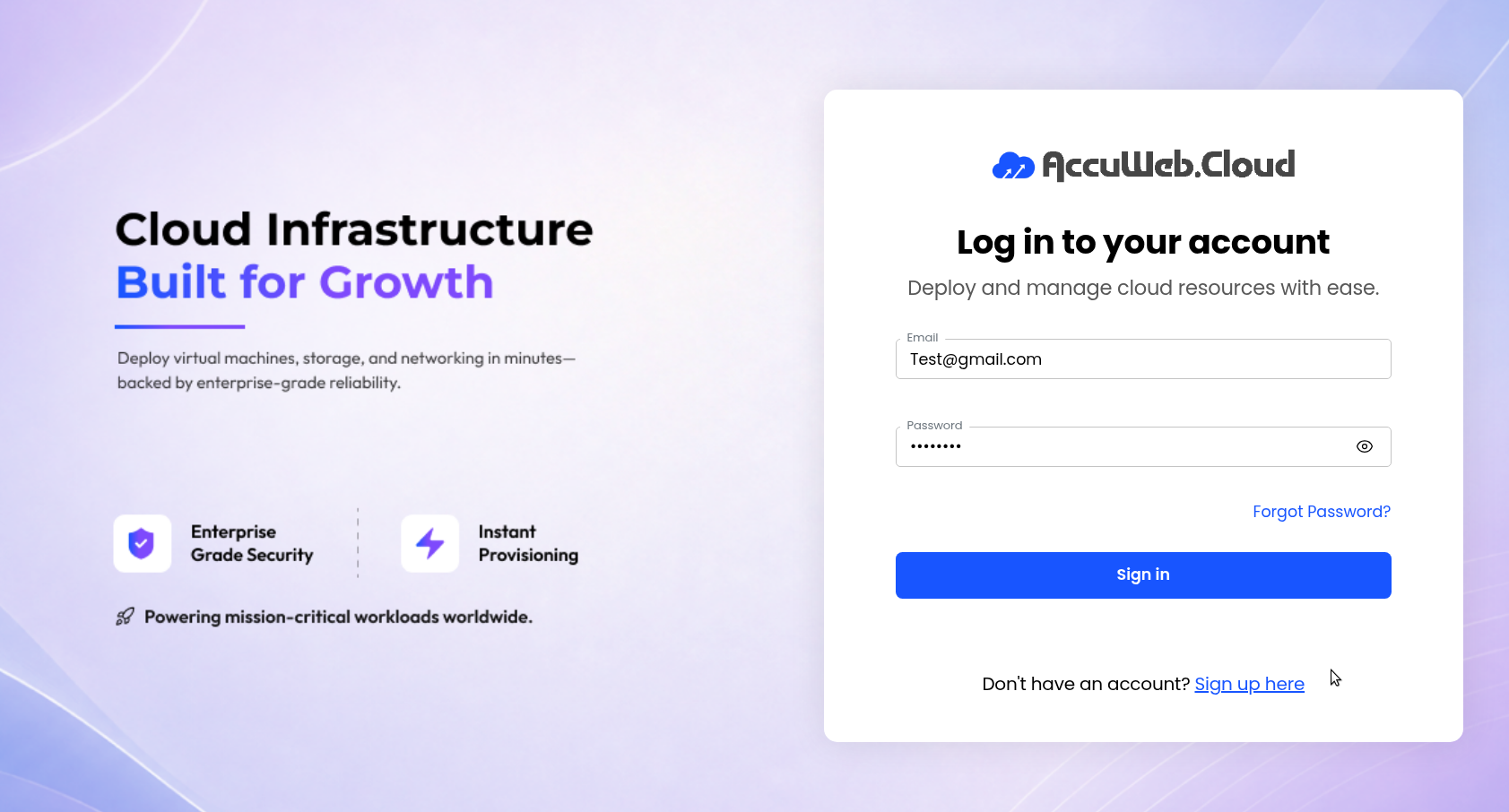
Step 1: Log in to AccuWeb.Cloud
Sign in to your AccuWeb.Cloud account.
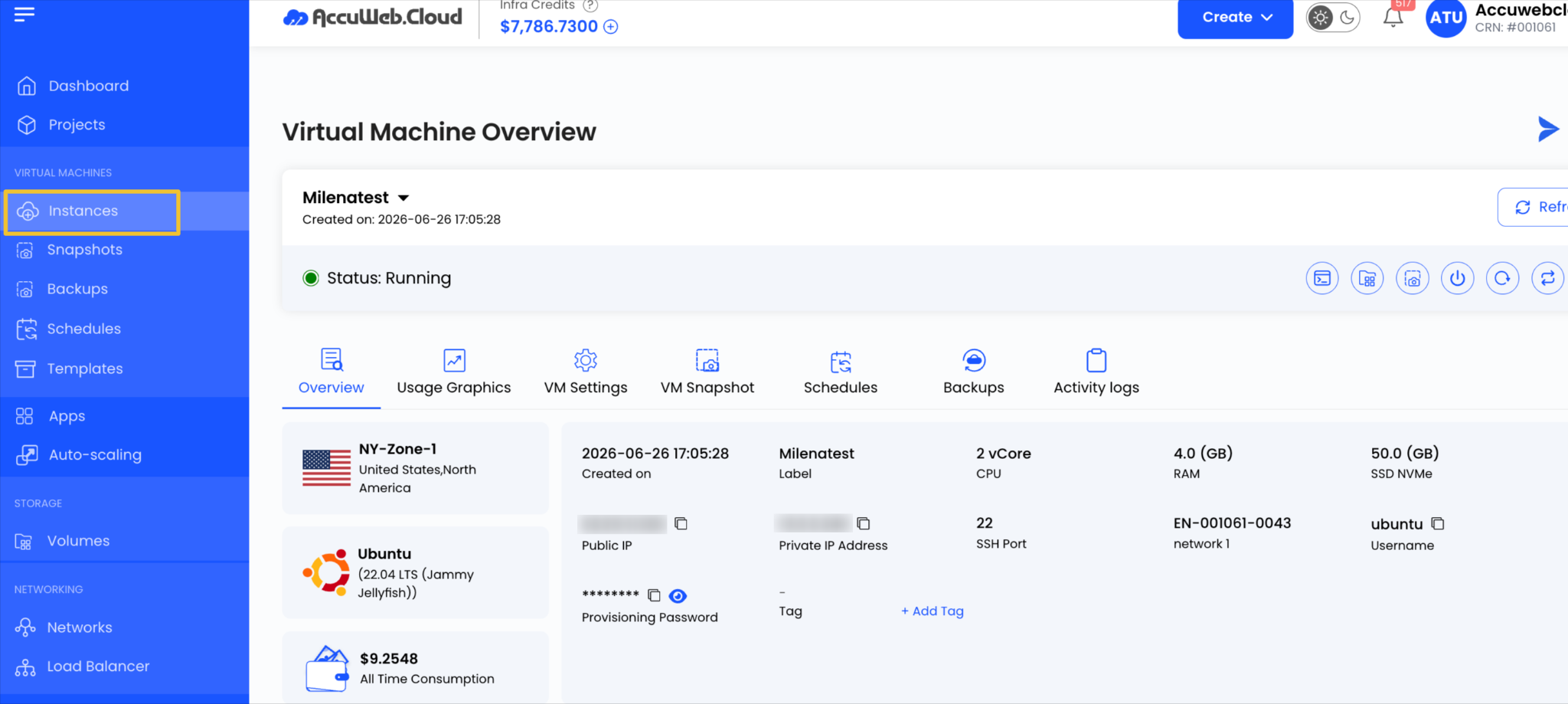
Step 2: Open Your Instance
Select the Instance you want to view.
Step 3: View Networking Information
Here you’ll find:
- Public IP address (if enabled)
- Private IP address
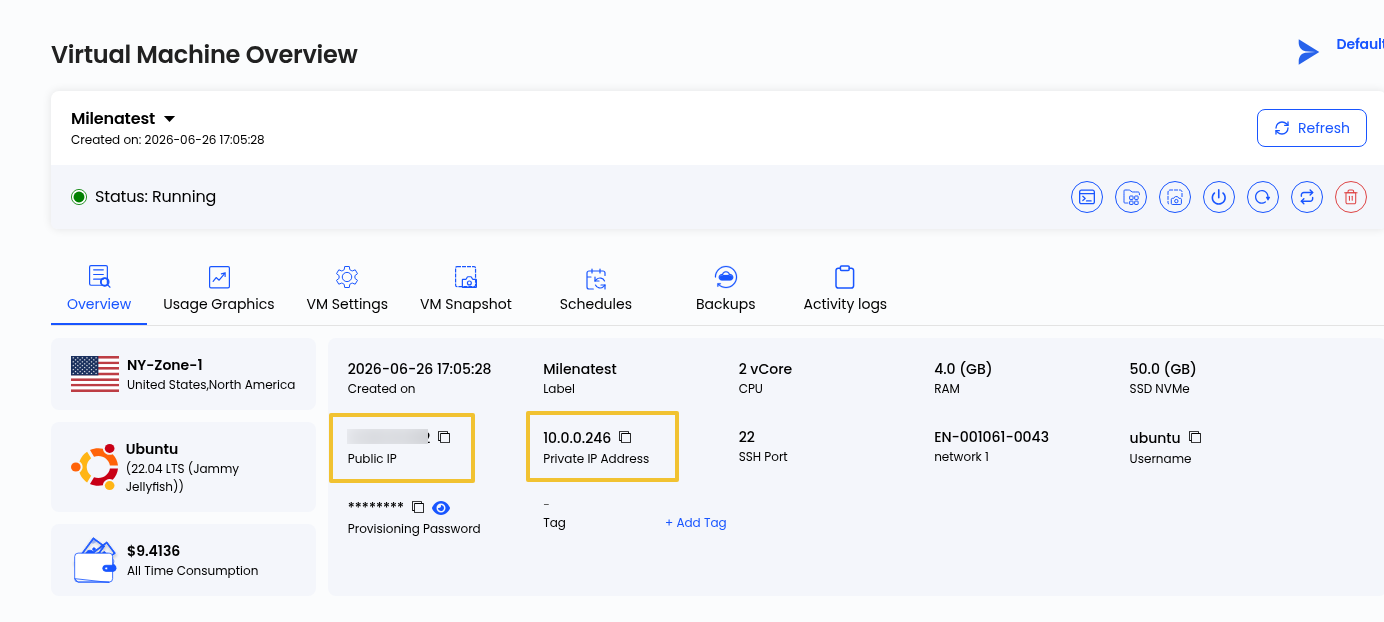
You’ll see both the public IP (if assigned) and the private IP listed there.
Final Thoughts
Public and private IP addresses serve different roles in a cloud environment. Public IPs make your Cloud Instance accessible from outside the private network, while private IPs enable secure communication between internal resources. Using each where it fits best helps improve security, simplify network management, and support a more reliable cloud deployment.