
How to View Account Statement in AccuWeb.Cloud?
The Account Statement section in AccuWeb.Cloud provides a detailed financial summary of all account activities over a specific period. It includes transactions, invoices, usage details, and free trial information, helping users track expenses and maintain billing transparency.
Accessing Account Statement
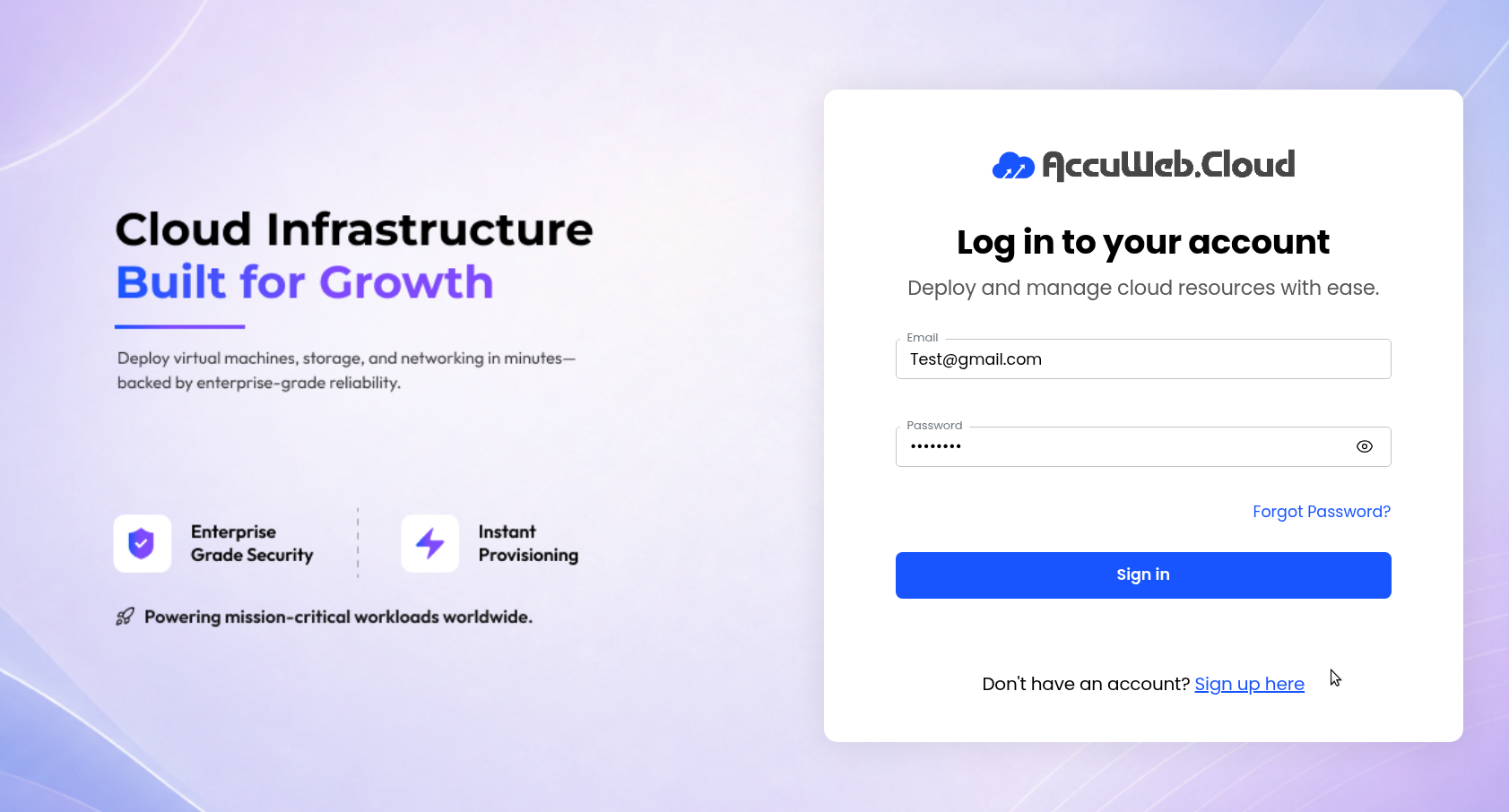
Step 1: Log in to the AccuWeb.Cloud Panel. – https://manage.accuweb.cloud/
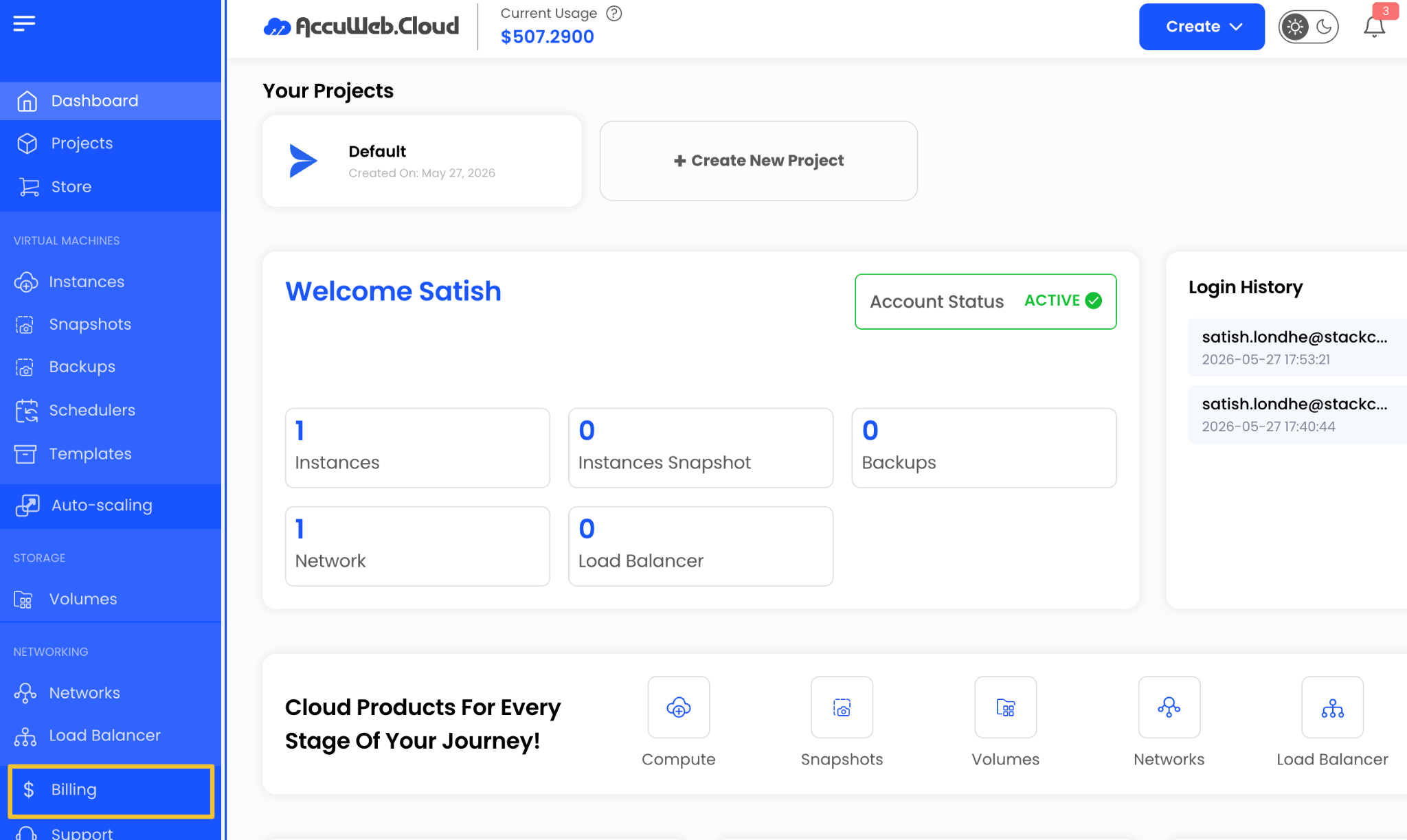
Step 2: Navigate to the Billing section from the left-side menu.
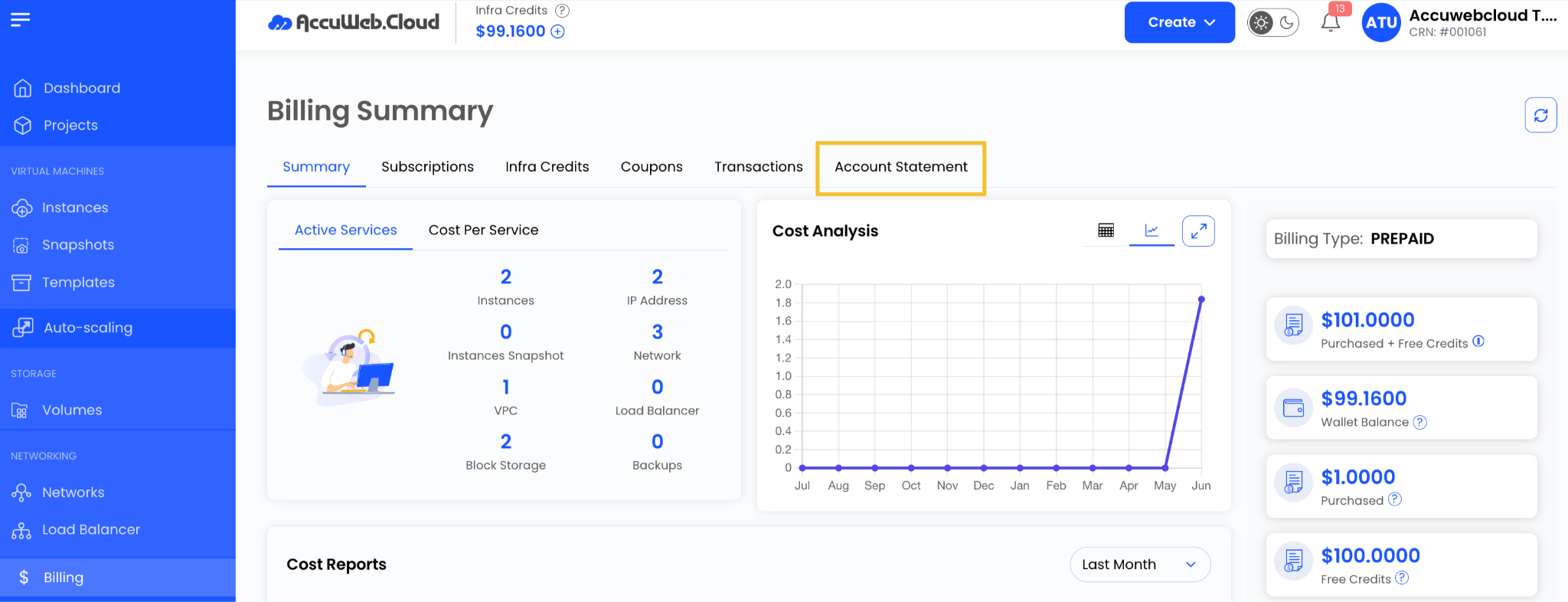
Step 3: Click on Account Statement.
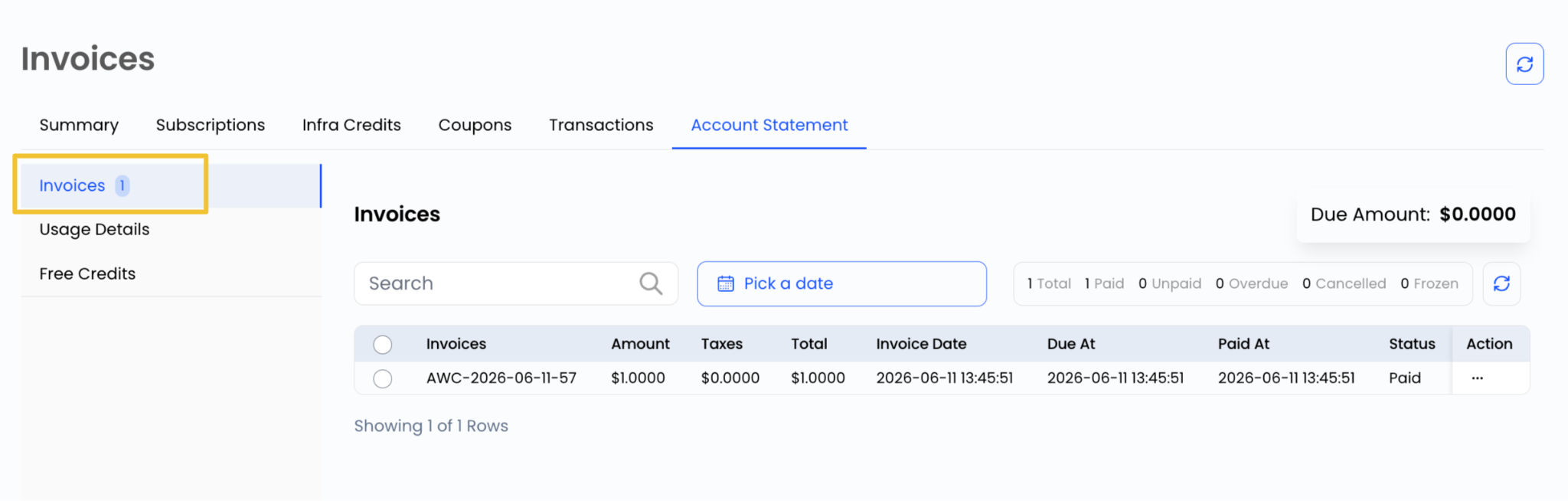
Invoices
The Invoices section provides billing documents for all services used within the account.
It includes:
- Invoice Number
- Billing Date
- Amount
- Payment Status
- Due Date
This helps users keep track of all billing records in one place.
Usage Details
The Usage Details section shows a breakdown of resource consumption.
It may include:
- Compute usage
- Storage usage
- Network usage
- Other cloud resources
This helps users understand how services are being consumed and billed.

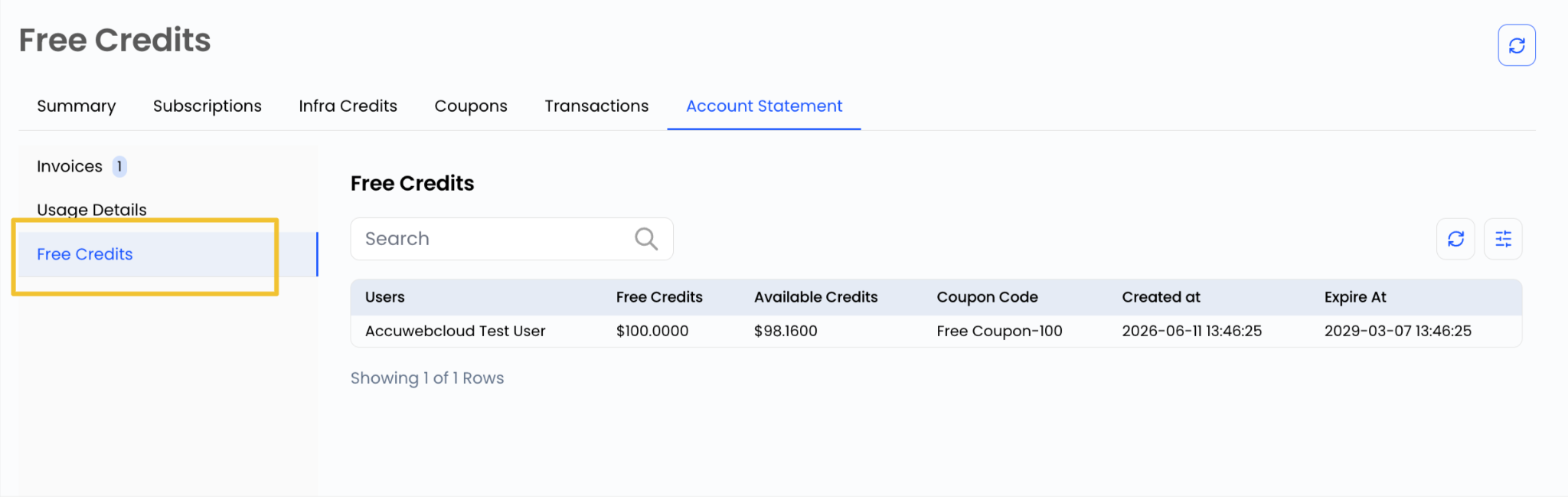
Free Trials
This section displays information about free trial services associated with the account.
It includes:
- Active trial services
- Trial duration
- Service details
- Conversion to paid plans (if applicable)
This helps users monitor trial-based services effectively.
Conclusion
The Account Statement section in AccuWeb.Cloud provides a complete financial overview of the account, including invoices, usage data, and trial services. Regularly reviewing this section helps ensure accurate billing and better financial management.