
How to Create and Manage VPN Users in AccuWeb.Cloud?
A VPN User in AccuWeb.Cloud refers to an authenticated user who connects to the cloud environment through a Virtual Private Network (VPN). This ensures secure access to private cloud resources and helps maintain controlled connectivity across projects.
Accessing VPN Users
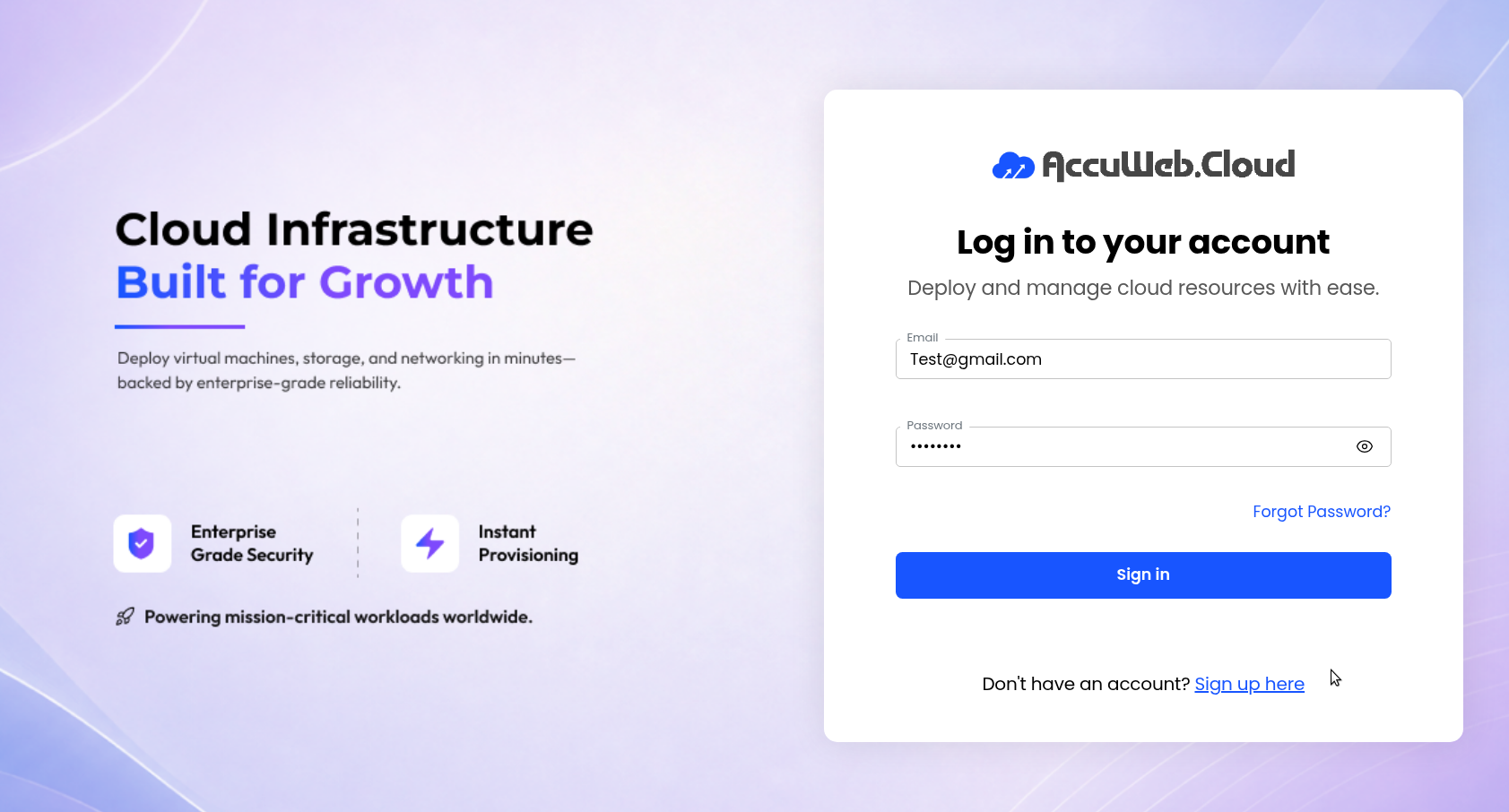
Step 1: Log in to the AccuWeb.Cloud Panel. – https://manage.accuweb.cloud/
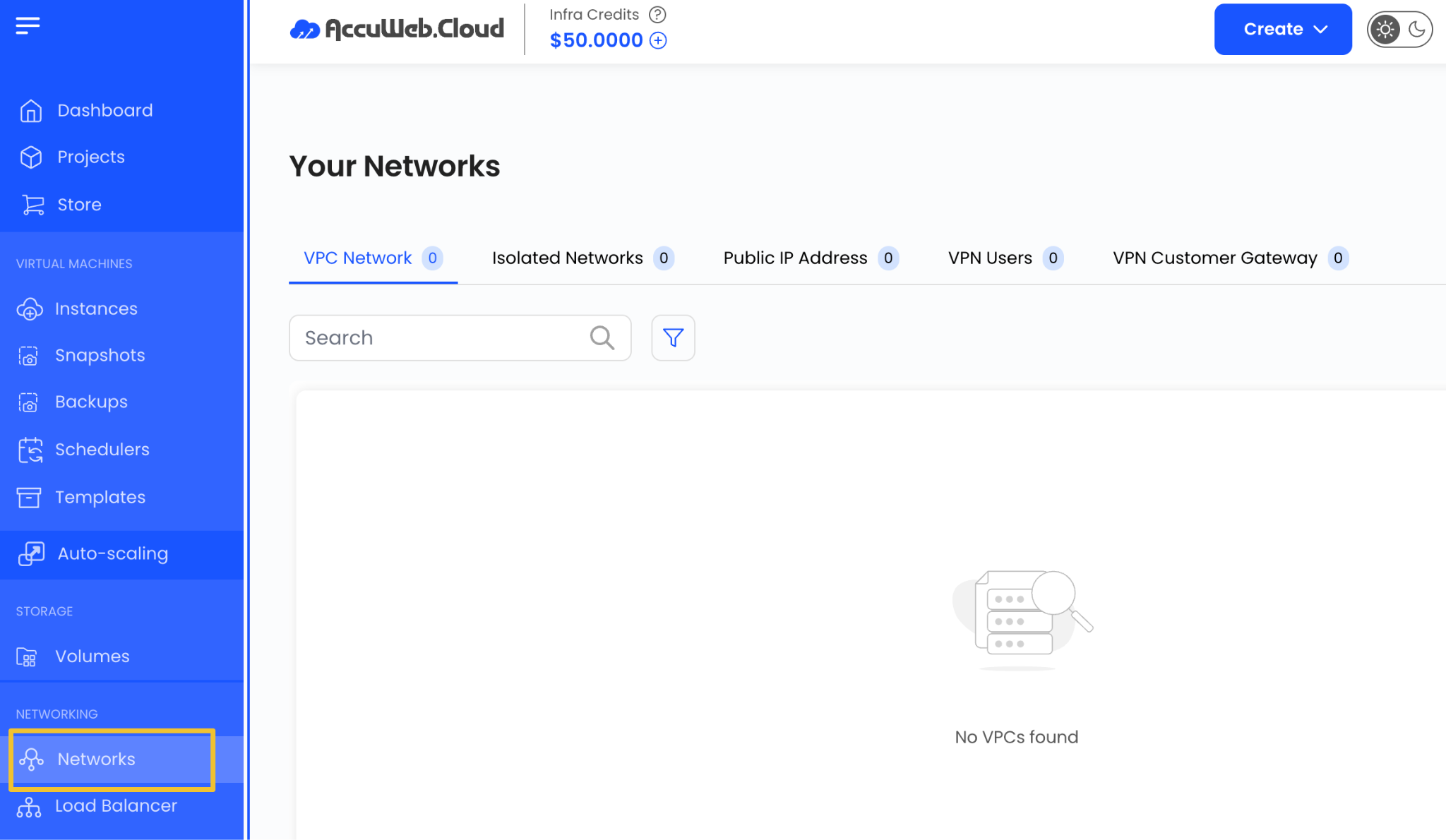
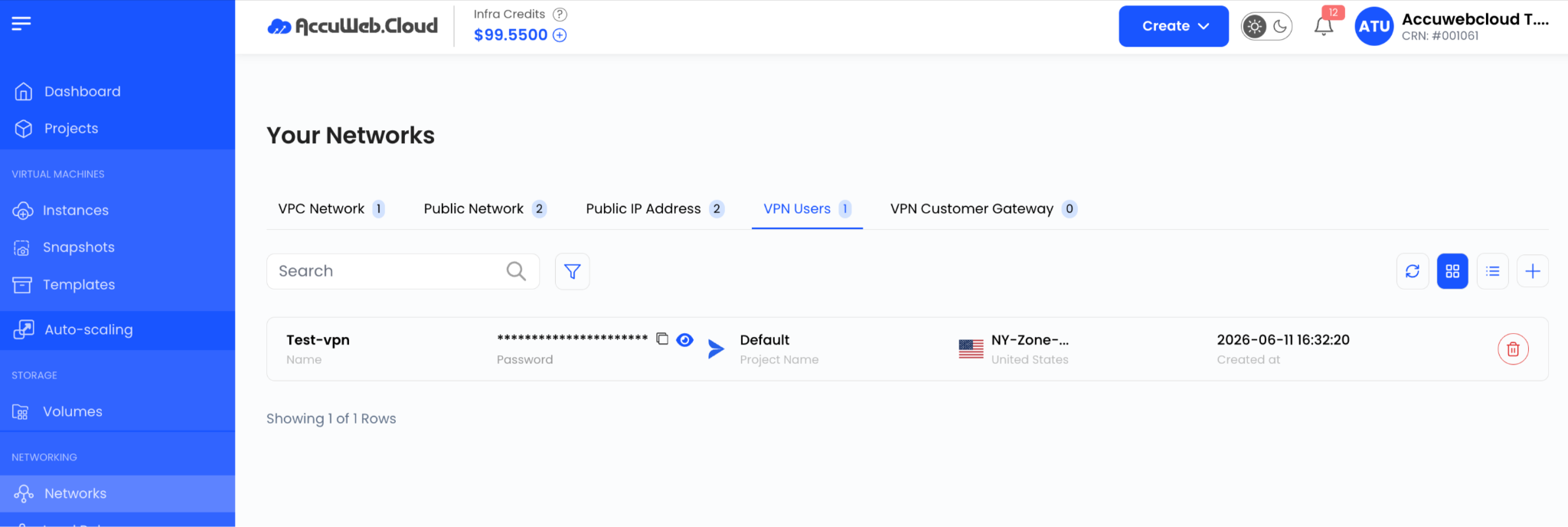
Step 2: From the left-hand menu, click on Networks.
Step 3: Go to the VPN Users tab.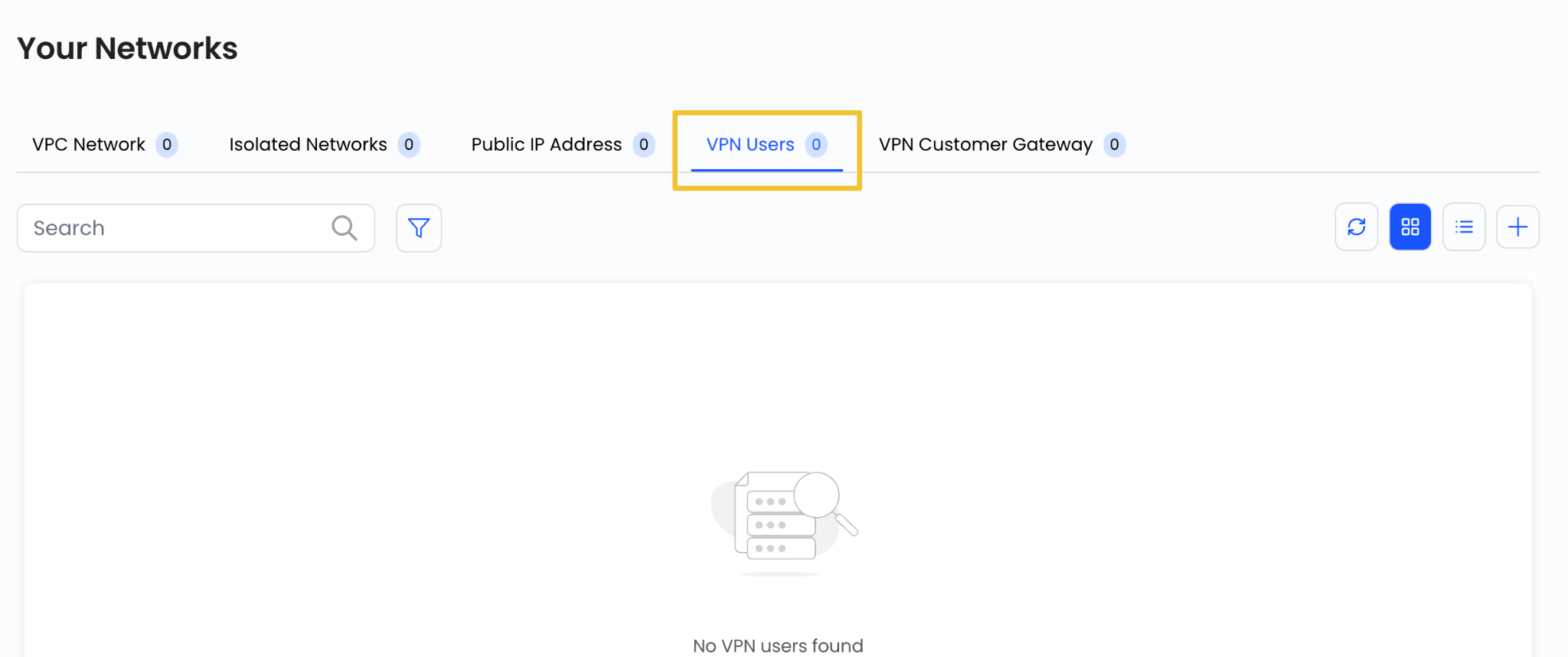
Creating a New VPN User
To create a VPN user:
Step 1: Click on the + (plus) icon on the VPN Users page.

A configuration form will appear.
Step 2: Enter the required details:
- Username (Stack Console account username)
- Password (Stack Console account password)
- Project selection
- Zone selection
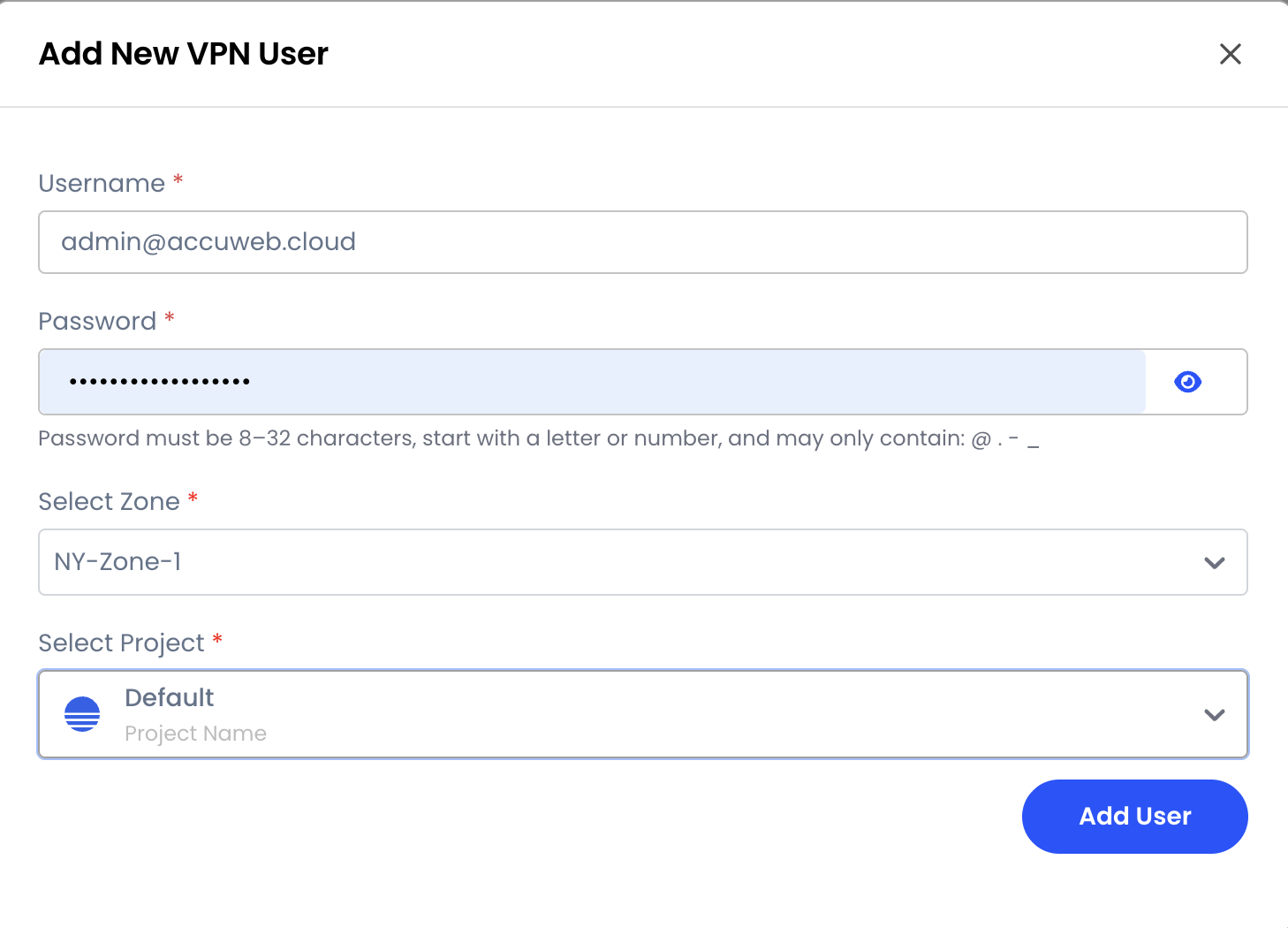
Step 3: Click on Add User to create the VPN user.
Managing VPN Users
Once created, VPN users can be viewed and managed from the VPN Users list.
Conclusion
The VPN Users feature in AccuWeb.Cloud allows administrators to securely create and manage authenticated users for remote access. This ensures safe, controlled, and reliable connectivity to cloud resources across different projects and environments.
Still don’t have an account?