
Manage Block Storage for a Virtual Machine in AccuWeb.Cloud
Block Storage provides additional storage volumes that can be attached to virtual machines independently of the operating system disk. These volumes can be used to store application data, databases, backups, logs, and other files that require dedicated storage.
Because block storage volumes operate independently from the VM’s primary disk, they can be detached, reattached, and managed separately, providing greater flexibility and scalability for your workloads.
Access Block Storage Information
Step 1: Log in to AccuWeb.Cloud Panel.
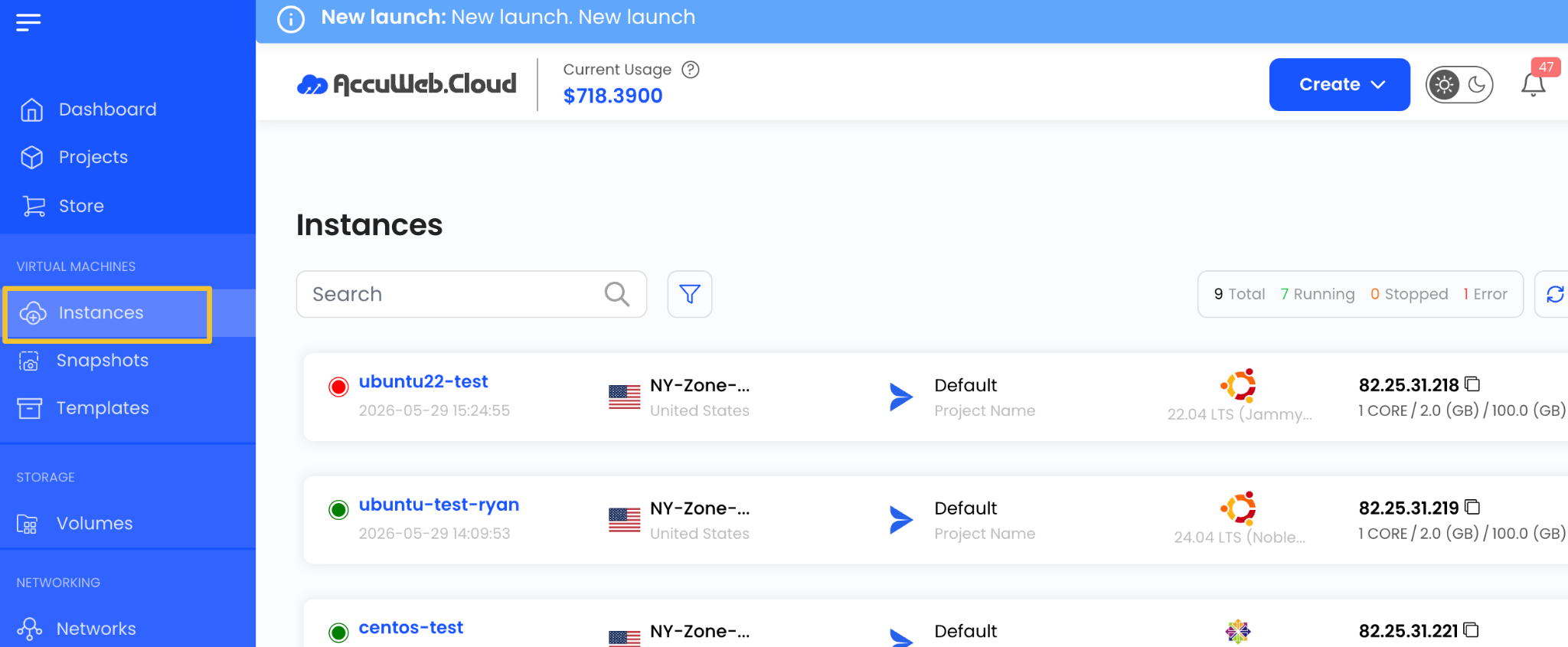
Step 2: From the left-side menu, navigate to Instances.
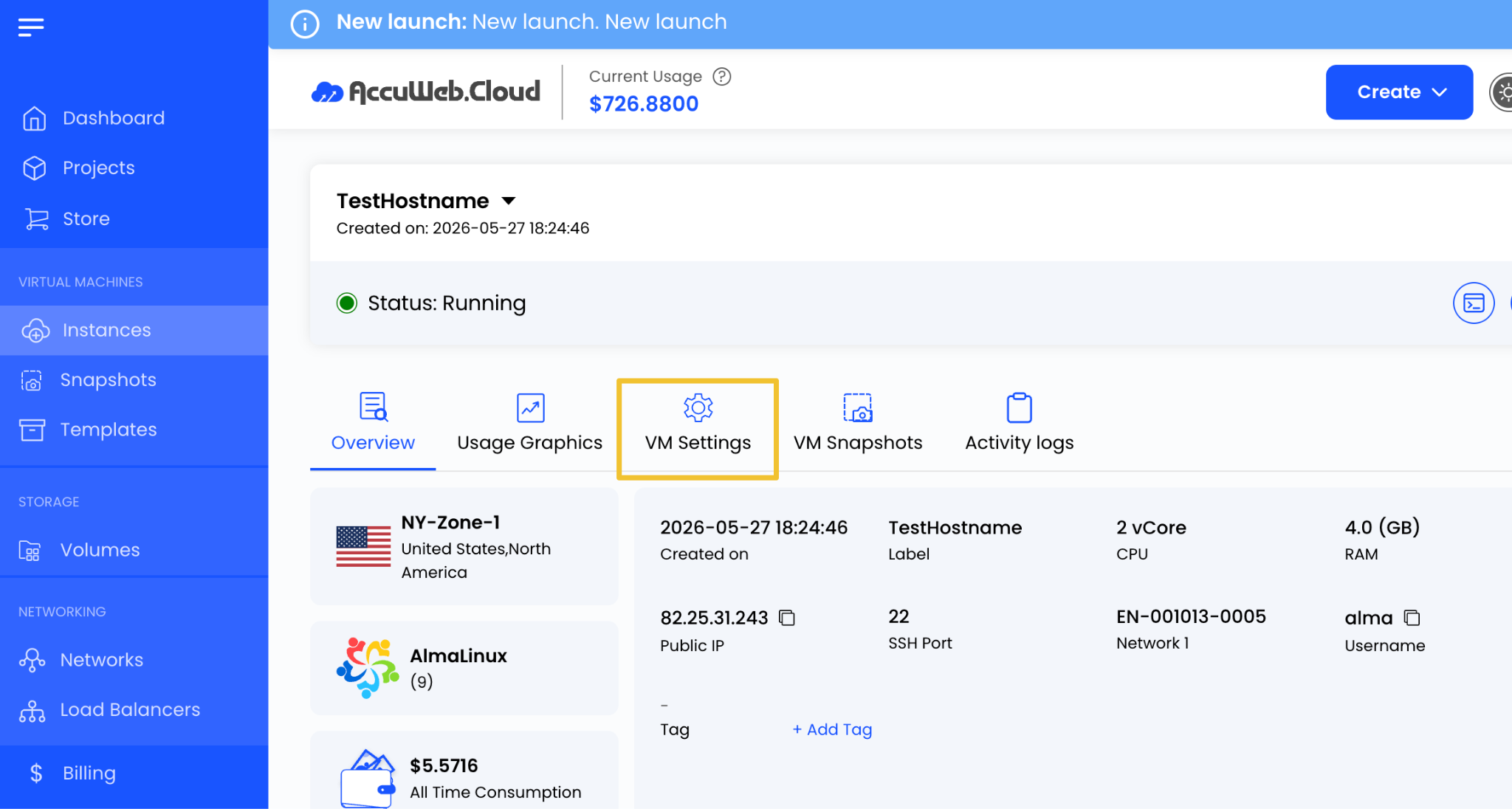
Step 3: Select the virtual machine for which you want to view block storage details.

Step 4: Open the VM Settings tab.
Step 5: Navigate to the Volume section.
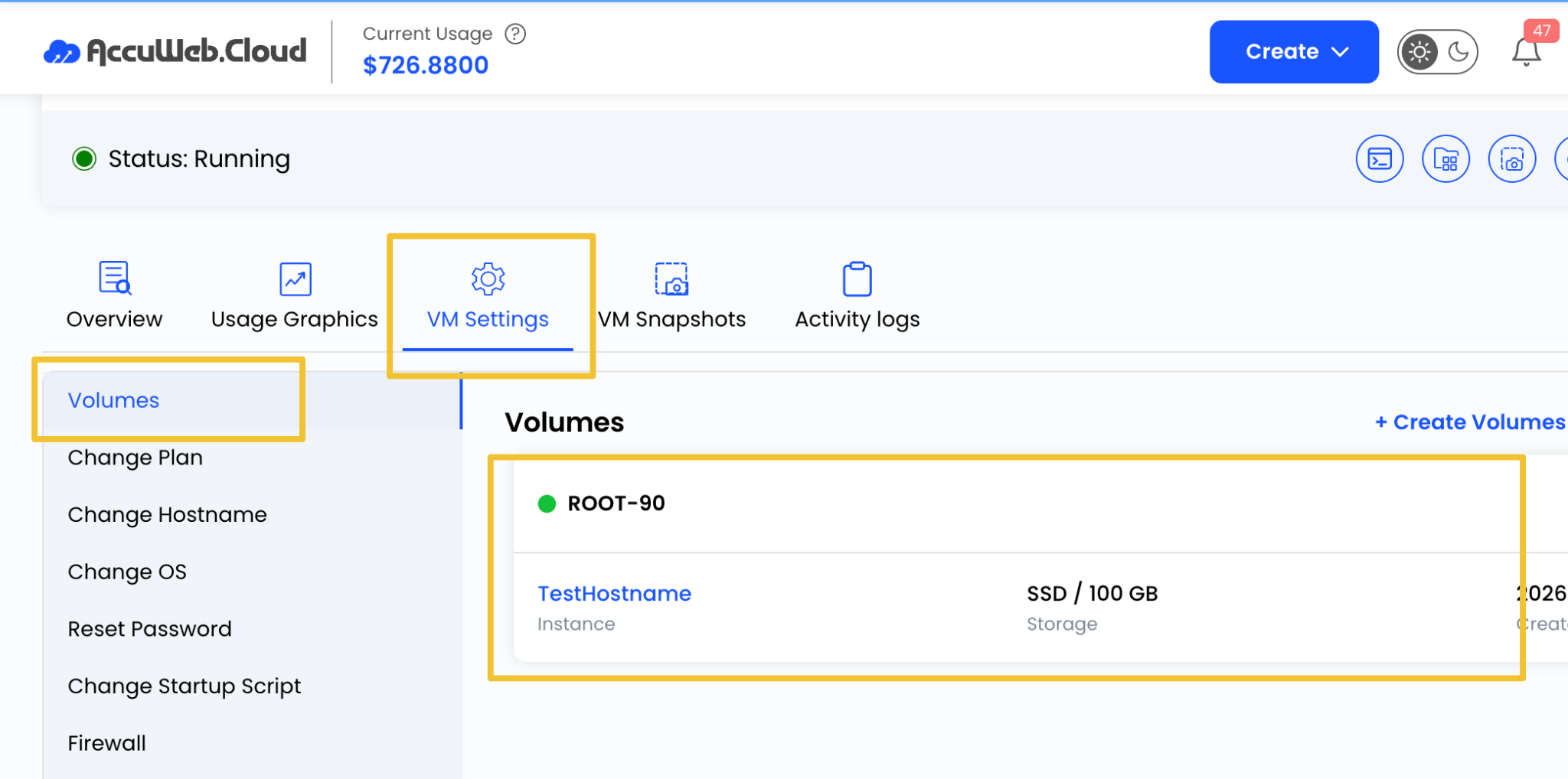
Here, you can view all block storage volumes attached to the selected virtual machine, including storage capacity and associated volume information.
View Attached Volumes
The Volume section displays details about the storage volumes currently attached to the virtual machine.
Information may include:
- Volume Name
- Storage Size
- Volume Status
- Associated Instance
This allows you to quickly review the storage resources assigned to the virtual machine.
View Volume Snapshots
To view existing snapshots associated with a volume:
Step 1: Locate the desired volume and Click the Expand or Right Arrow icon next to the volume.
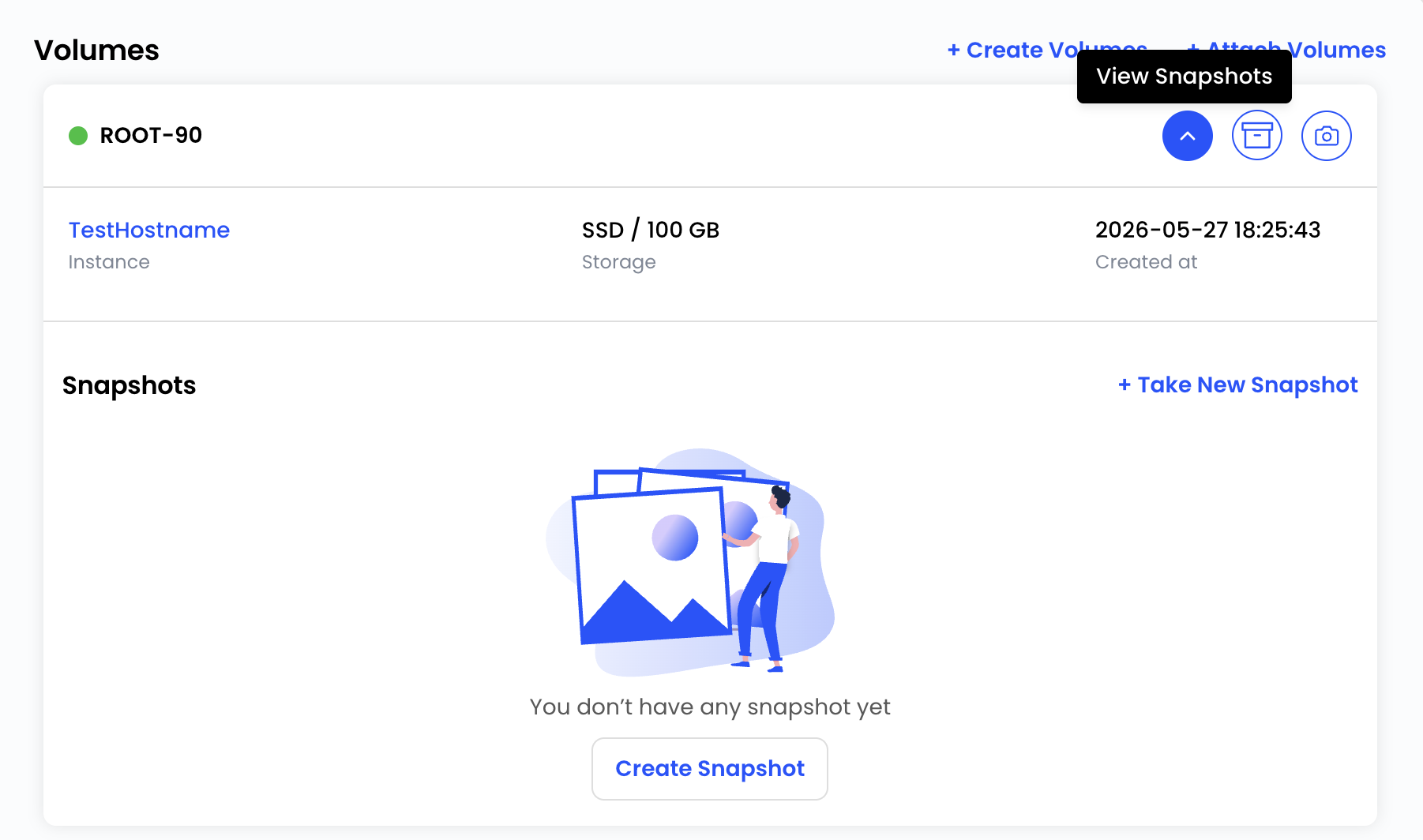
The system will display available snapshots created for that volume.
Snapshots can be used to restore volume data to a previous point in time when required.
Create a Volume Snapshot
To create a new snapshot of an attached volume:
Step 1: Click the create volume icon available next to the volume.
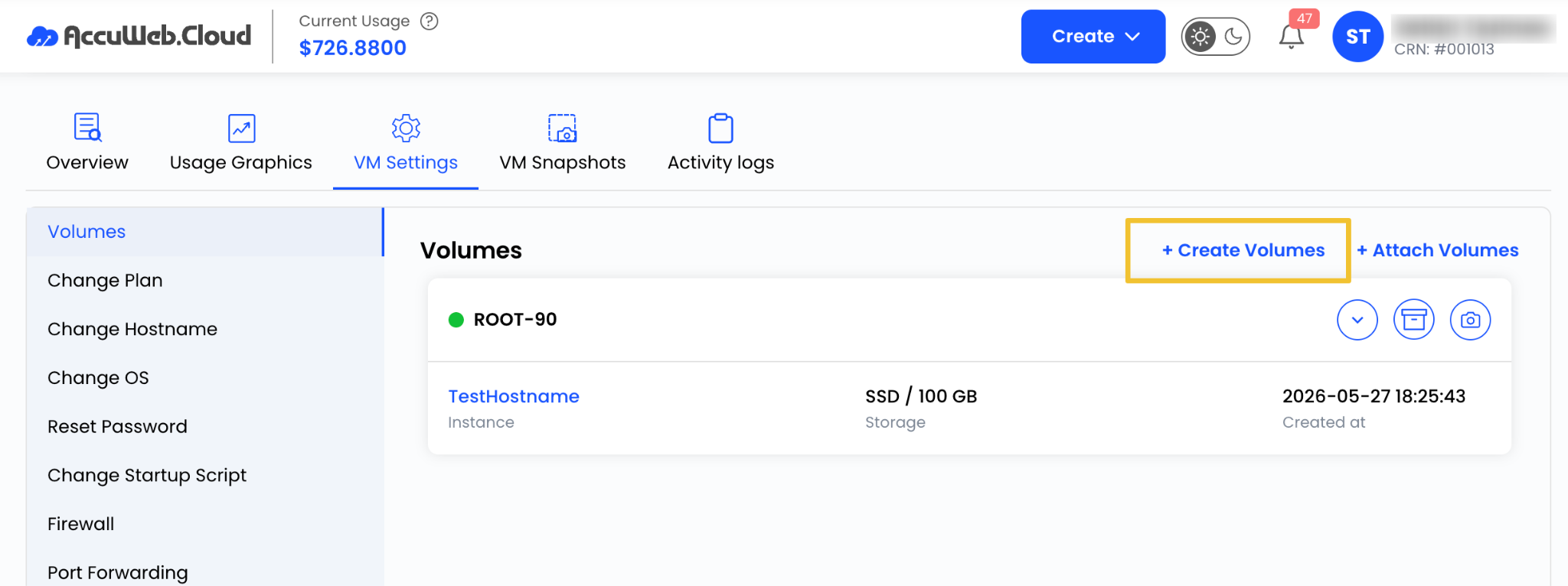
Step 2: Provide the required snapshot details if prompted.
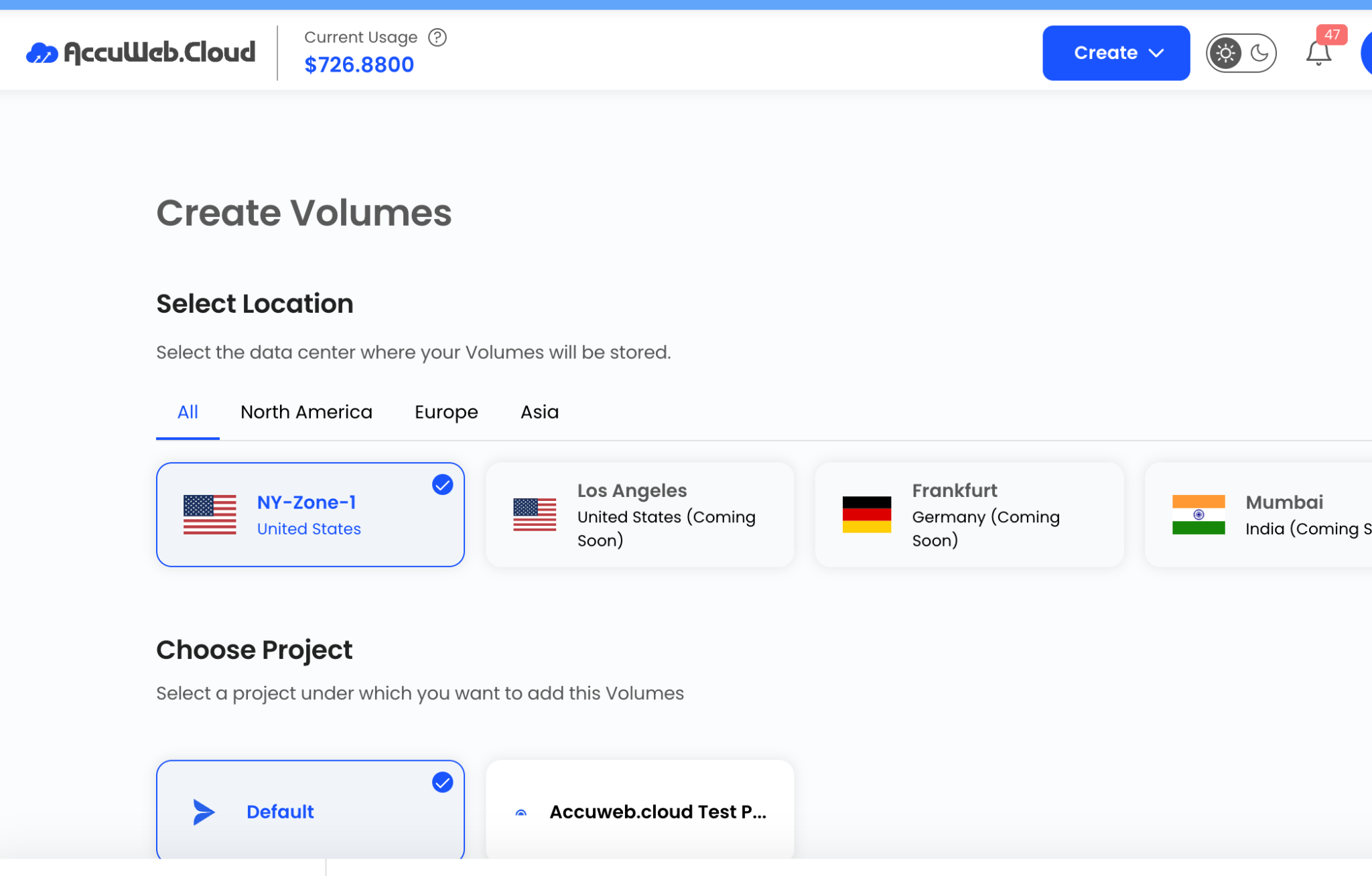
Step 3: Confirm the snapshot creation.

The platform will create a point-in-time snapshot of the volume, which can later be used for backup and recovery purposes.
Benefits of Block Storage
Block Storage offers several advantages:
- Independent storage management
- Flexible storage expansion
- Easy attachment and detachment from virtual machines
- Support for application and database storage
- Point-in-time snapshot protection
- Improved data management and organization
Summary
Block Storage in AccuWeb.Cloud provides a flexible and reliable way to manage data separately from the virtual machine operating system. By using dedicated storage volumes and creating regular snapshots, you can improve data protection, simplify storage management, and scale your infrastructure according to your workload requirements.
Still don’t have an account?