
Manage Network Settings for a Virtual Machine in AccuWeb.Cloud
The Networks section allows you to manage the network interfaces attached to your virtual machine. Using this feature, you can configure public and private networks, manage IP assignments, and control connectivity between your cloud resources and external networks.
Proper network configuration helps ensure secure communication, reliable connectivity, and efficient traffic management for your applications and services.
Access Network Settings
Step 1: Log in to AccuWeb.Cloud Panel.
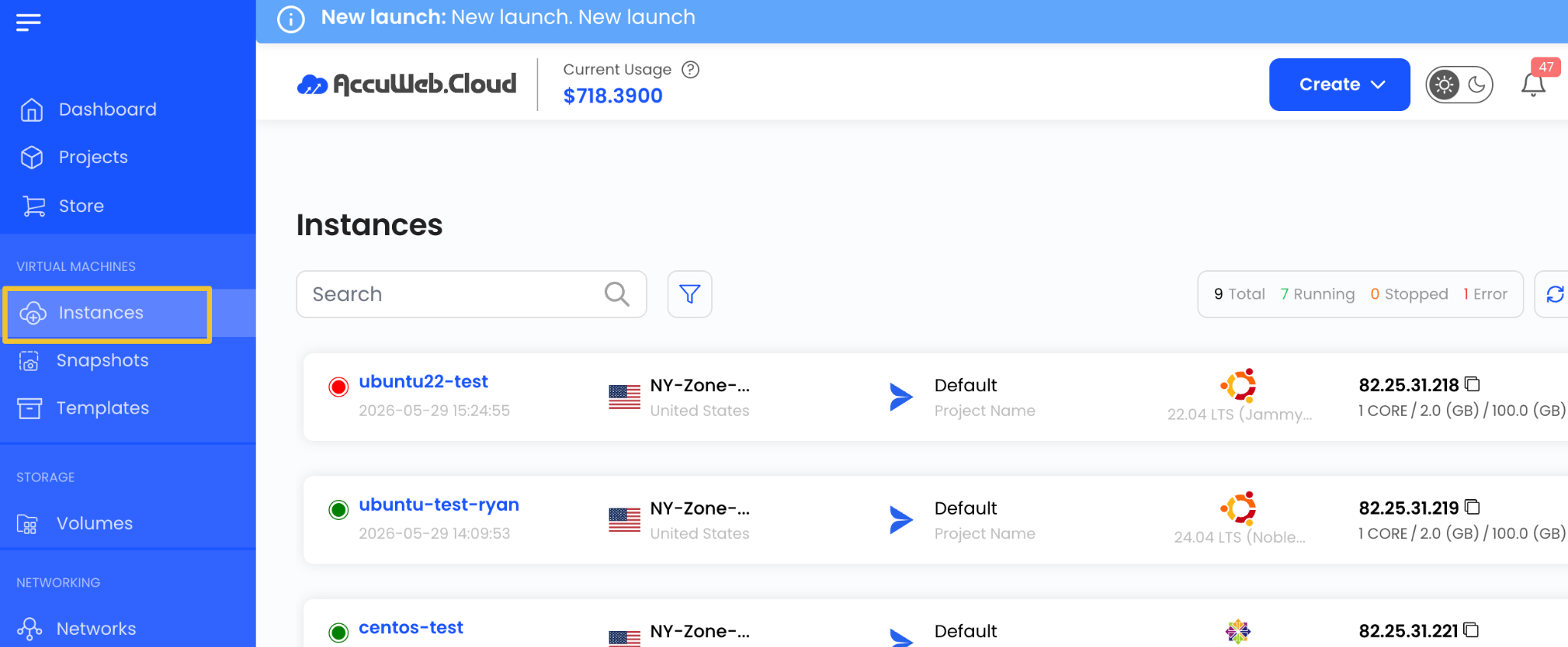
Step 2: From the left-side menu, navigate to Instances.
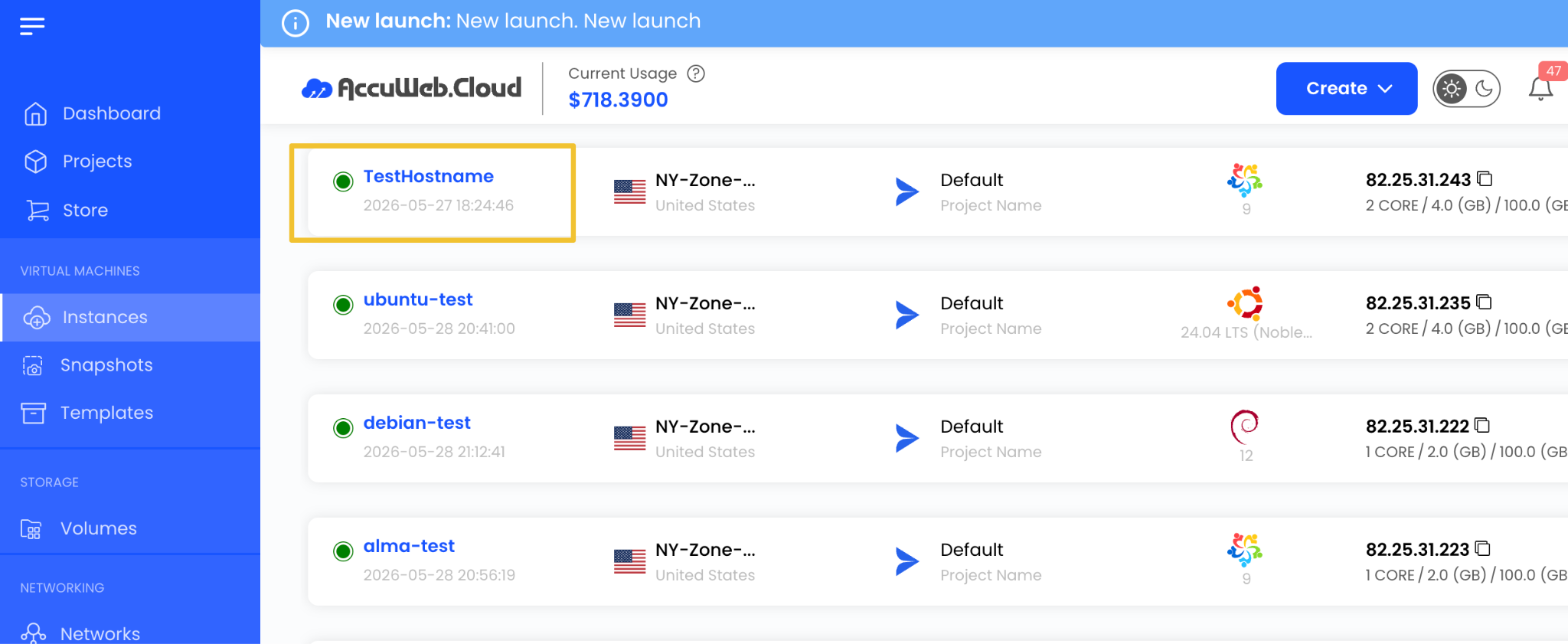
Step 3: Select the virtual machine for which you want to view block storage details.
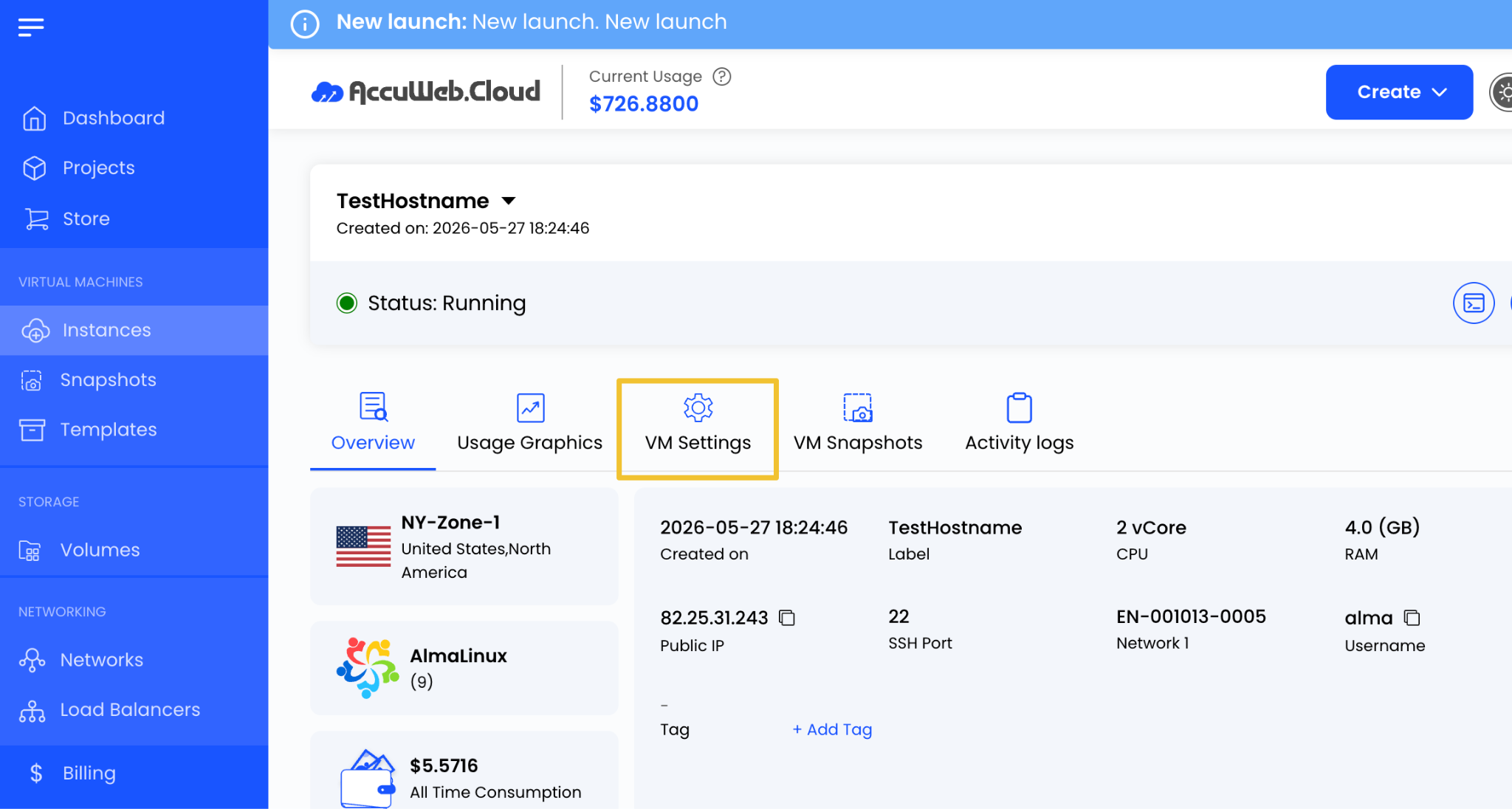
Step 4:
Open the Settings tab.
Step 5:
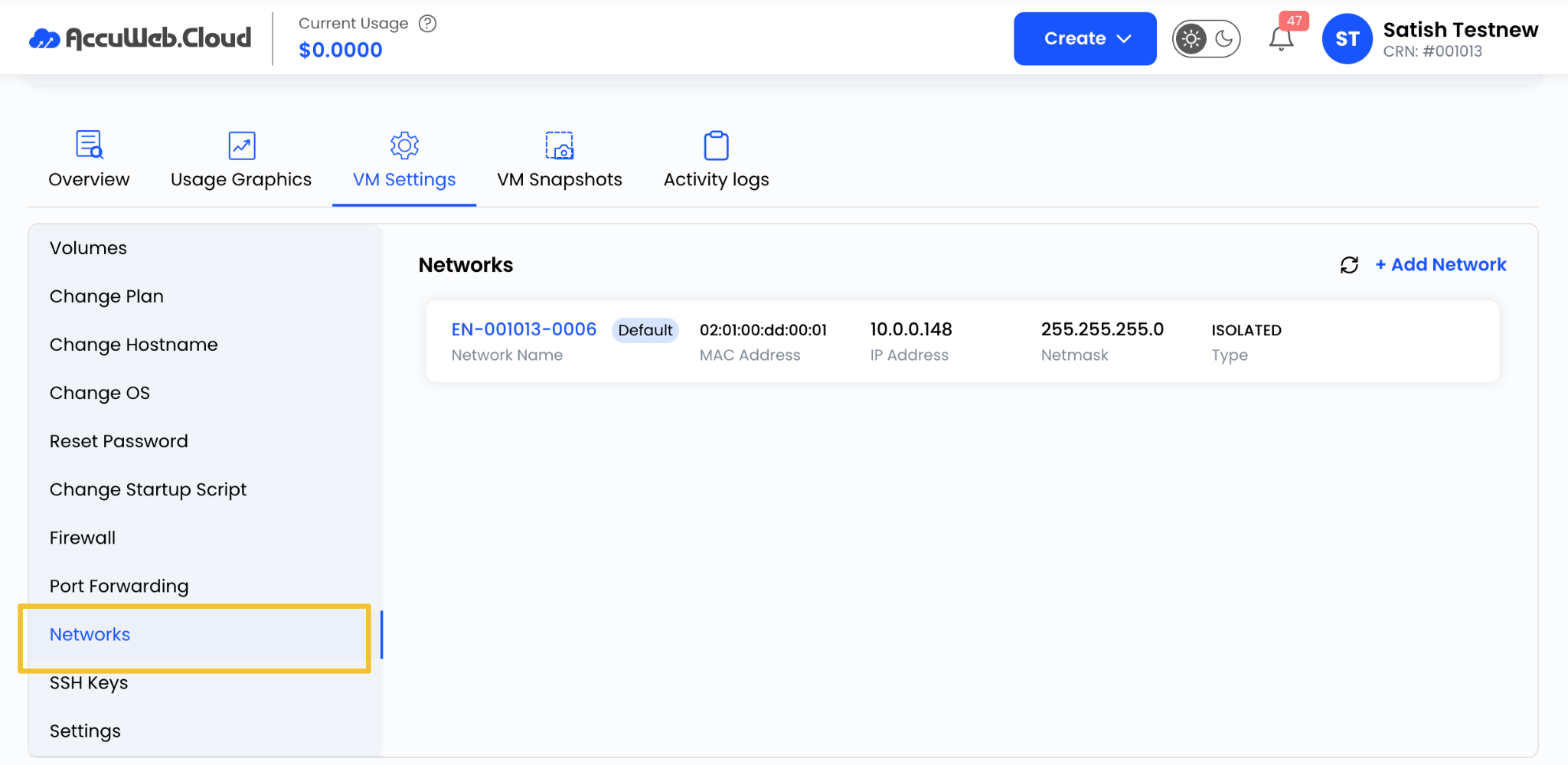
Navigate to the Networks section.
Here, you can view and manage all network interfaces associated with the virtual machine.
Add a Network
To attach an additional network to the virtual machine:
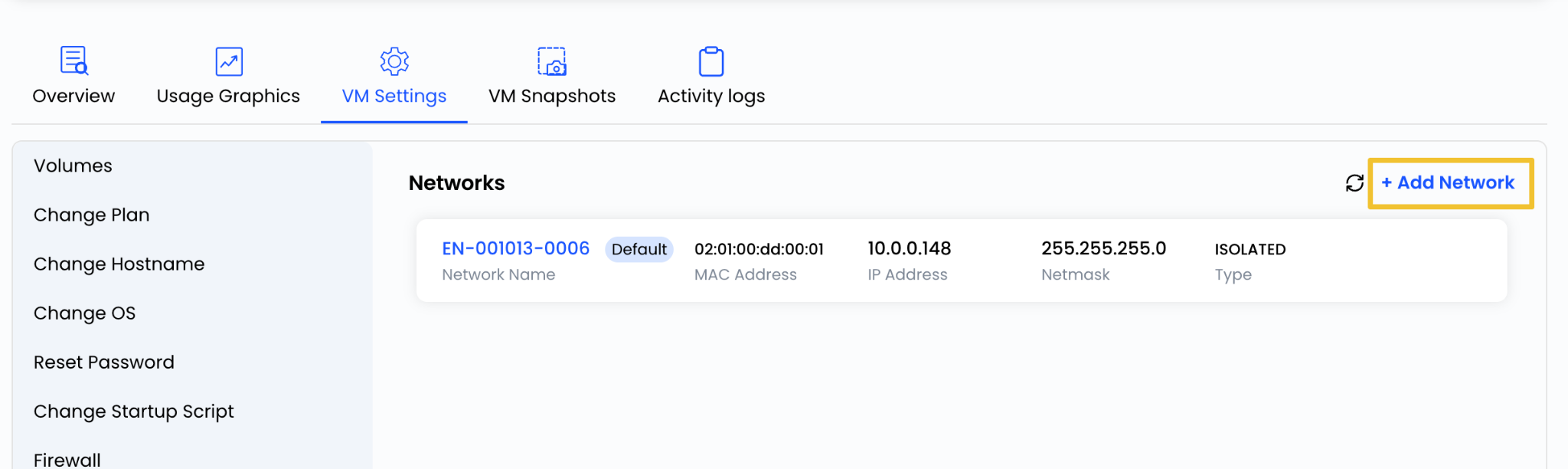
Step 1: Click Add Network.
Step 2: Select the desired network from the available options.
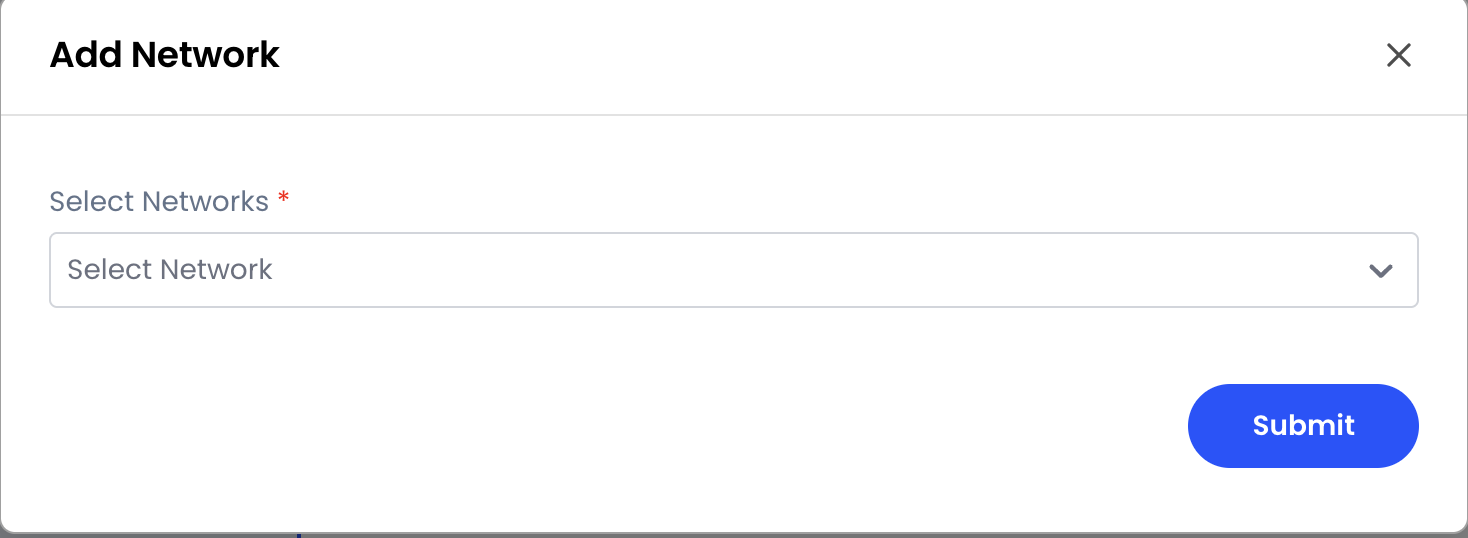
Step 3: Click on submit.
Benefits of Network Management
Proper network configuration provides:
- Secure communication between resources
- Controlled internet access
- Flexible network design
- Efficient traffic routing
- Improved application performance
- Better infrastructure management
Summary
The Networks section in AccuWeb.Cloud provides the flexibility to configure and manage both public and private connectivity for your virtual machines. By properly managing network interfaces, IP assignments, and connectivity settings, you can build a secure, reliable, and scalable cloud infrastructure that meets your application requirements.
Still don’t have an account?