
How to Use the Support System in AccuWeb.Cloud Panel?
Support
Support in AccuWeb.Cloud helps users manage, troubleshoot, and resolve issues related to their cloud services and infrastructure. It allows users to easily communicate with the support team and track ongoing requests from the dashboard.
Submitting and Managing Tickets
To create a support ticket, navigate to the Support section from the AccuWeb.Cloud Panel and click on the Raise a ticket option.
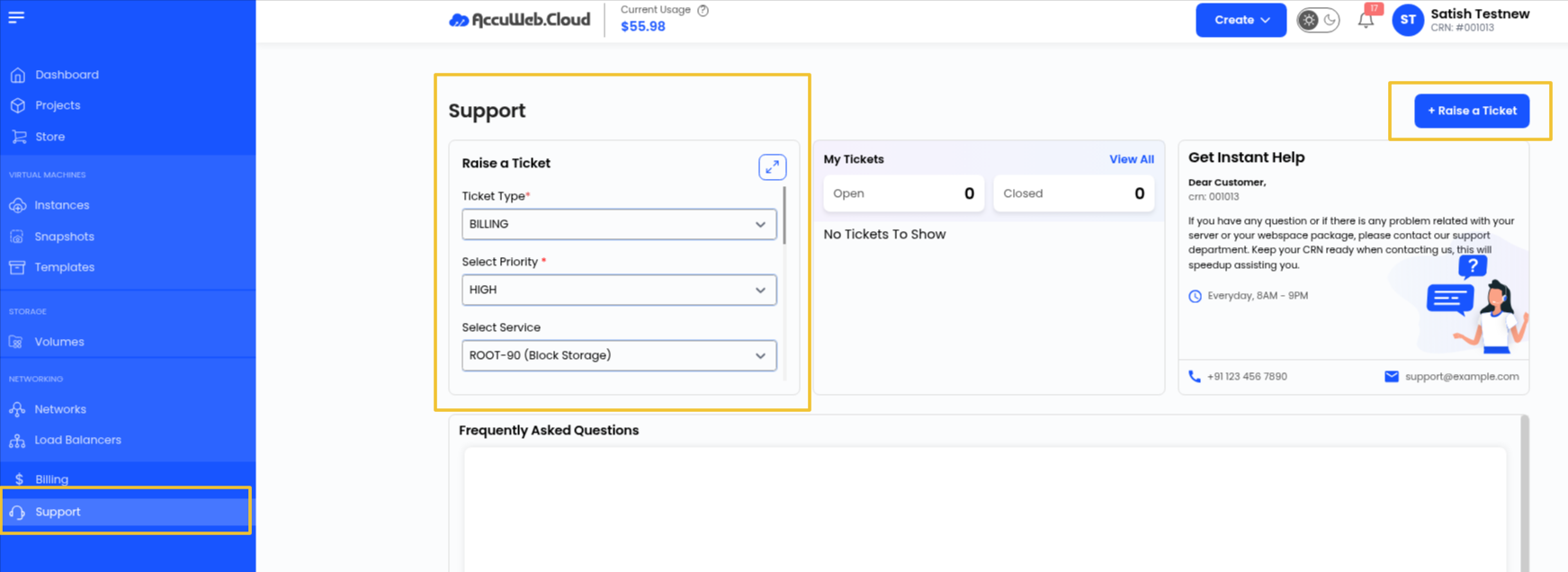
Select the appropriate:
- Ticket Type
- Priority
- Service related to your issue
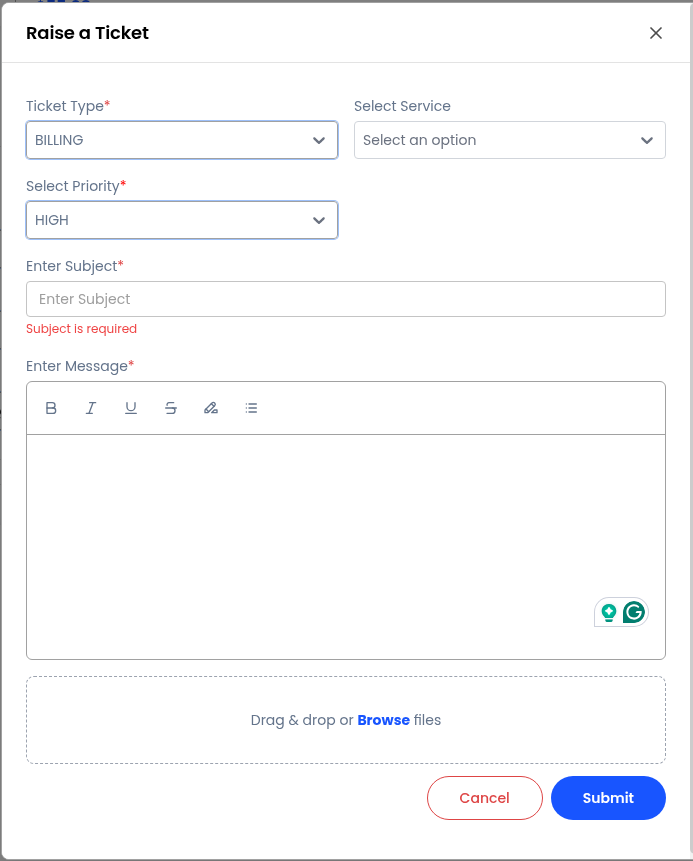
Enter the Subject and detailed Message, then click on Submit.
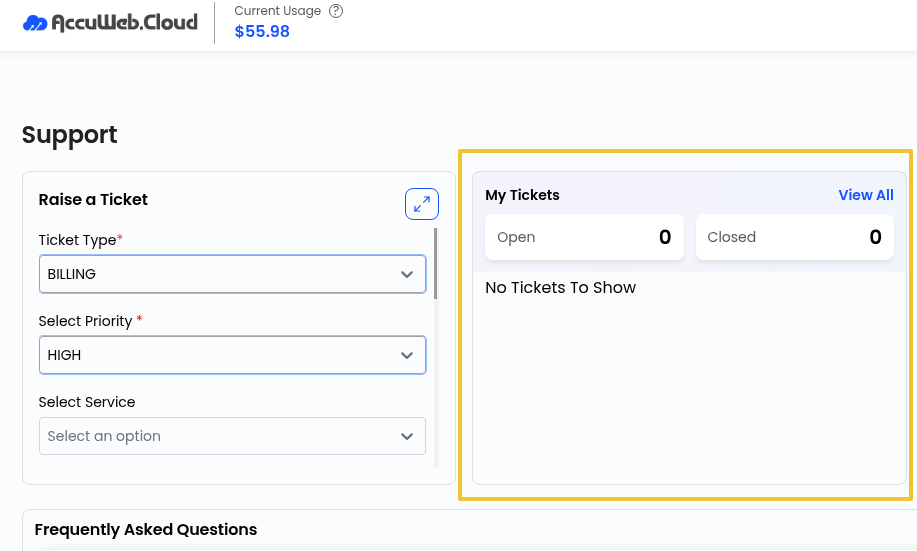
The My Tickets section allows users to:
- View opened tickets
- Track ticket status
- Review previous conversations
- Check closed tickets
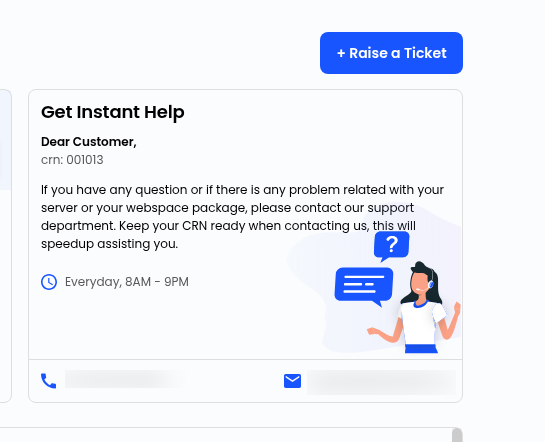
Need Immediate Assistance
If you require immediate support, you can contact the AccuWeb.Cloud support team directly through email or customer support channels.
Please keep your service details or reference information ready for faster assistance.
Our support team works to provide quick and effective solutions for all service-related issues.
Haven’t registered yet?