
One-Click Jenkins Hosting on AccuWeb.Cloud
Deploy Jenkins Hosting quickly and easily with AccuWeb.Cloud. Our one-click deployment makes it simple to get Jenkins up and running without dealing with complicated manual configurations.
The setup takes care of the required server configuration and Jenkins installation, so you can start automating builds, testing, and deployments within minutes. Need Jenkins for your CI/CD pipeline or build automation? It’s already set up and ready to go on your AccuWeb.Cloud server.
Deploy Jenkins in One-Click
Step 1: Log in to your AccuWeb.Cloud account and open the dashboard.
Step 2: Once you are on the dashboard, go to Apps to view the available applications.
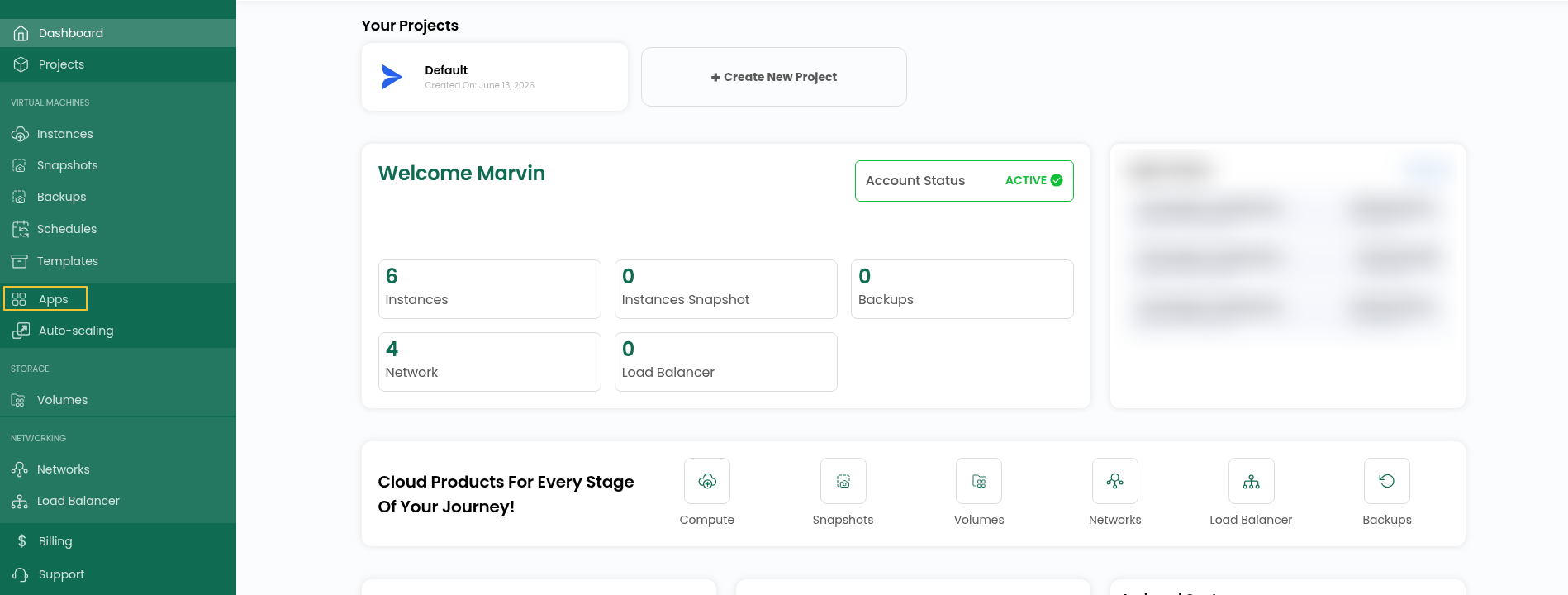
Step 3:Go to Apps and open Marketplace to browse the applications available for deployment.
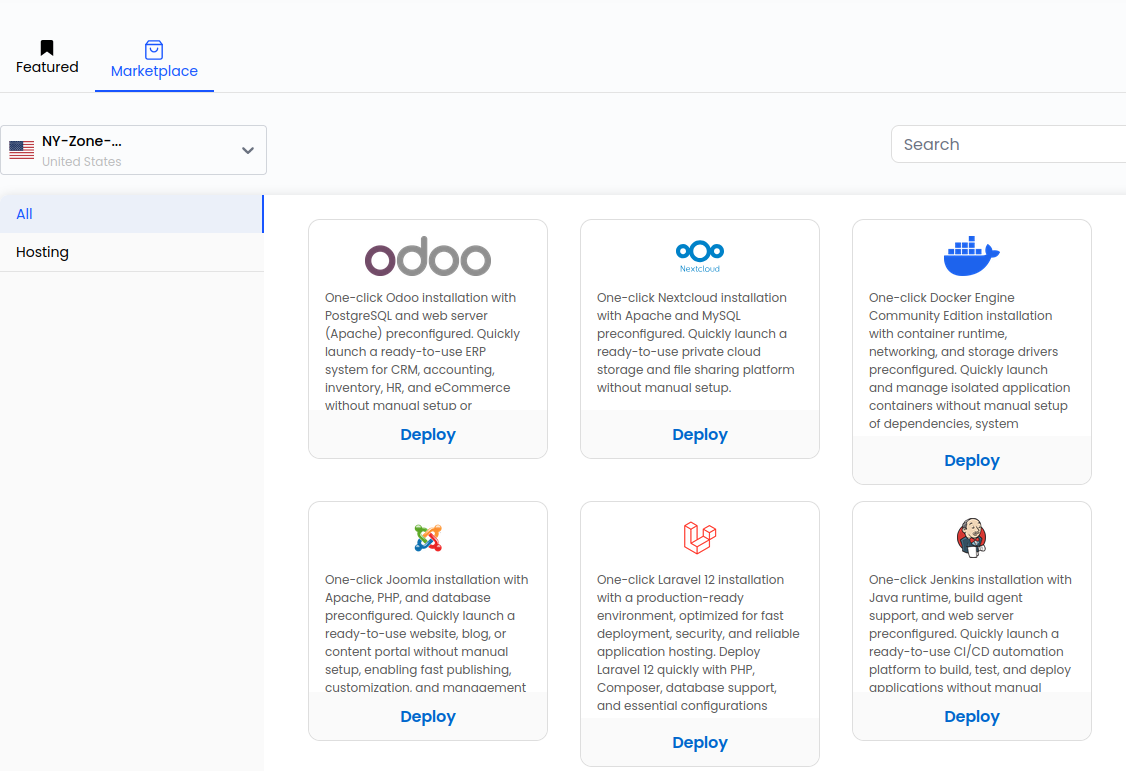
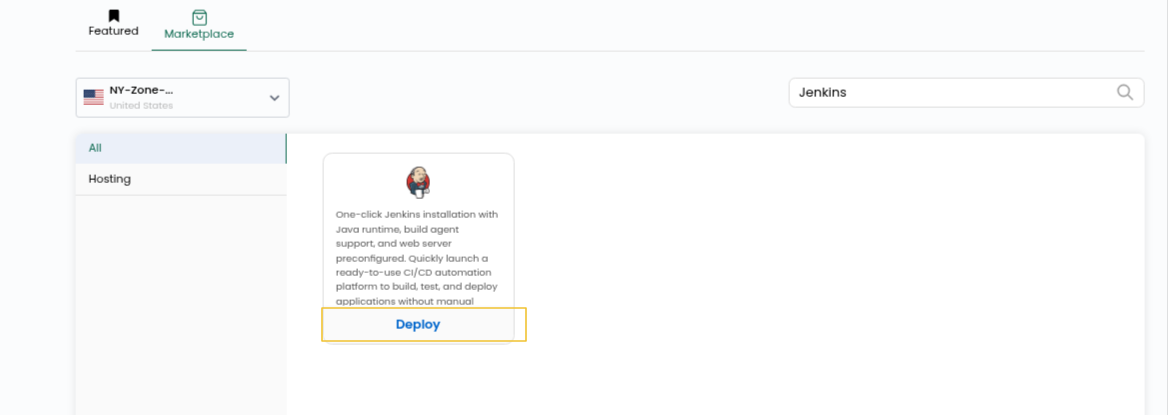
Step 4: Find Jenkins in the Marketplace and click Deploy to start the deployment process.
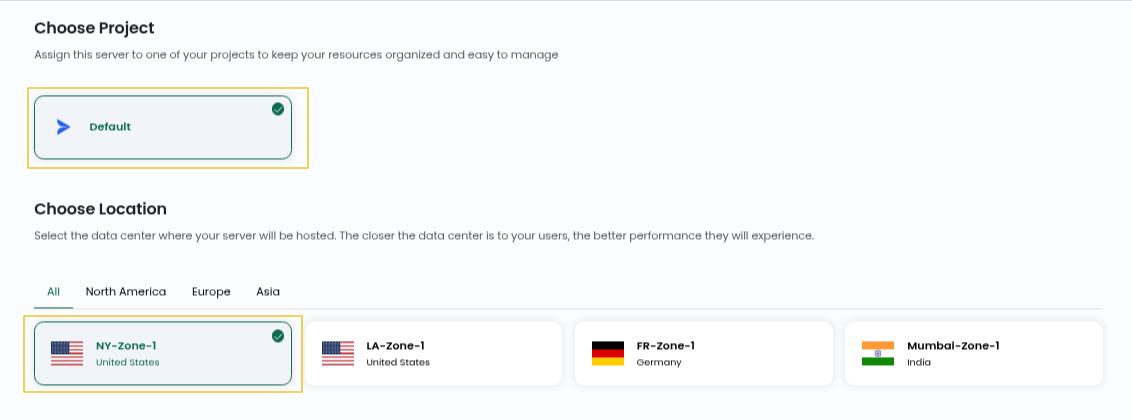
Step 5: Pick the Project and Location for your Jenkins server.
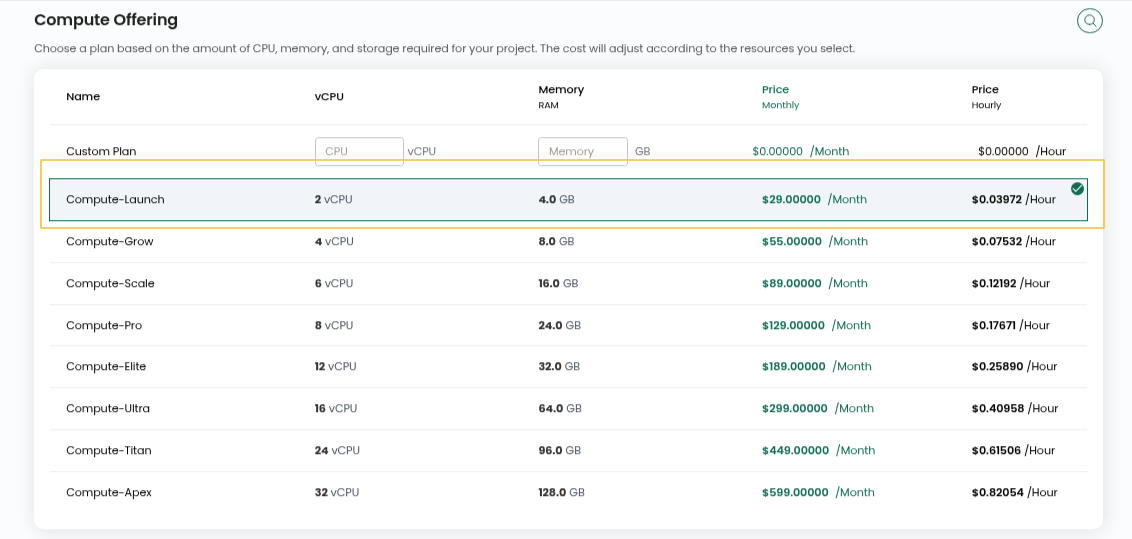
Step 6: Choose the compute option for your instance.
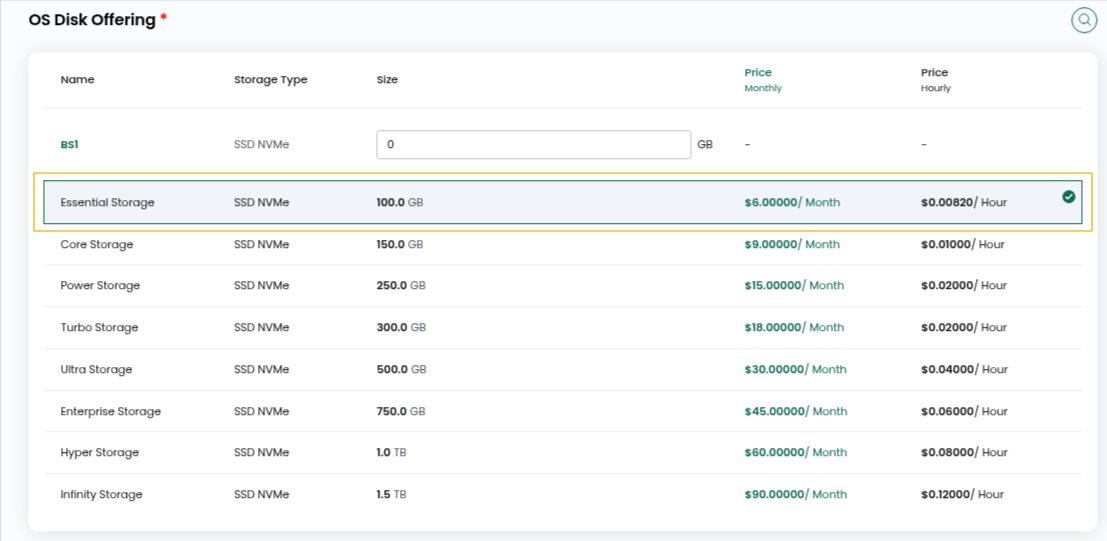
Step 7: Choose the OS Disk Offering and Network you want to use for the instance.
Step 8:Enter a Server Name and Hostname.

Step 9: Choose Hourly or Monthly billing. Review the selected configuration, then click Review & Deploy to start the deployment.
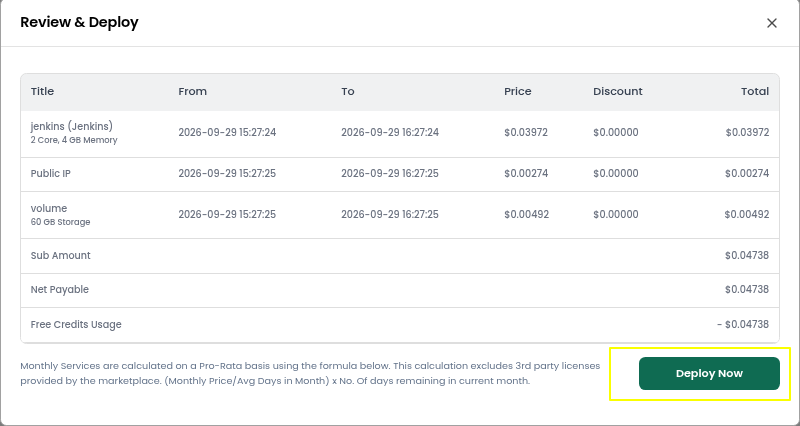
Step 10: Check the details you selected and click Deploy Now.
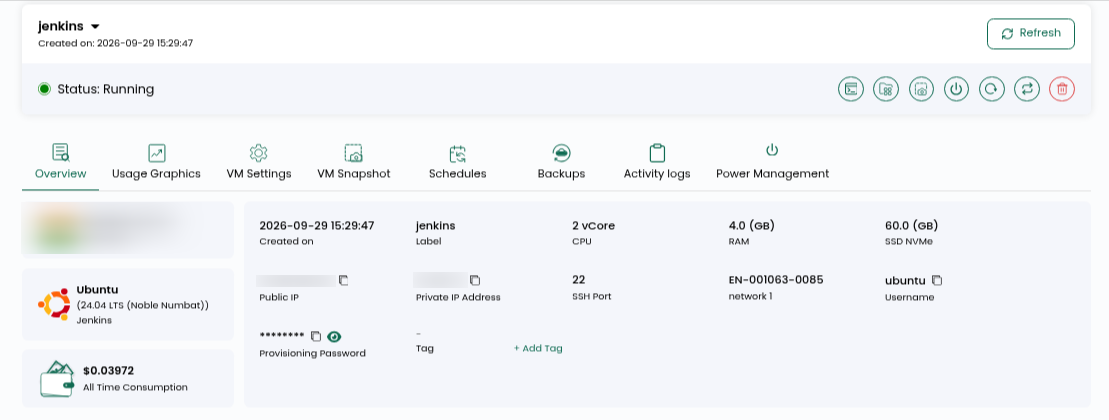
Step 11: Allow a few minutes for the deployment to complete. Wait for the deployment to finish. When Jenkins has been installed, the instance will show a Running status.
Step 12: Check your email for the Jenkins access details.
File path: /root/logindetails.txt
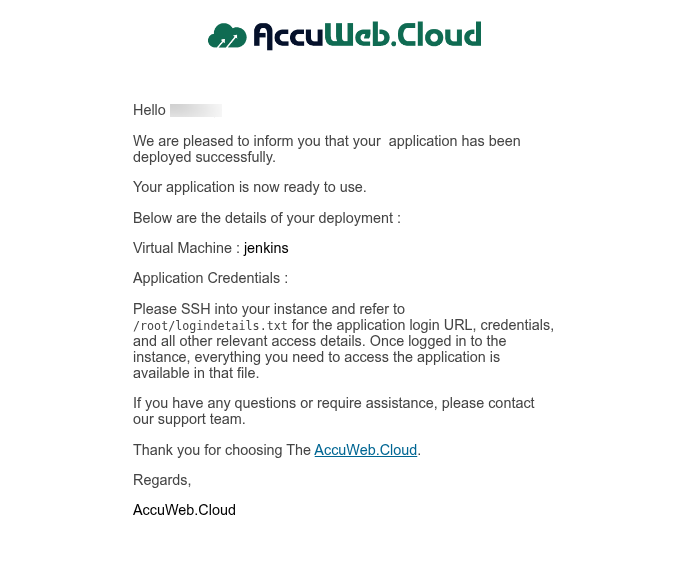
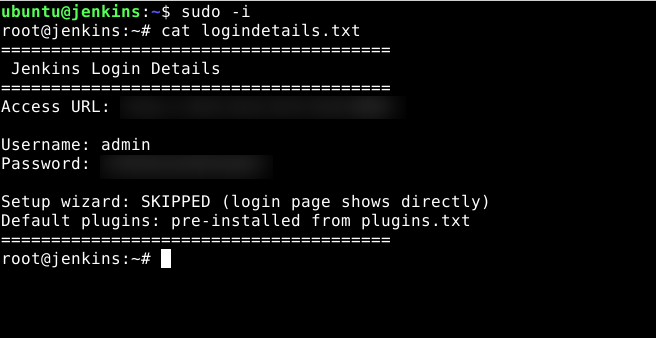
Step 13: Log in to your server using the details on the instance overview page, then open the file mentioned above to get your Jenkins username and password.
ssh user@IP
sudo -i
cat logindetails.txt
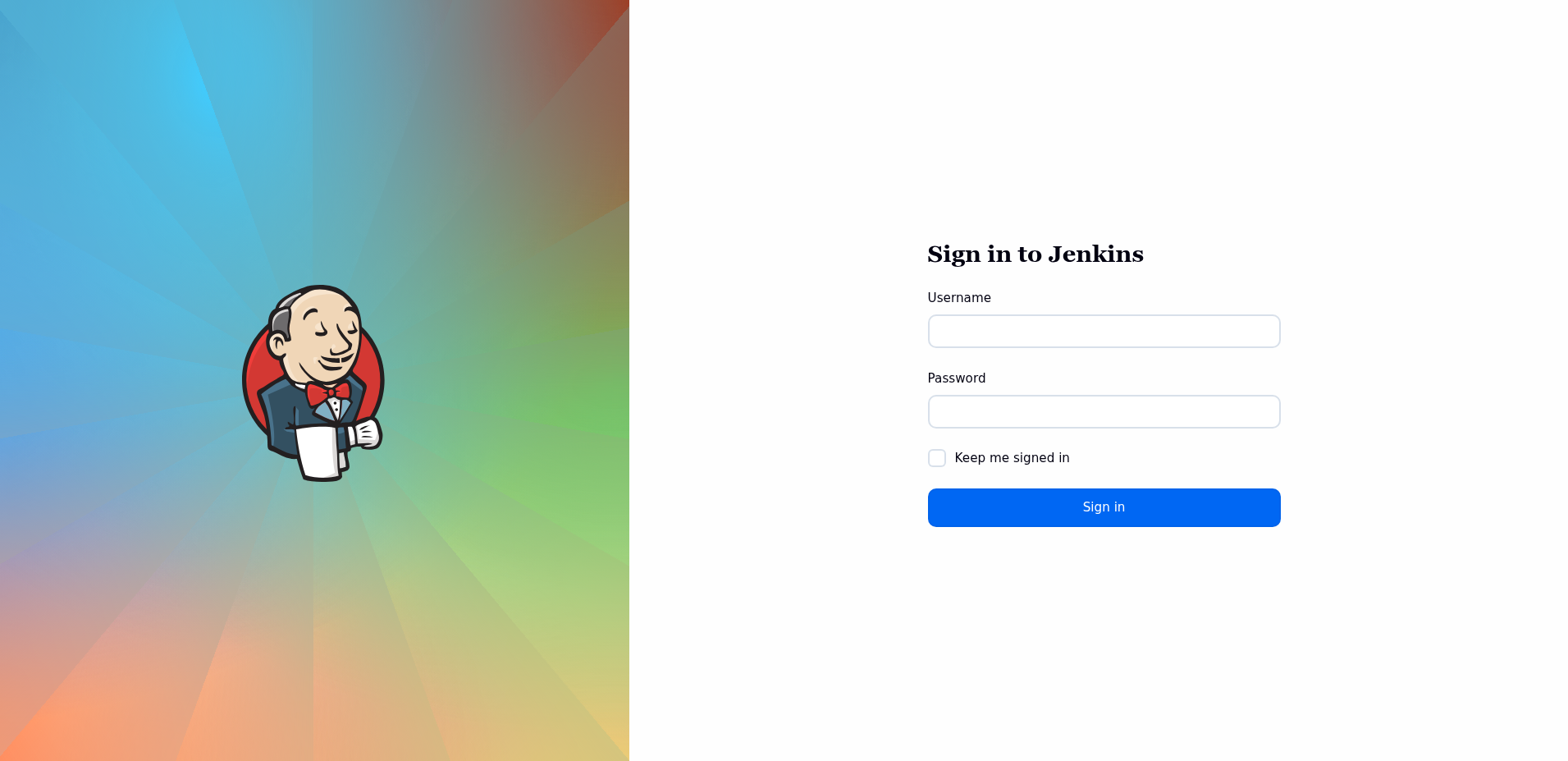
 Step 14: Open the admin URL from the file in your browser and log in to Jenkins with the username and password given there.
Conclusion
Once these steps are completed, Jenkins Hosting will be ready to use on your AccuWeb.Cloud instance. The one-click deployment takes care of the installation and basic setup, allowing you to start creating CI/CD pipelines, automating builds, and managing your software development workflows without going through the entire installation process manually.