
One-Click n8n Deployment on AccuWeb.Cloud
N8n deployment is now simple, fast, and hassle-free. With our one-click n8n deployment on AccuWeb.Cloud, you can set up a powerful workflow automation platform in just a few minutes—no complex technical setup required.
Our automated solution handles everything for you, including server configuration, database setup, and n8n installation. Whether you’re automating repetitive tasks, connecting applications and services, synchronizing data, or building custom workflows, our one-click service provides a fast, reliable, and hassle-free experience.
Deploy n8n on One-click
Step 1: Log into your AccuWeb Cloud Dashboardusing your credentials.
Step 2:From the dashboard, go to Apps.
This will display a list of all available applications.

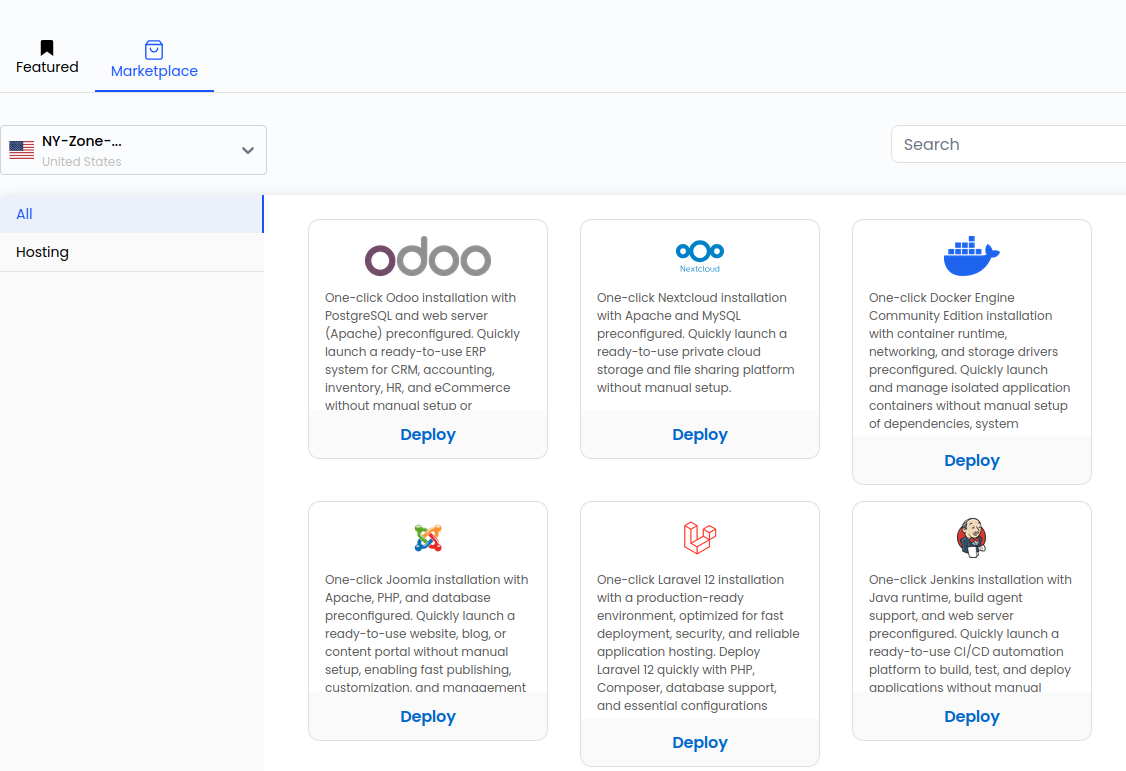
Step 3: In the Apps tab, locate and click on Marketplace.
You will now see the list of all existing applications in the Marketplace.
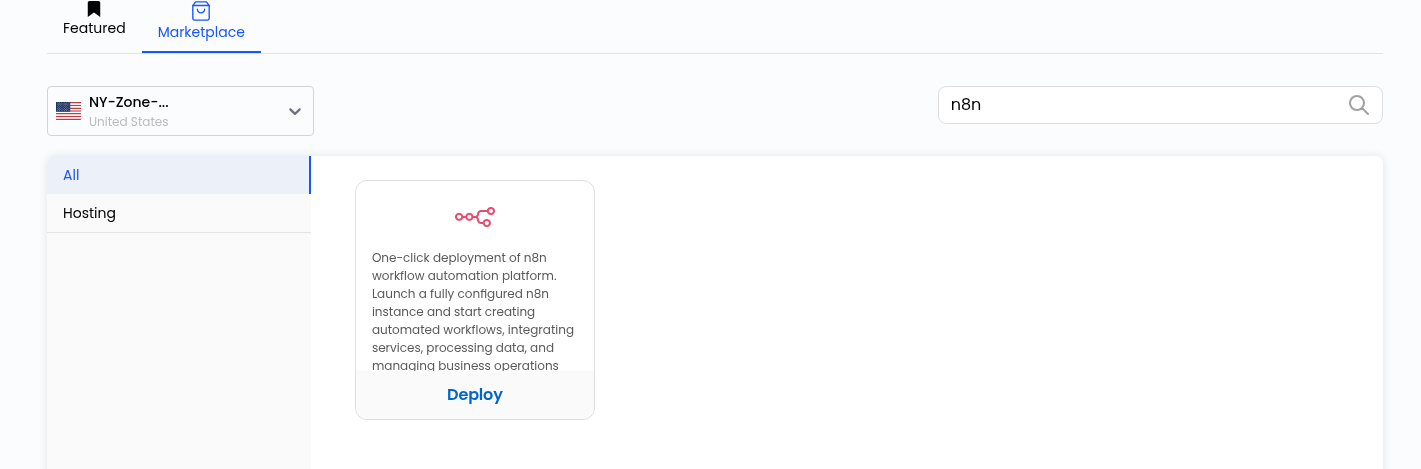
Step 4:Select the n8n App, then click the Deploy button.
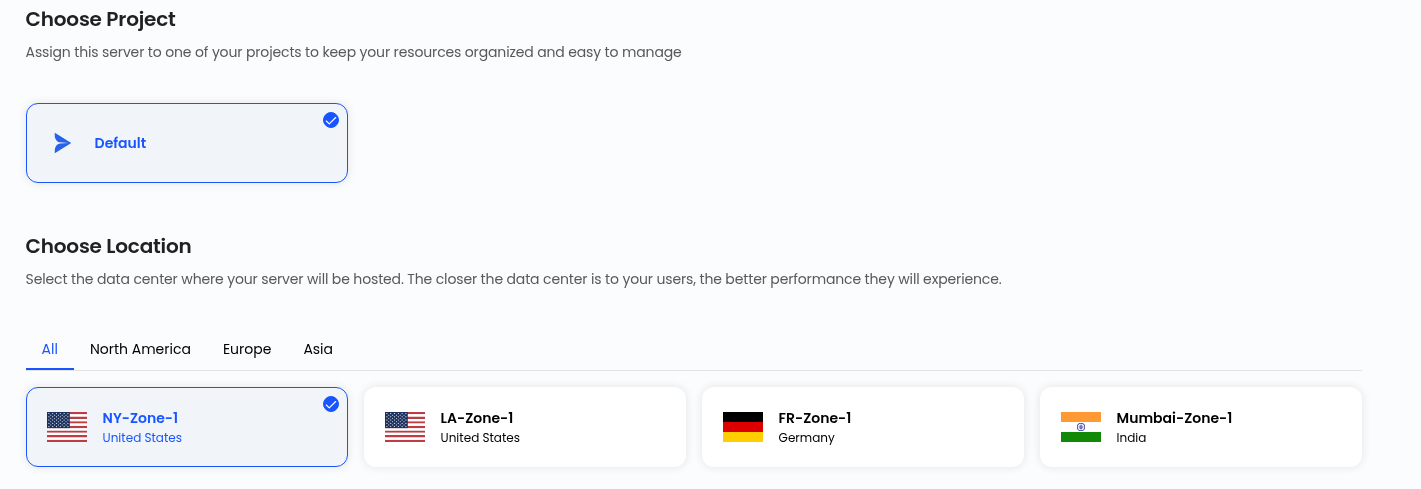
Step 5: Select your Projectand Locationto Deploy
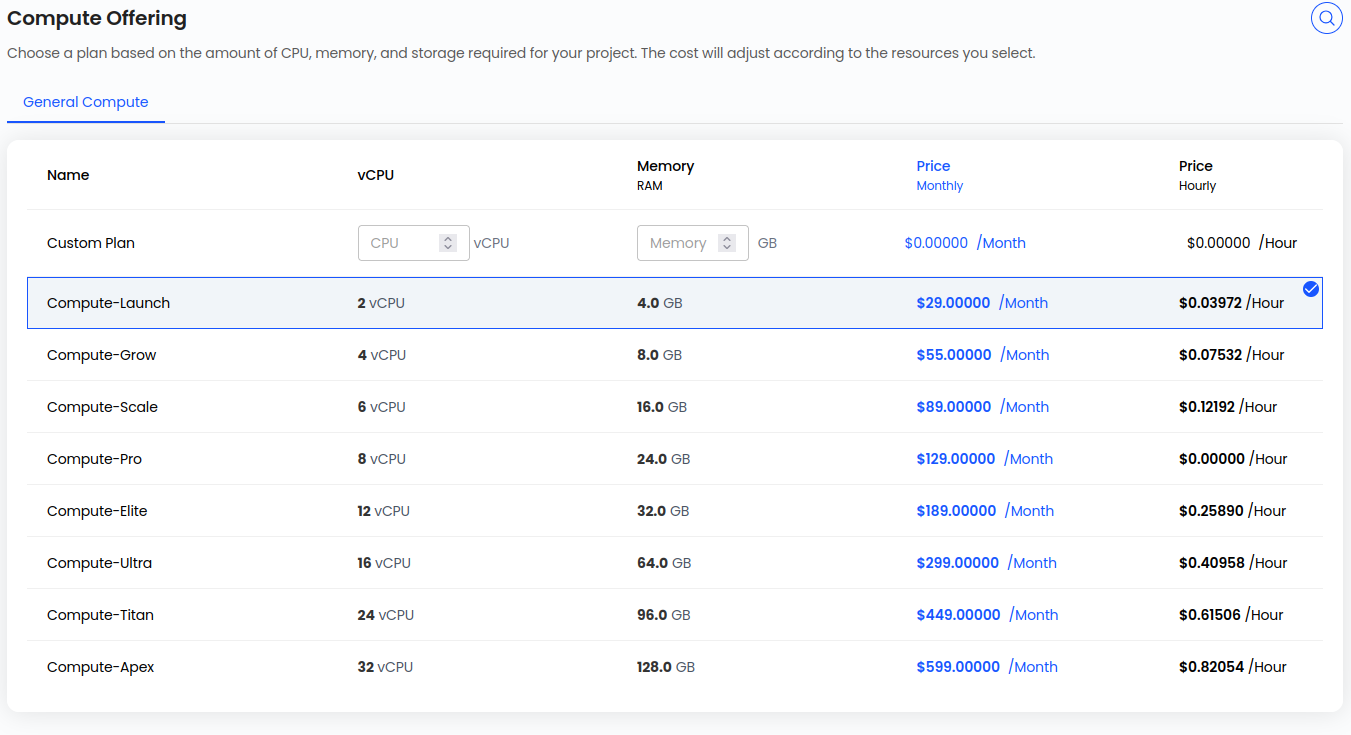
Step 6:Choose Compute Offerings
Step 7:Select an OS disk offering for your VM, and select Network.
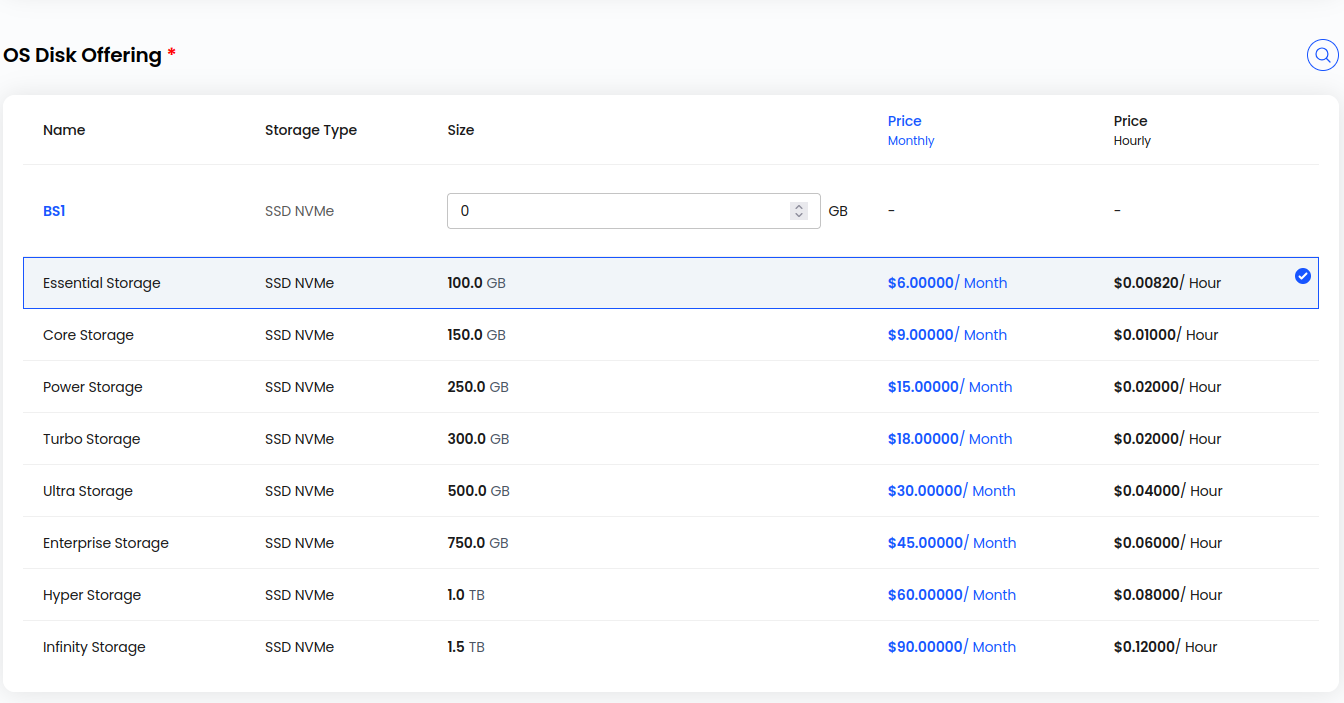
Step 8:Choose Server Name and Server Hostname.

Step 9:Select the billing cycle (Hourly or Monthly), then click ‘Review & Deploy’.

Step 10:Click on Deploy Now
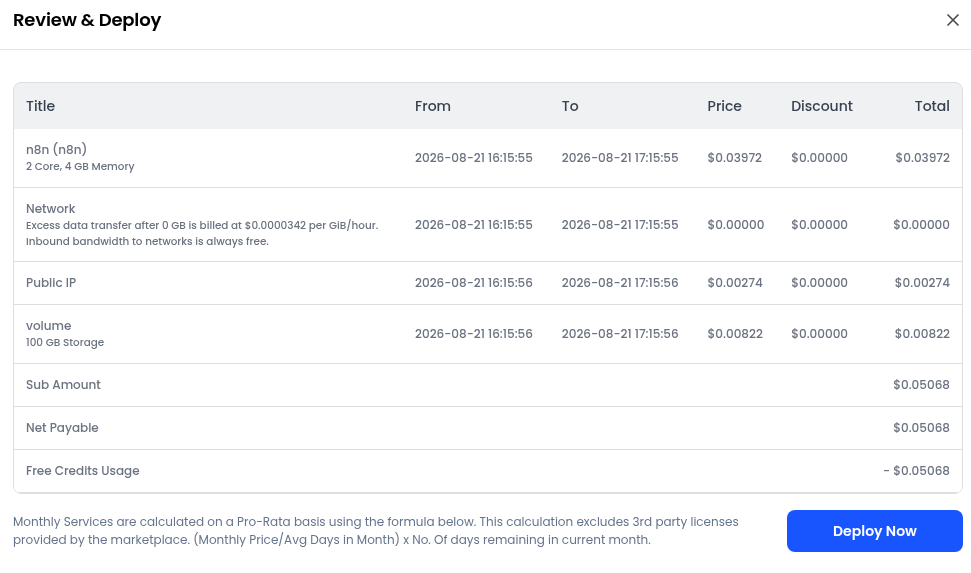
Step 11:It will take 5-10 minutes to deploy the n8n application. Once the app is successfully deployed, you will see the status of your instance as running.
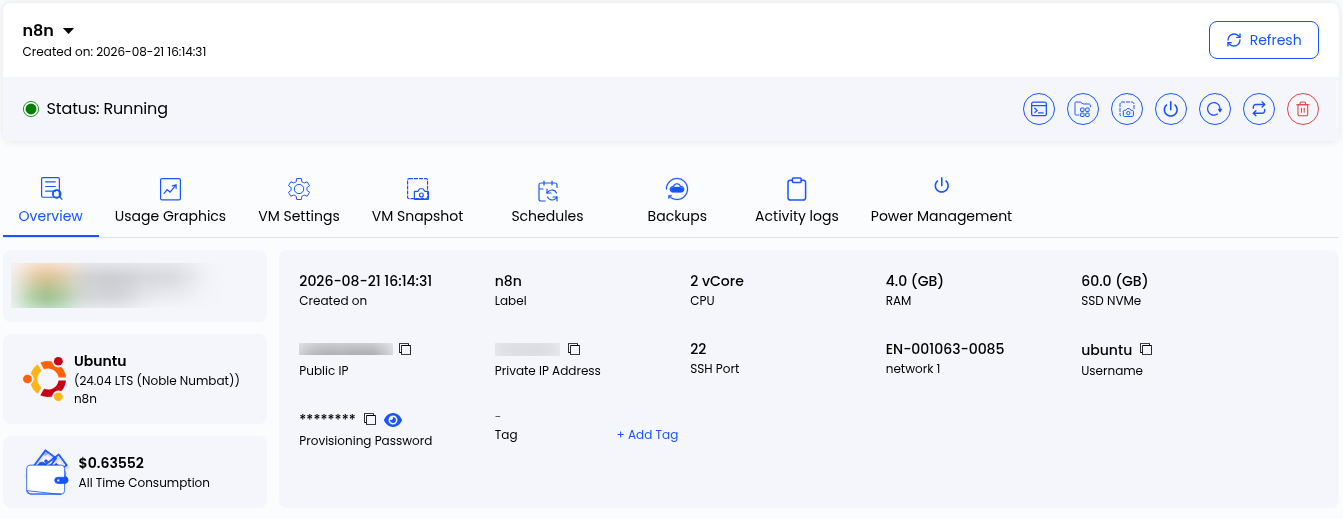
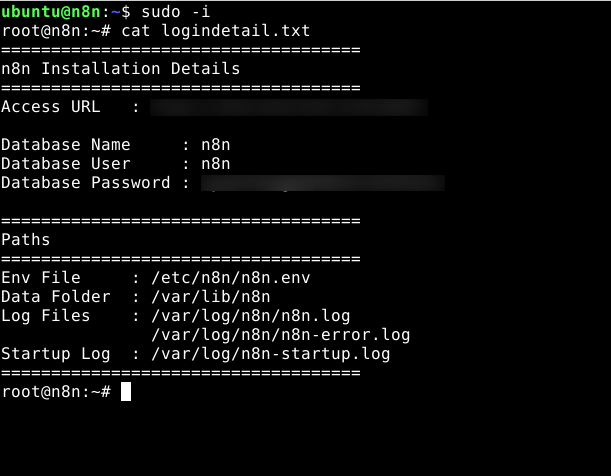
Step 12: You will also receive the confirmation email and access details of your application at your registered email address. Due to security concerns, your n8n credentials are stored in a file inside your VM.
File path: /root/logindetails.txt
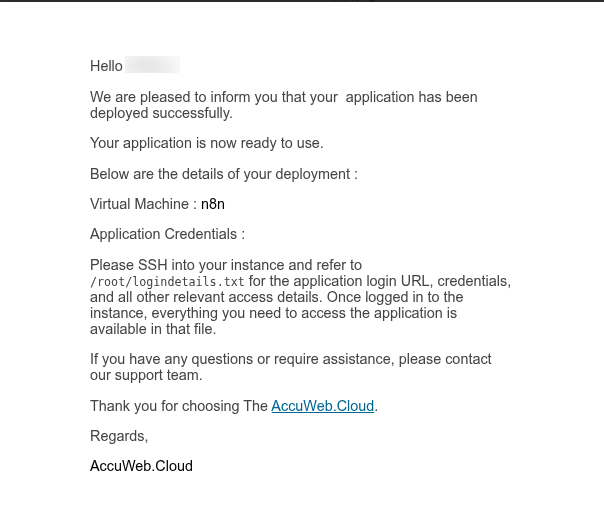
Step 13: Now log in to your VM with the credentials visible on your instance overview page. Visit the path shared in the confirmation email and get the credentials from the mentioned file. You can use the commands to get the details of your n8n app.
ssh user@IP
sudo -i
cat logindetails.txt
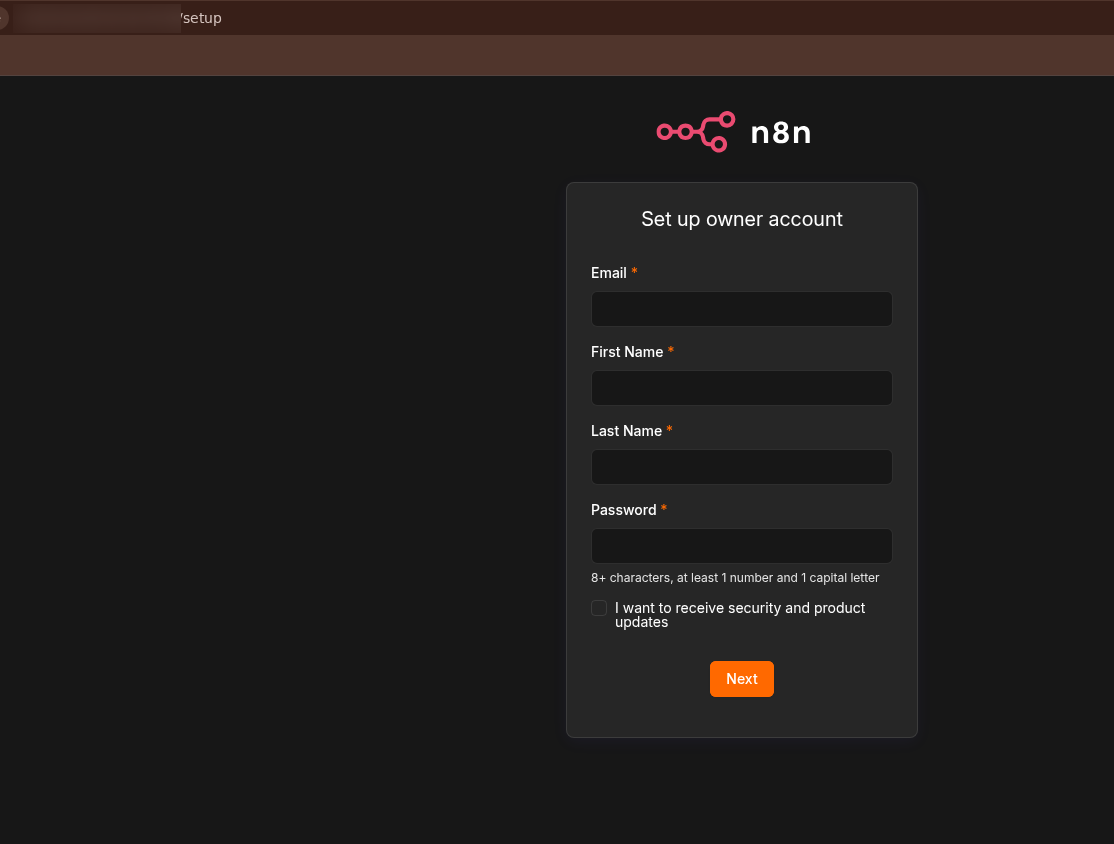
Step 14: Now open the provided URL in your browser. On the n8n setup page, enter the required owner account details, including your First Name, Last Name, Email Address, and Password. Then click Next to complete the setup and access your n8n dashboard.
Conclusion
By following the above steps, you can easily deploy a n8n website using a one-click setup on AccuWeb.Cloud. This method eliminates complex manual configurations and allows you to launch your website quickly and efficiently.