Guaranteed 40% Cloud Savings OR Get 100% Money Back!*

How to redeem Coupon for your client?

How to redeem a coupon for your client?

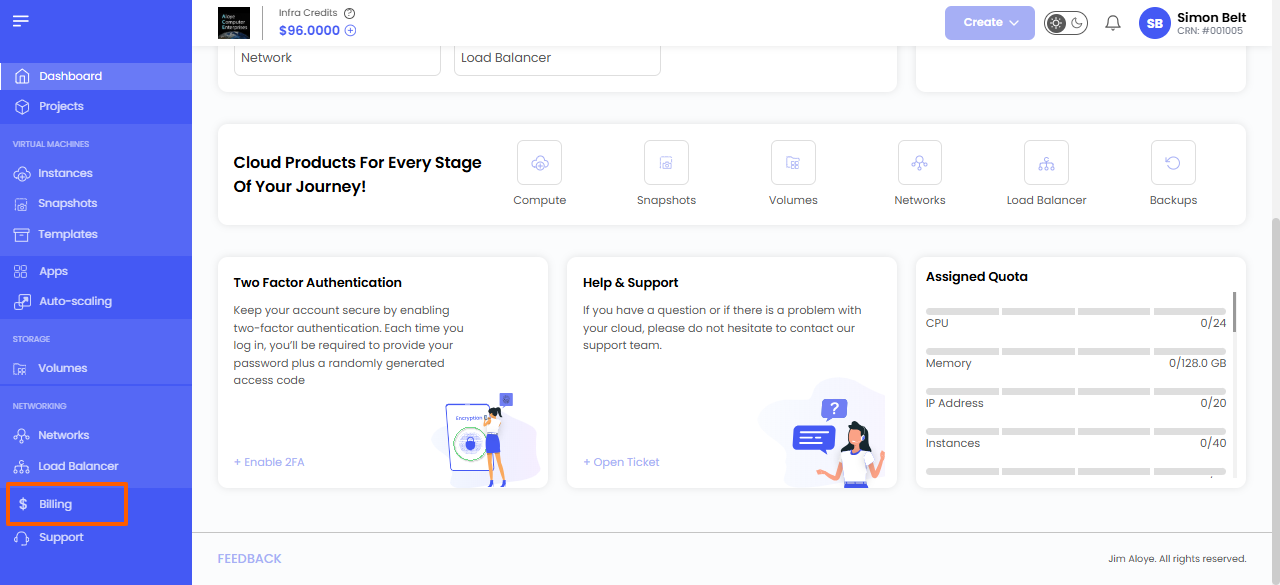
Step 1: Log in to the Client Account

Log in to the respective client account.
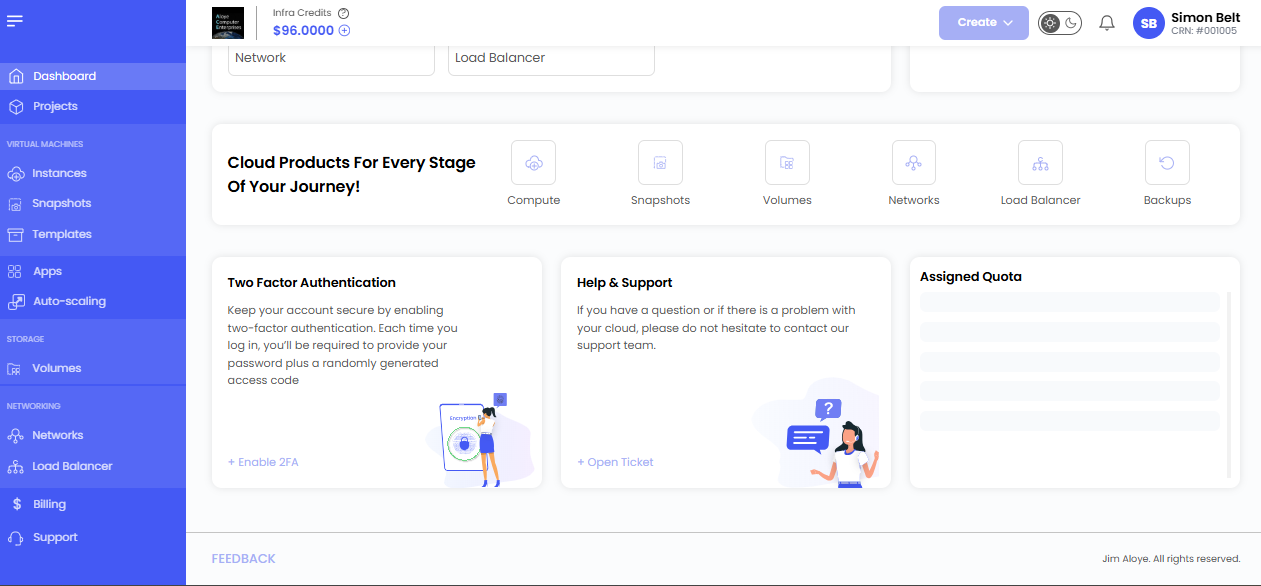
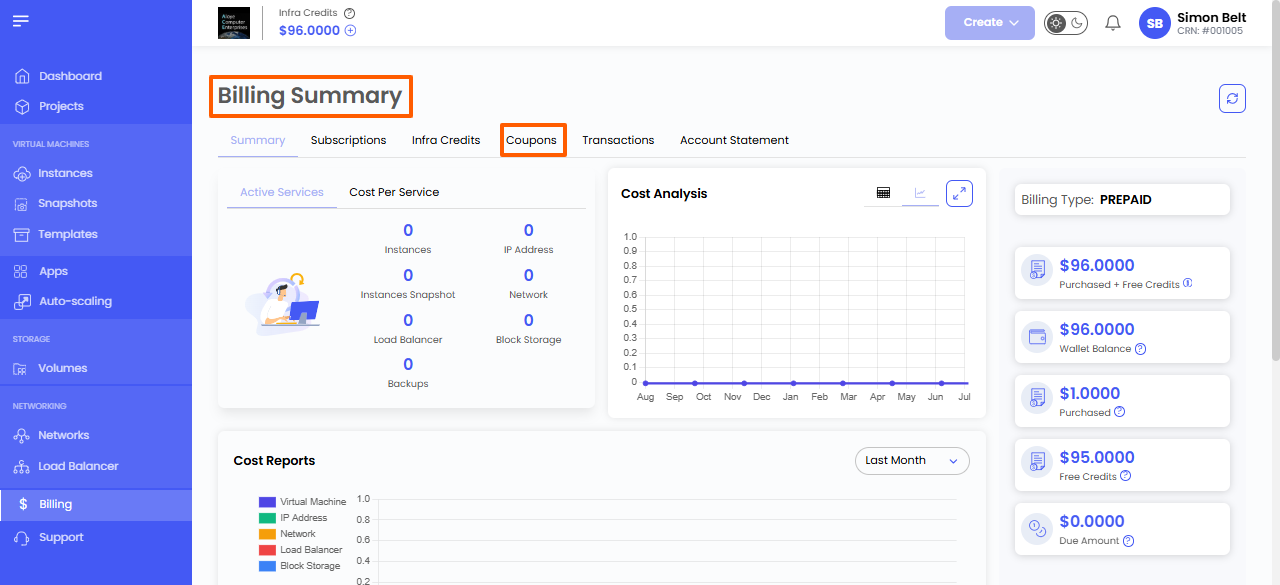
Step 2: Open the Coupons Section

  1. Navigate to the Billing tab.

2. Click the Coupons tab.
Step 3: Redeem the Coupon

  1. Enter the Coupon Name in the coupon field.
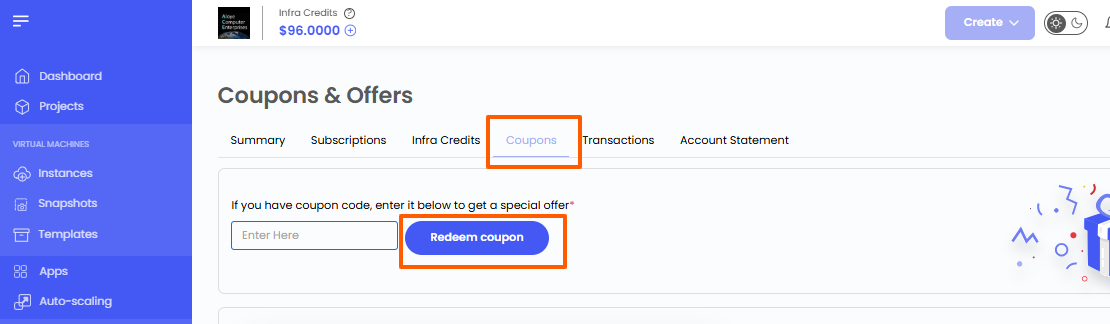
2. Click on Redeem Coupon.

If the coupon is valid and active, the specified free credit amount will be added to the client’s account balance automatically.


* View Product limitations and legal policies

All third-party logos and trademarks displayed on AccuWeb Cloud are the property of their respective owners and are used only for identification purposes. Their use does not imply any endorsement or affiliation.

Product limitations and legal policies

* Pricing Policy
To know about how the pricing is calculated please refer to our Terms and Conditions.