
How to Add and Manage Roles?
Overview
The Roles section allows you to create and manage permission sets for users.
Steps:
- Log in to your Reseller Account.
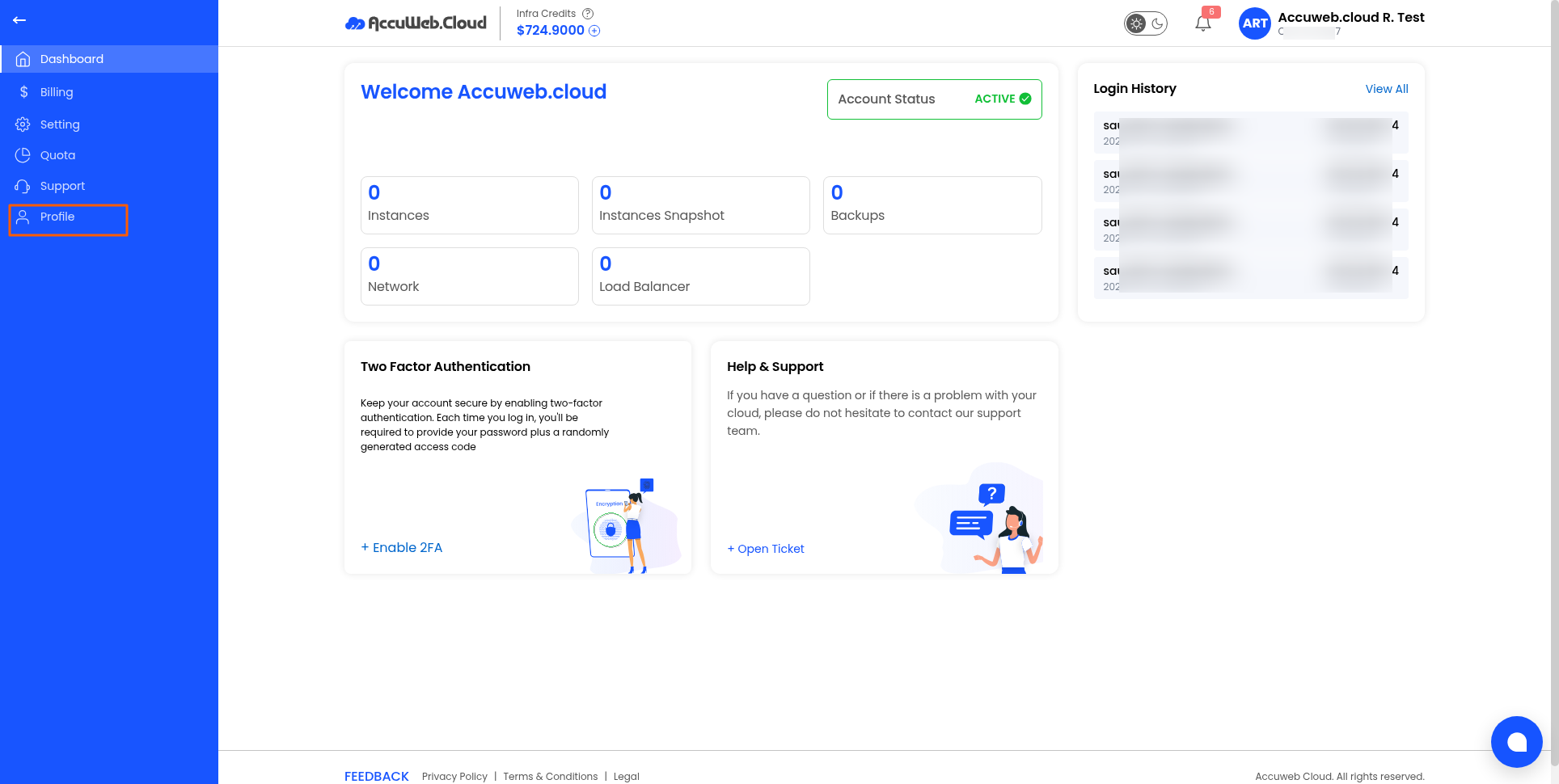
- Click Profile.
- Open the Roles tab.
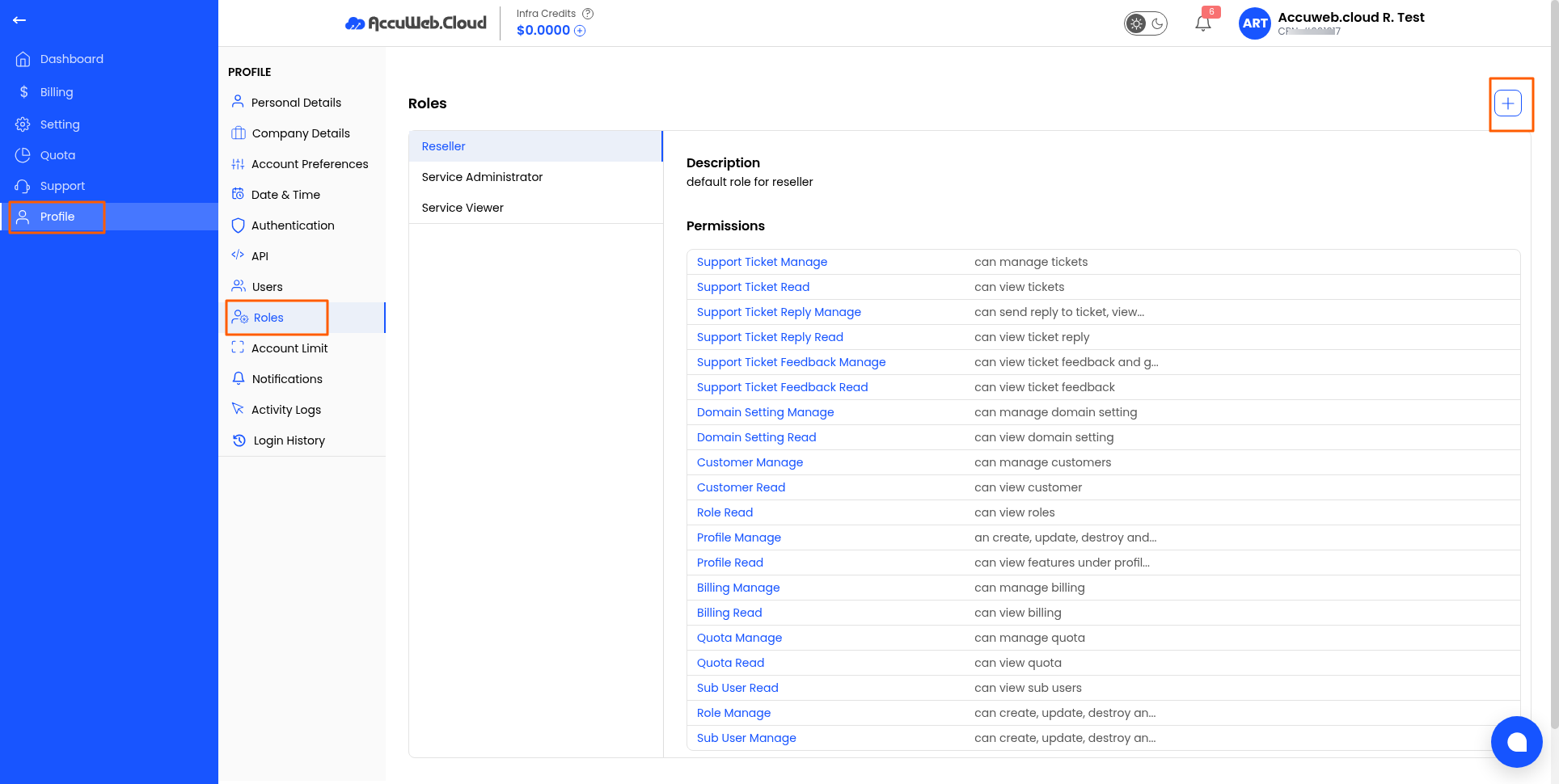
- Click Add Role.
- Enter a role name.
- Assign the required permissions.
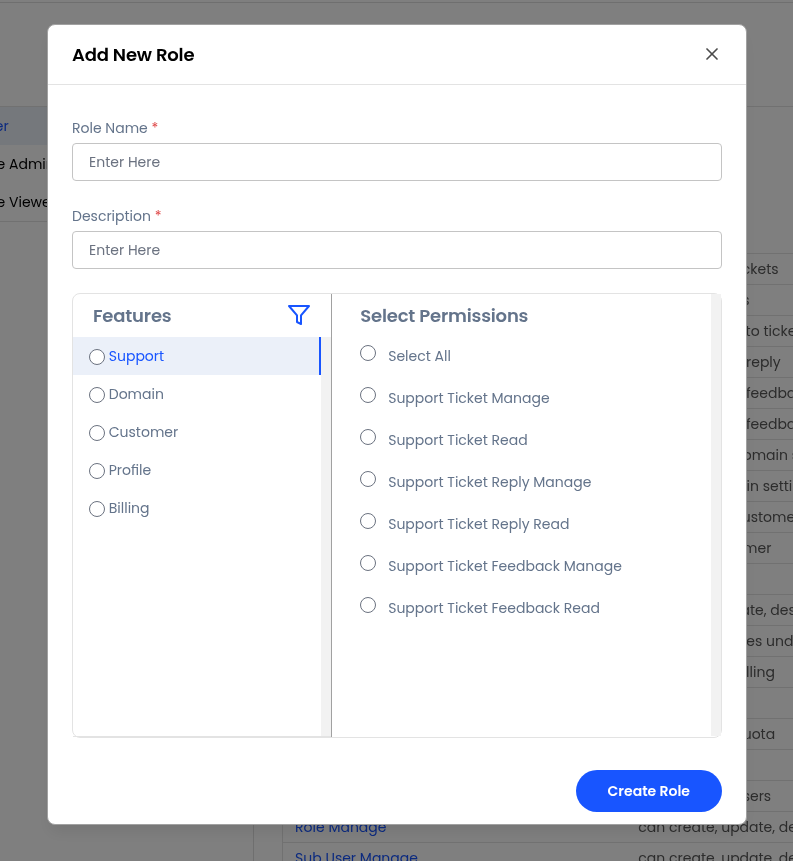
- Save the role.
Best Practice: Create separate roles for administrators, billing users, and support staff to simplify permission management.
Still don’t have an account?