
How to Manage Authentication?
Overview
The Authentication section helps secure your account by allowing you to configure login security settings.
Available Features
- Email Authentication
- Two-Factor Authentication (2FA)
- 2FA Enforcement
- Password Management
Steps
- Log in to your Reseller Account.
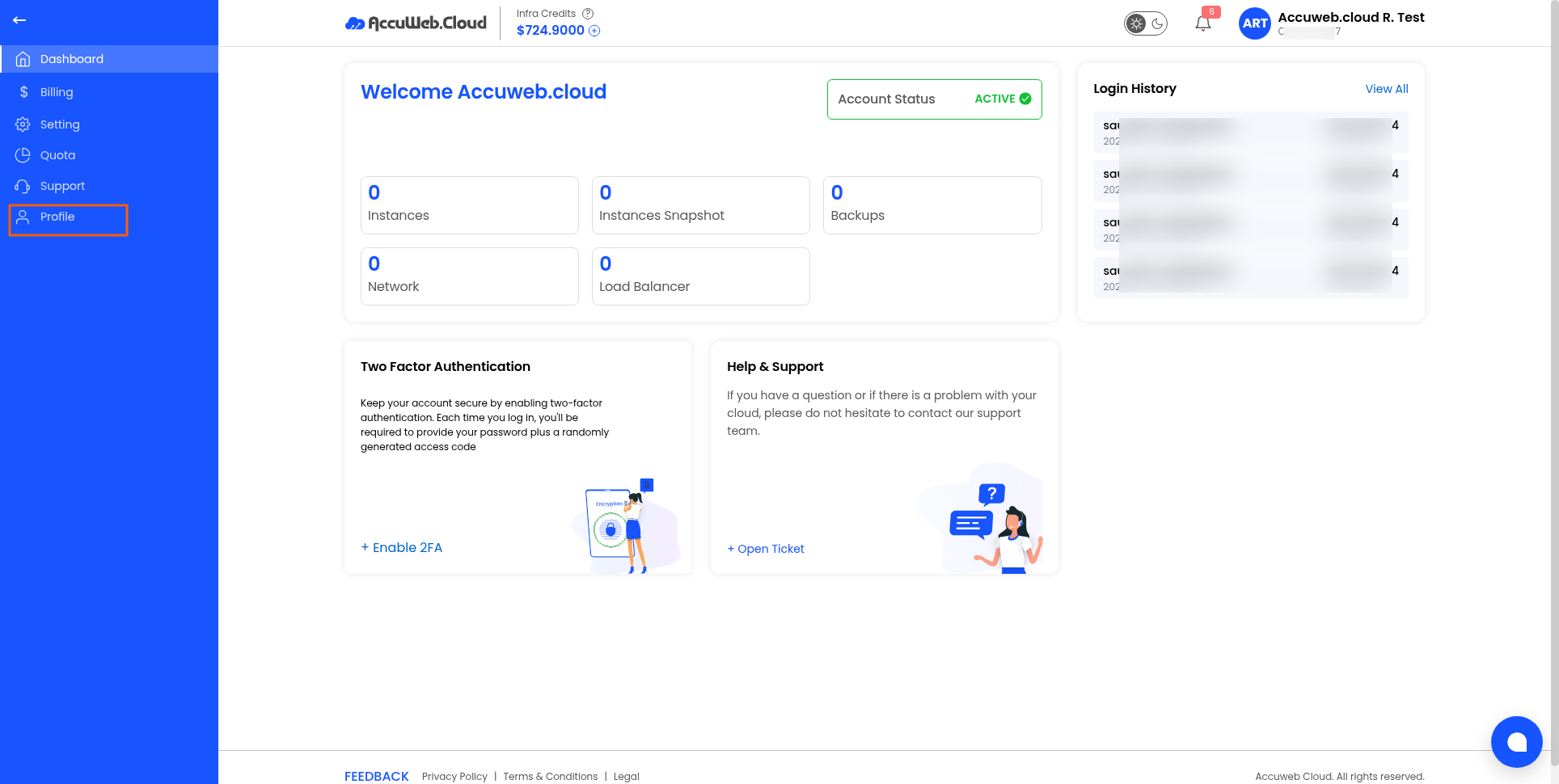
- Click Profile.
3. Open the Authentication tab.
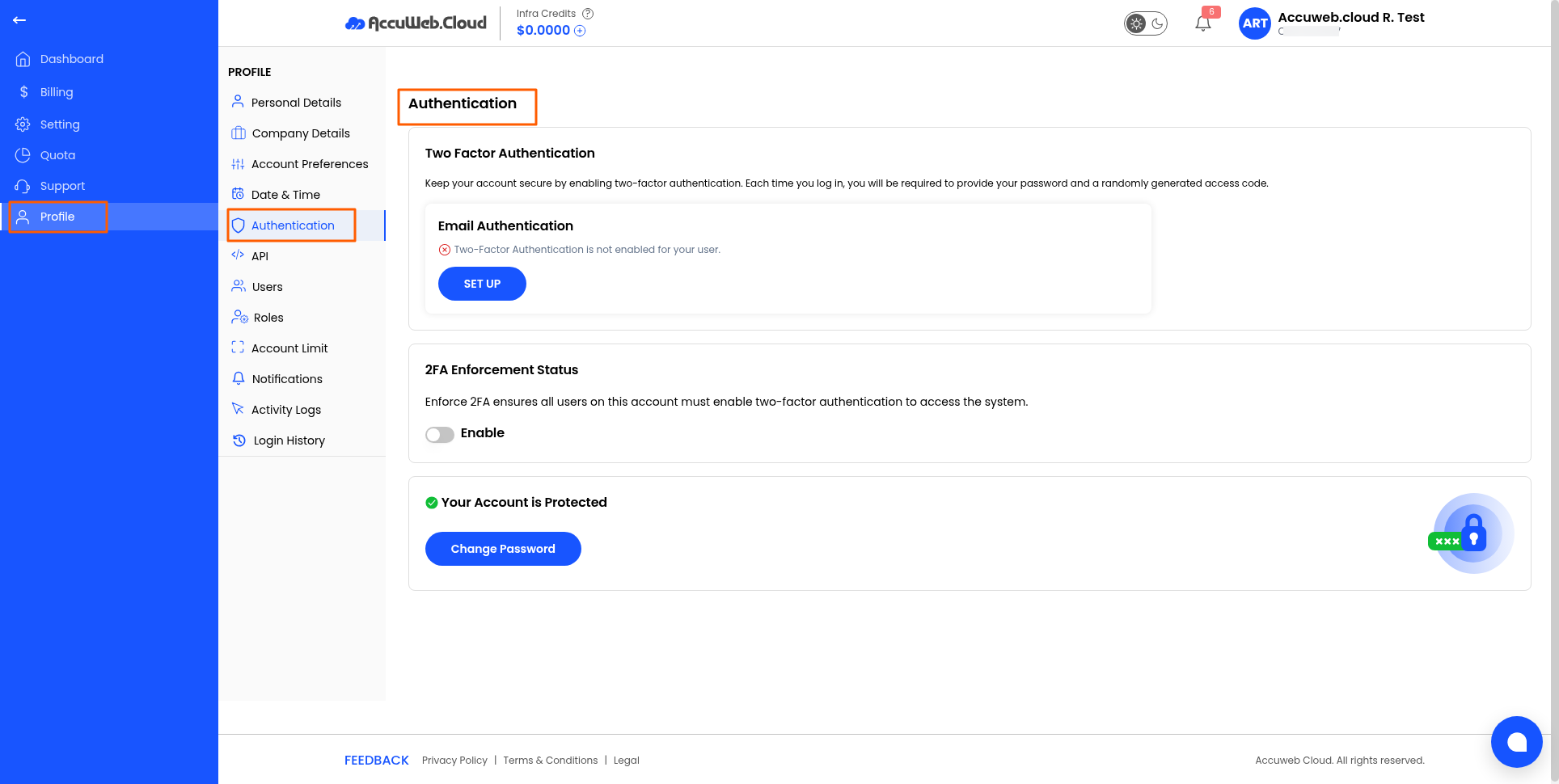
4. Configure any of the following options:
-
- Enable Two-Factor Authentication (2FA)
- Set up Email Authentication
- Enable 2FA Enforcement for all account users
- Change your account password
Recommendation: Enable Two-Factor Authentication to provide an additional layer of security for your account.
Not registered yet??