
How to Change Instance Hostname in AccuWeb.Cloud?
The hostname uniquely identifies your virtual machine (VM) on the network. Updating the hostname helps maintain proper naming conventions, improves system management, and ensures better integration with domains and services.
Steps to Change Hostname
Step 1: Log in to the AccuWeb Cloud Dashboard.
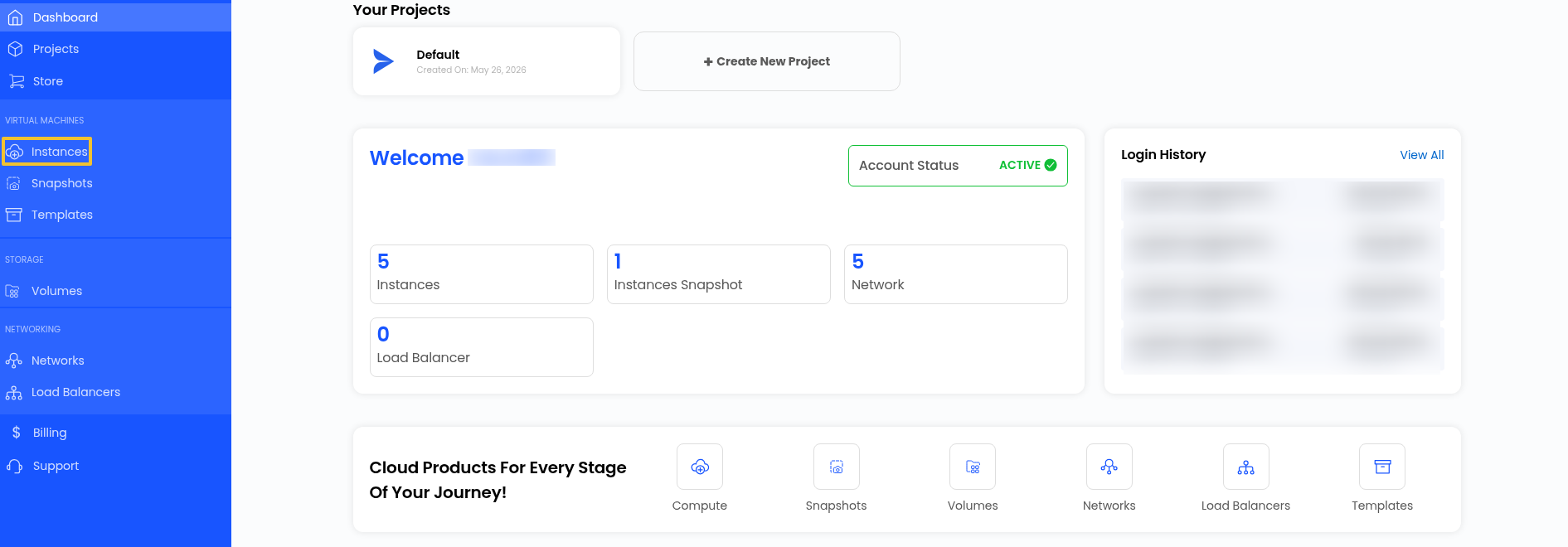
Step 2: From the dashboard, go to Instance.
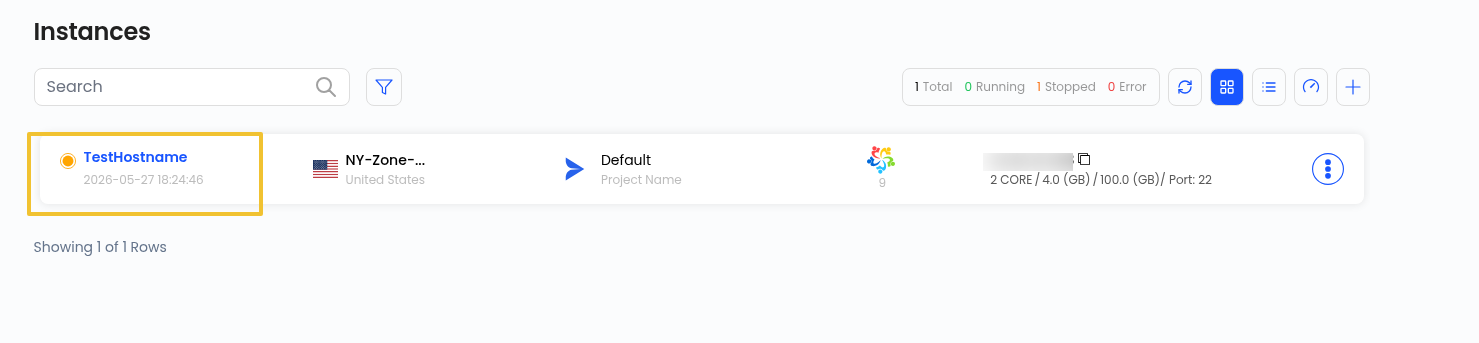
This will display a list of all available virtual machines.
Step 3: Choose the VM for which you want to update the hostname by clicking on it.
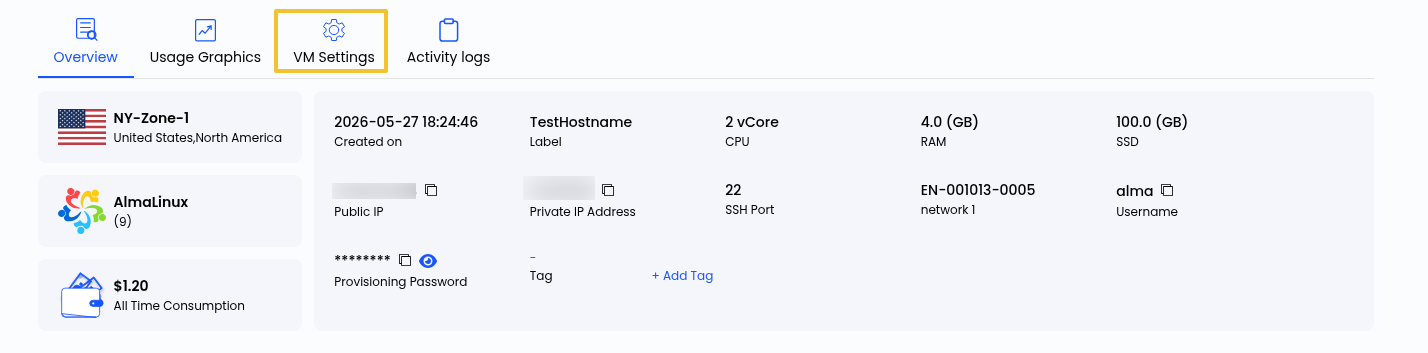
Step 4: After selecting the VM, navigate to the VM Settings section.
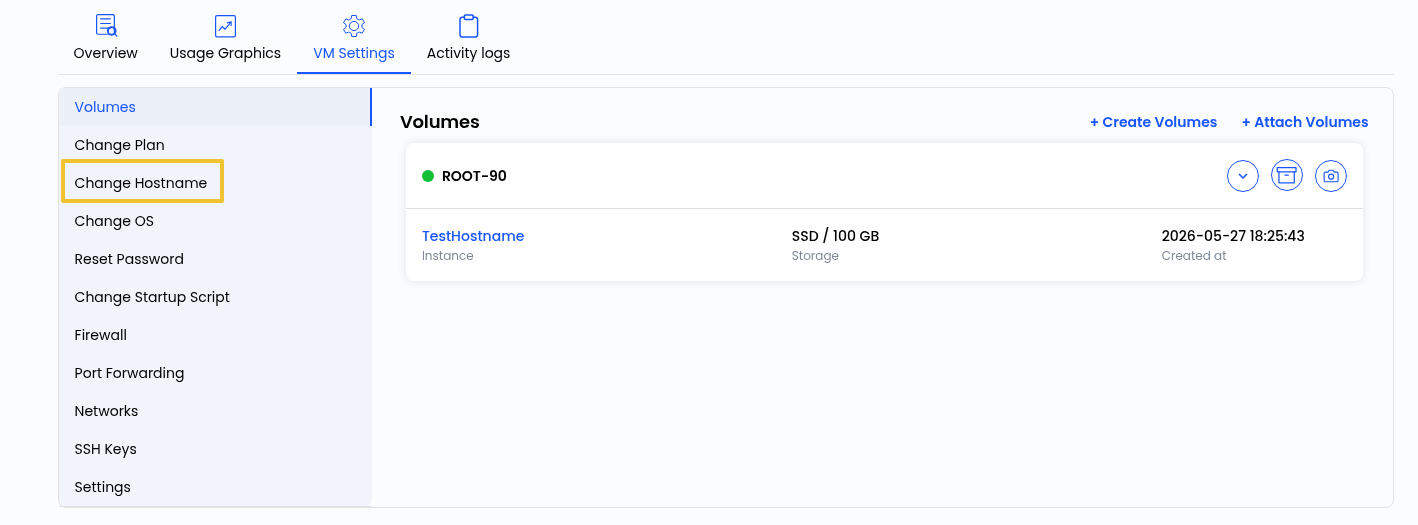
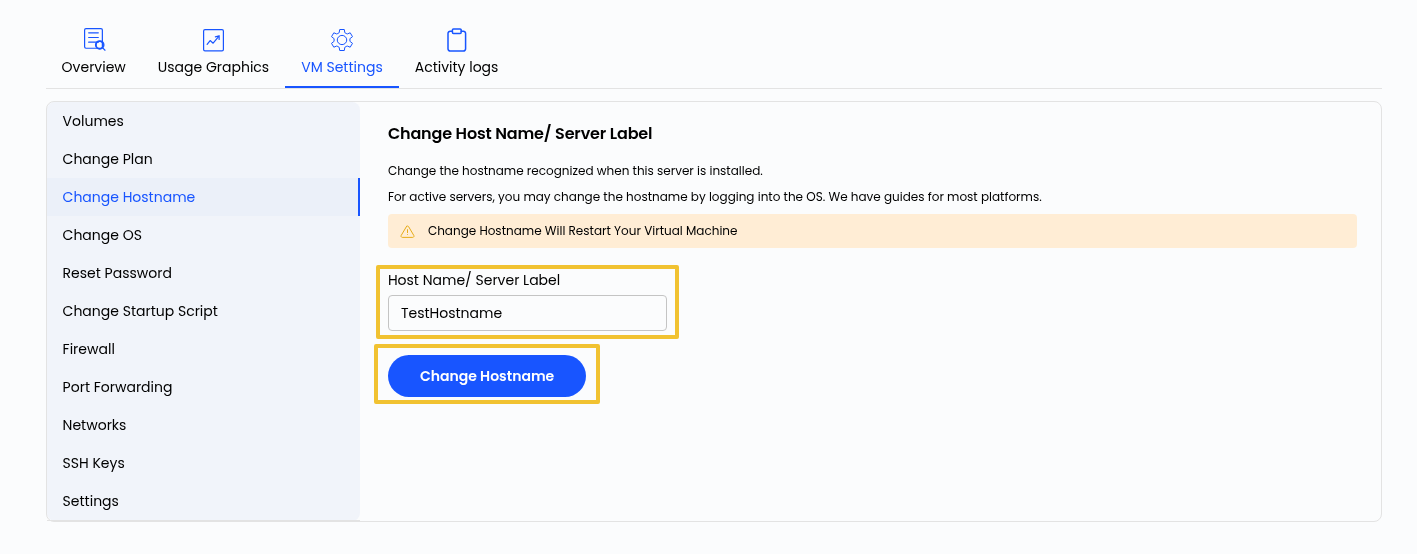
Step 5: Locate and click the Change Hostname option.
Step 6: Enter the desired hostname as per your naming convention.
Step 7: Click on the Change Hostname button to save and apply the new hostname.
Conclusion
By following the above steps, you can successfully change the hostname of your virtual machine. This helps in maintaining proper system identification and keeping your infrastructure organized.
Still don’t have an account?