
How to Deploy OnlyOffice Document Server and Integrate with Nextcloud?
Setting up your own online document editing platform used to be complicated , requiring server setup, dependency management, SSL configuration, and hours of troubleshooting.
But today, you can do it in minutes. With AccuWeb.Cloud, you can deploy ONLYOFFICE Document Server on an Ubuntu 22 VPS using a one-click installer , fully configured and ready to integrate with Nextcloud.
In this guide, you will learn:
- What OnlyOffice is
- Why is manual setup difficult
- How to deploy it instantly
- How to connect it with Nextcloud
- Common errors and fixes
What is OnlyOffice Document Server?
OnlyOffice Document Server is a powerful online office suite that lets you:
- Edit documents, spreadsheets, and presentations
- Collaborate with your team in real time
- Maintain full control over your data
- Integrate with platforms like Nextcloud
It’s widely used by businesses and developers who want a private alternative to Office 365.
One-Click OnlyOffice Deployment with AccuWeb.Cloud
With AccuWeb.Cloud, everything is handled automatically.
When you deploy:
– Ubuntu 22 VPS is created
– OnlyOffice is installed
– Required services are configured
– Ports are opened
– Public IP is assigned
No manual commands. No setup errors.
Step-by-Step: Deploy OnlyOffice on AccuWeb.Cloud
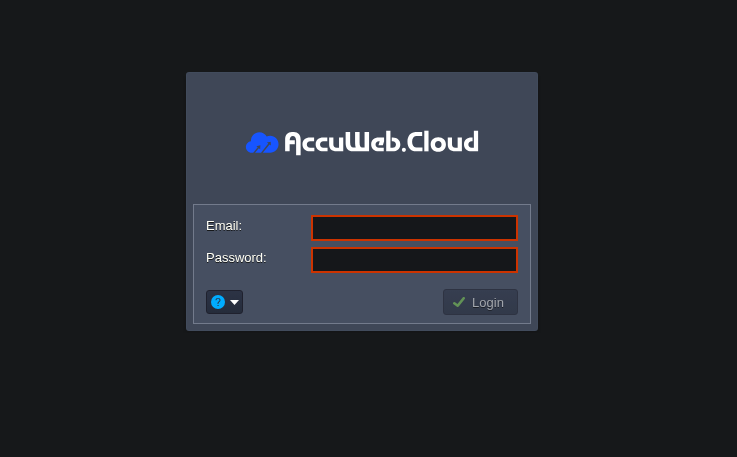
Step 1: Login to AccuWeb.Cloud
Access your dashboard and log in.
Step 2: Select OnlyOffice Installer
Go to the marketplace and search:
OnlyOffice Document Server
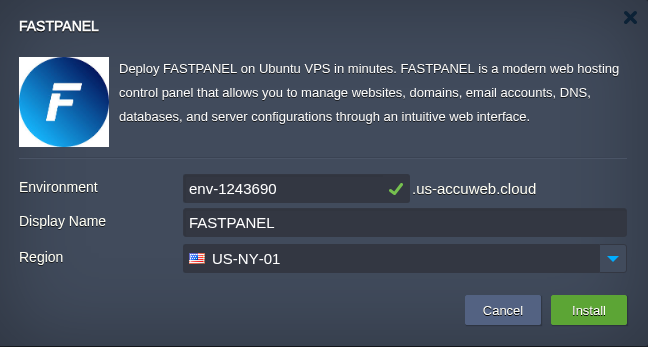
Step 3: Launch Deployment
- Enter environment name
- Enter Display name
- Select data center location [NY, LA, MUM, GER]
- Click “Install”
Step 4: Access OnlyOffice
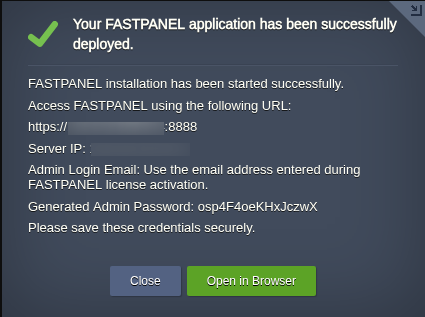
Once the Onlyoffice Document server is successfully installed, you can access it using “Open in Browser” button. Or you can also access it using hostname of your VPS.
In order to integrate Onlyoffice server with Nextcloud, you will need:
- Hostname of VPS : Log in to your VPS and run “hostname.”
- JWT secret token : In the VPS, the token will be stored in the home directory.
What You Get After Deployment
Your server is ready with:
- Ubuntu 22 environment
- OnlyOffice installed
- Public IP
- Open ports
- Root access
- Ready for integration
How to Connect OnlyOffice with Nextcloud
Now comes the most powerful part , integration.
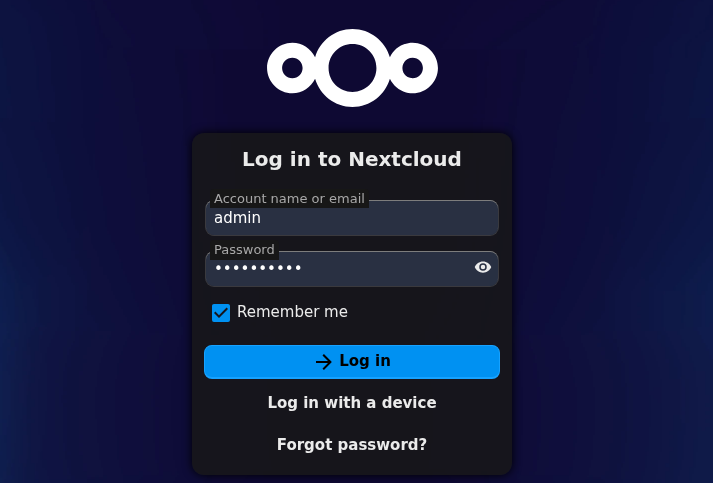
Step 5: Login to Nextcloud
Open your Nextcloud panel:
Step 6: Install OnlyOffice App
- Go to Apps -> Office & text
- Search “OnlyOffice”
- Click Install
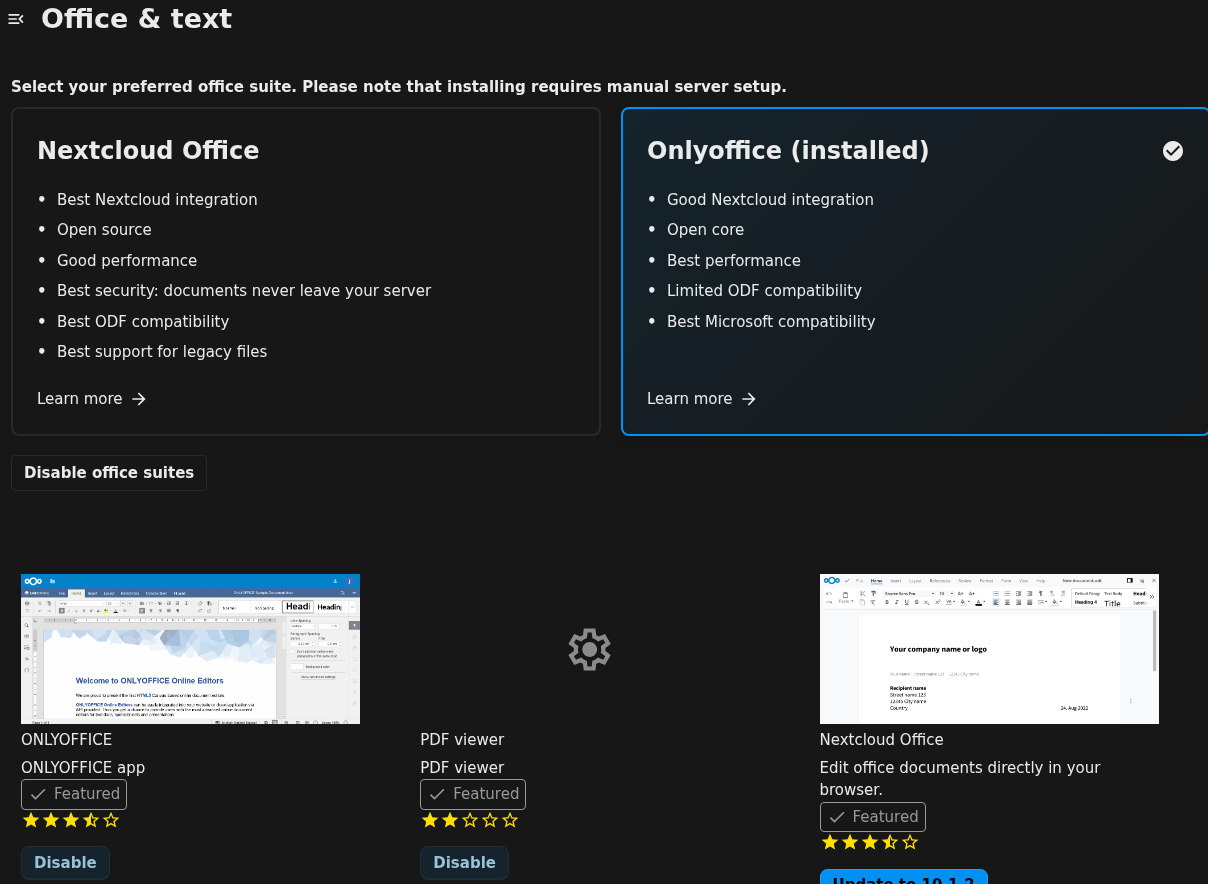
Step 7: Open OnlyOffice Settings
Go to:
Settings -> Administration -> ONLYOFFICE
Step 8: Enter ONLYOFFICE Docs address URL
Enter:
ONLYOFFICE Docs address URL: https://hostname
Secret key: secret key of your OnlyOffice server
NOTE: DO not check the “Disable Certificate Verification”
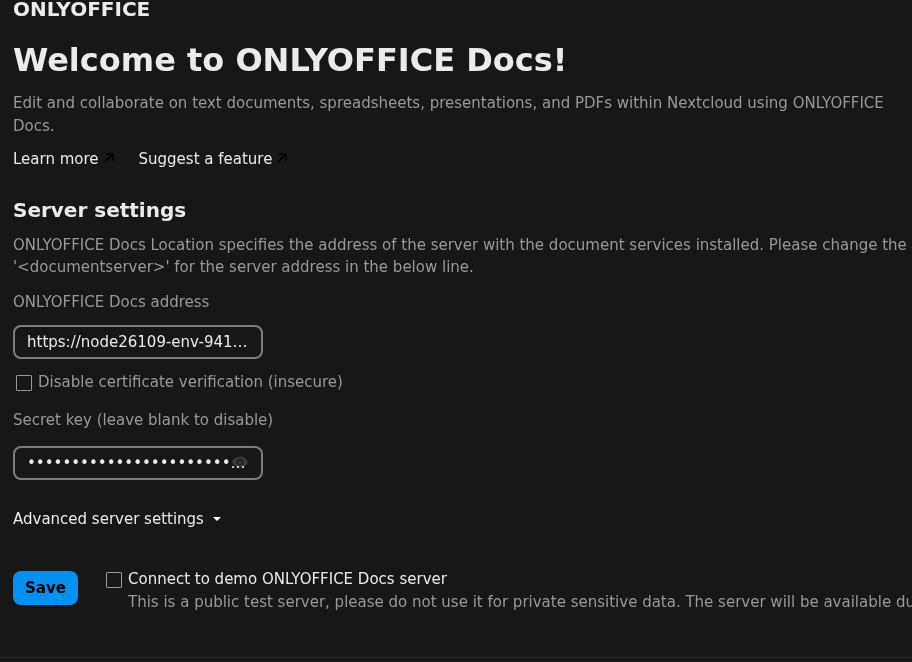
Step 9: Save and Test
Click Save.
You should see a success message.
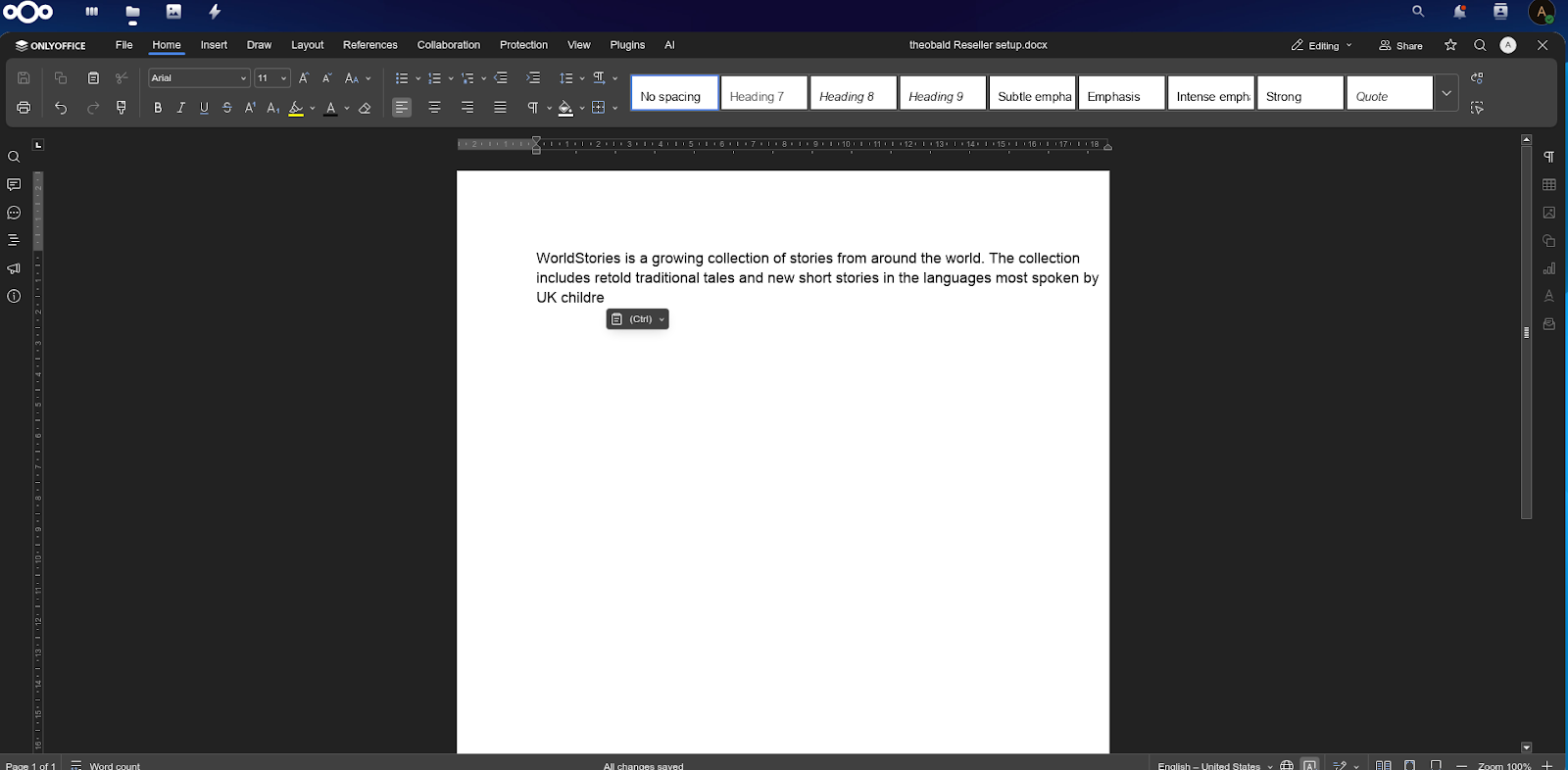
Step 10: Open a Document
Upload and open a file , it will launch in OnlyOffice editor.
Common Errors & Fixes
Nextcloud cannot reach OnlyOffice
Fix:
- Check server URL
- Ensure ports are open
- Verify server is running
Why Choose AccuWeb.Cloud?
With AccuWeb.Cloud, you get:
- One-click deployment
- Ready-to-use environment
- No manual setup
- Dedicated IP
- Fast provisioning
You focus on collaboration. We handle infrastructure.
FAQs
1. What is One Click OnlyOffice deployment?
It is a pre-configured setup that allows you to launch OnlyOffice Document Server instantly without manual installation.
2. Can I integrate OnlyOffice with Nextcloud?
Yes, the server is fully compatible with Nextcloud and can be integrated easily using the OnlyOffice plugin.
3. Do I need technical knowledge to set this up?
No, everything is automated. You can deploy and start using it without any advanced technical skills.
4. Is OnlyOffice secure on AccuWeb.Cloud?
Yes, it runs on a secure cloud environment with proper configurations to keep your data safe.
Final Thoughts
Setting up OnlyOffice manually can be frustrating and time-consuming. But with AccuWeb.Cloud, you can deploy and integrate a complete document collaboration system in minutes. From server setup to real-time editing , everything is simplified. If you want control, privacy, and performance , this is the easiest way to achieve it.