
Account Password Reset
The platform automatically expires account passwords every 180 days to increase security. Users receive multiple notifications before their passwords expire. To regain access if your password expires or you forget it, the platform provides a secure password reset process.
Password Guidelines
Ensuring the security of user accounts is a top priority for the platform. Therefore, the following rules for creating passwords are enforced by default:
- Passwords must be at least 10 characters long.
- They must include at least one symbol from each of these categories: numbers, lowercase letters, uppercase letters, and special characters.
- Users cannot reuse any of their previous passwords.
Each platform’s specific requirements are set by their respective service providers and may differ from the defaults.
Additionally, we advise enabling Two-Factor Authentication to add an extra level of security and enhance account protection significantly.
Change Password
Here are the simplified steps:
Step 1. Log into the platform dashboard. Click on your login name in the upper-right corner to open the menu. Select the “Change Password” option from the menu.

Step 2. In the window that appears, enter your current password and your new password into the provided fields. Click the “Change Password” button to update your password.

You will receive a notification confirming the success of the operation, and an email will be sent to you accordingly.
Reset Password
If you’ve lost access to your account, follow these steps to reset your password:
Step 1. Visit the login page of the AccuWeb.Cloud App.cp and click on “Reset Password” at the bottom-left corner.

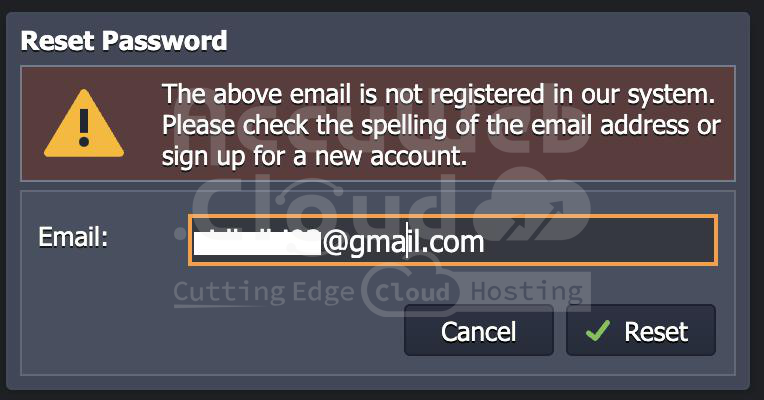
Step 2. Enter your email address and click “Reset” to receive a password reset link via email.
Step 3. Check your inbox for the “Confirm Account Password Reset” email. Click the “Reset Password” button within the email to proceed. Follow the instructions to set up a new password in the opened form.

Step 4. The link in the email is valid for a limited time for security reasons. After resetting your password, you can log back into the dashboard using your new credentials.
