n8n Cloud vs Self-Hosted n8n: Workflow Executions, Costs & Control
If you have spent any time building automations in n8n, you already know the tool is great at connecting apps, APIs, and AI services without a mountain of code. Once workflows run in production, though, one question tends to come up: how is this billed, and what happens when volume grows?
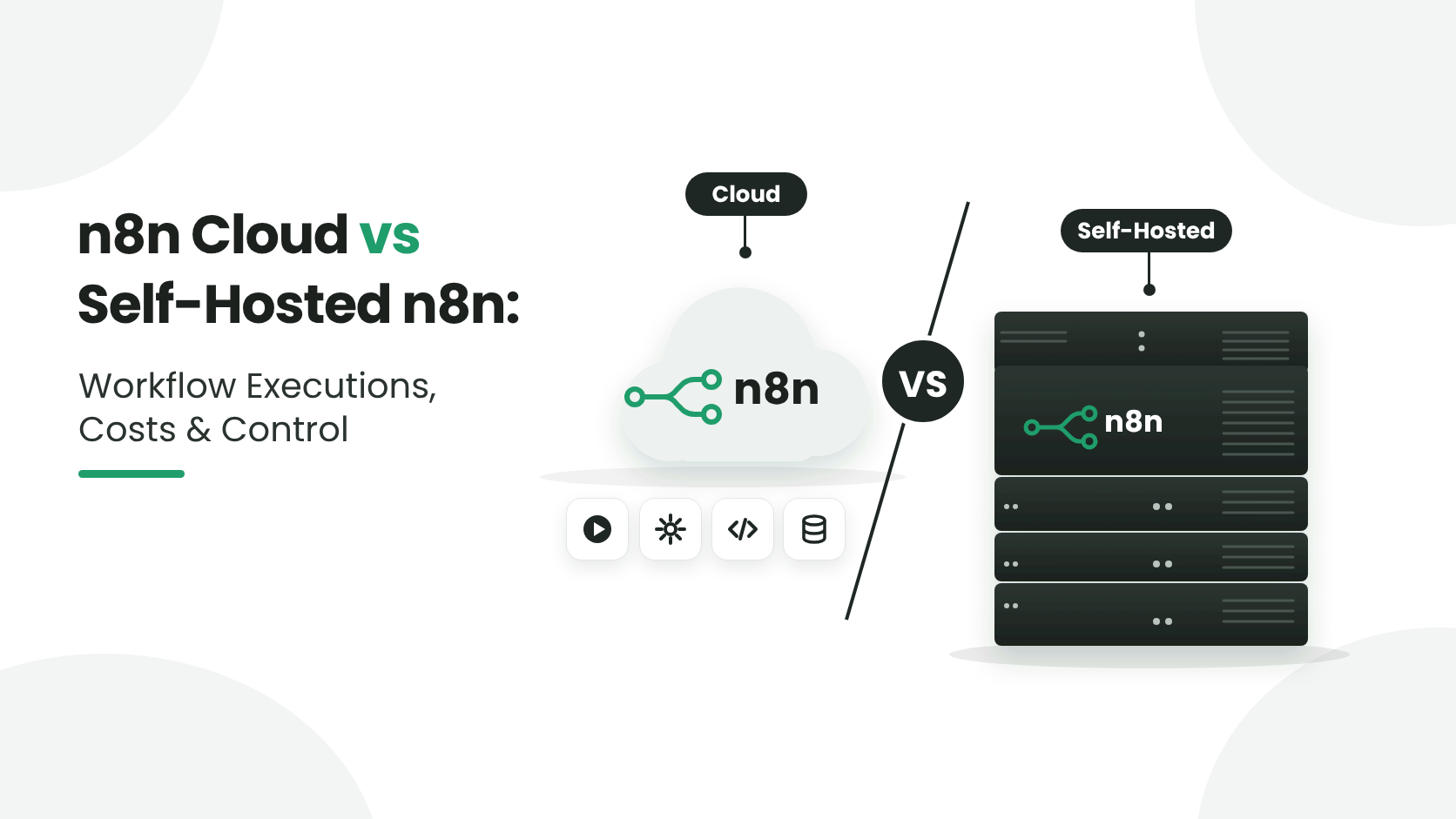
n8n Cloud vs self-hosted n8n comes down to who runs the server and how you pay for usage. n8n Cloud is fully managed by n8n and billed by monthly workflow executions, while self-hosted n8n has no execution limit from n8n, so you pay for your own server and the time to maintain it. Cloud gives you convenience. Self-hosting gives you control over your data, your infrastructure, and your costs at high volume.
The billing difference matters most as you scale. On n8n Cloud, one workflow run counts as one execution however many nodes it has, and each plan includes a monthly allowance. Self-hosted, you can run as many executions as your server can handle. Both run the same workflows with the same nodes, triggers, and integrations.
In this guide, you’ll see how workflow executions are counted, what each option really costs, how much control and data privacy you get, and how to decide which one fits your team. Let’s break this down.
What Is a Workflow Execution in n8n?
Every time an n8n workflow runs from start to finish, that counts as one execution. It does not matter if the workflow has two nodes or fifty. It does not matter if it processes one record or a thousand records inside a loop. One trigger, one run, one execution.
There are a few ways a workflow can start:
- Someone sends data to a webhook, which starts the workflow.
- A schedule can run it automatically, for example, every hour or once a day.
- You can also start it through an API request, either yourself or from another application.
This is important because execution count is commonly used to determine pricing on cloud automation platforms, including n8n Cloud.
TL;DR: Quick Answers
Bottom line: Choose n8n Cloud if you want zero server work and your execution volume fits a plan. Choose self-hosted n8n if you want no execution limit from n8n, full control of your data, and a cost that follows your infrastructure, not your execution count.
| Factor | n8n Cloud | Self-hosted n8n |
|---|---|---|
| How you pay | A plan based on monthly workflow executions | Your own server costs, with no execution limit from n8n |
| What counts as usage | One workflow run is one execution, however many nodes it has | As many runs as your server can handle |
| Setup and upkeep | Managed by n8n | You handle the server, updates, backups, and monitoring |
| Data and control | Hosted by n8n | Runs on infrastructure you choose and control |
| Best for | Teams that want a quick start with no server work | Teams with high execution volume or strict data-control needs |
n8n Hosting Pricing on AccuWeb.Cloud
Since the biggest difference between the two options is how you pay, here is what self-hosted n8n looks like on AccuWeb.Cloud. Plans start from $4.95 per month, and you are billed hourly for the resources you actually use. There is no per-execution charge, so a workflow that runs 50 times a day costs the same as one that runs 5,000 times a day, as long as your server can handle the load.
Every instance is dedicated, which means your vCPU, RAM, and NVMe storage are yours alone and are not shared with other customers.
| What You Get | Details |
|---|---|
| Starting price | From $4.95/month |
| Billing | Hourly, pay only for what you use |
| Resources | Dedicated vCPU, RAM, and NVMe storage |
| Sizing | Ready-made plans, or custom vCPU, RAM, and storage to match your workload |
| Deployment | One-click n8n install, ready in minutes |
| Data center locations | New York, Los Angeles, Frankfurt, and Mumbai |
| Money-back guarantee | 30 days |
Start small while you are testing, then add more CPU, RAM, or storage when your workflow volume grows. You scale the server, not a subscription tier tied to execution counts.
How n8n Cloud Pricing Works
With n8n Cloud, n8n takes care of the server and the setup for you. You don’t need to install n8n on your own machine or maintain the server where it runs.
Your plan has a limit on how many times your workflows can run each month. A workflow linked to an online store can run every time a customer places an order. Ten orders means ten workflow runs. A thousand orders means a thousand runs.
That usage comes out of the executions included in your plan. After you use them up, n8n may charge you for more or you may need to move to another plan.
The number can climb faster than you might expect. You don’t always have to add more workflows to see your usage increase. Sometimes, the workflows you already have are simply running more often.
Webhooks
Take a store using Stripe or Shopify. A webhook can run the workflow whenever an order is placed, a payment is received, or some other event happens. If the store gets 2,000 events in a day, that can mean 2,000 workflow executions right there.
The same thing can happen with a SaaS application. More users usually means more events, and more events mean more executions. It’s easy to overlook this when you’re testing with a small amount of traffic.
Scheduled API checks
Scheduled workflows are another one to keep an eye on. Say you have a workflow checking an API every 5 minutes for new data. It doesn’t matter whether the API actually returns anything new. The workflow still runs.
At that frequency, you’re looking at 288 executions a day, or 8,640 executions over 30 days. A few workflows running similar checks can push the total up pretty quickly.
How Self-Hosted n8n Works Differently
A self-hosted n8n instance flips this model completely. Instead of paying per execution, you are paying for the server resources you provision: CPU, RAM, and storage. Once your server is running, you can execute workflows as often as your hardware allows. There is no execution ceiling imposed by a billing tier. There is no per-run charge.
Practically speaking, this means:
- A workflow that fires 50,000 times a month costs the same in server terms as one that fires 5,000 times a month, as long as your server can handle the load.
- You can run as many webhook listeners, scheduled triggers, and API-driven workflows as you want without recalculating your monthly bill every time usage spikes. Scaling is done by upgrading your server resources (more CPU, more RAM) rather than upgrading a subscription tier based on execution count.
- This is exactly why so many teams that start on n8n Cloud eventually move to a self-hosted setup once their automation footprint grows. The math simply works out better when you are running high volumes of webhooks, integrations, and scheduled jobs.
One honest caveat worth mentioning: self-hosting does not make everything free. If your workflows call external AI models (OpenAI, Anthropic, Google), send SMS through Twilio, or use any paid third-party API, those services still bill you separately based on their own usage rules. Self-hosting removes n8n’s execution tax, not the cost of the external tools your workflows talk to. It is still a meaningful saving, since you are only paying for what those specific services actually charge, rather than paying n8n Cloud on top of that for the privilege of running the workflow itself.
Privacy and Data Control: The Underrated Advantage
Cost is usually what starts the conversation, but for a lot of businesses, especially ones handling customer data, financial records, or internal business logic, privacy becomes the bigger reason to self-host.
When you run n8n Cloud, your workflow data, credentials, and execution logs pass through infrastructure managed by a third party. That is not necessarily unsafe, but it does mean you are trusting someone else’s environment with information that might include customer emails, payment details, internal API keys, or proprietary business processes.
With a self-hosted instance, everything stays inside infrastructure you control:
- Your workflow data never leaves your server unless a workflow specifically sends it somewhere.
- Your credentials and API keys are stored on infrastructure you manage.
- You decide the retention policy for execution logs instead of relying on a vendor’s default settings.
- You can meet stricter compliance requirements around data residency, since you control exactly where your server is physically located.
- For industries dealing with sensitive data such as healthcare, finance, legal, or anything under strict data protection regulations, this level of control is often not optional. It is a requirement.
Flexibility That Comes With Self-Hosting
Beyond privacy, self-hosting also opens up technical flexibility that a managed cloud plan simply cannot offer:
- Install custom or community nodes without waiting for platform approval.
- Connect directly to internal databases, private networks, or on-premise systems that a public cloud service cannot reach.
- Fine-tune server performance, timeouts, and concurrency settings to match your actual workload.
- Run multiple environments (staging, production, testing) without multiplying your subscription cost.
- Keep full version control over which n8n release you run, instead of being auto-updated on someone else’s schedule.
- None of this is theoretical. These are the exact reasons automation-heavy teams outgrow shared cloud platforms and move toward infrastructure they fully own.
Why AccuWeb.Cloud Makes Self-Hosted n8n Easy
The usual pushback against self-hosting is setup complexity. Provisioning a server, installing dependencies, configuring a database, setting up SSL, and hardening the environment can feel like a project on its own, especially if server administration is not your day job.
That is exactly the gap AccuWeb.Cloud fills with one-click n8n hosting. Instead of manually building your instance from scratch, you get a ready-to-run n8n environment deployed on infrastructure you control, without the usual setup headache.
With AccuWeb.Cloud, you get:
- A pre-configured n8n instance launched in a few clicks, not a few hours.
- Full control over your server resources, so you scale CPU and RAM based on your actual execution volume, not a fixed subscription tier.
- Your workflow data and credentials staying on infrastructure you own.
- The freedom to install community nodes, connect internal systems, and customize your setup without platform restrictions.
- Predictable server-based pricing instead of unpredictable per-execution billing.
If your team is running into execution limits on n8n Cloud, watching costs climb as your automations scale, or simply wants more control over where your workflow data lives, self-hosting through AccuWeb.Cloud gives you the same n8n experience without the constraints of a shared cloud plan.
Conclusion
n8n Cloud is a solid starting point if you are testing the waters with automation and do not want to think about servers at all. But as your webhook traffic grows, your API integrations multiply, and your workflows become part of core business operations, execution-based pricing starts working against you instead of for you.
Self-hosting shifts the model back in your favor. You pay for resources you control, not for every single run of every workflow. You keep your data private. You get the flexibility to build exactly the setup your business needs.
If that sounds like where your automation strategy is heading, AccuWeb.Cloud’s one-click n8n hosting is built to get you there without the usual server setup hassle.

Jilesh Patadiya, the visionary Founder and Chief Technology Officer (CTO) behind AccuWeb.Cloud. Founder & CTO at AccuWebHosting.com. He shares his web hosting insights on the AccuWeb.Cloud blog. He mostly writes on the latest web hosting trends, WordPress, storage technologies, and Windows and Linux hosting platforms.