Azure Virtual Machine Alternative: Cloud VPS with Hourly Billing
You stopped a development VM last Friday, so why is it still on your Azure bill? If you run a handful of servers for a small team, that kind of surprise is more common than it should be. It usually comes from billing rules, not from anything you did wrong.
Azure is built for large, complicated environments. Plenty of small teams just need a few virtual servers with clear prices, root access and a real person to talk to when something breaks. That is where an Azure Virtual Machine alternative like AccuWeb.Cloud Cloud VPS fits. Plans start at $4.95 per month, hourly billing is available, and every server comes with dedicated resources on AMD EPYC processors and NVMe storage, backed by managed support around the clock.
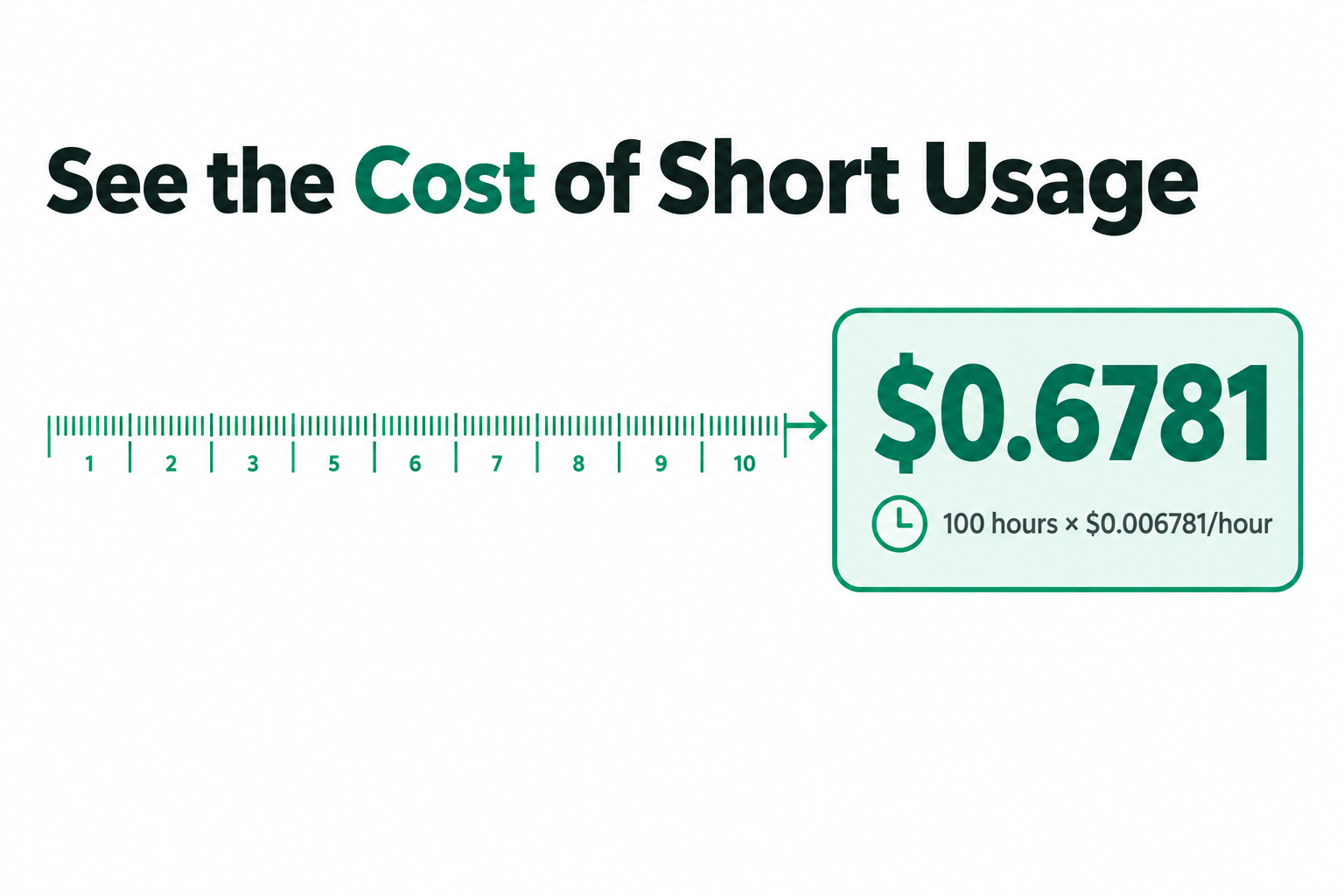
Here is the number that makes hourly billing easy to picture: a 100-hour test server on the Start bundle costs about $0.68 at the published hourly rate.
In this guide, you’ll see the full bundle pricing, how it compares with DigitalOcean, Akamai and Amazon Lightsail, how Azure’s stopped and deallocated states change your bill, and how to plan a small migration step by step. Let’s break this down.
TL;DR: Quick Answers
Bottom line: If you need a few virtual servers with simple pricing, hourly billing, root access and 24/7 managed support, Cloud VPS is worth testing next to your Azure VMs. Start with one workload, match its memory, CPU and disk needs to a bundle, and use the free trial before you move anything.
| What You Want to Know | Quick Answer |
|---|---|
| Starting price | $4.95 per month, with an hourly option |
| Bundles | Seven dedicated bundles, from Start ($4.95/mo) to Ultimate ($52.95/mo) |
| Resources | Dedicated vCPU, RAM and NVMe storage, not shared with other customers |
| What every bundle includes | 1 TB of bandwidth and one public IP address |
| Support | Fully managed, with 24/7 live chat and tickets |
| Moving from Azure | Free migration with AccuWeb.Cloud plans |
| Try before you switch | Free trial for up to 14 days |
| Azure billing tip | A stopped VM still bills for compute, while a deallocated VM does not |
Cloud VPS Bundles and Pricing
The dedicated bundles range from Start at $4.95 per month to Ultimate at $52.95 per month. Each includes 1 TB of bandwidth and one public IP address. The table uses the published bundle rates.
| Bundle | Monthly price | Hourly price | vCPU | RAM | NVMe storage |
|---|---|---|---|---|---|
| Start | $4.95 per month | $0.006781 per hour | 1 vCPU | 1 GB | 12 GB |
| Essential | $6.95 per month | $0.009507 per hour | 1 vCPU | 2 GB | 15 GB |
| Standard | $11.75 per month | $0.016096 per hour | 2 vCPU | 4 GB | 35 GB |
| Plus | $15.95 per month | $0.021863 per hour | 2 vCPU | 8 GB | 50 GB |
| Power | $21.95 per month | $0.030096 per hour | 4 vCPU | 8 GB | 85 GB |
| Premium | $29.75 per month | $0.040795 per hour | 4 vCPU | 16 GB | 105 GB |
| Ultimate | $52.95 per month | $0.072507 per hour | 8 vCPU | 32 GB | 140 GB |
Choose Start when a small test or service fits within 1 GB of RAM and 12 GB of storage. Choose Standard when the workload needs 4 GB of RAM and two vCPUs.
Plus and Power both have 8 GB of RAM, but Power has more CPU and storage. That makes CPU usage and disk capacity useful deciding factors, rather than memory alone.
Why Look for an Azure Virtual Machine Alternative?
AccuWeb.Cloud is an option for teams that need a few virtual servers without building their workflow around Azure’s broader console. Its Cloud VPS has full root access, so administrators can install software and configure the operating system.
Fully managed support gives teams another route to help when a server task needs attention. Live chat and tickets are available 24/7. That matters when a small team does not have a dedicated infrastructure specialist.
Hourly and monthly prices offer two ways to budget. Monthly pricing gives a clear recurring starting point. Hourly pricing gives you a rate to use when estimating a shorter deployment.
A virtual CPU, or vCPU, is the processing capacity assigned to a virtual machine. Every AccuWeb.Cloud Cloud VPS bundle comes with dedicated resources, so the vCPU, RAM and NVMe storage you choose are reserved for your server and are not shared with other customers. For a specific workload, start with the memory and storage it actually uses, then choose the CPU allocation.
There is a wider reason to examine those choices. In Flexera’s 2026 State of the Cloud survey, 85% of respondents identified cloud cost as a leading challenge. Respondents estimated that 29% of IaaS and PaaS spending was wasted. These are survey findings, not predicted savings for an individual migration.
Compare Billing and Support Options
For an entry-level comparison, each plan below has roughly 1 GB of RAM. DigitalOcean expresses its memory as 1 GiB. CPU, storage and transfer allocations differ, so memory alone does not establish equal performance.
| Decision point | AccuWeb.Cloud | DigitalOcean | Akamai | Amazon Lightsail |
|---|---|---|---|---|
| Plan | Start | Basic Droplet | Shared CPU Nanode 1 GB | Linux/Unix General Purpose with public IPv4 |
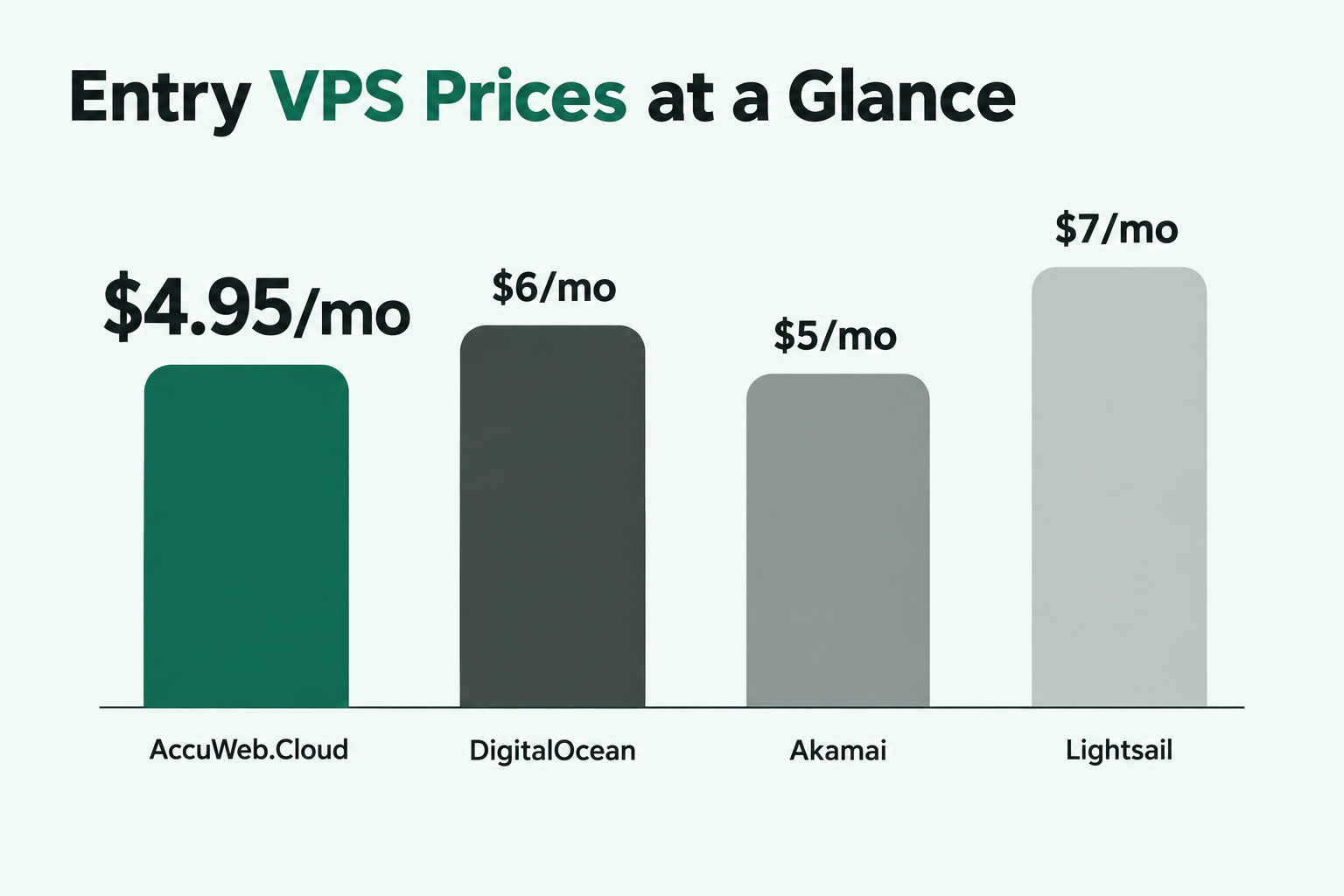
| Starting monthly price | $4.95 per month | $6 per month | $5 per month | $7 per month |
| Hourly rate | $0.006781 per hour | $0.00893 per hour | $0.0075 per hour | Monthly price shown |
| Memory | 1 GB | 1 GiB | 1 GB | 1 GB |
| CPU | 1 dedicated vCPU | 1 shared vCPU | 1 shared CPU | 2 vCPU |
| Storage | 12 GB NVMe | 25 GiB SSD | 25 GB | 40 GB SSD |
| Transfer | 1 TB bandwidth | 1,000 GiB transfer | 1 TB transfer | 2 TB transfer |
At the listed monthly prices, Start is $4.95 per GB of RAM per month: $4.95 ÷ 1 GB. Akamai is $5 per GB and Lightsail is $7 per GB. DigitalOcean is $6 per GiB, a slightly different memory unit. These are price comparisons, not performance tests.
For Azure, compare the billing model and support process rather than assuming that published VM configurations match. Azure distinguishes stopped and deallocated states. AccuWeb.Cloud combines hourly and monthly options with managed support and around-the-clock chat and tickets.
In Trustpilot and Reddit discussions, DigitalOcean customers praise helpful support and reliable service. Some also describe account restrictions or difficulty getting support. Reddit discussions about Akamai’s Linode service include praise for stability. G2 and Reddit reviewers praise Lightsail’s straightforward deployment and pricing, while noting configuration limits and difficulties resolving some problems. These are customer experiences, not measured service rates.
Understand the Cost of a Short Deployment
A 100-hour example makes hourly rates easier to read. Assume one entry-level server with about 1 GB of RAM. The figures below are planning estimates for the listed rates, not a performance-equivalent comparison.
For AccuWeb.Cloud Start, $0.006781 × 100 hours equals $0.6781. At the same duration, DigitalOcean’s $0.00893 × 100 equals $0.893. Akamai’s $0.0075 × 100 equals $0.75.
For Lightsail, the verified comparison figure is its $7 monthly price. Do not substitute that monthly figure for an hourly quote. For a full-month budget, use the published monthly prices in the comparison table.
For Start, $0.006781 × 730 hours equals $4.95013, close to the published $4.95 monthly rate. Multiplication helps you estimate usage, but it does not establish exactly when charges stop after a server is shut down or removed.
Count More Than Compute
Compare the whole workload, not just its CPU line. The Start bundle includes dedicated resources along with storage, bandwidth and a public IP. Record the corresponding disk, network and backup requirements when reviewing an existing Azure bill.
Flexera’s 2026 survey also found that 78% of respondents identified software-license management as a cloud challenge. Licenses tied to an existing image or application deserve a separate review before a migration.
For another example, Standard costs $2.9375 per GB-month of listed RAM: $11.75 ÷ 4 GB. This helps compare memory budgets, but the application still needs enough CPU and disk space. Review each component of a deployment, including storage, bandwidth and backups, before committing to a size.
Read Azure VM Power States Before Switching
Azure charges VM compute differently when a machine is stopped versus deallocated. A stopped but allocated VM remains billable for compute. A deallocated VM does not incur VM compute charges.
Deallocation does not necessarily make the entire Azure workload free. Disks and some networking resources can continue to incur charges. That distinction is important when a team believes an inactive development VM has no remaining cost.
Use the distinction to build a baseline for each Azure VM. Separate the active compute period from persistent disks and networking. Then compare that workload’s needs against the Cloud VPS bundle and billing option you intend to use.
For example, a development server used for a 100-hour project needs both a compute estimate and a plan for its files after the work ends. The Start calculation above addresses the published hourly rate. Its contents do not determine what Azure will charge for an existing disk.
Security deserves equal attention. Flexera’s 2026 survey found that 82% of respondents named security as a leading cloud challenge. Preserve access controls and test the target server before redirecting production traffic.
Prepare a Small Azure Migration
Free migration is available with AccuWeb.Cloud plans. Start by identifying the applications and data on each Azure VM, then choose a target with enough memory and storage.
Cloud workloads are common beyond large infrastructure teams. Eurostat found that 52.7% of EU enterprises used paid cloud services in 2025. In the same period, 28.2% of EU enterprises used paid cloud computing power to run their own software.
Separate the Application From Its Dependencies
List the operating system, application files, database, scheduled jobs and public endpoints for each VM. A small web application can still depend on a separate database or external identity service.
Identify any Azure-specific integrations before choosing the migration sequence. An application that relies heavily on Azure services needs those dependencies addressed, even when its server fits comfortably in a VPS bundle.
Eurostat also found that 26.1% of EU enterprises used paid cloud platforms for application development, testing or deployment in 2025. A test environment gives teams a place to check those dependencies before switching production traffic.
Use a Controlled Cutover
- Inventory the source. Record each Azure VM’s memory use, disk contents, software and network connections.
- Choose the target. Select a Cloud VPS bundle with enough capacity for the application and its data.
- Request migration help. Share the workload details through live chat or a support ticket.
- Test the copy. Check application access, scheduled tasks and data on the target server.
- Redirect traffic. Change the relevant endpoint after testing, then review Azure resources and their billing states.
Use the memory, CPU and disk figures from your inventory to translate resource needs into a bundle choice. Keep the original environment available while you test the copy and decide when to retire its resources.
Choose Locations, Recovery and Access
Cloud VPS is available in four locations: New York, Los Angeles, Frankfurt and Mumbai. Pick a location that suits the people and systems connecting to the server. Measure the application’s response from those locations rather than assuming a specific latency.
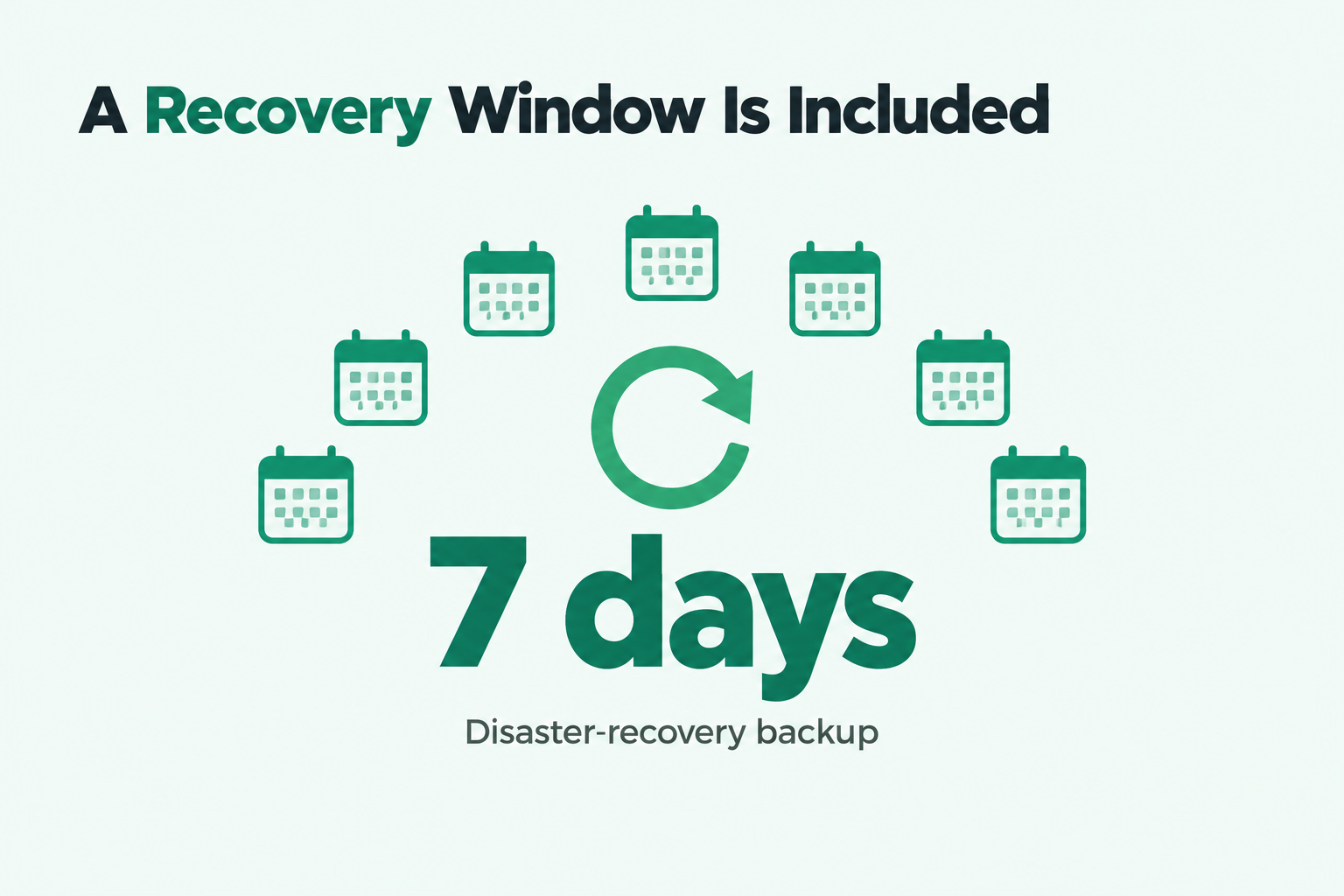
Cloud VPS includes a seven-day disaster-recovery backup. A disaster-recovery backup and an application-specific restore procedure solve different problems. Document what must be restored, and test how the application returns to service.
Full root access lets an administrator make system-level changes. Use that access carefully: separate administrator accounts, review access after a migration, and remove old credentials that are no longer needed.
More than 40 one-click applications offer another starting point for suitable workloads. A one-click deployment can simplify initial installation, but an existing Azure application still needs its data and dependencies moved.
When you compare the broader compute options, remember that every Cloud VPS bundle uses dedicated resources, so your vCPU, RAM and storage are reserved for your server. Choose the size that fits the workload’s resource requirements, not just the server’s name.
Try the VPS Before a Cutover
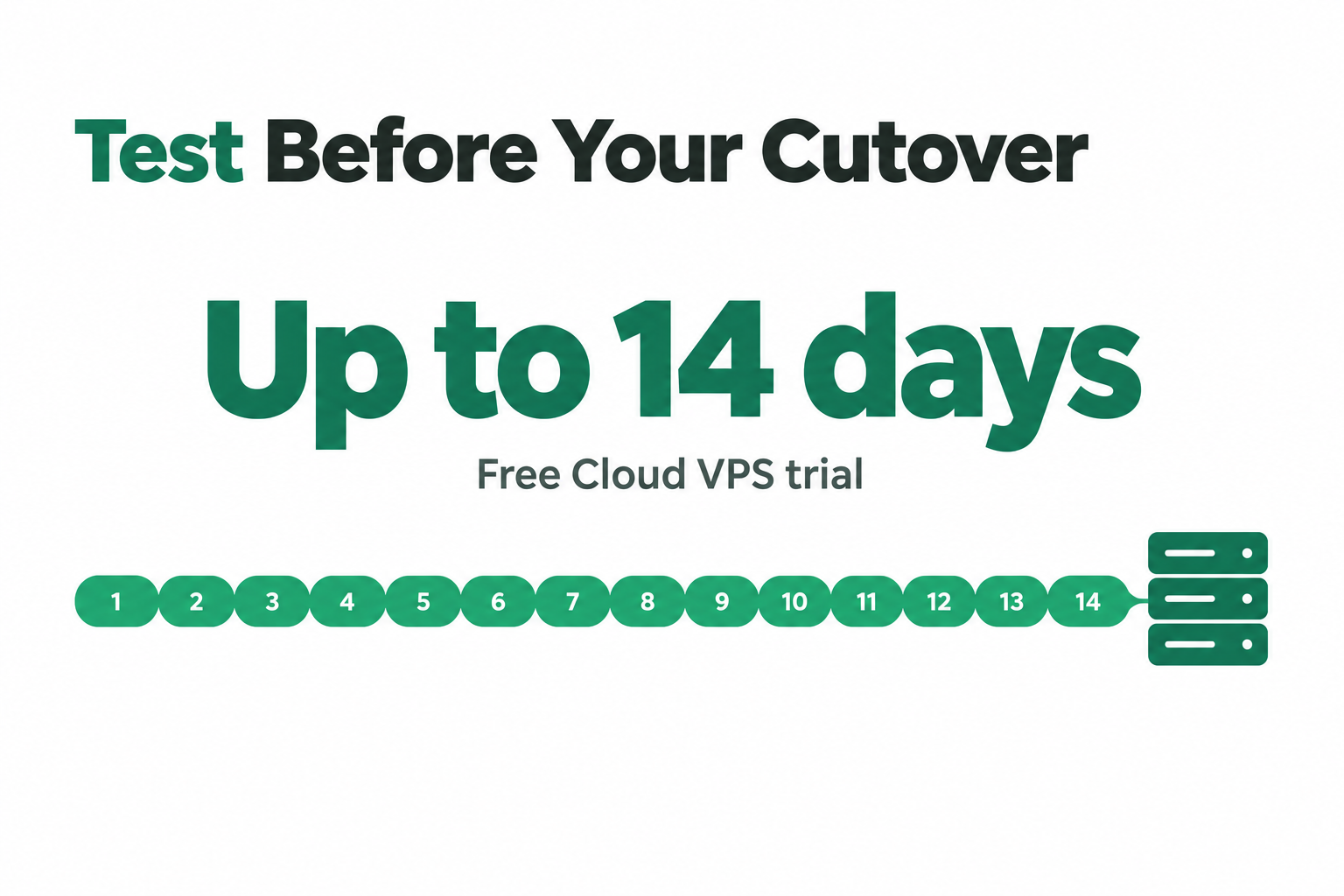
The free Cloud VPS trial runs for up to 14 days. It includes 1 vCPU, 1 GB of RAM and 10 GB of storage in a selected US location.
Account verification costs $1, which is credited to the account after activation. Use the trial to test an installation and support workflow before selecting a production bundle.
The trial’s 10 GB of storage differs from the Start bundle’s 12 GB. Size your production choice using the actual application and data, rather than treating the trial as an identical production configuration.
Frequently Asked Questions
Is AccuWeb.Cloud a cheaper alternative to Azure VM?
Start costs $4.95 per month, but an Azure comparison depends on the VM, disk, network and support choices. Compare the complete workload rather than assuming a fixed saving.
Can a small business use hourly VPS billing?
Yes. AccuWeb.Cloud offers hourly billing alongside monthly pricing, so a small business can estimate a short deployment using the published hourly rate.
Can I move an Azure application to Cloud VPS?
Yes. Inventory the application, its data and Azure dependencies first. AccuWeb.Cloud offers free migration with its plans and can help with the move.
Does Cloud VPS include managed support and root access?
Yes. Cloud VPS combines fully managed support with full root access, plus live chat and tickets around the clock.
How does Start compare with DigitalOcean’s entry Droplet?
Start is $4.95 per month with 1 GB of RAM and 12 GB of NVMe storage. The compared DigitalOcean Droplet is $6 per month with 1 GiB of RAM and 25 GiB of SSD storage.
Which Cloud VPS bundle suits an application needing 4 GB of RAM?
Standard includes 4 GB of RAM, two vCPUs and 35 GB of NVMe storage for $11.75 per month. Check the application’s CPU and disk needs as well.
Can I test Cloud VPS before migrating production?
Yes. The free trial runs for up to 14 days and includes a small VPS configuration. Use it to test software and access before selecting a production bundle.
What should I check before leaving Azure?
Check application dependencies, licenses, data, networking and the billing state of each Azure VM. Test the target copy before changing the production endpoint.
Make the Next Decision
Start with one workload, its measured resource needs and its current Azure billing states. A 1 GB Start bundle is an entry point; a larger workload needs a correspondingly larger bundle.
For an Azure Virtual Machine alternative, Cloud VPS with hourly billing gives your team a practical way to evaluate a different billing and support model. Test the application, use migration help and make the cutover only after the target works as intended.

Jilesh Patadiya, the visionary Founder and Chief Technology Officer (CTO) behind AccuWeb.Cloud. Founder & CTO at AccuWebHosting.com. He shares his web hosting insights on the AccuWeb.Cloud blog. He mostly writes on the latest web hosting trends, WordPress, storage technologies, and Windows and Linux hosting platforms.